

TikTok Emojis
TikTok Emojis · Image · Marketing
TikTok Emojis is an AI emoji generator and sticker maker that turns a written prompt into custom TikTok emojis you can download as PNG or GIF and share straight to your videos.
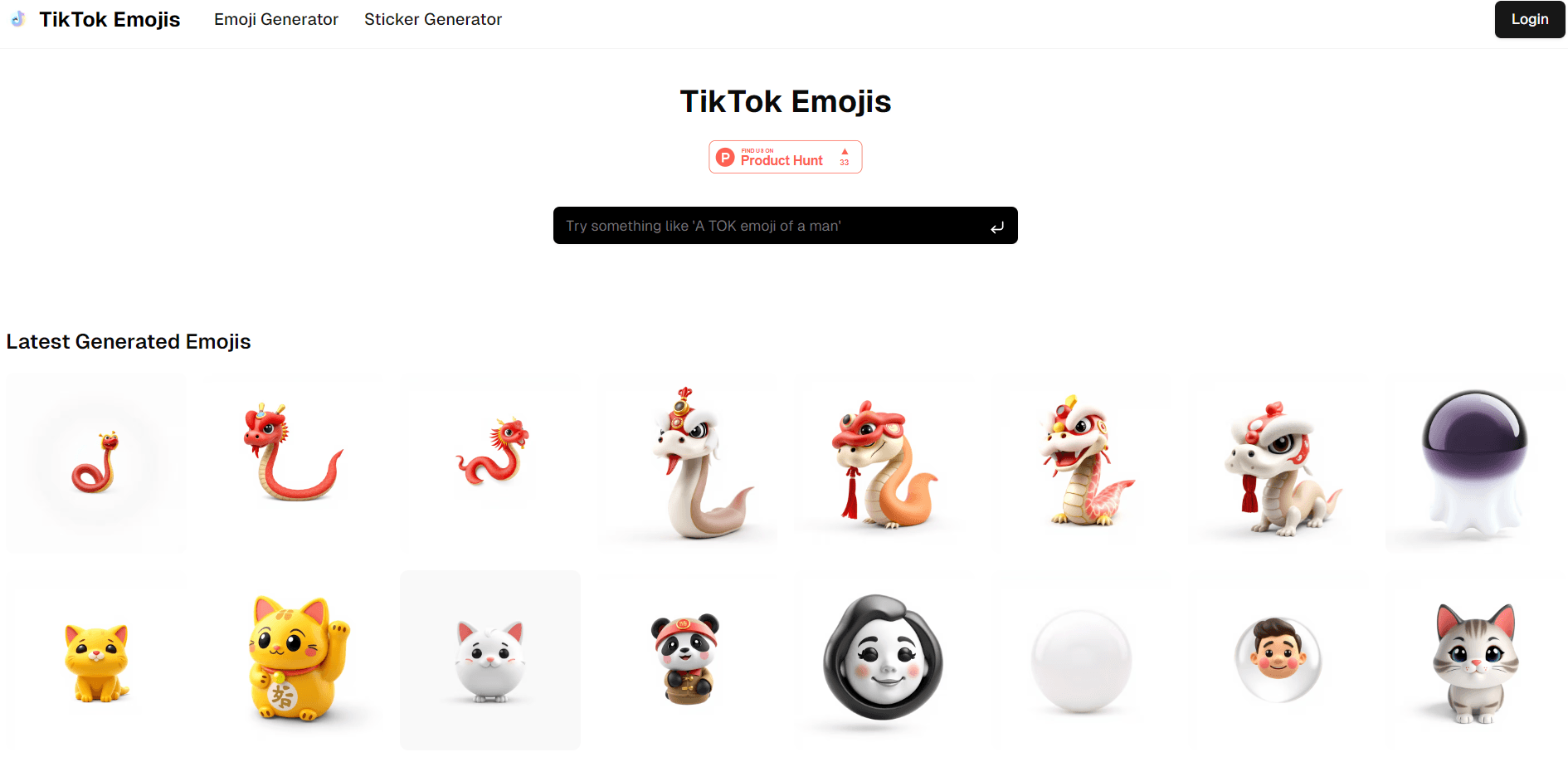
About TikTok Emojis
What Is TikTok Emojis
TikTok Emojis is a web based AI emoji generator, and as an emoji maker online it's built for people who want original emojis and stickers for their TikTok videos instead of the standard set baked into the app. You describe the idea in plain text, the tool renders it, and you download or share the result. No drawing skills and no design software are involved.
The appeal is speed and range. You can spin up a cartoon cat, a glossy 3D mascot or a realistic figure in seconds, then reuse the ones you like from a saved history. Creators who post often get a steady supply of reaction images that match their own style rather than whatever the platform ships.
The catch is scope. It's a generator, not a full editing suite, so fine control over layers or animation is limited to what the prompt and the size options allow. The free tier caps how many emojis you can make, and heavy use means paying for one of the unlimited plans.
Getting Started
- Open tiktok-emoji.com in a browser and sign in, or start with the free allowance before you commit to a plan.
- Type a description of the emoji you want, like "a cute cat emoji with a happy smile," and pick emoji or sticker mode.
- Choose a style and size, then let the AI render it.
- Download the result as a PNG or GIF, or share it straight to TikTok.
- Find everything you've made again under History and reuse the ones that worked.
Product Information
A quick look at TikTok Emojis's pricing, supported platforms, and performance.
Best for
The users, tasks, and scenarios where this tool fits best.
Users
- TikTok creators posting regularly
- Casual users who want one fun emoji
- Small social teams and freelancers
Tasks
- Making a custom reaction emoji
- Building a set of stickers
- Refreshing your comment replies
Scenarios
- A video needs a signature reaction
- A creator is rebranding
- Quick turnaround on trending sounds
Key features
AI Generation from Text
You type what you want and the AI models turn the description into a finished emoji. There's nothing to draw and no template to pick apart, which is what makes it usable for creators who aren't designers. The prompt does the work, so the clearer your description, the closer the first result lands.
Rich Style Range
The generator spans a wide spread of looks, from flat cartoon to glossy 3D and more realistic art. That range matters because a comedy account and a fitness account want very different emojis from the same sentence. Pick a style per generation, so one project can stay consistent or mix it up.
PNG and GIF Downloads
Finished emojis come out as PNG or GIF, both of which drop cleanly into TikTok and most other editors. PNG suits static overlays and thumbnails, while GIF covers animated reactions. Having both means the same emoji works as a sticker or a moving clip without a second tool.
Direct Sharing to TikTok
You can push a finished emoji straight to TikTok or send it to another platform, skipping the download and re-upload shuffle. For people posting several times a week, that shortcut saves a step every single time. It also keeps the original file close to hand for reuse.
Fast Generation
Emojis render in a few seconds, which keeps you in the flow when you're trying ideas. Speed changes how you work, because you can test three directions in the time a slow tool takes for one. Quick renders suit prompts you're still shaping rather than final ones.
Creation History
Every emoji you make is saved, so you can go back and pull up earlier versions instead of rebuilding them from scratch. Over time the history doubles as a personal library of reactions you already know work. Reusing a saved emoji is often faster than writing a fresh prompt for the same idea.
Pros and cons
Pros
- Turns a plain text description into a usable emoji in seconds, so no design skills are needed.
- Exports PNG and GIF, covering both static overlays and animated reactions.
- Shares directly to TikTok without a download and re-upload cycle.
- Saves a creation history you can dip back into for past emojis.
- Free tier plus a $1.99 monthly plan and a $99 lifetime option give cheap ways to scale up.
Cons
- Control over the output is limited to the prompt, style and size, so precise edits aren't possible.
- The free allowance is capped, which means regular creators hit a paid plan fairly quickly.
- There's no public API, so you can't wire the generator into your own tools or batch pipeline.
Frequently asked questions
The site markets the tool for TikTok videos and other content, and the plans advertise downloads for use in your videos. Check the current terms on the site before you use an emoji in paid work or on a brand account, since usage rights sit with the operator.
Related content
Explore related tools, skills, and articles for TikTok Emojis.
TikTok Emojis Alternatives

Google EmbeddingGemma 2
Google DeepMind · Writing · Image · CodingGoogle EmbeddingGemma 2 is a 740M-parameter open model that turns text, code, images, audio, and video frames into vectors in one 768-dimension space, running on phones and laptops.

Tractionwave
TractionWave · Image · MarketingTractionWave is an AI attention heatmap tool for static ads. Upload a PNG or JPG and it returns predicted attention, ranked hotspots, and fixes before you spend budget.

Imejis.io
Imejis.io · Image · MarketingImejis.io is an AI design studio for agents and marketing teams. Describe an image in plain words, and it writes the copy, builds the layout, reflows it to every size, then exports a finished file.