

Timely
Memory · Productivity
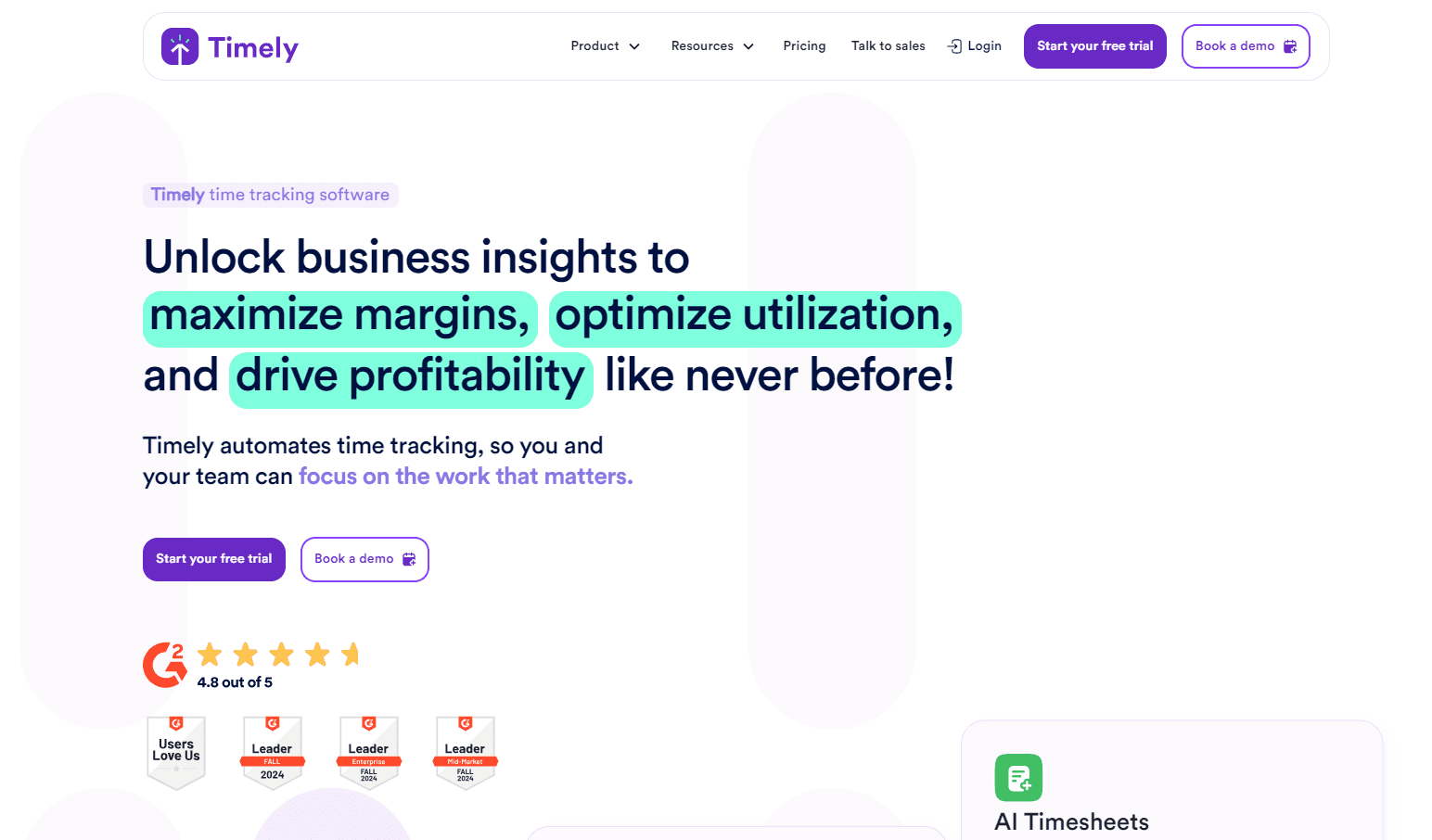
Timely is AI time tracking software that records your work in the background and drafts timesheets for you, so agencies and consultancies can bill every hour without running manual timers.
About Timely
What Is Timely
Timely is an automatic time tracking app made by Memory (the company behind the product). Instead of asking people to press start and stop on a timer, its Memory Tracker watches activity across the apps, websites and documents you use, then turns that record into draft timesheet entries. You review them, fix anything that's off, and approve in one pass.
The product is built for teams that bill by the hour: agencies, consultancies and SaaS businesses. Accuracy is the whole point. When every minute lands in a timesheet automatically, invoices stop losing hours and managers stop chasing people for missing entries. Timely says its automatic capture beats manual timers by roughly 20% in hours recorded.
The trade-offs are real. Timely needs to run in the background, which raises privacy questions for some teams even when the tool promises user-controlled sharing, no keystroke logging and no screenshots. Pricing is per user per month with no long-term free tier, only a 14-day trial, and the smallest plan caps you at 5 users and 20 projects.
Getting Started
- Start a free trial at app.timelyapp.com with a work email, or book a demo for a team rollout. The trial runs 14 days with every feature and no credit card.
- Install the Memory Tracker on your desktop and connect the calendars, project management tools and email accounts you already use.
- Work as usual for a few days. Timely fills your timeline with captured activity, then groups it into draft entries you can edit, merge or delete.
- Approve the timesheet, allocate hours to the right project or client, and export reports as PDF, CSV or XLS for billing.
Product Information
A quick look at Timely's pricing, supported platforms, and performance.
Best for
The users, tasks, and scenarios where this tool fits best.
Users
- Agency and consultancy teams
- Operations and finance leads
- Freelancers and small studios
- People who forget to run timers
Tasks
- Automatic time capture
- Drafting AI timesheets
- Allocating hours
- Reporting and billing
Scenarios
- An agency finishing monthly client invoices
- A growing team planning capacity
- A consultancy protecting margin
- A distributed team across time zones
Key features
Automatic time tracking
The Memory Tracker runs quietly in the background and logs the time you spend on digital tasks across thousands of apps and websites. Nothing gets started or stopped by hand. Timely says this is where the accuracy comes from: manual timers, it argues, only capture about 80% of the hours that automated tracking does.
AI-drafted timesheets
The AI Timesheet Assistant studies your habits and drafts entries from the activity it captured, so you approve a finished draft instead of building a timesheet from scratch. Entries land in an editable timeline, which matters when a description needs a real note rather than a default label.
Automatic allocation
Captured time gets sorted into projects and clients on its own. That covers billable hours, non-billable work and internal tasks in the same record. Teams that bill hourly care about this most, since a misallocated hour usually means an hour that goes uncharged.
Real-time reporting and dashboards
Live dashboards show where time goes across people, projects and jobs, while reporter views cover project budget spend, utilization and billable percentages. Reports export as PDF, CSV or XLS, and snapshot and live report links let you share a fixed or updating view with clients and managers.
Budgets and capacity planning
You can set time or money budgets per project, add alerts when a project nears a limit, and compare internal cost rates against billable rates. Workspace and individual capacity views flag overtime and underuse early, which is the point for teams that plan work by available hours.
Integrations with the tools you already run
Timely syncs with project management tools like Asana, Trello, ClickUp, monday.com and Jira, with calendars, with accounting tools such as QuickBooks and Xero, and with Slack and Microsoft Teams. Work pulled from those sources can flow straight into a draft timesheet.
Privacy-first design
Timely markets itself against surveillance software: no keystroke logging, no screenshots, no cameras. Users control what's captured and what gets shared, and only approved entries leave their private timeline. The company also cites SSO, permissions and ISO 27001 compliance for the IT side of the deal.
Mobile apps and API access
iOS and Android apps handle manual timers, location tracking and timesheet review on the move, while web and desktop cover the rest. API access on all paid plans lets developers push hours into other systems.
Pros and cons
Pros
- Automatic capture removes the start-and-stop routine and recovers hours a manual timer usually misses.
- AI drafts and sorts timesheets, cutting admin time for managers and every person who bills.
- Live dashboards put budgets, utilization and project margin in front of team leads without extra spreadsheets.
- Privacy controls and an anti-surveillance stance address the usual objection to background tracking.
- Integrations cover common project, calendar and accounting tools, and includes API access.
Cons
- No free tier. New teams get a 14-day trial and must move to a paid plan after that.
- Pricing runs per user per month, so cost climbs fast on larger teams.
- The Starter plan caps the workspace at 5 users and 20 projects, which rules it out for bigger shops.
- Automatic tracking depends on the desktop tracker running, so mobile-only or locked-down machines get less value.
Frequently asked questions
Timely is AI time tracking software for teams that bill by the hour. It records work in the background, drafts timesheets from that activity, and reports on budgets, utilization and billable hours. Agencies, consultancies and SaaS businesses use it to bill more accurately without manual timers.
Related content
Explore related tools, skills, and articles for Timely.
Timely Alternatives

Base Code
Base44 (Wix) · Coding · ProductivityBase Code is a shared cloud development environment from Base44. Teammates describe changes to an existing GitHub codebase in chat, preview them live and send them back as pull requests.

Knocket
Knocket (Tencent RTC team) · Productivity · Business · ChatbotKnocket is a free live chat and contact page tool that lets visitors message you from your website, app, or a shareable link, with every reply handled from Telegram or one inbox.

FloorGen
Vinit Kumar (FloorGen) · Productivity · China AIFloorGen is a browser-based floor plan maker that turns a sentence or a sketch into an editable 2D plan and a 3D walkthrough. Export to PDF, DXF or video, and draw without an account.