
Timeslicer
Timeslicer Studios LLC · Productivity
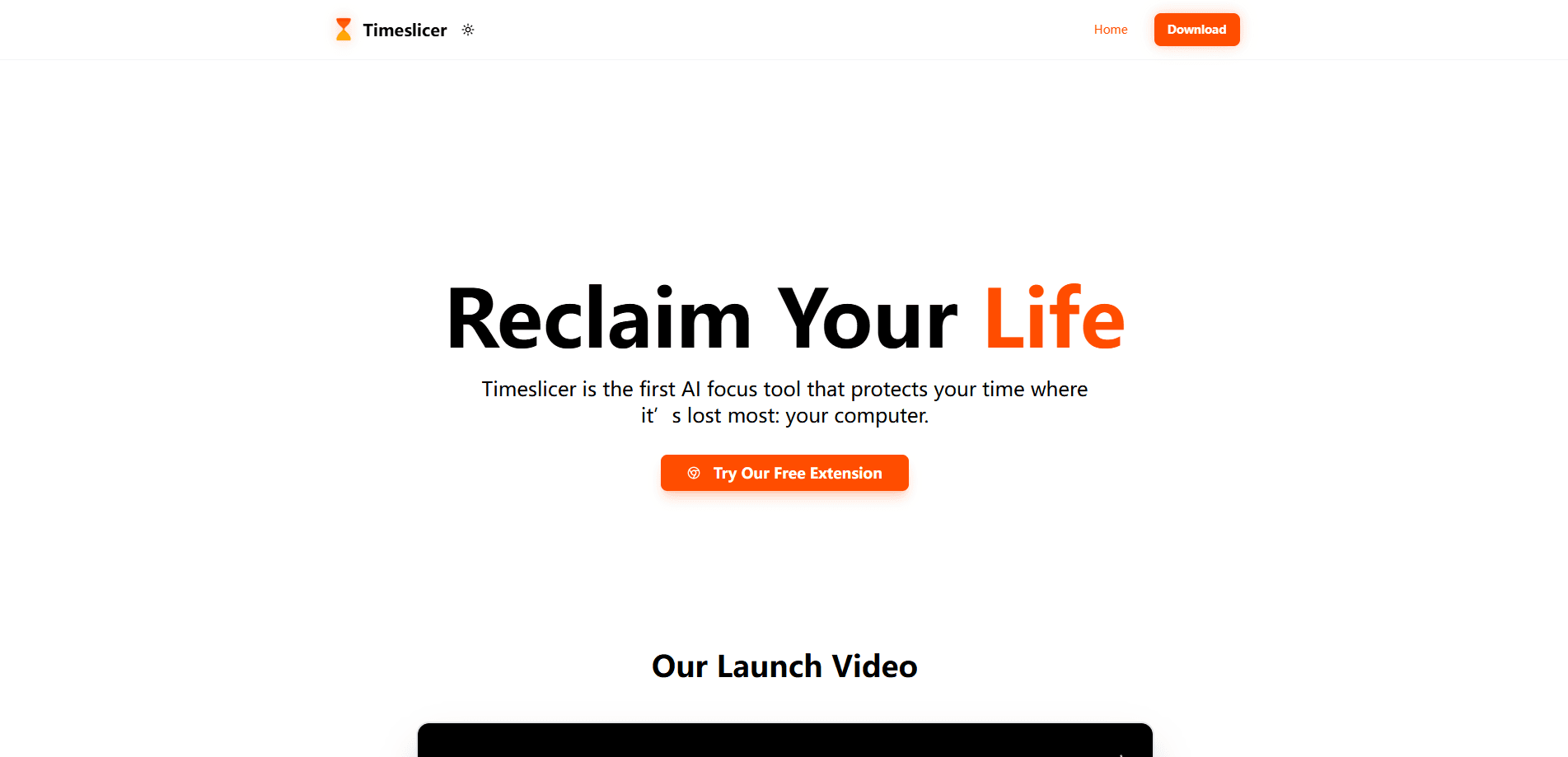
Timeslicer is an automatic AI time tracker for macOS and Windows that records your day and names the tasks you worked on, then blocks distracting content in real time. It starts at $10 per month.
About Timeslicer
What Is Timeslicer
Timeslicer is a desktop app from Timeslicer Studios LLC that tracks your working day without timers or manual entries. Instead of reporting that you spent two hours in a browser, it reads what was on your screen and turns those fragments into task names like "sprint planning" or "reviewing sponsorship proposals."
The product solves a specific problem. Most trackers tell you which apps and sites you used, which is not the same as telling you what you got done. Timeslicer groups scattered activity across your editor, browser, terminal and notes app into a single block of work, so a weekly summary reads like a list of tasks rather than a list of windows.
The tradeoff is privacy. Your task history stays on your computer in plain SQLite and JSONL files, but the classification step is not local. To name tasks, Timeslicer sends screen-derived text to OpenAI and Google Gemini, which are barred by contract from training on it and delete it within 30 days. Window snapshots, which make task names specific, are off until you enable them and require macOS Screen Recording permission.
Getting Started
- Download the desktop app for macOS or Windows from the official site and install it.
- Create an account with email and password or Google sign-in. The app offers a 3-day free trial per account.
- Add the browser extension so Timeslicer can read page titles and URLs for the tab you are looking at.
- Optionally switch on window snapshots or accessibility access to capture text inside desktop apps, then let the app build your timeline for the day.
- Open the timeline to see named task blocks, set focus goals or a blocklist, and review the end-of-day recap.
Product Information
A quick look at Timeslicer's pricing, supported platforms, and performance.
Best for
The users, tasks, and scenarios where this tool fits best.
Users
- Knowledge workers
- Freelancers who need to hand over a description of their week
- People who lose time to scrolling
Tasks
- Reconstructing what you did last week
- Estimating how long a task really takes
- Tracking AI coding sessions
Scenarios
- End-of-week reporting
- Staying on task during deep work
- Managing a small team's workload
Key features
Automatic Task Naming
Timeslicer reads text from your active window, groups the fragments that belong to the same piece of work, and labels the group. The result is a task name such as "billing webhook retries bug" instead of an app name like "VS Code." It works without rules or timers, which is the main difference from tools that sort activity into fixed categories.
AI Distraction Blocking
The app sorts a page into focus or distraction using Google Gemini and can block distracting content in real time. You define your own blocklists and schedules, and classification runs against what you are looking at rather than a fixed list of domains. This is the part the company markets as a contextual distraction blocker.
Screen-Aware Capture
Beyond app and window titles, Timeslicer can read up to 500 characters of page text, scan AI coding assistant transcripts, and capture text inside desktop apps like Slack, Discord, Notion and Obsidian. Page text is scrubbed for emails, card numbers and ID numbers before it leaves the tab, and keys and tokens are stripped from coding prompts first.
Local History You Can Inspect
Your task history lives on your machine in plain SQLite and JSONL files in the app data folder. You can open them, export them or delete them without asking. The site publishes four terminal commands to verify local storage, count every outbound labeling call, and confirm that a pause really stops recording.
Tracker Integrations
Settings has an Integrations tab that connects Jira, Linear, GitHub or Attio. Timeslicer reads the tickets assigned to you and matches a sitting of work to an open ticket, showing it in the block's detail view with a link. It writes nothing back to your tracker, and disconnecting deletes the token and copied tickets locally.
Team Summaries With Local Keys
On the team plan, a daily summary is locked on your computer with your team's key before it is sent, and Timeslicer's servers pass the locked bundle along without holding a key. Managers see task names, active time and block timing, but never screenshots or raw screen text, and they cannot see anything older than the last 7 days.
Pros and cons
Pros
- Names tasks instead of apps, so weekly summaries describe work rather than window counts
- Runs with no timers or manual input, which avoids the failure mode of forgetting to start or stop tracking
- Real-time distraction blocking uses contextual classification, not a static domain list
- Local history is stored in open formats and the site documents how to verify it yourself
- Reading AI coding transcripts from Claude Code, Cursor and Codex sets it apart from older trackers
Cons
- Classification is not local, so screen-derived text goes to OpenAI and Google Gemini, which will matter for privacy-sensitive teams
- Window snapshots, the feature behind specific task names, are off by default and require Screen Recording permission, so generic names remain unless you enable them
- There is no free tier beyond a 3-day trial, so it is a paid tool from the start
- It runs only on macOS and Windows, which leaves Linux and mobile users out
Frequently asked questions
It records your day on your computer and turns it into named tasks, then blocks distracting content. You get a timeline of work rather than a list of apps and sites.
Related content
Explore related tools, skills, and articles for Timeslicer.
Timeslicer Alternatives

Base Code
Base44 (Wix) · Coding · ProductivityBase Code is a shared cloud development environment from Base44. Teammates describe changes to an existing GitHub codebase in chat, preview them live and send them back as pull requests.

Knocket
Knocket (Tencent RTC team) · Productivity · Business · ChatbotKnocket is a free live chat and contact page tool that lets visitors message you from your website, app, or a shareable link, with every reply handled from Telegram or one inbox.

FloorGen
Vinit Kumar (FloorGen) · Productivity · China AIFloorGen is a browser-based floor plan maker that turns a sentence or a sketch into an editable 2D plan and a 3D walkthrough. Export to PDF, DXF or video, and draw without an account.