

ToneFit
cynq ventures · AI Assistant
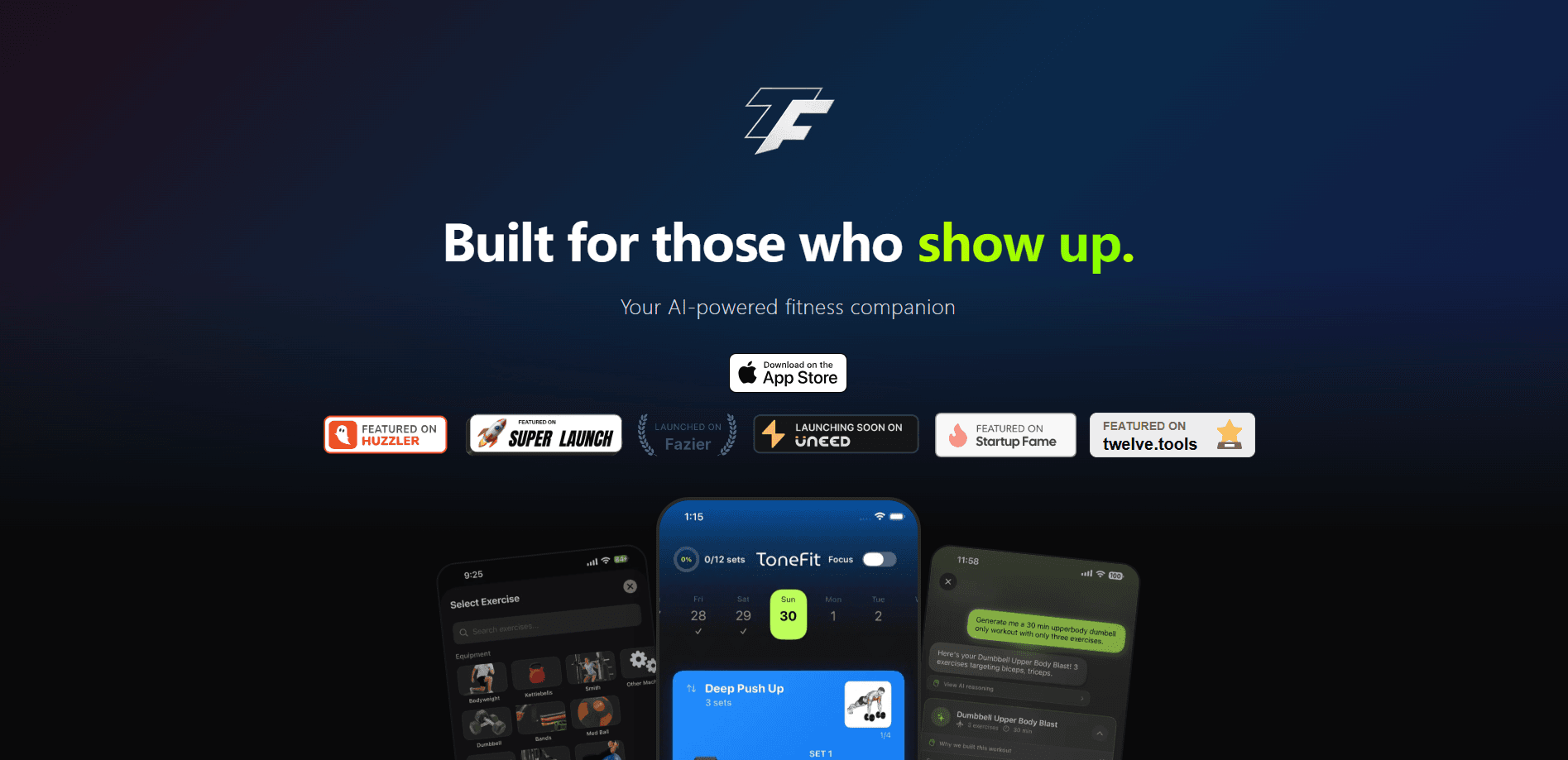
ToneFit is an AI gym tracker for iPhone that turns your goals, available equipment, and training experience into a strength routine you can actually follow. It generates the plan, walks you through a library of 1,300+ exercises with animated demonstrations, and logs every set, rep, and weight so you can see progress over weeks rather than guessing. It's built for people who want a structured gym routine planner without hiring a trainer.
About ToneFit
What Is ToneFit
ToneFit is a workout tracker for iPhone built around one idea: most people don't need a coach to tell them what to lift. They need a system that removes the guesswork. You answer a few questions about your fitness profile, and the app generates a personalized strength training routine matched to the equipment you have and the fitness level you're at. From there it handles the boring part, running your session set by set, timing your rest, and recording what you lifted.
The app leans on an exercise library of more than 1,300 movements, each with an animated demonstration, so you're not left reading a wall of text to figure out how something is supposed to look. Progress tracking goes a bit further than a checkmark per session. ToneFit shows movement pattern analysis on radar charts and muscle activity heat maps. That's a visual read on whether your training is balanced, or quietly ignoring half your body.
The catch worth knowing up front is the subscription. ToneFit is free to download, but full access sits behind a paid plan. Plans come weekly or monthly, with a 3-day free trial. It's an iPhone-only app too, so Android users are out of luck. The AI-generated parts also need an internet connection. Tracking itself keeps working offline.
So what does that mean in practice? If you train in a basement gym with no signal, you can still log every set. You just can't ask ToneFit to build a new routine until you're back online.
Getting Started
- Install ToneFit from the App Store and open it, then start the 3-day free trial to get the full feature set.
- Set up your fitness profile by entering your goals, the equipment you have access to, and your current fitness level.
- Let the AI workout generator build your first routine, or review and adjust the schedule it proposes for the week.
- Run a session with the live workout timer, following the animated demonstrations as you log each set, rep, and weight.
- Check your history, radar charts, and muscle heat maps after a few sessions to see how your training is shaping up.
Product Information
A quick look at ToneFit's pricing, supported platforms, and performance.
Best for
The users, tasks, and scenarios where this tool fits best.
Users
- Beginners building a first strength routine
- Intermediate lifters who track everything
- People training with limited equipment
Tasks
- Generating a strength plan from scratch
- Logging workouts set by set
- Spotting imbalance in your training
- Learning unfamiliar exercises
Scenarios
- Week one at a new gym when you don't know where to start
- Home training with minimal gear
- Coming back after a break and rebuilding consistency
- Reviewing a training block
Key features
AI Workout Generation
ToneFit builds a strength training routine from your fitness profile rather than handing you a generic template. You tell it your goals, the equipment you can use, and your experience level. It produces a plan fitted to those answers. The value here is skipping the program design stage that trips up most beginners.
1,300+ Exercise Library With Animated Demos
Every movement comes with an animated demonstration instead of a static description. With more than 1,300 exercises to draw from, the library covers enough ground that you won't run out of variations for a given muscle group. Don't recognize an exercise the AI picked? You can see the motion before you attempt it.
Live Workout Timer and Set Tracking
During a session, ToneFit runs the timer and records your sets, reps, and weights as you go. Rest periods are timed, so you're not watching the clock on your phone between sets. The logging turns a workout into data. That's the part you compare later.
Weekly Schedule Planner
The app lays your routine out across the week, so you can see which days work which muscle groups. It's a small thing, but knowing what's coming tomorrow makes it easier to show up. You can review the proposed schedule rather than committing blind.
Movement Pattern Analysis
Radar charts break your training down by movement pattern, showing at a glance where your work is concentrated and where it's thin. For lifters who suspect they've been overdoing one area, this is the fastest way to confirm it. The chart format makes imbalance obvious in a way a log book doesn't. Case in point: if your push movements dwarf your pulls, it shows up the moment you open the chart.
Muscle Activity Heat Maps
Heat maps show which muscles your training has been hitting and which have been left out. It's a visual answer to the question of whether your routine is actually balanced. Combined with the radar charts, it gives you a picture of your training that numbers alone won't.
Streak Tracking and Workout History
ToneFit keeps a record of every session and tracks your streak. Seeing a run of completed workouts is a decent motivator. The history gives you something concrete to review when progress feels slow. It's the accountability layer that keeps a plan from quietly dying after two weeks.
Offline Tracking
The core tracking works without a connection, so a basement gym with no signal isn't a problem. The AI features still need internet access. That's worth knowing before you rely on generation mid-session. For straight logging and timers, you're covered offline.
Pros and cons
Pros
- AI generates a full strength routine from your goals and available equipment, cutting out program design for beginners.
- Large exercise library with animated demonstrations means you can see a movement before trying it.
- Radar charts and muscle heat maps give a visual read on training balance that a plain log can't.
- Set, rep, and weight tracking plus a live timer keep sessions organized and your data in one place.
- Core tracking works offline for gyms without a reliable signal.
Cons
- Full access requires a subscription; the app isn't usable beyond the 3-day trial without paying, so it's not a free option.
- iPhone only, so there's no Android version for anyone on Google's platform.
- The AI generation needs an internet connection, so it's limited in low-signal gyms. Tracking works offline.
- The app had few enough ratings at the time of writing that there's not much independent user feedback to lean on.
Frequently asked questions
It generates a personalized strength training routine based on your goals, equipment, and fitness level, then guides you through each workout with a timer and set tracking. Alongside the workouts, it shows movement pattern analysis and muscle heat maps so you can see how your training is distributed.
Related content
Explore related tools, skills, and articles for ToneFit.
ToneFit Alternatives

Iplan AI
Iplan AI · Productivity · AI AssistantIplan AI is an AI travel planner that turns a few trip details into a full day-by-day itinerary in seconds. You answer questions about your destination, interests, budget, and travel companions, and the tool builds a plan you can edit, share, and carry with you on any device. It targets travelers who want a solid draft without spending hours in spreadsheets and browser tabs. Think of it as an itinerary generator that does the tedious part for you.

Screenhelp
Screenhelp · Productivity · AI AssistantScreenhelp is an AI screen assistant that turns a single keyboard shortcut into real-time help. You press Ctrl+Shift+Space, it captures what's on your screen, and it streams an answer into a private panel in about two seconds. Think of it as an AI screenshot helper you trigger on demand. It runs on Mac, Windows, and the web, starts free with 30 answers a month, and stays invisible during screen sharing on Zoom, Teams, and Google Meet.

Rainbow
Rainbow · AI AssistantRainbow is an AI weather forecast app built around short-term precipitation nowcasting. Its engine pushes min-by-min rain and snow predictions up to four hours ahead, blending live satellite and radar feeds into hyperlocal forecasts. The app adds live rain radar, a seven-day outlook, precipitation alerts, home-screen widgets, and a hurricane tracker, and it runs on both Android and iOS with a free tier plus paid upgrades.