

Tooc
Tooc · Productivity
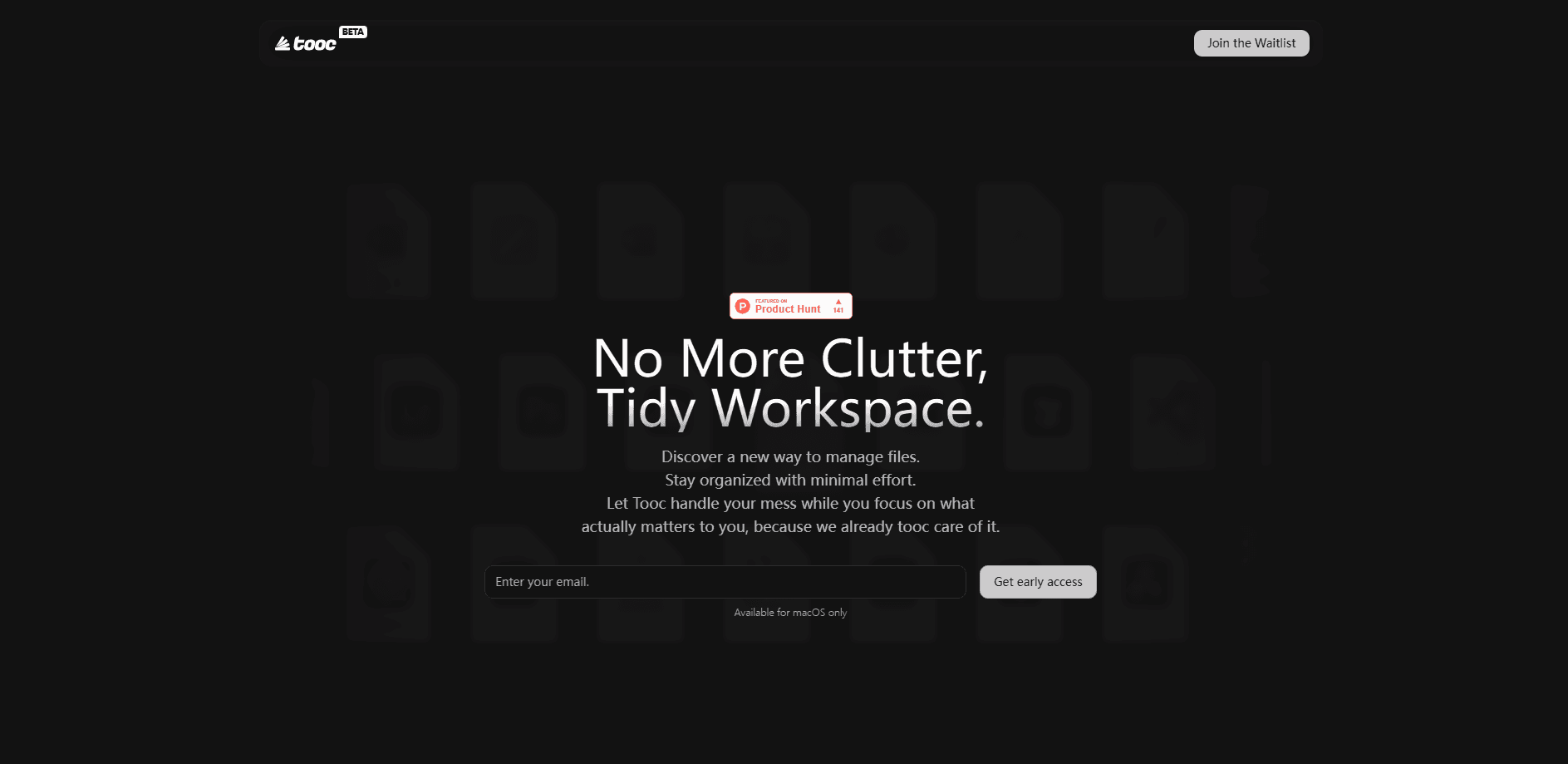
Tooc is an intelligent file manager for macOS that organizes your files, saves reusable searches, and hands selected work to the AI agents you already use.
About Tooc
What Is Tooc
Tooc is a file manager for Mac that treats files as the place work lives, not just items sitting in folders. You keep everything in the folders you already use, then add context on top: saved searches you can reopen, tabs that hold your place, and an agent that reads the files in front of you.
The problem it targets is reuse. Most of us don't lose files. We lose the reason a file mattered. A screenshot that looked disposable last month becomes proof for a decision today, and the folder tree never recorded why. Tooc keeps that layer of context attached to your files so you spend less time re-finding and re-checking the same material.
The limits matter too. Tooc runs only on macOS 13 or later, so Windows and Linux users are out. It stays local by design: your files aren't uploaded to a separate cloud unless you later opt into a paid tier that adds storage.
Getting Started
- Download the app from the official site and drag it into your Applications folder.
- Launch it and grant access to the folders you want Tooc to manage.
- Open a folder and build a saved search by combining rules, such as file type, date, and tags.
- Pin the tabs you work in most so they restore the next time you open the app.
- Open the agent panel when you want to hand a selected set of files to an AI service or your own agent setup.
Product Information
A quick look at Tooc's pricing, supported platforms, and performance.
Best for
The users, tasks, and scenarios where this tool fits best.
Users
- Mac users who juggle research, drafts, and screenshots across several projects
- People already running AI agents on their own machine
- Knowledge workers who keep losing the reason behind a file
Tasks
- Building a reusable saved search for quarterly reports so the same rules surface each new batch without rebuilding filters
- Handing a folder of interview recordings and notes to an agent for summarizing
- Keeping several project threads open in pinned tabs so switching between a client folder and a spec doesn't lose your spot.
Scenarios
- Reconnecting a decision to the screenshots and notes that supported it months later
- Passing a scoped set of files to a local agent setup instead of copying paths by hand
- Keeping a Mac-only workflow tidy without moving files into a separate cloud account
Key features
Local file management with a familiar layout
Tooc manages folders and files in a layout you already recognize, so you don't relearn basic browsing. The difference is what sits on top of it: context, searches, and agents that act on the files rather than replace the file system. For anyone who has tried a heavier replacement file manager, the restraint is the point.
Saved searches built from rules
You combine rules into a saved search you can reopen anytime. That means a query like "current drafts tagged client work, changed this month" becomes a reusable object instead of a handful of filters you rebuild by hand. It fits work that repeats on a schedule, such as monthly reports or a weekly review.
Chat with an agent that knows your files
The built-in agent already has access to the files you point it at, so you can ask it to summarize a recording, rewrite a document, or reason over a set of source files. It's aimed at people who want AI to work on the material they already have, not a blank chat window disconnected from their disk.
Tabs you can switch, pin, and restore
Work stays open in tabs you can switch, pin, and restore. Pinning keeps a folder you return to constantly one click away, and restoring means you reopen the app and land where you left off. For anyone who moves between a handful of directories all day, that saves the same few clicks dozens of times over.
Context passed to the AI tools you already run
Tooc keeps work in familiar files and folders while letting you pass a selected work scope to the AI services and agent harnesses you already use. You aren't locked into one vendor's assistant. If your team standardized on a particular agent setup, Tooc feeds it your files instead of forcing a switch.
Local-first privacy with no forced cloud
Files stay on your Mac, and no separate cloud upload is required for the free tier. The developer states it doesn't sell personal information or use diagnostic data to build advertising profiles. That matters if you handle client material or anything you'd rather not route through a third-party server by default.
Pros and cons
Pros
- Runs on the file system you already have, so there's no migration or import step before you can use it.
- Saved searches turn a recurring question into a reusable object instead of rebuilt filters.
- Works with the AI agents and services you already use rather than locking you to one assistant.
- Free core access needs no sign-in, trial, purchase, or device-seat check.
- Keeps files local by default, which suits client and research material you'd rather not upload.
Cons
- macOS 13 or later only, so there's no Windows, Linux, Android, or iOS version.
- Plus and Pro tiers, and the S3-compatible storage and extra app connections they promise, are listed as not yet available.
- The $200 Early Supporter Pass is limited to the first 100 supporters, so it isn't a general option.
- Cloud storage and sync only arrive with a paid tier, so multi-device work isn't covered on the free plan.
Frequently asked questions
It's a file manager for Mac that adds saved searches, tabs, and an agent on top of your existing folders. You keep working in ordinary files and folders while Tooc remembers context and hands selected work to the AI tools you already use.
Related content
Explore related tools, skills, and articles for Tooc.
Tooc Alternatives

Base Code
Base44 (Wix) · Coding · ProductivityBase Code is a shared cloud development environment from Base44. Teammates describe changes to an existing GitHub codebase in chat, preview them live and send them back as pull requests.

Knocket
Knocket (Tencent RTC team) · Productivity · Business · ChatbotKnocket is a free live chat and contact page tool that lets visitors message you from your website, app, or a shareable link, with every reply handled from Telegram or one inbox.

FloorGen
Vinit Kumar (FloorGen) · Productivity · China AIFloorGen is a browser-based floor plan maker that turns a sentence or a sketch into an editable 2D plan and a 3D walkthrough. Export to PDF, DXF or video, and draw without an account.