

ToolJet
ToolJet · Coding
ToolJet is an open-source low-code platform for building internal tools, dashboards, and workflows. Describe an app in plain English or build it from your coding agent.
About ToolJet
What Is ToolJet
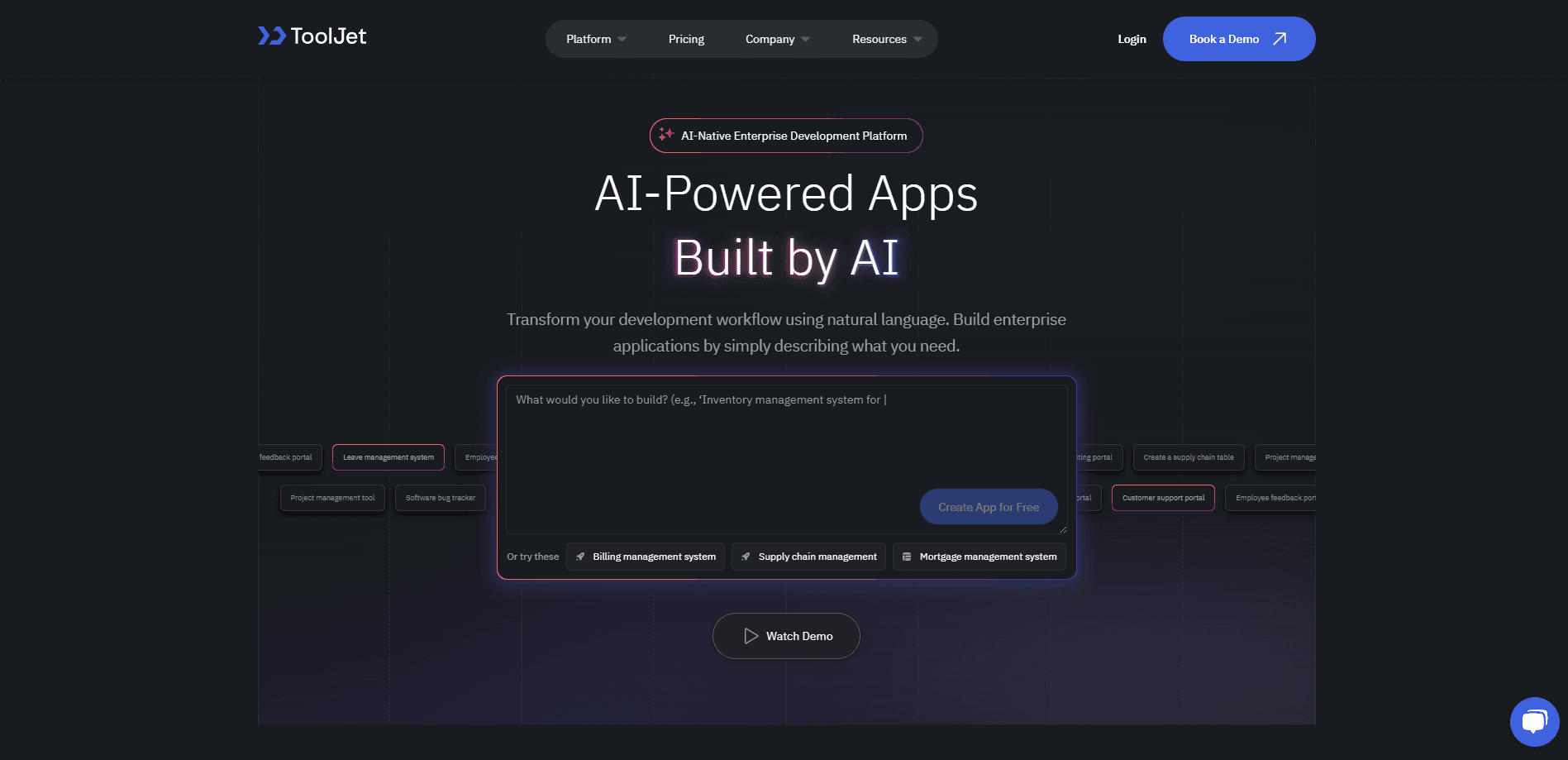
ToolJet is a low-code platform and AI app builder for the internal tools your team actually runs on: admin panels, approval screens, dashboards, and the small forms that tie your systems together. You describe what you need in plain English, and it drafts a working app with real components bound to real queries. Or you skip the canvas and drive it from your coding agent.
The pitch is speed without losing control. ToolJet connects to more than 100 data sources out of the box, and every workspace ships with ToolJet Database, a no-code table editor built on PostgreSQL. Teams that once waited weeks for a developer to wire up a CRUD screen can ship the same thing in an afternoon.
Two things shape who gets the most out of it. The free Community Edition is genuinely open source and self-hostable, so you can run it on your own servers. The catch is that AI features, multi-environment release control, and enterprise governance sit behind paid plans. And because ToolJet is built to be extended, a team that never touches the API or custom code will leave some of its value on the table.
Getting Started
- Create an account on ToolJet Cloud, or self-host the Community Edition with a single Docker command.
- Add a data source such as PostgreSQL, a REST API, or a Google Sheet, then test the connection.
- Describe the app you want, or drag components onto the canvas and bind them to queries.
- Set roles and permissions, then publish the app to your team or promote it to production.
Product Information
A quick look at ToolJet's pricing, supported platforms, and performance.
Best for
The users, tasks, and scenarios where this tool fits best.
Users
- Operations and support teams
- Front-end and full-stack developers
- Startups and small teams
- Enterprise platform teams
Tasks
- Building admin panels and dashboards
- Approval and request flows
- Data entry tools
- Embedding AI into a workflow
Scenarios
- A support team that needs a refund tool by Friday, built from the team's own guide instead of a backlog item.
- A developer who wants to build a governed internal app from Claude Code or Cursor without switching to a browser.
- An operations lead replacing a fragile spreadsheet used to track orders, inventory, and revenue in one dashboard.
- A compliance-minded company that has to keep app data on its own servers, running the self-hosted edition behind its firewall.
Key features
AI App Generation
Type a sentence and ToolJet drafts a working application, with components already bound to queries against your data. You refine the result on the canvas rather than starting from a blank page. The AI runs as a metered feature: every workspace gets a pool of AI credits, and heavy use draws more.
ToolJet MCP for Coding Agents
The ToolJet MCP server lets a coding agent like Claude Code, Codex, or Cursor build and change apps in your workspace. It authenticates with a personal access token and acts within that user's permissions, so it can't reach anything the token owner couldn't. Because the model runs on your own agent subscription, building this way doesn't spend ToolJet AI credits.
ToolJet Database
Every workspace includes a no-code table editor built on PostgreSQL. You can create tables, seed rows, and query them without provisioning a separate database. That means a tool can ship before anyone files a database ticket, and it still scales when the data grows.
100+ Data Source Connectors
ToolJet ships with more than 100 native connectors, covering databases, REST and GraphQL endpoints, and SaaS apps, plus any custom connector you write. Queries run through a builder or as raw SQL and JavaScript. As a low-code internal tool builder, the breadth is the point: most internal tools exist to move data between systems that don't talk to each other.
Workflow Automation and Agent Builder
Beyond the UI, ToolJet runs the processes behind your tools. Workflows sync data between systems, trigger approvals, run scheduled jobs, and send notifications without a person driving each step. The Agent Builder adds nodes that reason through routine decisions, such as triaging a request or flagging an anomaly.
Governance and Release Management
Enterprise plans add authentication through SAML, OIDC, and LDAP, role-based access down to individual components, audit logs that record actor, action, and timestamp, and separate development, staging, and production environments with promotion controls. For teams with a security review, this is often what tips the decision.
Pros and cons
Pros
- The free Community Edition is open source and self-hostable, so you can evaluate it without a sales call.
- Per-builder pricing means the bill tracks the people who build, not everyone who opens the finished app.
- Building through ToolJet MCP spends no ToolJet AI credits, since the model runs on your own agent subscription.
- Over 100 connectors and a built-in PostgreSQL-backed database cut the setup work for a new internal tool.
- Self-hosted Enterprise supports an air-gapped deployment for teams that can't send data over the internet.
Cons
- The most useful AI features, multi-environment control, and advanced governance are locked behind paid plans.
- AI features run on a credit system, so a heavy building month can cost more than the flat seat price suggests.
- Workflows and the Agent Builder are self-hosted only, which rules them out for teams committed to ToolJet Cloud.
- Getting real value assumes some technical skill; teams with no developer at all will hit a ceiling.
Frequently asked questions
ToolJet builds internal tools: admin panels, dashboards, approval screens, and the data-entry forms that hold a business together. You connect your data sources, lay out the interface, and publish the app to your team.
Related content
Explore related tools, skills, and articles for ToolJet.
ToolJet Alternatives

Udon
Udon · Coding · ProductivityUdon turns an Apple Silicon Mac into a home server you run from a browser, with container controls, file shares, and an optional AI sysadmin.

offstage
offstage cloud · Coding · Productivityoffstage gives AI coding agents and CI jobs a real Mac: a fresh macOS account on Apple silicon, driven over an API and billed by the second.

BotBus
Chengdu Tuyang Tusen Technology Co., Ltd. · Coding · ProductivityBotBus lets you control AI coding agents from your phone and watch: approve commands, start tasks and read results while the code stays on your desktop.