

Topaz Labs
Topaz Labs · Image · Video
Topaz Labs makes AI photo and video enhancement software. Its apps upscale, denoise, sharpen, restore, and stabilize images and footage, running locally or in the cloud.
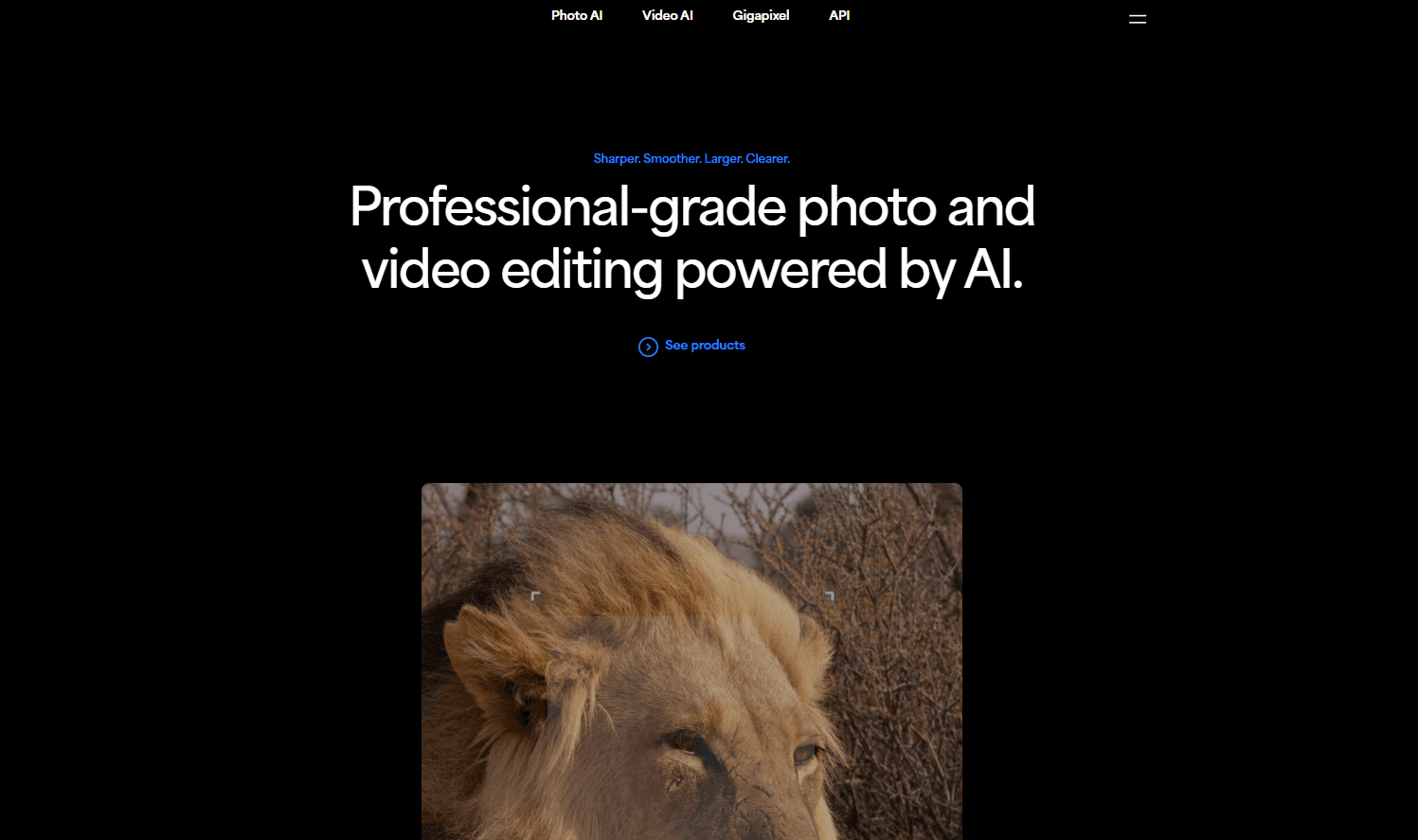
About Topaz Labs
What Is Topaz Labs
Topaz Labs is a Texas software company that has built image enhancement tools since 2005. Its current lineup is a set of AI apps for photo and video work: Topaz Photo as an AI photo enhancer and sharpener, Topaz Video for upscaling and stabilizing footage, and Topaz Gigapixel as an AI image upscaler. The company says its technology has processed over two billion images and is used by major film studios and creative teams. On pricing, Topaz Labs sells subscriptions rather than one-time licenses, and Topaz Labs pricing runs from a single app up to the full Studio bundle.
The apps run two ways. Desktop versions process files on your own machine, so nothing leaves your computer. Cloud rendering taps remote servers and returns results faster, which helps when your hardware is the bottleneck. A Studio subscription bundles every app.
The limits are worth stating up front. Most tools are built for photographers, filmmakers, and post-production teams rather than casual phone editing, and the desktop apps need a reasonably recent Mac or Windows machine. Cloud rendering for video runs on credits, so heavy jobs cost extra beyond the base plan.
Getting Started
- Create a Topaz Labs account on the official site.
- Pick a plan, or start with a single app such as Topaz Photo before committing to the full Studio bundle.
- Download the desktop app for Mac or Windows, or open the browser tools for web work.
- Drag in your image or video, then run autopilot or choose a model such as Denoise, Sharpen, or Upscale.
- Export locally or send the job to cloud rendering for a faster turnaround.
Product Information
A quick look at Topaz Labs's pricing, supported platforms, and performance.
Best for
The users, tasks, and scenarios where this tool fits best.
Users
- Photographers
- Filmmakers and editors
- Studios and agencies
Tasks
- Upscaling images
- Video restoration
- Noise reduction
Scenarios
- Restoring family photos and old films
- Preparing client deliverables
- Working on confidential material
Key features
Image upscaling up to 6x
Topaz Gigapixel enlarges almost any image while rebuilding detail along the way, rather than stretching pixels into mush. It runs nine enhancement models, so you can match the treatment to a wedding shot, fine art, or a space photo. The result is a larger file that holds onto the sharpness you started with.
Video enhancement to 4K
Topaz Video upscales, denoises, and restores footage, and its Precision models target high-accuracy enhancement up to 4K for live action, animation, and AI-generated clips. Frame interpolation adds new frames to smooth motion, and stabilization fixes camera shake after the fact. Film studios and post teams use it as a finishing step.
Denoise and sharpen with autopilot
Topaz Photo bundles eleven AI tools for sharpening, denoising, face recovery, and lighting. Autopilot analyzes a shot and applies a sensible stack automatically, which is handy for batches. If you want control, each tool runs on its own and lets you dial the strength up or down.
Local and cloud rendering
Every app can render on your own hardware, which keeps files private, or in the cloud for speed. Cloud image rendering is unlimited on active plans, so you get the latest models without taxing your GPU. Video cloud rendering uses credits, with additional credits priced per job.
Browser and mobile access
Topaz for Web brings image enhancement into the browser for quick fixes, and Topaz for Mobile puts the models on an iPhone. Work started on the phone can continue in the browser, so you're not locked to a single device for a job.
Enhancement API for developers
Topaz Labs exposes its models through an API for developers and platforms, covering upscaling, enhancement, denoising, restoration, lighting, and video enhancement. That makes it possible to fold the same enhancement step into a website or an automated pipeline.
Creative upscaling with Bloom
Bloom is built for images made with AI, creatively upscaling them up to 8x while adding lifelike texture. It targets the plastic, over-smooth look that can creep into generated art and nudges it back toward something closer to a real photograph.
Pros and cons
Pros
- Local rendering keeps sensitive files on your own machine, a fit for confidential work.
- Cloud rendering is unlimited for images on active plans, so hard jobs don't stall your hardware.
- Separate models for denoise, sharpen, upscale, and restore let you match the tool to the problem.
- The Studio bundle covers photo and video in one subscription and costs less than two separate plans.
- An API opens the same models to developers and pipelines.
Cons
- Most tools assume some editing knowledge, so beginners face a real learning curve.
- The desktop apps want a recent Mac or Windows machine, and heavy jobs lean on a good GPU.
- Video cloud rendering runs on credits that cost extra once the monthly allowance runs out.
- There is no free tier, so trying it means paying for a plan or a single app first.
Frequently asked questions
Topaz Labs is a software company that builds AI tools for enhancing photos and videos. Its apps sharpen, denoise, upscale, restore, and stabilize images and footage.
Related content
Explore related tools, skills, and articles for Topaz Labs.
Topaz Labs Alternatives

Google EmbeddingGemma 2
Google DeepMind · Writing · Image · CodingGoogle EmbeddingGemma 2 is a 740M-parameter open model that turns text, code, images, audio, and video frames into vectors in one 768-dimension space, running on phones and laptops.

Tractionwave
TractionWave · Image · MarketingTractionWave is an AI attention heatmap tool for static ads. Upload a PNG or JPG and it returns predicted attention, ranked hotspots, and fixes before you spend budget.

Imejis.io
Imejis.io · Image · MarketingImejis.io is an AI design studio for agents and marketing teams. Describe an image in plain words, and it writes the copy, builds the layout, reflows it to every size, then exports a finished file.