

Town
Town · Productivity
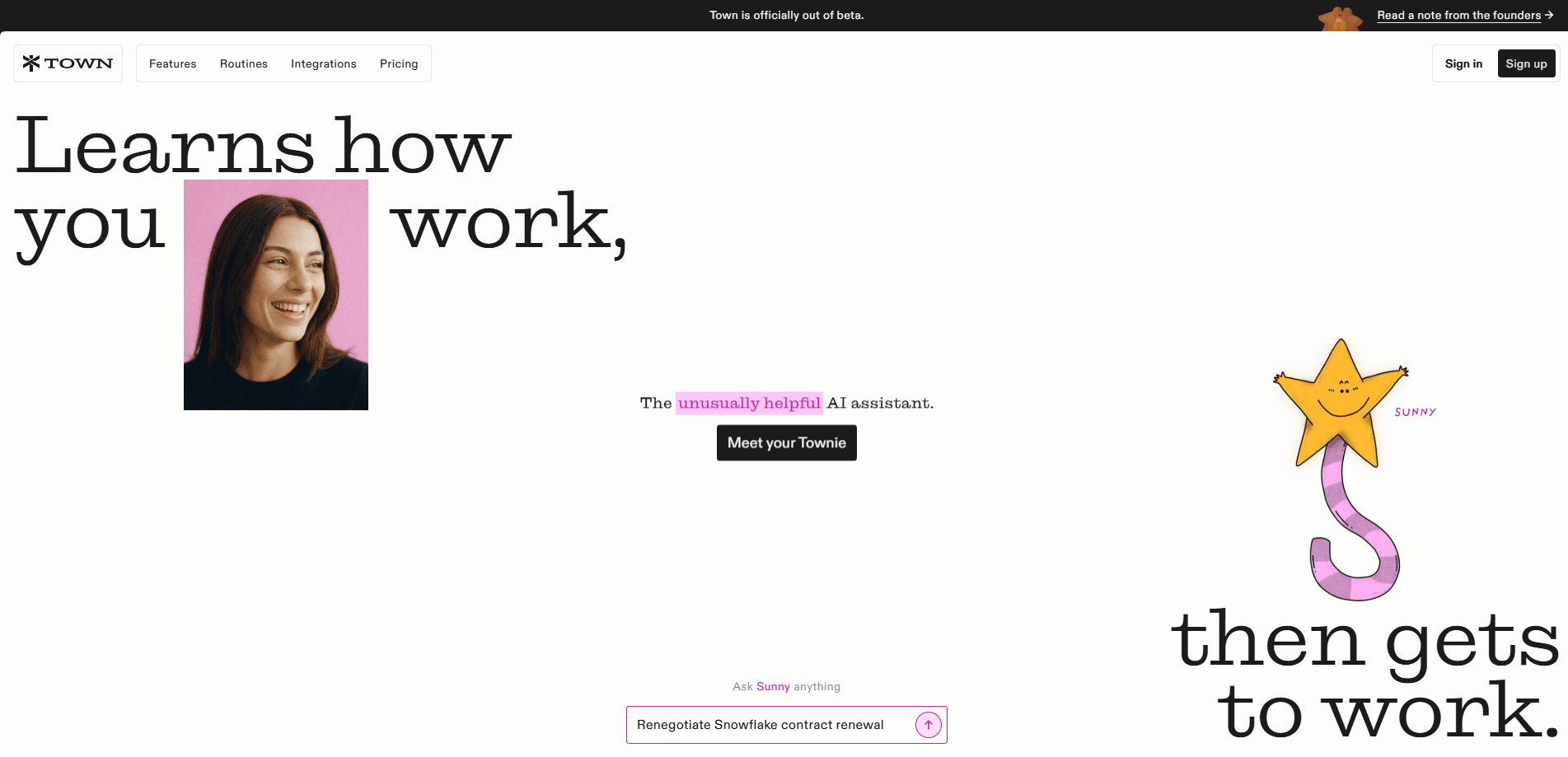
Town is an AI assistant platform that connects to your email and calendar, learns how you actually work, then handles the repeat tasks on your plate. Its assistants, called Townies, run your to-do list, automate recurring routines like morning briefings and meeting prep, and work across 59 integrations. It's built for people whose day is buried in inbox threads and calendar juggling. Not for casual tinkering.
About Town
What Is Town
Town is a personal AI assistant built around a simple bet: the fastest way to help someone is to read what's already in their inbox and calendar, then act on it. Once you connect those two accounts, a Townie studies your contacts, deadlines, and writing style, so you don't have to write long setup prompts before it does anything useful.
The product targets knowledge workers who lose hours to coordination. Instead of asking a chatbot to draft one email, you write a task. The Townie executes it: it writes the reply, chases the thread, or flags a decision that needs you with a "Needs input" label. Recurring work goes into Routines, ready-made automations you pick from a library of 76 and adapt.
The main limitation is the onboarding gate. Town asks for email and calendar access up front, and if you decline, you can't use the product. The company says this step drops roughly 30% of sign-ups. If you're not willing to hand over that access, Town isn't the tool for you.
Getting Started
- Sign in with a Google or Microsoft account and connect your mailbox and calendar.
- Let the Townie scan your recent threads and meetings so it learns your contacts, priorities, and tone.
- Browse the routine library and add the ones that match your week, such as a morning briefing or pre-meeting brief.
- Type a task into your to-do list and let the Townie draft, send, or schedule it. Review anything it marks as needing your input.
- Adjust prompts over time as the assistant picks up your patterns.
Product Information
A quick look at Town's pricing, supported platforms, and performance.
Best for
The users, tasks, and scenarios where this tool fits best.
Users
- Busy professionals and founders
- Sales and recruiting teams
- Executive assistants
Tasks
- Drafting replies and follow-ups
- Meeting prep
- Weekly status updates
- Inbox triage
Scenarios
- Starting the day without digging through notifications
- Managing a packed calendar
- Screening cold outreach
- Researching a new contact
Key features
Email and calendar grounding
Town's core feature is that it works from the accounts you already use. A Townie reads your Gmail or Outlook inbox and your Google Calendar, then builds a working model of your contacts, deadlines, and habits. There's no separate knowledge base to feed by hand. That's why setup takes minutes, not hours. The trade-off is the access requirement. No mailbox, no assistant.
Routines
Routines are the repeat tasks you set once and forget. The library holds 76 ready-made automations, from weekly status drafts to board meeting prep, and you can edit the underlying prompt to match how your team operates. Think of them as scheduled workflows that run on your real data, not a blank chat window. Pick a routine. Tweak it. The Townie runs it going forward.
To-do execution
You write a task. The assistant does the work, rather than handing you instructions. Ask it to reply to a thread or chase a follow-up, and it drafts the message in your voice. When something needs a judgment call, it labels the item "Needs input" instead of guessing. That split between autonomous work and human checkpoints is what makes it usable for real client and colleague communication.
Deep integration library
Town connects to 59 tools, spanning Gmail, Outlook, Slack, Notion, Linear, HubSpot, GitHub, Zoom, and QuickBooks, among others. So what does that buy you? Fewer copy-paste trips between apps. You also get to chat with your Townie through WhatsApp, Telegram, and Slack. It isn't tied to a single app. For teams already deep in one CRM or project tracker, this is the difference between a drafting tool and an assistant that actually updates records and moves tickets along without you asking twice.
Meeting and contact briefs
Before a meeting, Town researches the attendee and sends a compact brief covering who they're meeting and what the call is about. That helps you decide whether it's worth attending. When a stranger emails you, a related routine builds a structured profile on their background and company. Both features cut the manual lookup time that usually eats the first ten minutes of a call.
Inbox management and cold outreach filtering
An auto-inbox routine categorizes new email and drafts replies to the ones that clearly need a response. It leaves the junk for a quick scan. A companion feature spots cold pitches from recruiters and vendors, then pre-writes a polite no for you to approve before it ever reaches your main inbox. That alone can save a founder half an hour a week. If your inbox is where your day goes to die, this is the feature you'd notice first. That's the whole pitch.
Pros and cons
Pros
- Learns from your existing email and calendar, so there's no long setup or prompt engineering before it's useful.
- Executes tasks and drafts in your voice instead of just offering suggestions.
- 76 ready-made routines and 59 integrations cover most daily work.
- Lets you chat with the assistant through Slack, WhatsApp, or Telegram.
- Flags decisions for human review rather than acting blindly, which keeps you from sending an email you never read or approving a commitment you never agreed to.
Cons
- Won't work at all unless you connect email and calendar, which rules it out for anyone who keeps work correspondence out of a third-party assistant.
- Most tasks lean on expensive frontier models, and the company monitors for routines with unusually high usage.
- Pricing details aren't fully public on the site, so you have to sign up to see exact plan terms.
- API access for custom builds isn't clearly documented.
Frequently asked questions
Town is an AI personal assistant that reads your email and calendar, learns how you work, then handles tasks from your to-do list. That covers drafting replies and running recurring routines. It's less a chatbot and more a worker that operates on your real accounts.
Related content
Explore related tools, skills, and articles for Town.
Town Alternatives

Base Code
Base44 (Wix) · Coding · ProductivityBase Code is a shared cloud development environment from Base44. Teammates describe changes to an existing GitHub codebase in chat, preview them live and send them back as pull requests.

Knocket
Knocket (Tencent RTC team) · Productivity · Business · ChatbotKnocket is a free live chat and contact page tool that lets visitors message you from your website, app, or a shareable link, with every reply handled from Telegram or one inbox.

FloorGen
Vinit Kumar (FloorGen) · Productivity · China AIFloorGen is a browser-based floor plan maker that turns a sentence or a sketch into an editable 2D plan and a 3D walkthrough. Export to PDF, DXF or video, and draw without an account.