

Scarlett.
Cracked AI, LLC · Productivity
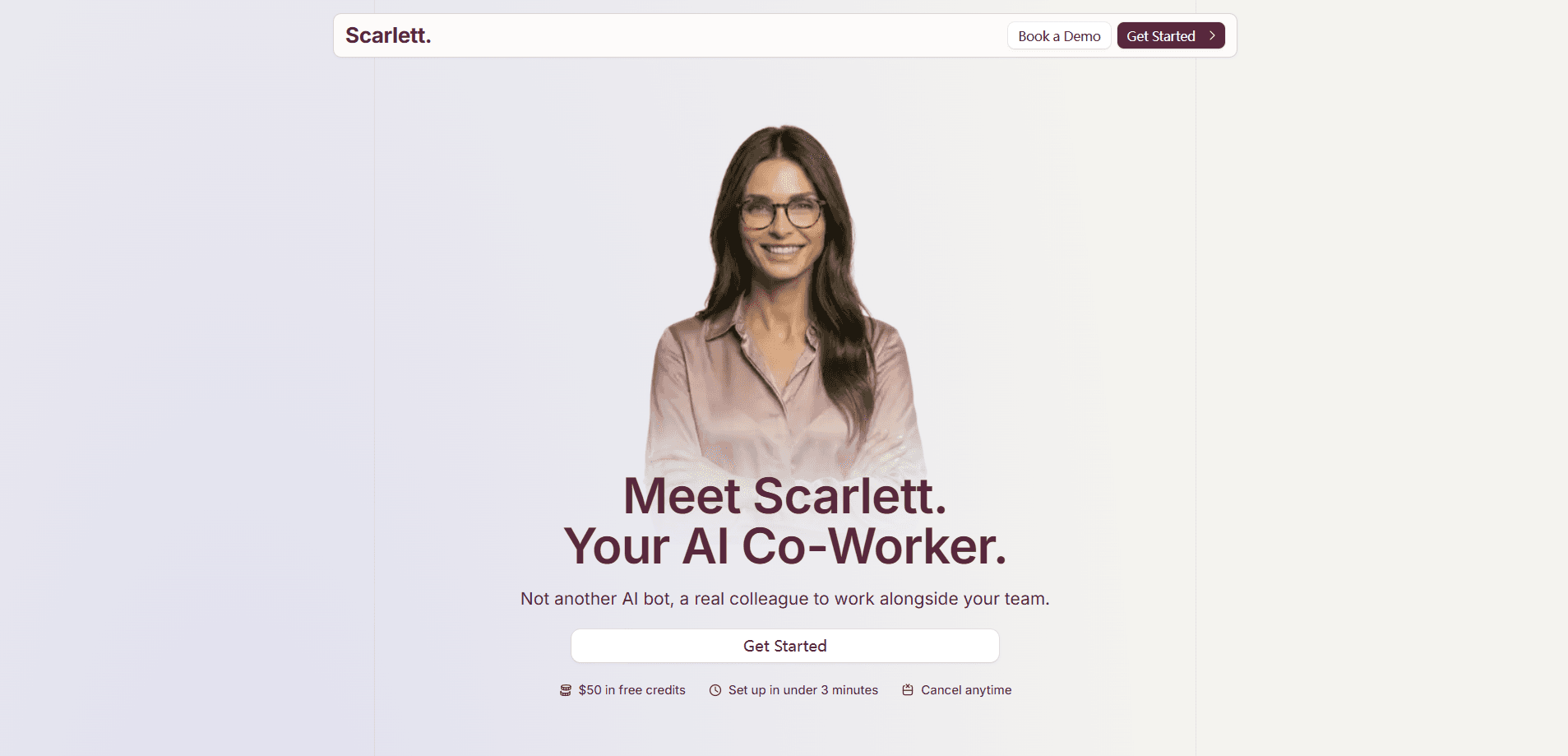
Scarlett. is a Slack-native AI coworker that behaves more like a teammate than a chatbot. You install her into a Slack workspace, connect the tools your team already uses, and ask for work in plain language. She runs code inside her own cloud computer, pulls data from your systems, and hands back finished files instead of a paragraph of suggestions. Teams use her for recurring reports, customer support triage, meeting prep, and the long list of small Slack automations nobody has time to build.
About Scarlett.
What Is Scarlett.
Scarlett. is an AI coworker built by Cracked AI, LLC. The only place she lives is Slack, which is the whole point. There's no separate dashboard to learn and no browser tab to keep open. You mention her in a thread, she does the job, and the output lands back in the channel where the rest of the team can see it. That's it.
Under the hood she's powered by Claude models, and the company says she picks the right one per task: one for chat, one for planning, another for coding. The part that separates her from an ordinary assistant is the persistent workspace. Scarlett has her own cloud environment where she writes and executes code, which is why she can produce a PDF, stand up a dashboard, or scrape a competitor's pricing page rather than just describing how you might do it.
The catch is that none of this works without connections. She reaches your CRM, calendar, inbox, and analytics through the tools you authorize, so a team that keeps everything in one locked-down system won't get much from her. She also sees only the Slack channels she's invited to, which keeps access narrow but does mean someone has to add her on purpose. And because she's an AI, the company tells users to review anything important before acting on it.
Getting Started
- Install Scarlett. from the Slack Marketplace and add her to your workspace.
- Connect the tools you want her to use, like Stripe, Notion, Google Ads, or your CRM, through the Connections page. Credentials go there, not into chat.
- Ask for work the way you'd ask a colleague: "Pull our Meta Ads data and compare it to last month."
- Review her output in the thread, then approve higher-stakes actions such as sending email or pushing changes.
Product Information
A quick look at Scarlett.'s pricing, supported platforms, and performance.
Best for
The users, tasks, and scenarios where this tool fits best.
Users
- Operations managers
- Founders and small teams
- Marketing and finance leads
Tasks
- Recurring reports
- Customer support triage
- Document and file work
- Meeting prep
- Coding and small builds
Scenarios
- Daily team brief
- Contract watching
- Competitor research
Key features
Slack-Native Coworker
Scarlett works entirely inside Slack, in threads and mentions, so she fits wherever your team already talks. Anyone in the workspace can summon her, and her output stays visible to the people who need it. That's the main reason adoption is easy. There's no new app for the team to remember.
Persistent Cloud Workspace
She has her own computer in the cloud where she writes and runs code. That persistent environment is what lets her finish a task end to end instead of handing you instructions, and it's the difference between a tool that suggests work and one that actually completes it. She can build a dashboard, generate a PDF, or deploy a small app and deliver the result back into the thread.
3,000+ Tool Integrations
Scarlett connects to thousands of tools, including Salesforce, HubSpot, Linear, Notion, Jira, Stripe, GitHub, and Google Drive. Custom integrations are available when your stack isn't covered. The more of your work runs through connected tools, the more she can do without a human relaying data.
Scheduled and Recurring Automations
You can set tasks to run on their own, such as a daily triage queue, a weekly business report, or a Monday marketing summary. She also proposes automations based on work she notices repeating. The result is a background process for your team, one that keeps running whether or not anyone remembers to ask, and it turns her from an on-demand assistant into something closer to a standing appointment.
Approval Gates for High-Stakes Actions
Sensitive moves wait for a human. Scarlett asks for confirmation before sending emails or deploying changes, and credentials are handled through a Connections page rather than chat. OAuth tokens sit behind a secure proxy, while custom credentials are encrypted with AES-256-GCM and injected server-side only when an authorized action executes. Good luck guessing a password she never stores.
Real Deliverables, Not Just Chat
The output is the point. She drafts decks, ships PDF documents, writes code, and assembles reports. Ask for a chart and you get the file. Ask for data and she queries the source, then summarizes what changed, which is why teams treat her as a coworker rather than a search box.
Workspace-Level Access Control
Each workspace gets isolated cloud infrastructure, and Scarlett only reads channels she's been invited to. You decide where she can act. Data is encrypted in transit and at rest, and the company states it doesn't train models on your data.
Pros and cons
Pros
- Lives in Slack, so there's no new tool for the team to learn or check.
- Persistent cloud workspace lets her execute multi-step tasks and deliver finished files.
- Wide integration surface covers most common business stacks, with custom integrations as a fallback.
- Recurring automations handle the weekly and daily reports people dread rebuilding.
- Approval gates and scoped channel access keep risky actions under human control.
Cons
- Slack-only means no standalone app or web dashboard outside your workspace.
- Value depends on connections. If your data sits in disconnected systems, the practical range shrinks.
- No public API is documented, so building on top of Scarlett isn't an option right now.
- AI outputs can be inaccurate, and the company itself says to review anything important before relying on it.
Frequently asked questions
She's a Slack AI agent with her own cloud computer, where she runs code to complete tasks. She connects to your tools, takes actions, and returns finished work rather than just answering questions. In short, she ships.
Related content
Explore related tools, skills, and articles for Scarlett..
Scarlett. Alternatives

Base Code
Base44 (Wix) · Coding · ProductivityBase Code is a shared cloud development environment from Base44. Teammates describe changes to an existing GitHub codebase in chat, preview them live and send them back as pull requests.

Knocket
Knocket (Tencent RTC team) · Productivity · Business · ChatbotKnocket is a free live chat and contact page tool that lets visitors message you from your website, app, or a shareable link, with every reply handled from Telegram or one inbox.

FloorGen
Vinit Kumar (FloorGen) · Productivity · China AIFloorGen is a browser-based floor plan maker that turns a sentence or a sketch into an editable 2D plan and a 3D walkthrough. Export to PDF, DXF or video, and draw without an account.