

Tweetlio
Tweetlio · Productivity · Marketing
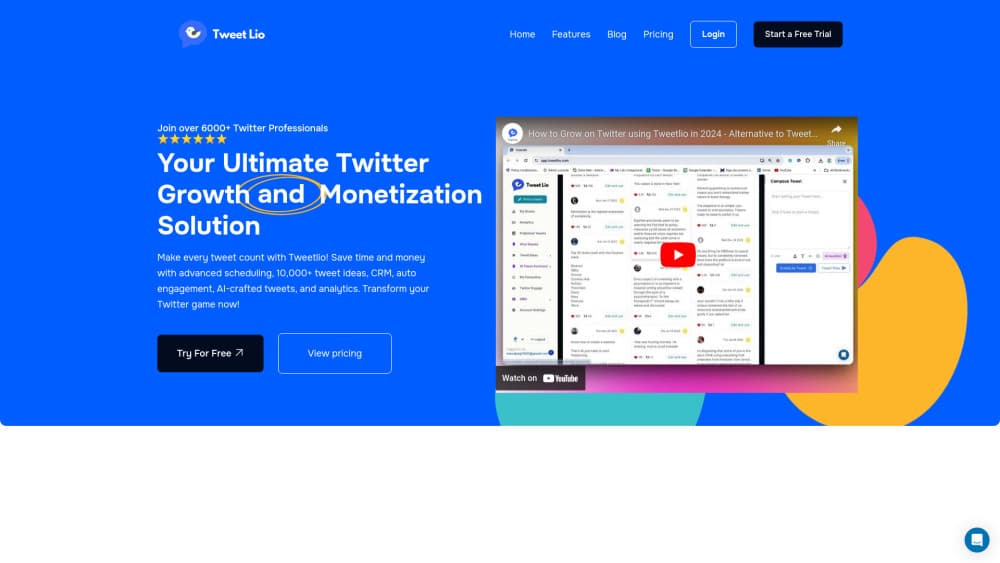
Tweetlio is an AI-powered X management tool that puts a viral tweet library, AI writing help, thread scheduling, auto engagement and analytics in one dashboard.
About Tweetlio
What Is Tweetlio
Tweetlio is an AI Twitter management tool for people who post on X (formerly Twitter) as part of their work. It bundles four jobs that usually live in four tabs: idea research, writing, queueing, and a look at what happened after publication. A CRM view sits on top, so the people who reply to you become contacts instead of a scroll of notifications.
The scope is deliberately narrow. Everything runs on X, and nothing else. If your audience also lives on LinkedIn, Instagram or TikTok, you'll still need a second tool for those channels. Tweetlio sells itself as an alternative to Tweet Hunter, Hypefury and Typefully, which is the right comparison set.
The workflow earns its keep when research, drafts and follow-up happen in one place. The risk sits on the automation side: Auto DM and Auto Engage can look like spam if you push them hard, and Tweetlio's own guidance tells users to skip mass DMs and copied content.
Getting Started
- Create an account on tweetlio.com and connect your X profile through the official authorization screen.
- Start the 7-day trial. No card is required, and plans run from $29 to $199 per month after it ends.
- Search the tweet library by keyword or @handle to see which formats already worked in your niche.
- Draft a post or a thread with the AI writer, then drop it on the calendar for the week ahead.
- Switch on Auto Engage or Auto DM for people who reply, and check the analytics tab after seven days.
Product Information
A quick look at Tweetlio's pricing, supported platforms, and performance.
Best for
The users, tasks, and scenarios where this tool fits best.
Users
- Solo founders and indie hackers
- Creators growing an audience on X
- Freelance social media managers
Tasks
- Filling next week's posting calendar
- Turning one idea into a thread
- Following up with people who engage
Scenarios
- Launch week for a small product
- Breaking out of a quiet month
- Lead generation from replies
Key features
Viral Tweet Library
The library holds thousands of viral tweet ideas you can search by keyword or by @handle, which turns "what should I post" into "what already worked for accounts like mine." You can filter for format, topic or author, then use a result as a template rather than copying it word for word. For a niche account, this is the feature you'll open most days.
AI Writing and Rewriting
The AI tweet generator drafts a post from a rough note, rewrites something that didn't land, and suggests angles based on your past content. It also handles replies, which matters because most people stall on responses rather than on original posts. Output is a starting point: expect to edit for tone before anything goes live.
Tweet and Thread Scheduling
You can plan a month of posts in one session and let the queue publish them, including multi-post threads that stay in order. The calendar view shows gaps before they turn into a silent week. Scheduling is the least glamorous part of the product and probably the part you'll pay for.
Auto Engage and Auto DM
Auto Engage likes or replies to posts that match keywords you set, and Auto DM sends a message to people who interact with a chosen post. Used on a narrow set of keywords, it produces real conversations. Used broadly, it produces the kind of account people mute, so keep the volume low.
CRM-Style Lead Management
Every person who replies or gets a DM lands in a Twitter CRM contact list with their history attached. You can tag them, note where they came from and follow up later, which is the difference between a mentions tab you never revisit and a list you actually work through.
Analytics Dashboard
The dashboard tracks per-tweet performance and daily follower growth, so you can see which posts brought follows rather than just likes. Weekly comparisons are the useful view: single-day numbers move too much to mean anything.
Pros and cons
Pros
- One subscription covers idea research, AI drafting, scheduling, engagement automation, a CRM and analytics.
- The tweet library is searchable by keyword and handle, which makes competitor research quick.
- Month-ahead scheduling with threads keeps a posting habit from collapsing on busy weeks.
- Pricing starts at $29 per month with a 7-day trial and no card, so testing costs nothing.
Cons
- It only works on X. Anyone posting to LinkedIn or Instagram needs a second tool and a second bill.
- Auto DM and Auto Engage can get an account flagged if you run them at high volume, so the automation needs restraint.
- The site's own pages were unreachable during our check, which makes current pricing and plan limits harder to confirm than they should be.
Frequently asked questions
It is an X management tool that combines a searchable library of proven posts, an AI writer, tweet and thread scheduling, engagement automation, a lightweight CRM and analytics. The point is doing all of that without leaving one dashboard.
Related content
Explore related tools, skills, and articles for Tweetlio.
Tweetlio Alternatives

Base Code
Base44 (Wix) · Coding · ProductivityBase Code is a shared cloud development environment from Base44. Teammates describe changes to an existing GitHub codebase in chat, preview them live and send them back as pull requests.

Knocket
Knocket (Tencent RTC team) · Productivity · Business · ChatbotKnocket is a free live chat and contact page tool that lets visitors message you from your website, app, or a shareable link, with every reply handled from Telegram or one inbox.

FloorGen
Vinit Kumar (FloorGen) · Productivity · China AIFloorGen is a browser-based floor plan maker that turns a sentence or a sketch into an editable 2D plan and a 3D walkthrough. Export to PDF, DXF or video, and draw without an account.