

Twistly
Twistly · Productivity
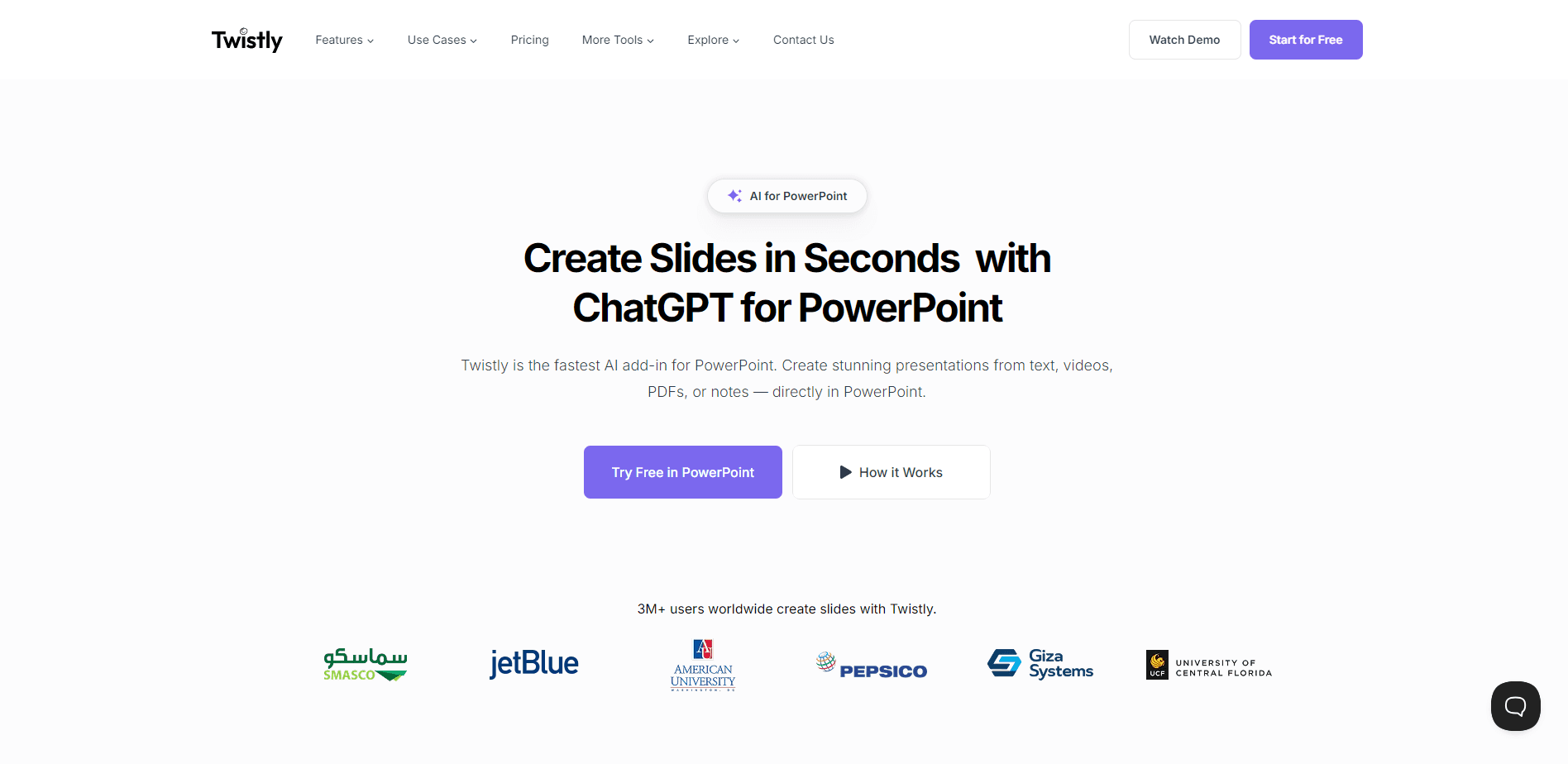
Twistly is an AI presentation maker that turns a topic, PDF or Word file into an editable PowerPoint deck in under 90 seconds. It runs in a browser and exports editable .pptx files.
About Twistly
What Is Twistly
Twistly is an AI PowerPoint generator built by a US company of the same name. You give it a topic line, pasted notes, a PDF or a Word document, and it writes an outline, builds the slides and hands back a finished .pptx file. The pitch is narrow and clear: skip the design work, keep the file editable.
The product solves a specific problem. Most people who need a deck don't struggle with ideas, they struggle with layout and hours lost nudging text boxes. Twistly drafts the section order before it builds anything, so you approve the structure while it is still a list. If the outline is wrong, you fix a heading instead of deleting 20 bad slides.
The main limits show up on the free plan. Generation, PDF download and deck export all work, but free input caps at 3,000 words and 15 slides per deck, and you only get the editable .pptx during a 7-day trial. It also lives in a browser, so it targets people who want a file fast rather than a tool wired into a team workflow.
Getting Started
- Sign up with an email address or Google account, with no credit card required on the free plan
- Give Twistly your material as a topic, pasted text, a PDF or a .docx file of up to 300 MB
- Review and reorder the drafted outline before any slide is generated
- Pick a template and slide count, then generate the deck
- Download the .pptx and open it in PowerPoint, Google Slides or Keynote to keep editing
Product Information
A quick look at Twistly's pricing, supported platforms, and performance.
Best for
The users, tasks, and scenarios where this tool fits best.
Users
- Students
- Teachers and trainers
- Business professionals
- Marketers and HR teams
Tasks
- Text to PPT
- PDF to PPT
- Word to PPT
- Speaker notes
- Deck translation
Scenarios
- A deck is due tomorrow
- A long report needs condensing
- A team wants one look
- A presentation has to run in another language
- You need a starting point, not a blank file
Key features
Outline Approval Before Slides
Twistly drafts the section order as a plain list before it builds a single slide. You reorder, cut or rewrite headings while the whole thing is still cheap to change, so a wrong structure never turns into 20 wrong slides. It is the step that keeps generation from feeling like a slot machine.
Editable Native PPTX Export
Every deck comes back as real PowerPoint shapes, text boxes and placeholders rather than pictures of slides. You open the file in PowerPoint, Google Slides or Keynote and keep editing as usual. For anyone who has tried image-only deck generators, this is the difference between a draft and a working file.
Multiple Input Sources
You can start from a one-line topic, pasted notes, a PDF, a DOCX or a TXT file, with uploads up to 300 MB. Tables and charts inside a document carry through into the slides as editable objects instead of being flattened into text. That keeps a data-heavy report usable after conversion.
Speaker Notes Generator
Twistly writes a per-slide talk track drawn from what is actually on that slide, so the notes line up with what the audience sees. It saves the step most people skip and then regret when they present without a script.
PPT Translator
You can translate a finished deck and keep the layout from breaking when the target language runs longer than the source. Decks generate in any of 38 languages, which helps teams that work across regions. It is a practical option when a deck has to reach an audience in more than one language.
AI Image Generator
When stock photography doesn't fit, Twistly generates slide visuals from a prompt inside the tool. You can also upload your own brand template on the Pro and Team plans so every generated deck follows your colors and fonts. It keeps the output on-brand instead of looking generic.
Pros and cons
Pros
- Fast generation of a full 12 to 15 slide deck in under 90 seconds, most of it spent approving the outline
- Exports native .pptx files that stay editable in PowerPoint, Google Slides and Keynote
- Outline-first workflow catches a wrong structure before it becomes a finished deck
- Tables and charts from Word and PDF inputs survive as editable objects
- Free plan covers generation and PDF download, with no credit card needed to start
Cons
- Free plan caps input at 3,000 words and 15 slides per deck, so long documents need a paid tier
- The editable .pptx export sits behind a 7-day trial and paid plans
- It runs in a browser rather than inside a desktop Office workflow
- No documented public API, so it won't drop into a scripted pipeline
Frequently asked questions
Twistly makes PowerPoint decks from a topic, notes, a PDF or a Word file. It handles the outline and slide design so you get a presentable .pptx without building the layout yourself.
Related content
Explore related tools, skills, and articles for Twistly.
Twistly Alternatives

Base Code
Base44 (Wix) · Coding · ProductivityBase Code is a shared cloud development environment from Base44. Teammates describe changes to an existing GitHub codebase in chat, preview them live and send them back as pull requests.

Knocket
Knocket (Tencent RTC team) · Productivity · Business · ChatbotKnocket is a free live chat and contact page tool that lets visitors message you from your website, app, or a shareable link, with every reply handled from Telegram or one inbox.

FloorGen
Vinit Kumar (FloorGen) · Productivity · China AIFloorGen is a browser-based floor plan maker that turns a sentence or a sketch into an editable 2D plan and a 3D walkthrough. Export to PDF, DXF or video, and draw without an account.