
Twos
Twos · Productivity
Twos is an AI notes and to-do app that captures your thoughts, reminders and lists in one place, then brings them back when you need them. Its AI chat finds things by description and can act on your lists.
About Twos
What Is Twos
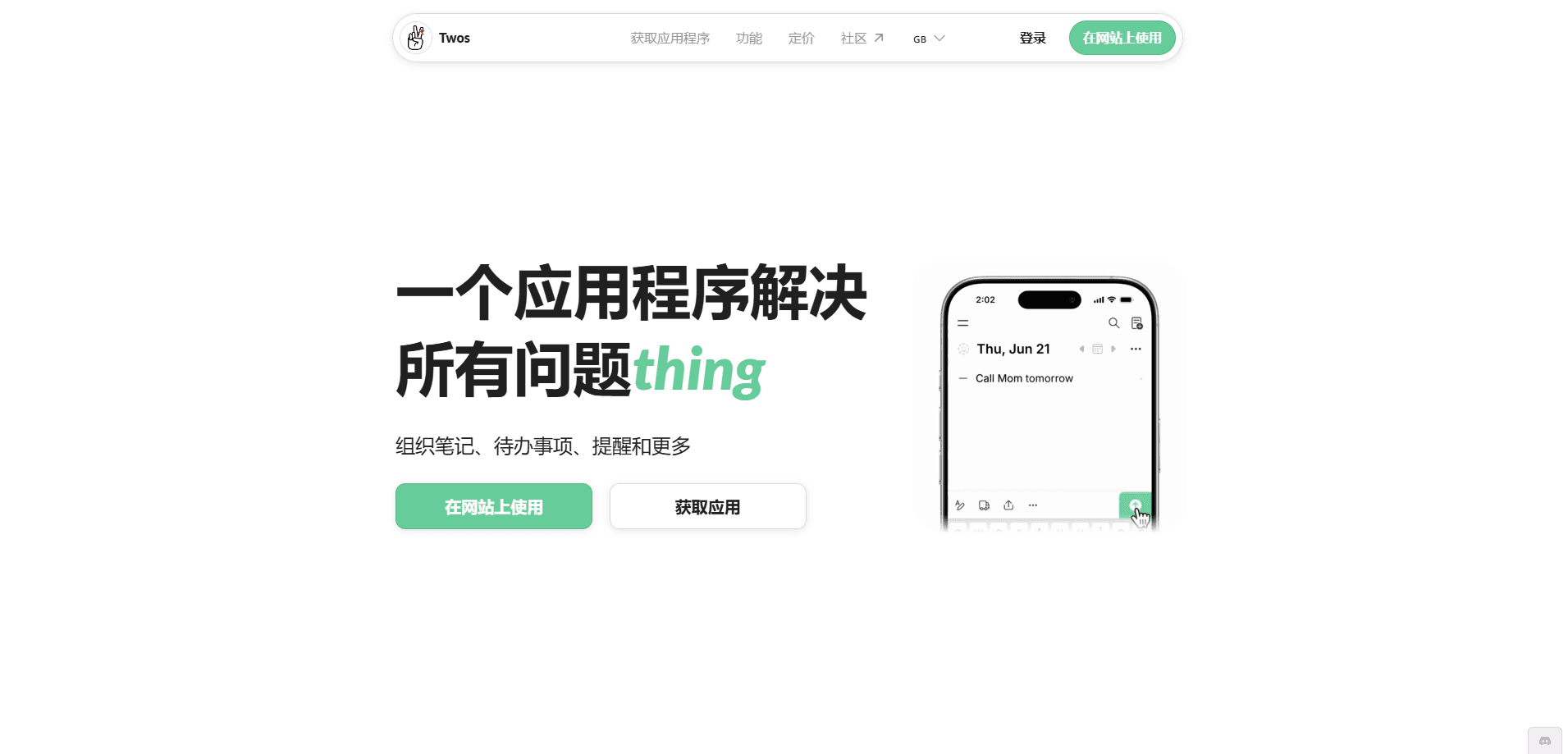
Twos is a note-taking and task app built around one idea: write it down once, and it comes back at the right moment. You drop notes, to-dos and reminders into a single inbox-style feed, and the app sorts what you did not finish onto the next day without any manual cleanup. The app also carries a Twos AI notes model that learns from what you save. The pitch is speed. Capturing a thought should take the same effort as having it.
The app leans on AI chat for notes to solve a problem plain search cannot. Keyword search only works if you remember the exact words you used. Twos chat lets you ask by description instead, so "what was that book Anna recommended" still works when you cannot recall the title. The chat can also carry out bulk edits, like moving everything tagged groceries into a new list, in a single sentence.
The main limitation is scope. Twos chat only reads your own account, it does not search the web, and it stays quiet on anything that needs judgment about your life. It knows what you wrote, not what you meant, so vague requests like "organize my lists" tend to produce confident nonsense. It is also built for personal capture first, which matters most if you work on iPhone, iPad or Apple Watch.
Getting Started
- Download Twos from the App Store, Google Play, or the web, then sign in with an email or an existing account.
- Write your first note in the capture bar. Anything you add lands on Today by default.
- Set a reminder by typing a date or time, or let Twos detect the date for you.
- Open AI chat and ask a question about your own notes, or attach a photo or file to turn it into a list.
- Connect a calendar, Apple Reminders or Apple Notes if you want the app to fit into your existing setup.
Product Information
A quick look at Twos's pricing, supported platforms, and performance.
Best for
The users, tasks, and scenarios where this tool fits best.
Users
- People juggling too many apps
- Users with ADHD or short working memory
- Apple users
Tasks
- Capturing quick thoughts
- Finding old notes by description
- Bulk list edits
Scenarios
- Daily planning
- Looking something up on the go
- Turning paper into lists
Key features
AI chat that reads your notes
Twos chat answers questions about your own things and can act on them, so you can ask by description instead of by exact wording. It handles bulk actions like adding several items, moving, tagging or completing them, and it can answer questions across time, such as what you did most weeks in June. It only reads your account, so it never confuses your notes with web results.
Capture from anywhere
You can write from the capture bar, dictate with voice, or send a photo. Twos also pulls in entries from email, text, WhatsApp, ChatGPT, Apple Notes, Evernote, Todoist and more, and it captures from an Apple Watch, a Wear OS tile, or a browser extension. Everything lands in one place instead of a dozen inboxes.
Automatic daily carry-over
Anything you write shows up on Today, and anything you do not finish rolls to tomorrow on its own. There is no re-planning and no guilt-scrolling through stale lists. Overdue items resurface so a task you ignore does not quietly disappear.
One place for notes, to-dos and reminders
Lists, tags, sublists, headings and reminders all live in the same account rather than three separate apps. You can shape a list with emoji, colors and a cover photo, or switch between List, Gallery and Board layouts. Templates and the Universe, a way to link related things, sit in the paid tier.
Search, filters and every view
Twos remembers what you wrote months ago and brings it back in seconds, whether you search by keyword or ask chat. Filters and multiple views help you get back to a specific item without scrolling the whole archive. This is the feature the app is built around, so it stays free.
Cross-device note taking and integrations
One Twos Plus plan covers iPhone, iPad, Android, Mac, Windows, Linux, web, Apple Watch and Wear OS, so cross-device note taking runs on whatever you are holding. It syncs with your Apple and Google Calendar, mirrors Apple Reminders both ways, imports Apple Notes, and connects to Slack, Discord and Zapier for automation.
Pros and cons
Pros
- Free forever for capturing notes and to-dos, with no paywall on writing things down.
- AI chat retrieves notes by description, which beats keyword search when you forget the wording.
- Unfinished items carry over automatically, so daily planning takes no manual effort.
- Broad platform coverage, from Apple Watch and Wear OS to Windows, Linux and the web.
- Two-way Apple Reminders sync and calendar sync fit an existing Apple setup.
Cons
- The most useful AI and customization features sit behind Twos Plus, and free chat stops at 20 messages a month.
- AI chat only reads your own data and does not search the web, so it cannot answer general questions.
- The experience is thinner on Android and Windows, since the app is tuned for Apple devices first.
Frequently asked questions
Twos is a notes and to-do app for capturing thoughts, lists and reminders in one feed. It is built for speed, so writing something down takes as little effort as thinking of it, and unfinished items carry over to the next day on their own.
Related content
Explore related tools, skills, and articles for Twos.
Twos Alternatives

Base Code
Base44 (Wix) · Coding · ProductivityBase Code is a shared cloud development environment from Base44. Teammates describe changes to an existing GitHub codebase in chat, preview them live and send them back as pull requests.

Knocket
Knocket (Tencent RTC team) · Productivity · Business · ChatbotKnocket is a free live chat and contact page tool that lets visitors message you from your website, app, or a shareable link, with every reply handled from Telegram or one inbox.

FloorGen
Vinit Kumar (FloorGen) · Productivity · China AIFloorGen is a browser-based floor plan maker that turns a sentence or a sketch into an editable 2D plan and a 3D walkthrough. Export to PDF, DXF or video, and draw without an account.