

UiMagic
UiMagic · Image · Coding
UiMagic is an AI app builder that turns plain text prompts into full-stack web apps, covering frontend design, backend logic, and one-click deployment in one browser tool.
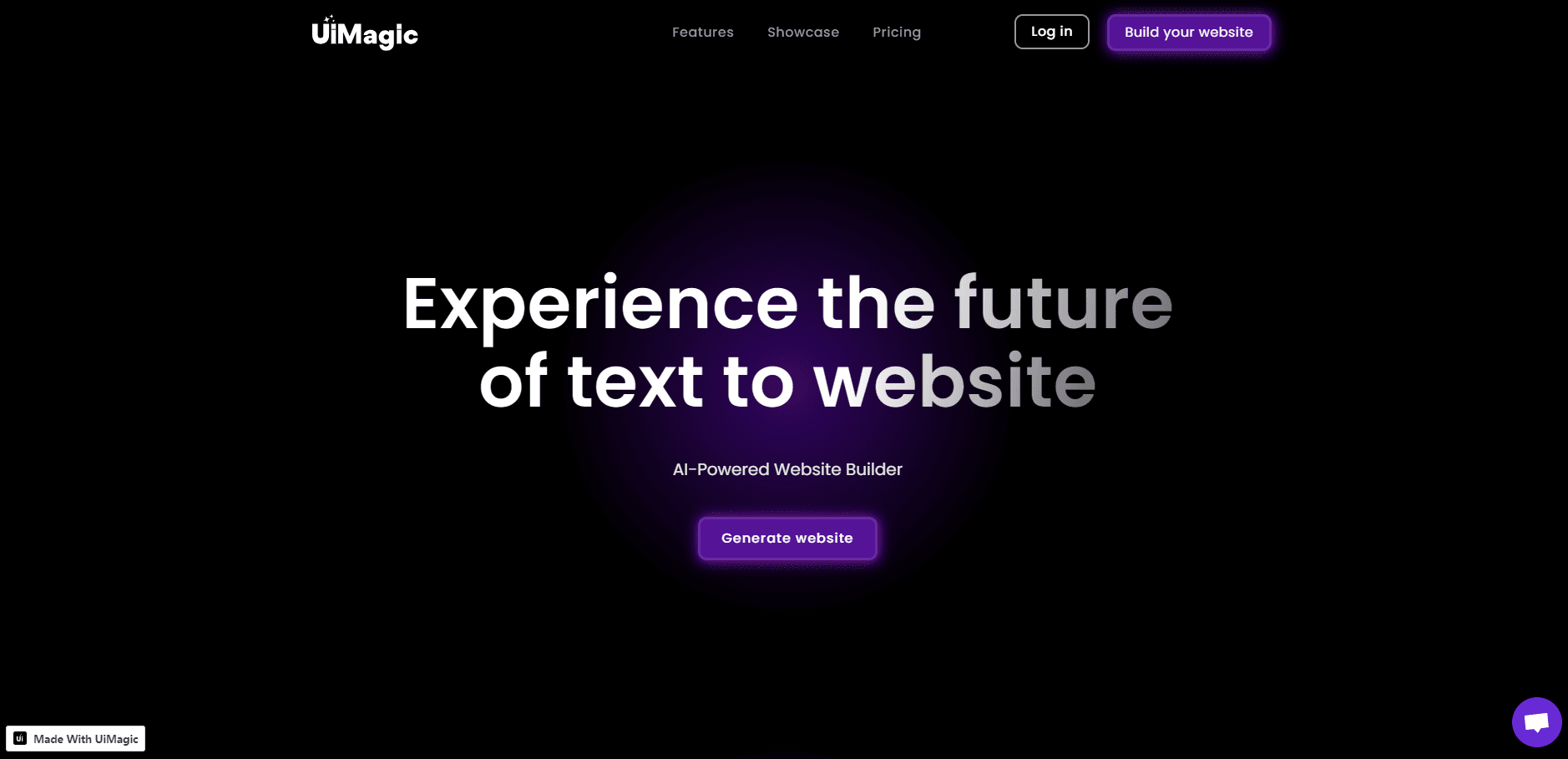
About UiMagic
What Is UiMagic
UiMagic is a browser-based AI app builder from a team of the same name. You describe an app in plain language, and the platform generates a full-stack web application: the interface, the server-side logic, and a build you can deploy. It's aimed at people who have an idea and want working software without assembling a stack by hand.
The difference from most AI website builders is scope. A typical landing page builder stops at a static page. UiMagic claims to handle backend logic too, so forms, data storage, and app flows are part of the output. The company's own blog describes the flow as describe, generate, iterate, deploy.
The catch is maturity. UiMagic is in beta, pricing details are still listed as coming soon, and there's no public API. Generated code still needs a read-through before you put real customer data behind it. Treat the first version as a strong draft, not a finished product.
Getting Started
- Create a free account at uimagic.io. The signup page says no credit card is required.
- Describe the app you want in plain language: the pages, the main user actions, and the data you need to store.
- Review the generated app in the browser, then ask for changes in the chat instead of editing files by hand.
- Deploy with the one-click option when the preview looks right, then point your domain at the live build.
Product Information
A quick look at UiMagic's pricing, supported platforms, and performance.
Best for
The users, tasks, and scenarios where this tool fits best.
Users
- Non-technical founders
- Designers
- Solo developers
Tasks
- Landing pages
- SaaS MVP
- Portfolio sites
- Internal prototypes
Scenarios
- Validating an idea before spending on development
- Client pitches
- Learning modern web stacks
Key features
Text to App Generation
Type a description of the app you have in mind. UiMagic generates the interface and the server-side logic together, so you get a working app rather than a folder of screens. Text to app generation is the core of the product, and it makes the first draft quick.
Full-Stack Output
The generated project includes frontend pages and backend behavior. Forms can submit, data can be stored, and app flows can run without you wiring a separate API. That scope is the main reason to pick this full-stack app builder over a page generator.
Conversational Editing
Changes happen in chat. Ask for a new section, a different color, or a tighter layout, and the app updates in place. You don't need to learn the component structure or hunt through files to make a small revision.
One-Click Deployment
When the preview looks right, deploy from the dashboard. UiMagic handles the build and hosting step, which closes the usual gap between a local project and a live URL. You can send the link to testers the same day.
Next.js and React Codebase
The output is a Next.js project with React components, according to the site's own metadata. That matters if you plan to hand the code to a developer later. The stack is common, well documented, and easy to hire for, and UiMagic works as a Next.js generator rather than a closed page editor.
Starting Points for Common Builds
The site organizes use cases around landing pages, SaaS apps, and portfolios. Each one gives you a structure to react to, which is easier than describing a whole product from a blank page. Start from the closest example and edit your way to the app you need.
Pros and cons
Pros
- You get a working full-stack draft from a written description, not a static mockup.
- Editing in conversation keeps non-technical users in the loop; no file tree required.
- Next.js and React output is a stack most developers can pick up without a rewrite.
- Deployment lives in the same place as the build, so a live link is minutes away.
- The free tier asks for no credit card, which makes testing the workflow cheap.
Cons
- UiMagic is in beta, so features and limits can change with little notice.
- Paid plan pricing isn't published yet, which makes budgeting hard for teams.
- There's no public API, so you can't plug the builder into an existing pipeline.
- Generated backend logic needs a careful review before it touches real customer data, and the review is on you.
Frequently asked questions
UiMagic is used to build web apps from written descriptions. You describe the pages, the flows, and the data you need, and it generates a full-stack application you can edit in conversation and deploy. It works as a no-code app builder for simple products and as a starting point for developers who want a first draft.
Related content
Explore related tools, skills, and articles for UiMagic.
UiMagic Alternatives

Google EmbeddingGemma 2
Google DeepMind · Writing · Image · CodingGoogle EmbeddingGemma 2 is a 740M-parameter open model that turns text, code, images, audio, and video frames into vectors in one 768-dimension space, running on phones and laptops.

Tractionwave
TractionWave · Image · MarketingTractionWave is an AI attention heatmap tool for static ads. Upload a PNG or JPG and it returns predicted attention, ranked hotspots, and fixes before you spend budget.

Imejis.io
Imejis.io · Image · MarketingImejis.io is an AI design studio for agents and marketing teams. Describe an image in plain words, and it writes the copy, builds the layout, reflows it to every size, then exports a finished file.