

Ultra AI
Ultra AI · Productivity
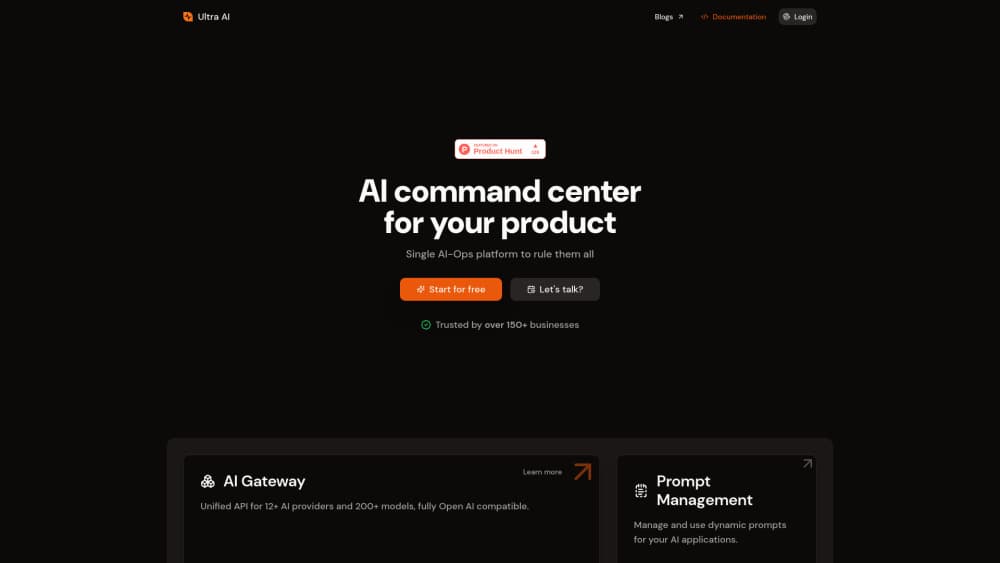
Ultra AI is an AI command center for product teams: one OpenAI-compatible API across providers, plus prompt management, semantic caching, model fallback, and rate limiting.
About Ultra AI
What Is Ultra AI
Ultra AI (UltraAI.app) is a control layer between your app and the model providers you call. Point the OpenAI SDK at one endpoint, name the models you want per request, and the gateway handles the rest.
The product began as a multi-provider AI gateway, the layer people now call an LLM gateway, and grew into a small operations suite. Prompt management with version history, logs and analytics, semantic caching, per-user rate limits, and automatic failover all live in the same dashboard. For a team shipping an AI feature, that replaces a stack of glue code nobody wants to own.
Scope matters here. Ultra AI is built for people who write code. There's no drag-and-drop agent builder and no end-user chat front end. If you want a no-code assistant, look elsewhere.
Getting Started
- Sign up at dashboard.ultraai.app and copy an API key.
- Replace your OpenAI base URL with https://api.ultraai.app/v1. Keep the same SDK.
- Pick providers and models per request, with a cache policy or a per-user limit if you need one.
- Check logs and spend in the dashboard, then adjust routing.
Product Information
A quick look at Ultra AI's pricing, supported platforms, and performance.
Best for
The users, tasks, and scenarios where this tool fits best.
Users
- Backend developers
- Solo founders
- Platform engineers
Tasks
- Switching models or providers
- Cutting repeat spend
- Stopping abuse
Scenarios
- A customer-facing chat feature that has to survive a provider outage
- A multi-tenant app where each customer needs its own quota
- Model comparison before a launch
Key features
One OpenAI-compatible endpoint
Every request goes to https://api.ultraai.app/v1, so the official OpenAI SDKs work unchanged. You name the provider and model inside the request instead of hard-coding one vendor. That single endpoint is why a provider swap takes minutes rather than a sprint.
Prompt management with version control
Prompts live in the dashboard, not scattered across source files. You edit, version, and reference them by key, which keeps copy changes out of deploys. Teams that rewrite wording every day get the most from this.
Semantic caching
Two modes cover most cases: exact caching for identical requests, similarity caching for prompts that mean the same thing. You set the similarity threshold and cache age per call. The company claims up to 10x savings on API costs, a figure that depends entirely on how repetitive your traffic is.
Logs and analytics
Every call lands in a log with latency, token counts, cost, and the route it took. Aggregate views show spend by model and error rates over time. That's the AI observability piece most homegrown gateways skip, and it's usually the reason teams keep the tool.
Model fallback and routing
List several models in priority order and the gateway tries the next one when a call fails. Failover covers rate limits, timeouts, and provider errors. Your users get a slower answer instead of an error page.
Per-user rate limiting
Limits attach to a user ID you pass with each request, along with a request count and a time window. You can tighten one account without touching global settings. For freemium products, that's the difference between a bad day and a billing surprise.
Pros and cons
Pros
- Drop-in for OpenAI-style code: change the base URL, keep your SDK.
- Prompt versioning and logs sit next to the gateway, so debugging doesn't need three tools.
- Semantic caching cuts cost on repetitive traffic without touching app logic.
- Per-user limits and fallbacks are configured per request, which suits multi-tenant products.
Cons
- The public site currently shows a placeholder page, so pricing and docs are thin. Budget questions go through the team.
- Developer-only: no visual builder, no chat UI, nothing for non-technical teammates.
- Caching and routing add a hop, so latency depends on the provider you route to.
- Cache thresholds need tuning before the savings show up.
Frequently asked questions
It's an AI gateway plus tooling. Your app sends one OpenAI-compatible request, and Ultra AI routes it to a provider, caches repeats, logs the call, and enforces limits.
Related content
Explore related tools, skills, and articles for Ultra AI.
Ultra AI Alternatives

Base Code
Base44 (Wix) · Coding · ProductivityBase Code is a shared cloud development environment from Base44. Teammates describe changes to an existing GitHub codebase in chat, preview them live and send them back as pull requests.

Knocket
Knocket (Tencent RTC team) · Productivity · Business · ChatbotKnocket is a free live chat and contact page tool that lets visitors message you from your website, app, or a shareable link, with every reply handled from Telegram or one inbox.

FloorGen
Vinit Kumar (FloorGen) · Productivity · China AIFloorGen is a browser-based floor plan maker that turns a sentence or a sketch into an editable 2D plan and a 3D walkthrough. Export to PDF, DXF or video, and draw without an account.