

ULTRASWAP.AI
ULTRASWAP.AI · Image · Video
ULTRASWAP.AI is an AI influencer platform that turns your photos into a consistent AI clone, then generates realistic images and videos for social content.
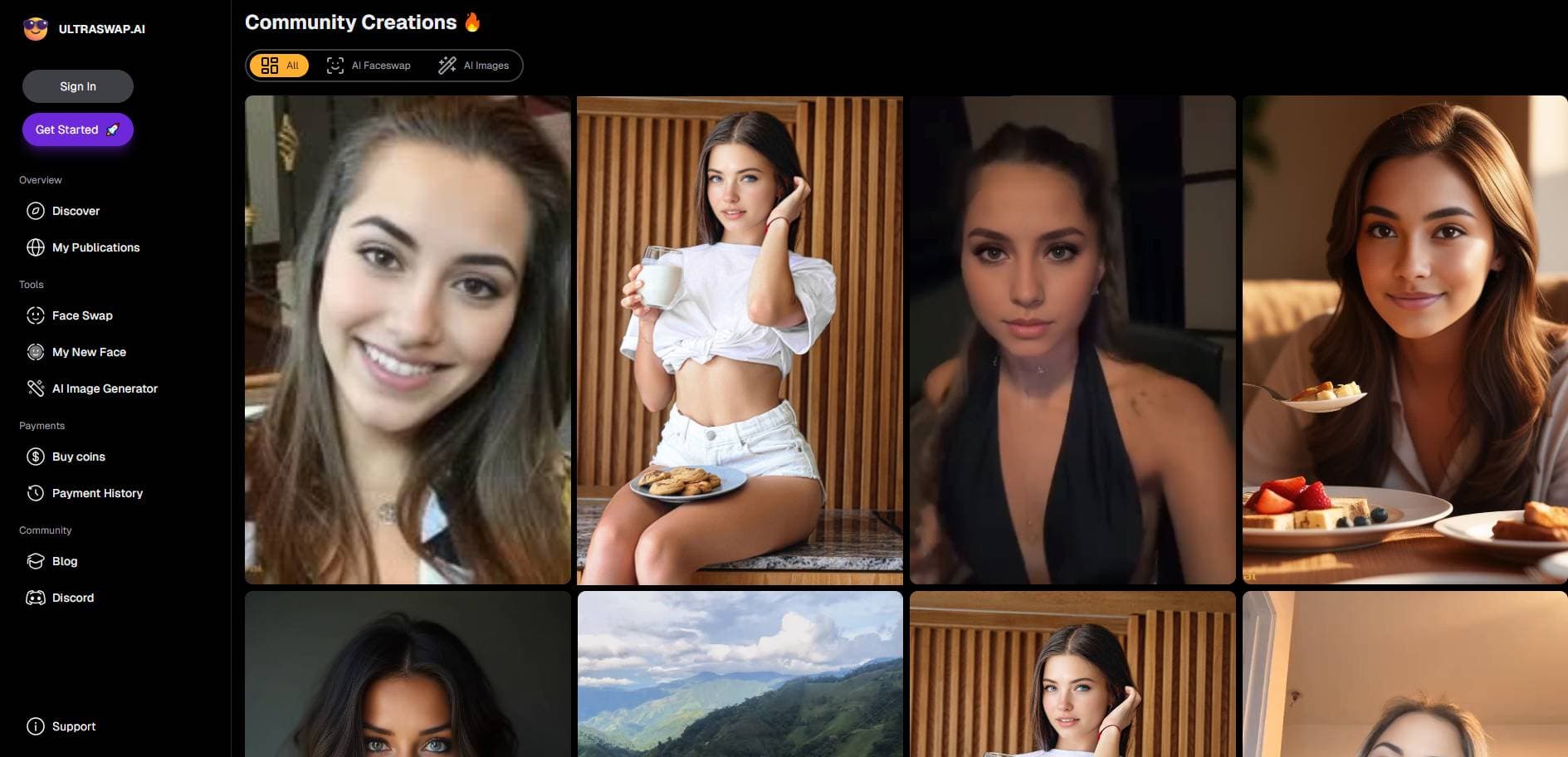
About ULTRASWAP.AI
What Is ULTRASWAP.AI
ULTRASWAP.AI targets people who want a virtual face for their content without a camera, a studio, or a real model. You upload a set of photos, the platform builds an AI clone of you, and that clone becomes the character you film with. Everything runs in the browser, so there's nothing to install.
The main draw is consistency. A lot of AI image tools can make one good picture, then lose the face on the next prompt. ULTRASWAP.AI keeps the same character across images and videos, which matters if you're building a recognizable AI influencer or brand ambassador instead of one-off posts. It works as a face swap AI too. So you can put your clone into existing shots and scenes.
The trade-off is that you're working inside a fixed library of styles and tools. You pick a look and generate at volume rather than fine-tuning every pixel. Heavy generation runs on a credit system, and the brand now points users to its newer Pykaso home for the full toolset.
Getting Started
- Create an account on the site and open the dashboard.
- Upload several clear photos of your face or the character you want to clone.
- Train the AI character and wait for the model to finish processing.
- Pick a style, write a prompt, and generate images or short video clips.
- Review results, run more generations, and download the ones you'll post.
Product Information
A quick look at ULTRASWAP.AI's pricing, supported platforms, and performance.
Best for
The users, tasks, and scenarios where this tool fits best.
Users
- Solo content creators
- AI influencer accounts
- Small brands and shops
Tasks
- Training an AI clone
- Generating AI images
- Making short AI videos
- Face swaps
Scenarios
- Keeping a daily posting cadence
- Testing content angles
- Skincare and product demos
Key features
AI Clone Training
You feed the platform a set of photos and it builds a character that looks like you or whoever you're cloning. Once trained, that character is saved and reused, so you're not rebuilding a face from scratch every session. Simple in theory. The more varied your source photos, the more reliable the results.
Character Consistency
This is the part that separates it from a generic image generator, because most tools treat every prompt as a blank slate and hand you a brand new face with each render. The same clone shows up in every image and video with the same features. For an AI influencer, that's the whole game: an audience follows a person, not a random collage of faces.
AI Image Generator
You write a prompt and choose a style. Out comes your character in the scene you described. This AI image generator covers the usual influencer territory, portraits and lifestyle shots included, and it's built to produce a batch at once rather than one picture at a time.
AI Video and Image-to-Video
Short-form video is where most of the reach is. This AI video generator turns a still or a prompt into a short clip, so you can animate your clone for reels, shorts, and ads without picking up a camera. Results lean toward short social formats rather than long cinematic sequences.
Realistic Face Swap
Face swap mode puts your clone's face onto another image or video. Done well, it's how you place your character into a setting you never actually visited. It's the feature the name comes from, and it's aimed at content that reads as real on a phone screen. That's the value: a location shoot without the location.
Style and Preset Library
Instead of tuning settings by hand, you choose from a library of styles and presets. That shortens the path to a finished image. The flip side? Less manual control. It suits people who want speed over pixel-level adjustment.
Batch Generation
The platform is built to fire off many generations at once and let them finish in the background, so you can queue a whole week of visuals and walk away while the render jobs run. That's a real time-saver when you need a stack of visuals for the week. It also means your results depend on how well you write the prompt up front.
Pros and cons
Pros
- Keeps one AI character consistent across images and videos, which is the hard part of running a virtual influencer.
- Covers images, short videos, and face swaps in one place, so you don't juggle several tools.
- Browser-based, so there's nothing to install and you can work from any device.
- Batch generation makes it practical to fill a posting calendar in one sitting.
Cons
- Pricing and credit costs aren't clearly listed on the main page, so you may have to sign up or hunt for the current rates.
- Output sits inside preset styles, so it's not the tool for pixel-level control or unusual custom looks.
- The brand now points users toward its newer Pykaso site, which can be confusing if you arrived expecting the original Ultraswap name.
- No public API means you can't wire it into your own pipeline.
Frequently asked questions
It's used to create AI UGC, influencers, and face swaps for social content, and it doubles as an AI clone generator. You upload photos, train a character, and generate images and short videos of that character without filming anything yourself.
Related content
Explore related tools, skills, and articles for ULTRASWAP.AI.
ULTRASWAP.AI Alternatives

Google EmbeddingGemma 2
Google DeepMind · Writing · Image · CodingGoogle EmbeddingGemma 2 is a 740M-parameter open model that turns text, code, images, audio, and video frames into vectors in one 768-dimension space, running on phones and laptops.

Tractionwave
TractionWave · Image · MarketingTractionWave is an AI attention heatmap tool for static ads. Upload a PNG or JPG and it returns predicted attention, ranked hotspots, and fixes before you spend budget.

Imejis.io
Imejis.io · Image · MarketingImejis.io is an AI design studio for agents and marketing teams. Describe an image in plain words, and it writes the copy, builds the layout, reflows it to every size, then exports a finished file.