
UMU
UMU · Leaning
UMU is an AI performance learning platform for companies. It builds training courses, runs conversational lessons, and coaches employees with video practice and real-time feedback.
About UMU
What Is UMU
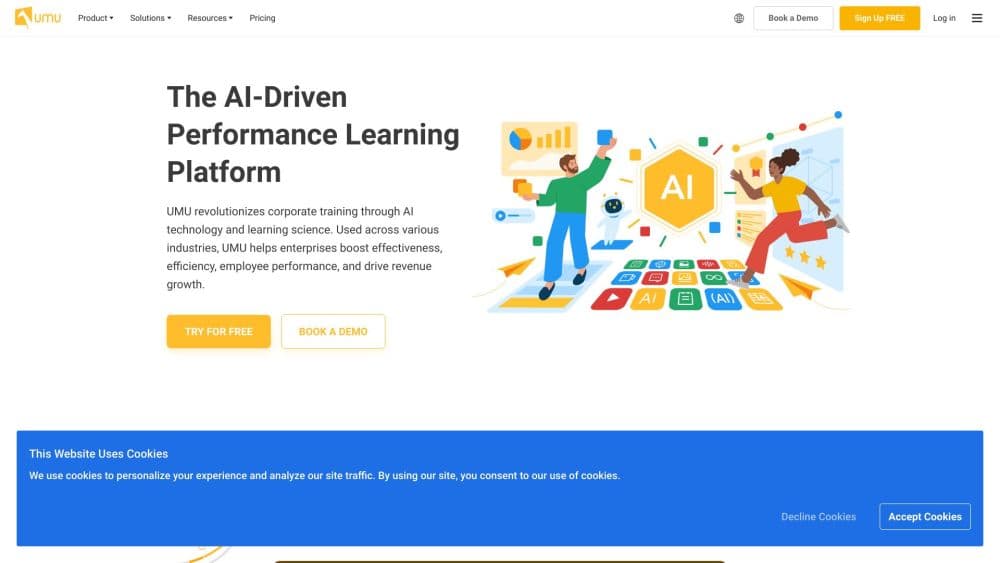
UMU is an AI-enabled performance learning platform built for companies, not individual hobbyists. Training teams use it to create courses, deliver them to employees, and measure whether people actually picked up the skills. The pitch is simple: learning should change on-the-job behavior, not just rack up completion numbers.
It leans on three AI-driven pieces. AI course creation generates learning content from guided prompts and instructional design templates. Conversational learning with an AI instructor runs interactive lessons and checks comprehension as people go. Video practice and AI feedback let sales reps and presenters rehearse, then get scored against best-practice models.
Companies pick UMU as corporate training software when they want one system for delivery and measurement rather than a stack of disconnected tools. Employee upskilling sits at the center of that goal: the platform is judged on whether people get better at their jobs, not just on how many lessons they finish.
The main catch is scope. UMU is an enterprise product with sales-led pricing, so there's no self-serve signup and no published rate card. Small teams that just want a simple quiz builder will find it heavier than they need. It also targets workplace training specifically, so it's a poor fit for personal learning or academic coursework.
Getting Started
- Request a demo or contact sales through the umu.com site to set up an organization account.
- Have an admin configure the workspace, invite learners, and connect single sign-on if the company uses it.
- Build a program: pick a template or let AI draft a course, then add quizzes and practice scenarios.
- Assign the program to a team, then track completion and knowledge gaps on the dashboard.
Note: UMU doesn't offer public self-serve registration on its site, so onboarding typically runs through a sales conversation.
Product Information
A quick look at UMU's pricing, supported platforms, and performance.
Best for
The users, tasks, and scenarios where this tool fits best.
Users
- Corporate training managers
- Sales enablement leads
- HR and L&D specialists
Tasks
- Creating training courses from scratch
- Reinforcing knowledge between sessions
- Practicing sales conversations
- Certifying field readiness
Scenarios
- Onboarding a new sales cohort
- Rolling out AI literacy training
- Running recurring compliance or product-knowledge refreshers
Key features
AI Course Creation
UMU drafts training content from guided prompts and instructional design templates, so subject-matter experts can turn their knowledge into structured lessons without a design team. Creators keep control over the final material and can edit what the AI produces.
Conversational AI Instructor
As a conversational learning tool, the AI instructor delivers lessons as an interactive back-and-forth rather than a slide deck, and it checks comprehension as learners respond. The design goal is to keep people engaged and to surface where understanding breaks down during the lesson, not weeks later on a test.
Video Practice With AI Feedback
Learners record themselves presenting or handling a scenario, then get scored against models of strong performance. Sales teams use it to practice product knowledge and objection handling at scale, which is hard to do with live coaching alone.
Scenario-Based Sales Simulations
Simulated customer conversations replicate parts of the sales cycle, with dynamic buyer personas providing the pushback. An integrated AI coach offers real-time guidance, and companies can deploy scenarios quickly using industry templates.
Knowledge Reinforcement
Gamified quizzes and leaderboards keep material in rotation across cohorts. Learning managers can see which topics stick and which need another pass, instead of waiting for an annual review to spot weak spots.
Training Management and Dashboards
Admins track progress with learning metrics, certify employees, and view strengths and weaknesses by individual, role, or department. The dashboard is the layer that ties course delivery to measurable outcomes for the business.
Pros and cons
Pros
- AI course creation shortens the path from expert knowledge to a finished lesson, which matters when internal teams are doing the authoring.
- Video practice with AI feedback scales coaching that would otherwise need a manager in the room.
- Dashboards report strengths and weaknesses by individual, role, or department, giving managers a defensible way to target training.
- The platform covers course creation, delivery, practice, and measurement in one place rather than stitching several tools together.
- Engineered for large deployments, with the vendor citing support for high-concurrency use and single-instance database options for stricter setups.
Cons
- There's no published pricing and no self-serve plan, so anyone evaluating UMU has to go through a sales demo before knowing costs.
- It's an enterprise tool, which makes it overkill and likely too expensive for a small team that just wants basic quizzes.
- The focus on workplace performance learning means it isn't built for personal learning or academic use.
- Independent third-party benchmark data on learning outcomes is limited, so buyers mostly have to rely on the vendor's own figures during evaluation.
Frequently asked questions
UMU is used for corporate training and performance learning. Teams create courses, run lessons, practice skills with video and AI feedback, and track whether employees actually improved.
Related content
Explore related tools, skills, and articles for UMU.
UMU Alternatives

HireKey
HireKey · Voice & Language · Productivity · LeaningHireKey is an AI job search copilot built by a former tech recruiter. It checks role fit, tailors resumes, runs interview practice and tracks every application.

Lune
Retrograde Labs · Productivity · LeaningLune is a research search engine for scientific AI agents. It runs as an MCP server that lets Claude, ChatGPT and Cursor search peer-reviewed computer science papers and cite them.
Coddy
Coddy · Coding · LeaningCoddy is a gamified platform to learn to code through short interactive lessons in 20+ languages, with a browser editor, an AI tutor and free certificates.