

Unblur Image
Unblur Image · Image
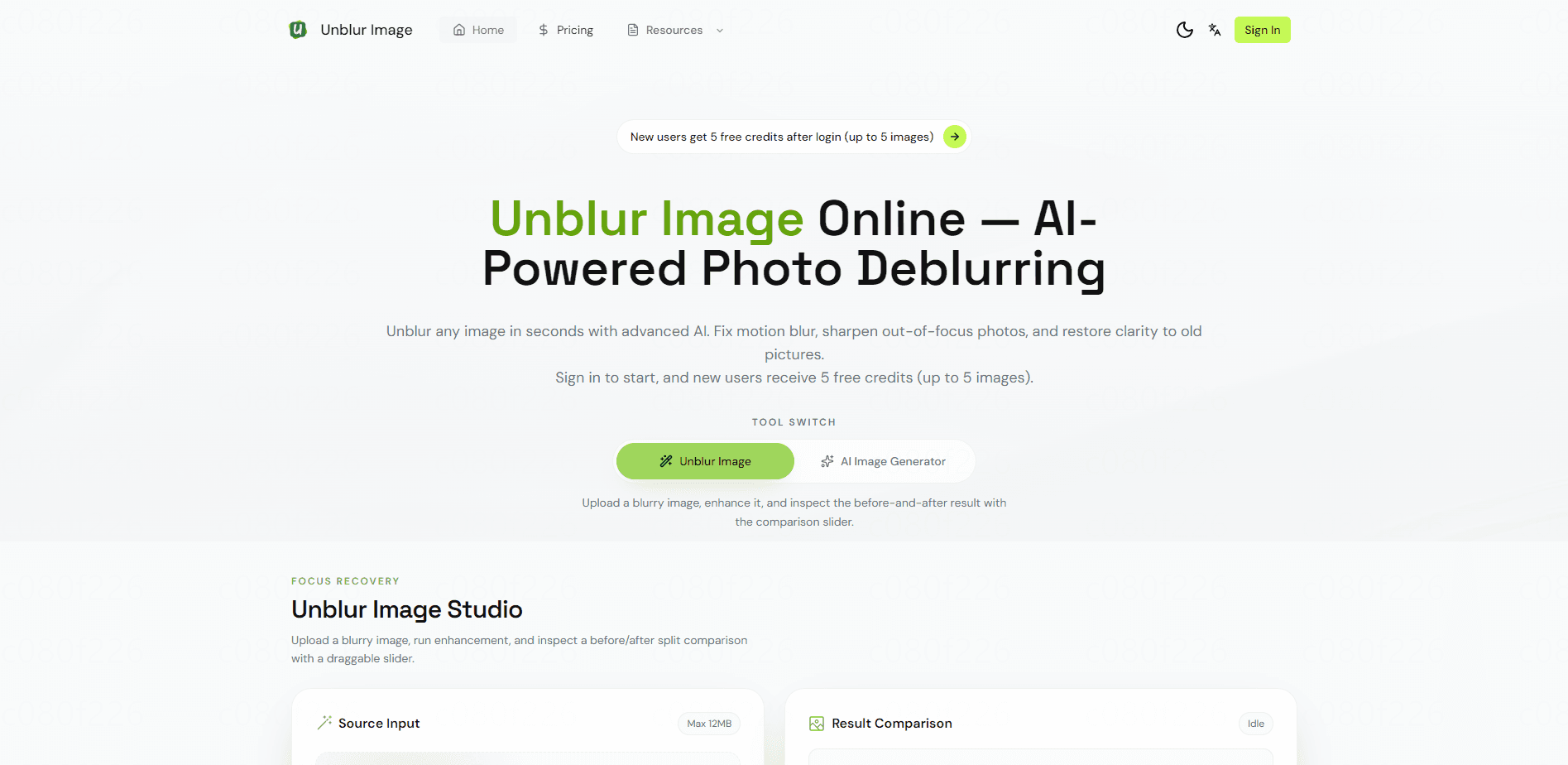
Unblur Image is a browser-based AI photo restoration tool that turns blurry, soft, or out-of-focus pictures into sharper ones within seconds. You don't need to install anything to sharpen an image online. It runs a local AI model right in your browser with no login and no upload, and you can sign in to switch to cloud models when you want higher-fidelity results. The tool handles PNG, JPG, and WEBP files up to 12MB and can output upscaled versions up to 4K.
About Unblur Image
What Is Unblur Image
Unblur Image is an AI photo enhancer built for anyone who has a shot that came out fuzzy and wants it back. There's no editor to learn and no desktop software to install. You pick an image, let the AI model work, and download the result. That's the whole flow.
The pitch that makes it stand out is privacy by default. The core restoration runs as a local AI model inside your browser, so your photos stay on your device unless you deliberately choose the cloud option. That matters if you're dealing with family photos, ID documents, or client work you'd rather not send to a stranger's server. Not everyone cares. But if you do, it's a real difference.
The catch is that the free local mode trades some quality for that privacy and zero cost. You get stronger detail recovery and 4K output only after signing in and spending credits on the cloud models, and paid credits expire a month after purchase. So it isn't fully free at the top end. Worth knowing upfront.
Getting Started
- Open unblur-image.io in a modern desktop browser and drag a PNG, JPG, or WEBP file into the upload area (12MB max).
- Pick your enhancement mode and output size, then let the local AI model process the image without signing in.
- Sign in with email, Google, or GitHub if you want to spend cloud credits for higher-fidelity restoration or 4K upscaling.
- Compare the before-and-after with the slider, then download the restored file, or batch up to 10 images and grab them in a single ZIP.
Product Information
A quick look at Unblur Image's pricing, supported platforms, and performance.
Best for
The users, tasks, and scenarios where this tool fits best.
Users
- Casual photographers
- Privacy-conscious users handling sensitive images
- Social media creators working from phone photos
Tasks
- Fixing motion blur and out-of-focus portraits
- Restoring old or scanned photos
- Upscaling low-resolution images
Scenarios
- Cleaning up a batch of product photos before listing them
- Recovering a single important picture in a hurry
- Preparing images for print or presentation
Key features
Local In-Browser AI Model
The default mode runs the AI restoration model directly in your browser, so your image never gets uploaded anywhere. Think of it as a no login AI photo enhancer that lives on your own machine. It needs no account and no credits, and the process stays on your device. The trade-off is that it leans on your hardware, so a laptop with a weak GPU will feel slower than a desktop.
Cloud AI Restoration
After signing in, you can route images through cloud AI models for better detail recovery and face enhancement. These runs cost credits, and the cloud tier is where the strongest results live. If quality matters more than privacy for a given image, this is the switch you flip.
Face and Detail Enhancement
The enhancer targets the parts people notice first: eyes, skin texture, hair, and fine edges. Instead of applying a global sharpen that amplifies noise, it reconstructs detail that the blur smeared away. That's the difference between a photo that looks crisp and one that just looks artificially harsh. It isn't subtle.
4K Upscaling Output
You can output restored images at 1K, 2K, or 4K resolution. Higher tiers cost more credits, so the choice is a running balance of how large you actually need the final file. For print or big-screen use, 4K is the tier that matters. For a quick social post, it isn't.
Batch Processing and ZIP Download
Paid plans let you queue up to 10 images at once and download everything in a single ZIP. It's a small thing that saves real time when you're processing a whole folder of shots rather than one at a time. The batch feature is tied to paid tiers, not the free local mode.
Before-and-After Comparison Slider
Every result comes with a drag slider that puts the original and the restored version side by side. It's the honest way to judge whether the AI actually helped or just smoothed things over. Close-up portraits and object photos show the differences most clearly. Zoom in on the eyes first. That's where you'll see it.
Pros and cons
Pros
- Local AI mode keeps photos on your device, with no signup required to try it.
- Free daily credits reset automatically, so casual users can test the cloud models without paying.
- 4K upscaling and face enhancement handle detail that basic sharpen tools miss.
- Batch processing and ZIP download cut down the busywork on multi-image jobs.
Cons
- Paid credits expire one month after purchase, so unused balance doesn't roll over.
- The 12MB file cap leaves out large RAW files and high-resolution scans.
- Best results require signing in and spending credits, which undercuts the "free and private" first impression.
- Cloud processing means your image leaves your device, so the privacy edge only applies to the local mode.
Frequently asked questions
Yes, there's a free tier. The local AI model runs without an account, and signed-in users get a daily allowance of free credits that resets at 00:00 UTC, which means you can run a handful of images through the cloud models every single day without ever entering payment details. So you can unblur photo online without paying a cent to start. Heavy use or 4K output will push you onto a paid plan.
Related content
Explore related tools, skills, and articles for Unblur Image.
Unblur Image Alternatives

Google EmbeddingGemma 2
Google DeepMind · Writing · Image · CodingGoogle EmbeddingGemma 2 is a 740M-parameter open model that turns text, code, images, audio, and video frames into vectors in one 768-dimension space, running on phones and laptops.

Tractionwave
TractionWave · Image · MarketingTractionWave is an AI attention heatmap tool for static ads. Upload a PNG or JPG and it returns predicted attention, ranked hotspots, and fixes before you spend budget.

Imejis.io
Imejis.io · Image · MarketingImejis.io is an AI design studio for agents and marketing teams. Describe an image in plain words, and it writes the copy, builds the layout, reflows it to every size, then exports a finished file.