

Undermind
Undermind · Productivity · Leaning
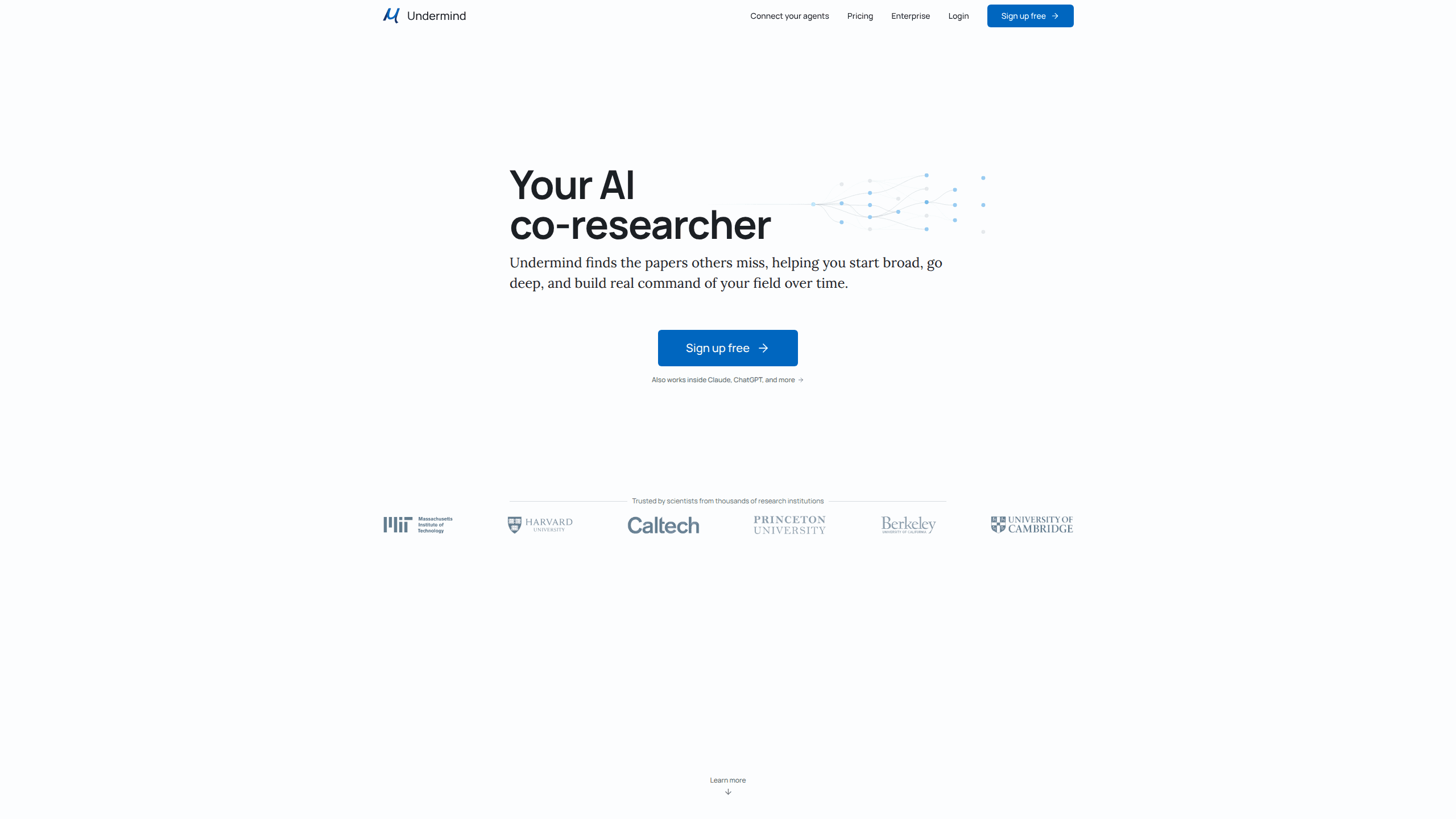
Undermind is an AI research assistant built for reading the scientific literature. You describe a research problem in plain language, answer a few follow-up questions, and the AI literature search tool runs multi-round searches across paper databases, following citation trails until it stops finding new results. Think of it as a research paper finder that hunts down the studies keyword search buries. It reads full texts and figures in its deeper mode, and every statement in a report links back to the source paper, so you can check the claim yourself. It suits graduate students, lab groups and R&D teams who need to find the papers a normal keyword search leaves buried.
About Undermind
What Is Undermind
Undermind is a search engine for scientific literature, but it doesn't work like Google Scholar. Instead of matching keywords, it takes a described research problem and iterates: it plans a search, evaluates what comes back, then adjusts the plan and runs again. That loop is what lets it surface obscure papers a single keyword query would never reach.
The pitch is accuracy on hard questions. When you're scoping a topic for a review or checking whether a claim holds across a whole field, missing one key paper can change your conclusion. It fails quietly. Undermind is aimed at that risk.
The main limits are practical. The free tier caps how much you can run, the deepest full-text analysis sits behind the Pro plan, and the tool is tuned for the scientific literature rather than general web search. Not ideal if you need general results. If your question isn't academic, this isn't the right tool. So who is it for? Researchers who need depth, not breadth.
Getting Started
- Go to undermind.ai and create an account, or sign in with an existing one.
- Describe what you're working on in a sentence or two, then answer the follow-up questions it asks to sharpen the request.
- Start a search and let it run. It reads and evaluates papers, then follows citation trails to extend the set.
- Open the report, follow the in-line citations to any source paper you want to verify, and refine the query from there.
- Save the results to a workspace or paper library so you can return and track updates on the topic.
Product Information
A quick look at Undermind's pricing, supported platforms, and performance.
Best for
The users, tasks, and scenarios where this tool fits best.
Users
- Graduate students and postdocs
- Lab groups and R&D teams
- Industry researchers checking a claim
Tasks
- Literature review and topic scoping
- Finding obscure or hard-to-surface papers
- Extracting details from full texts
- Monitoring a research area
Scenarios
- Starting a new project in an unfamiliar field
- Writing a grant or paper background section
- A quick check before citing
- Tracking a fast-moving area
Key features
Multi-round literature search
Undermind doesn't fire one query and stop. It plans a search, reads the results, then adjusts and runs again. Citation trail search keeps going until it stops finding new material. This is the core of why it catches papers that a straightforward keyword search misses. For a review, that difference is the whole point.
Full-text and figure reading
On the Pro plan, the tool reads complete papers, not just abstracts, and works with figures too. That's what lets it extract specific details and numbers from a study instead of summarizing a title. Real numbers, not vague summaries. If your question depends on methods or results buried inside a paper, this is where it earns its keep.
Citation-backed reports
Every statement in an Undermind report carries an in-line citation. You can follow any claim back to the source paper and read it yourself. That traceability is the feature that makes the output usable in academic work, where an unsourced sentence is worth nothing.
Verification and tracing
Because citations are in line, checking the tool's work is a click, not a research project. You read the source, decide whether the summary is fair, and move on. It turns the tool from a black box into something you can actually audit.
Shared workspaces and paper libraries
Free and paid accounts can collaborate on shared workspaces, and Pro removes the limits on workspaces, files and paper libraries. Teams use this to keep one living collection of sources instead of scattering PDFs across drives. The payoff is simple. Your sources stay in one place. It's the part that supports ongoing research rather than one-off queries.
Agent connections
Undermind connects to your AI agents, including Claude and ChatGPT. So you can route a literature search from inside a tool you already use, rather than switching to another tab. The default AI models run on the free tier; Pro unlocks the latest, most powerful ones.
Topic monitoring
You can register areas of interest and let Undermind watch them, notifying you when important updates land. For a field that moves fast, that turns literature tracking from a periodic chore into a background process. Set it and forget it.
Pros and cons
Pros
- Iterative search surfaces obscure papers that single-pass keyword tools skip.
- In-line citations on every statement make the output verifiable, statement by statement.
- Free tier is genuinely usable for exploratory searches, so you can test it before paying.
- Shared workspaces and libraries fit how lab groups and teams actually work.
- Connects to Claude, ChatGPT and similar agents, so it slots into an existing workflow.
Cons
- The deepest full-text and figure analysis sits behind Pro, so the free tier gives you a thinner version of the product.
- Free accounts carry standard rate limits on chats and searches, which can slow heavy use.
- Usage caps scale by plan, and teams that run large numbers of searches may hit those limits.
- It's built for the scientific literature, so it isn't useful for general or commercial questions.
- Pricing is billed annually on the paid tiers, which is a commitment if you only need it briefly.
Frequently asked questions
It runs multi-round searches across the scientific literature, reads the papers, and returns a report where each statement is cited to its source. You describe the research problem. It handles the searching and tracing.
Related content
Explore related tools, skills, and articles for Undermind.
Undermind Alternatives

Swms
Swms AI · Writing · Productivity · BusinessSwms is an AI safety compliance tool that turns a plain description of a job into ready-to-use safety documents. Describe your project, trade, and known hazards, and it writes a safe work method statement, job hazard analysis, safe work procedure, RAMS, or safety data sheet in seconds. It also ships with Oscar, a chat assistant that answers workplace safety questions in any language. Teams in construction, mining, transport, and warehousing use it to cut the paperwork that usually eats into a workday.

Wordly AI Translation
Wordly · Voice & Language · ProductivityWordly AI Translation is a real-time AI translation and captioning platform built for meetings, conferences, and events. It delivers live translation, captions, transcripts, and summaries in more than 60 languages, and attendees join by scanning a QR code or opening a link instead of using dedicated headsets. The platform works with Zoom, Microsoft Teams, Google Meet, and Webex, and it's designed for organizations that want multilingual access without hiring human interpreters for every session. Simple as that.

Rows
Rows (Superhuman) · Productivity · BusinessRows is an AI spreadsheet and data analysis tool that imports live data from more than 50 sources, then lets you work with it using plain language instead of SQL queries or nested formulas. You can pull numbers out of PDFs, connect ad platforms, databases, and bank accounts, and ask the AI to build reports, merge datasets, or set up models that recalculate themselves. It runs in the browser, works like a spreadsheet, and now sits under the Superhuman umbrella.