

Unloop
Unloop · Productivity · AI Assistant
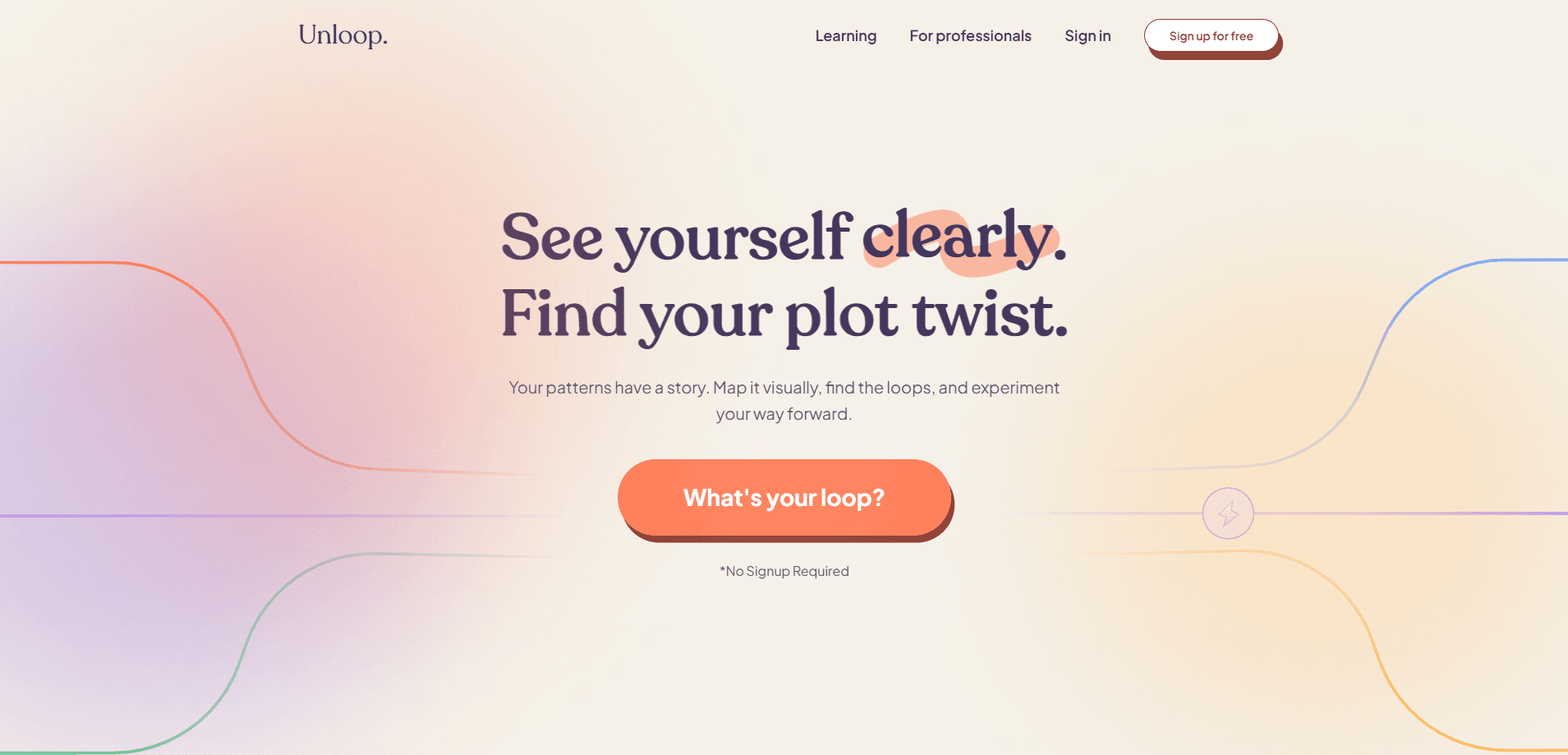
Unloop is a visual pattern mapping tool built for neurodivergent people who want to understand how their own habits, triggers, and reactions fit together. No checklist. No script. It gives you a canvas where you map triggers, spirals, actions, and outcomes, then lets an AI assistant point out loops you might've missed. You leave with a clearer picture of what keeps repeating, plus small experiments you can run to break the cycle.
About Unloop
What Is Unloop
Unloop is a web-based pattern mapping tool aimed at people whose brains work differently. The pitch is simple: you're not broken, you're running loops, and loops have variables you can change. You sit down, draw out what actually happens in a recurring situation, and the repeating structure becomes visible.
The problem it tackles is a familiar one for anyone dealing with ADHD, anxiety, or constant overthinking. You fix one thing, feel better for a week, then the same behavior patterns pop up somewhere else. Mapping replaces fixing, at least for a while. Once a loop is on the page, you can see where to push.
The catch is that nothing here is prescriptive. Unloop won't tell you what's wrong or hand you a treatment plan, and it isn't a therapy substitute. It's a thinking surface. If you want a tool that decides for you, this isn't it.
Getting Started
- Open unloop.so in a browser and start a new map. There's no download step.
- Drop your starting point onto the canvas, usually a trigger or a moment that keeps bothering you.
- Add the pieces around it: the thoughts that follow, the feelings, and the behavior you end up doing.
- Let the AI pass look for a closed loop, then name the pattern in your own words.
- Design one small experiment to test a single variable, and record what happens next time.
Product Information
A quick look at Unloop's pricing, supported platforms, and performance.
Best for
The users, tasks, and scenarios where this tool fits best.
Users
- Adults with ADHD or autism who think in pictures and get lost in list-based apps
- People stuck in therapy-adjacent self-work who want to see patterns instead of reading advice
- Journalers who've filled notebooks but never spotted the loop underneath
Tasks
- Mapping a recurring reaction, from the trigger through to the outcome
- Finding the loop behind procrastination or an anxiety spiral
- Turning a vague "I keep doing this" into a named, testable pattern
Scenarios
- A rough week where the same argument keeps happening and you can't see why
- Replacing a notes app that's grown into an unreadable wall of text
- Preparing something concrete to bring to a therapist or coach session
Key features
Visual Canvas for Mapping Patterns
The core of Unloop is a blank canvas where you place nodes and connect them. You start with something that keeps happening, then branch out into the thoughts, emotions, and actions that hang off it. Seeing all of them sitting side by side on a single screen, linked by lines you drew yourself, is what makes a loop obvious in a way that a paragraph of self-analysis never quite manages. For visual thinkers, that beats re-reading your own notes every time.
AI-Assisted Loop Detection
Once your map has some shape, an AI pattern finder reads it and flags what you might've overlooked. It can point out that two of your loops share the same trigger, or that a step you thought was the ending actually feeds back to the start. Think of it as a second pair of eyes, not an authority. You still decide whether the call is right.
Small Experiment Design
Unloop nudges you to change one variable at a time and observe what happens. That's the part most self-help tools skip. Rather than a grand overhaul, you test a single tweak for a week, note the result, and resist the urge to change five other things at the same time. If the loop shifts, you learned something real about your own wiring.
Personal, Non-Prescriptive Output
There are no scripts, no diagnosis, and no canned advice. Every map is yours, filled with your words and your specifics. That keeps this self-discovery tool honest for people who've bounced off one-size-fits-all apps. Put in more detail, get more back.
Named Patterns You Can Revisit
Each map becomes a saved pattern you can name and come back to. Over months, that adds up to a personal library of your own loops. So what does that get you? A quick way to check whether something shifted or just went quiet after a change. Revisit an old map and compare.
Pros and cons
Pros
- Mapping on a canvas suits visual thinkers far better than text-heavy journals
- The AI pass surfaces connections people miss when reading their own notes
- One-variable experiments turn vague self-reflection into something you can actually test
- No prescription and no generic advice, so the work stays yours
- Runs in the browser, so there's nothing to install and you can work from any device
Cons
- It's a thinking tool, not treatment, so anyone hoping for guided therapy will be disappointed
- The canvas asks a fair bit of you up front, and a blank page can stall the exact people it's built for
- Pricing details weren't published anywhere I could confirm, so budgeting means checking the site directly
Frequently asked questions
It's a visual mapping tool that helps you lay out the triggers, thought patterns, feelings, and behaviors behind a recurring pattern. The point is to see the loop clearly, then test small changes. It's about understanding your patterns, not being told what to do.
Related content
Explore related tools, skills, and articles for Unloop.
Unloop Alternatives

Swms
Swms AI · Writing · Productivity · BusinessSwms is an AI safety compliance tool that turns a plain description of a job into ready-to-use safety documents. Describe your project, trade, and known hazards, and it writes a safe work method statement, job hazard analysis, safe work procedure, RAMS, or safety data sheet in seconds. It also ships with Oscar, a chat assistant that answers workplace safety questions in any language. Teams in construction, mining, transport, and warehousing use it to cut the paperwork that usually eats into a workday.

Wordly AI Translation
Wordly · Voice & Language · ProductivityWordly AI Translation is a real-time AI translation and captioning platform built for meetings, conferences, and events. It delivers live translation, captions, transcripts, and summaries in more than 60 languages, and attendees join by scanning a QR code or opening a link instead of using dedicated headsets. The platform works with Zoom, Microsoft Teams, Google Meet, and Webex, and it's designed for organizations that want multilingual access without hiring human interpreters for every session. Simple as that.

Rows
Rows (Superhuman) · Productivity · BusinessRows is an AI spreadsheet and data analysis tool that imports live data from more than 50 sources, then lets you work with it using plain language instead of SQL queries or nested formulas. You can pull numbers out of PDFs, connect ad platforms, databases, and bank accounts, and ask the AI to build reports, merge datasets, or set up models that recalculate themselves. It runs in the browser, works like a spreadsheet, and now sits under the Superhuman umbrella.