
Unstuck AI
Unstuck Study AI · Leaning
Unstuck Study AI is a web-based study assistant that answers questions, summarizes documents, and transcribes audio or video. As an AI homework help tool, it gives free accounts 10 credits, and paid plans run from $4 to $23 per month.
About Unstuck AI
What Is Unstuck Study AI
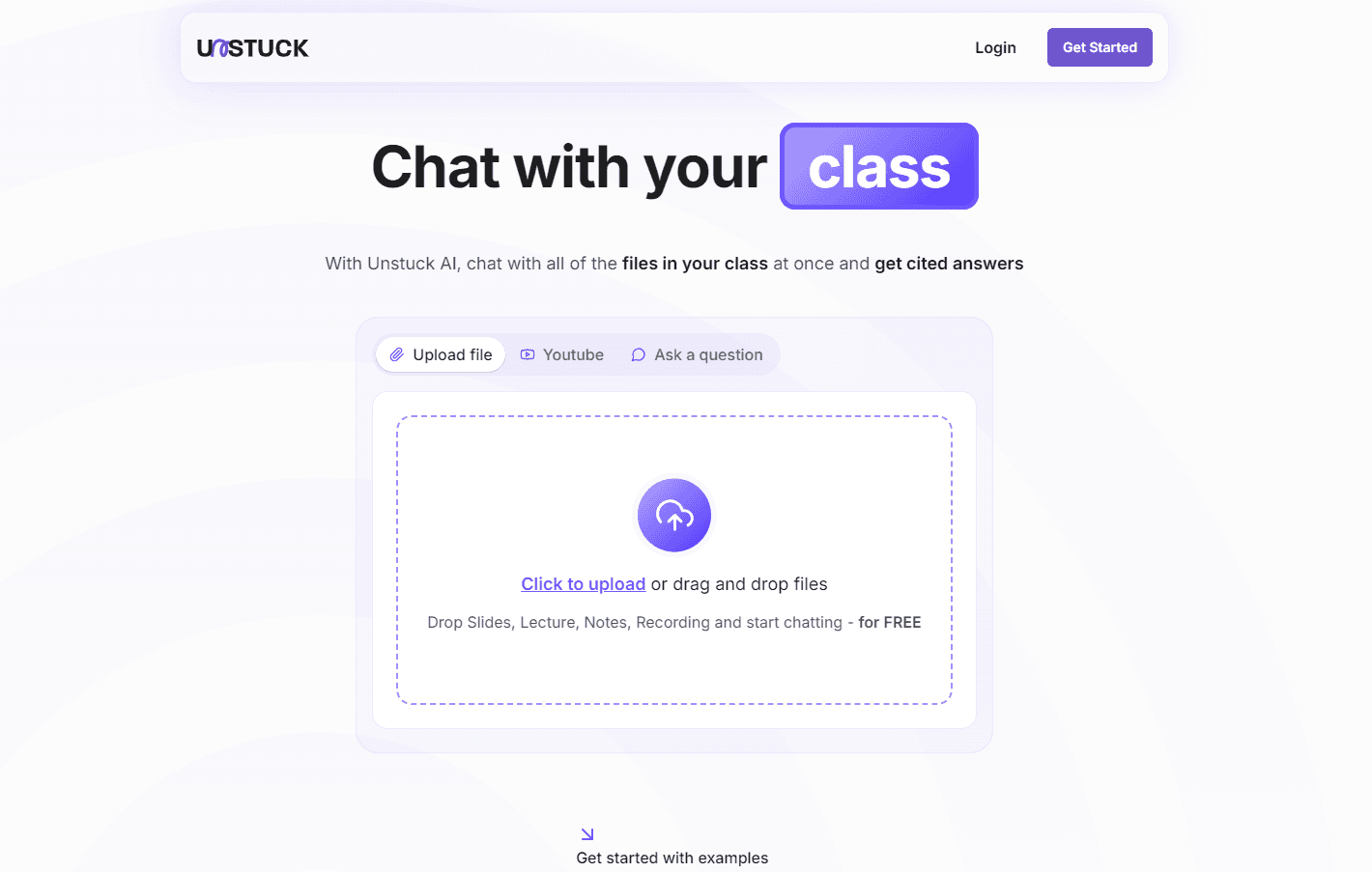
Unstuck Study AI is a learning assistant that runs in a browser at unstuckstudyai.com. Students upload homework, paste a question, or share a YouTube link, and the tool answers in steps. It also turns long documents into summaries and pulls text out of audio and video files.
The tool targets the moment a student is stuck: a problem set due tomorrow, a reading that makes no sense, a lecture recording that needs notes. Rather than a general chatbot, it acts as an AI tutor, framing each answer as part of a study loop, from asking through practice to review.
The catch is the credit system. Every action costs learning credits, and the free tier gives you only 10 of them. Document analysis and transcription burn credits faster than plain questions, so heavy users end up on a paid plan.
Getting Started
- Create an account at unstuckstudyai.com and describe your learning goals and current level.
- Upload homework, paste a question, or drop in a document, YouTube link, or audio file.
- Read the step-by-step explanation and follow the reasoning rather than copying the answer.
- Work through the practice exercises the tool suggests to lock in what you learned.
Product Information
A quick look at Unstuck AI's pricing, supported platforms, and performance.
Best for
The users, tasks, and scenarios where this tool fits best.
Users
- High school and college students who get stuck on homework late at night
- Learners juggling readings and lecture recordings
- Students who want the reasoning, not just the answer
Tasks
- Breaking down a hard problem
- Turning a long PDF into a short brief
- Getting notes from a lecture video
Scenarios
- Exam week with several subjects at once
- Working through a foreign-language text
- Catching up on a missed class
Key features
Step-by-step question answering
Ask Unstuck Study AI a question and it walks through the solution rather than dropping a final number. You can type a prompt or upload homework, and the reply breaks the problem into stages with the reasoning shown. For students who need to reproduce the method on a test, the explanation matters more than the answer itself. Each question draws on your learning credits.
Document summaries and analysis
The document tool reads a PDF, an essay, or a set of notes and returns a condensed version with the main points. It works for revision, for skimming a long reading, or for checking whether you understood a text. Advanced document analysis sits on the Premium plan, while the Basic and Pro tiers get the simpler summaries.
Audio and video transcription
Upload a recording or link a video, and the tool turns speech into editable text. Lecture capture, a recorded seminar, or a YouTube explainer all come out as a transcript you can search, quote, or summarize. This is the feature that eats the most credits, so it rewards the higher plans.
YouTube learning assistance
Paste a YouTube URL and the tool works with the video's content, pulling out explanations and key sections. Instead of scrubbing through an hour-long tutorial, you get the parts that answer your question. It pairs well with transcription when you want both the raw text and a shorter read.
Personalized practice and progress tracking
After you work through a topic, the tool suggests practice exercises and tracks your progress over time. The analytics flag strong areas and weak ones, so revision targets what needs work. This closes the study loop that plain question answering leaves open.
Pros and cons
Pros
- Free tier available with 10 credits and no credit card required.
- Answers come as step-by-step explanations, not just final results.
- Document summaries and transcription cover reading and recorded material alike.
- Plans start at about $4 a month for casual use.
- Credits refresh monthly, and yearly plans get the full allocation up front.
Cons
- The free plan is small at 10 credits, so most regular users need to pay.
- Credit costs vary by action, and transcription drains them quickly.
- It runs in the browser only, with no dedicated mobile app.
Frequently asked questions
Yes. A free account gives you 10 learning credits and access to the core AI features, with no credit card required. Credits are personal use only, and you need to log in to spend them.
Related content
Explore related tools, skills, and articles for Unstuck AI.
Unstuck AI Alternatives

HireKey
HireKey · Voice & Language · Productivity · LeaningHireKey is an AI job search copilot built by a former tech recruiter. It checks role fit, tailors resumes, runs interview practice and tracks every application.

Lune
Retrograde Labs · Productivity · LeaningLune is a research search engine for scientific AI agents. It runs as an MCP server that lets Claude, ChatGPT and Cursor search peer-reviewed computer science papers and cite them.
Coddy
Coddy · Coding · LeaningCoddy is a gamified platform to learn to code through short interactive lessons in 20+ languages, with a browser editor, an AI tutor and free certificates.