

UpFoto - AI Photo Enhancer
AI Photo Team · Image
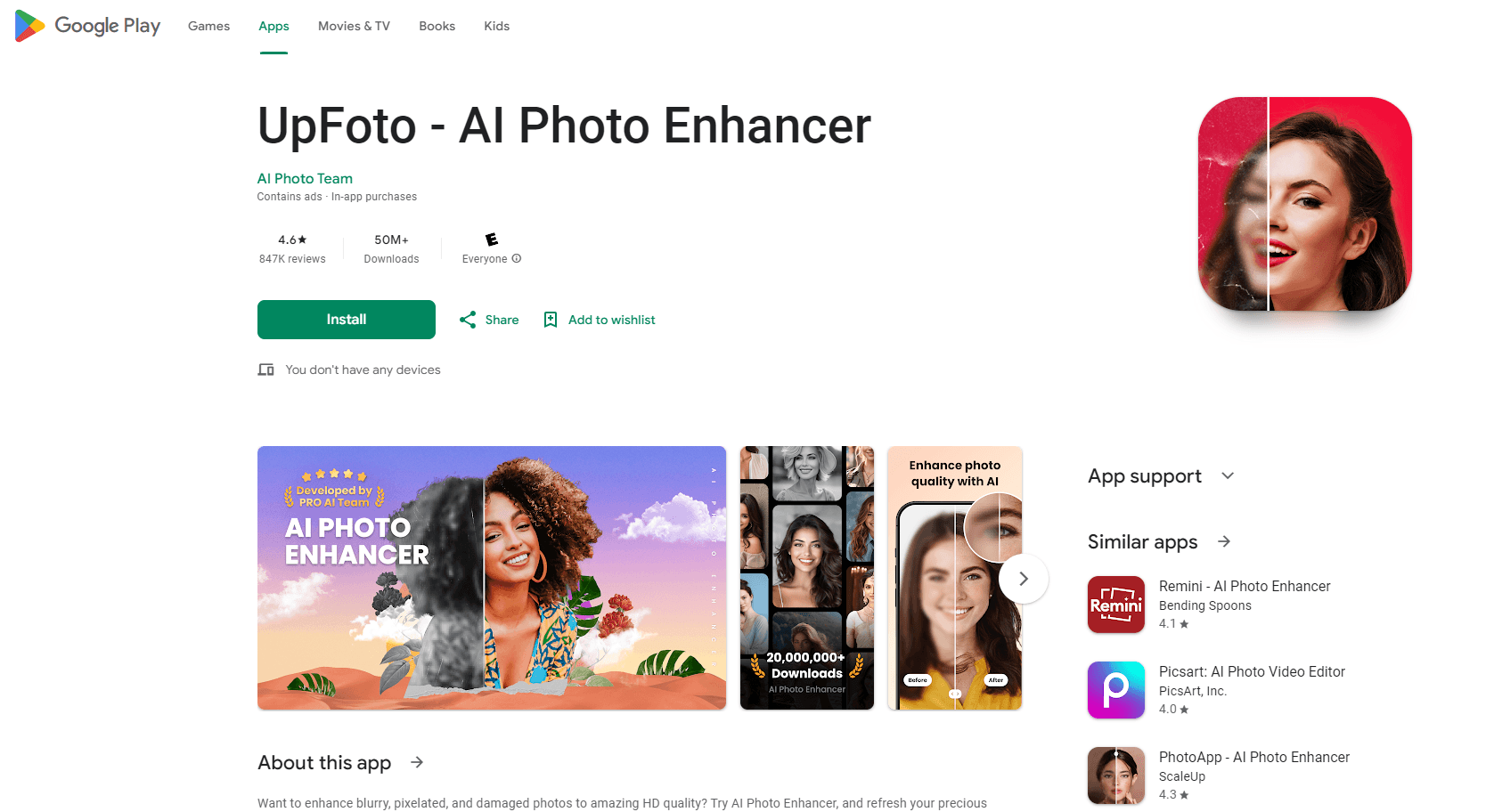
UpFoto - AI Photo Enhancer is an Android app that restores and sharpens old, blurry, or damaged photos with one tap.
About UpFoto - AI Photo Enhancer
What Is UpFoto - AI Photo Enhancer
UpFoto - AI Photo Enhancer is an Android photo restoration and enhancement app built for people who have photos worth saving and no idea how to fix them in professional editing software. AI Photo Team ships it as a one-tap tool: you pick an image, choose what you want done, and the app handles the rest. It covers the usual rescue jobs, like bringing back detail in a blurry shot, cleaning up scratches on a family photo, or adding color to an old black-and-white print.
The app leans on upscaling as its headline trick. It claims to increase resolution by 200%, 500%, or even beyond 800%, which is the pitch that pulls most people in. Portrait details get the same attention, so faces in selfies and group shots come out looking more defined instead of waxy. That sells well. The reality is messier.
It's not a full Photoshop replacement, and it isn't trying to be. Editing depth is limited, results vary a lot between photos, and the useful features sit behind a paywall that reviewers complain about. If you need fine control over masks, layers, or color grading, this app will frustrate you. It's a rescue tool for ordinary photos, not a studio suite.
Getting Started
- Install UpFoto - AI Photo Enhancer from Google Play and open it.
- Grant access to your photo library when the app asks, or take a new photo inside it.
- Pick a photo and tap the effect you want, such as Restore, Unblur, Colorize, or Cartoonize.
- Wait for the AI to process the image, then compare the before and after preview.
- Save the result to your gallery or share it straight to social media.
Product Information
A quick look at UpFoto - AI Photo Enhancer's pricing, supported platforms, and performance.
Best for
The users, tasks, and scenarios where this tool fits best.
Users
- Families with old photos
- Casual social media users
- Small business owners
Tasks
- Restoring damaged family photos
- Unblurring a shaky shot
- Colorizing black-and-white photos
- Upscaling a low-resolution image
Scenarios
- Digitizing a family archive
- Prepping a profile picture
- Reviving a marketplace listing photo
Key features
One-Tap Old Photo Restoration
The core job is repair. UpFoto - AI Photo Enhancer takes a damaged, scratched, or faded photo and rebuilds the missing detail, which is the reason most people download it. Old family prints that have gone yellow or picked up creases are the typical targets, and the app handles them without any manual retouching. No layers. No masks. The catch is that heavily damaged areas can come back looking smoothed over rather than truly reconstructed.
AI Photo Upscaling to HD
Resolution boosting is the app's loudest claim. It says it can raise a photo's resolution by 200%, 500%, or over 800%, turning a small, grainy image into something closer to HD. In short, it works as an AI photo upscaler. This matters for people who have a low-resolution scan they want to print or post larger. The output looks impressive on simple subjects but can go soft on busy backgrounds.
Unblur and Sharpen
Blurry photos from camera shake, motion, or a weak lens get a sharpening pass. It works best when the original still holds some underlying detail, like a slightly soft portrait or a shot taken in poor light. If a face is nothing but a smear, no amount of AI will recover it, so expectations should stay realistic here. That's just how it goes.
Photo Colorization
Black-and-white photos can get color added back with a single tap. For anyone with old family portraits shot in monochrome, this is one of the more satisfying features, since the result is instantly visible. Colors are estimated rather than historically accurate, so skin tones and clothing can drift from the truth. If you want to colorize black and white photos of relatives, expect pleasing results, not archival-grade accuracy.
AI Cartoon Maker and Avatars
Push a photo through the cartoon filter and it comes back as a stylized illustration, which the app also turns into AI avatars for social profiles. It's a quick way to get a custom profile picture without learning design software. Want to cartoonize photos of yourself? One tap does it. Results are fun but inconsistent, and the app pushes you toward paid credits for repeat use.
Selfie and Portrait Beautification
Portrait mode auto-detects faces in selfies and group photos, then tightens up facial detail and skin texture. The goal is a cleaner, more polished look rather than an obvious retouch. It handles single faces well; crowded group shots are hit or miss. When it works, the difference is subtle but real.
Built-In Photo Editor and Filters
Beyond the AI tools, there's a basic editor with filters and adjustment tools for finishing touches. It covers brightness, color, and standard one-tap looks, which is enough for quick social posts. It won't replace a dedicated editor for anyone who wants layered, precise control. Think of it as a bonus, not the main event.
Real-Time Photo Enhancement
The app supports enhancing photos as you take them, so the improved version can be previewed without a separate editing step. It suits casual shooting where you want the sharpened result right away. It's a convenience feature more than a professional workflow tool.
Pros and cons
Pros
- One-tap workflow makes photo restoration accessible with no editing experience.
- Strong upscaling claims, with resolution boosts up to 800% and beyond for small images.
- Genuinely useful colorization for old black-and-white family photos.
- Wide feature set covers restoration, unblurring, cartoon avatars, and basic editing in one app.
- Free to download, and large install base (100M+ downloads, 4.7 stars) signals it works for many users.
Cons
- The most useful features sit behind in-app purchases, with reviewers calling out one courtesy credit before charges kick in.
- Paid pricing climbs high for heavy use, ranging from $1.48 to $139.99 per item.
- Results vary by photo, and heavily damaged or very blurry images can come back looking artificially smoothed.
- Colorization is estimated, so added colors are often not historically accurate.
- Editing depth is limited, so it won't replace a full photo editor for advanced work.
Frequently asked questions
It's an Android app that uses AI to restore, unblur, upscale, and colorize photos. Its main selling point is reviving old, blurry, or damaged images and pushing small photos up to HD resolution.
Related content
Explore related tools, skills, and articles for UpFoto - AI Photo Enhancer.
UpFoto - AI Photo Enhancer Alternatives

Google EmbeddingGemma 2
Google DeepMind · Writing · Image · CodingGoogle EmbeddingGemma 2 is a 740M-parameter open model that turns text, code, images, audio, and video frames into vectors in one 768-dimension space, running on phones and laptops.

Tractionwave
TractionWave · Image · MarketingTractionWave is an AI attention heatmap tool for static ads. Upload a PNG or JPG and it returns predicted attention, ranked hotspots, and fixes before you spend budget.

Imejis.io
Imejis.io · Image · MarketingImejis.io is an AI design studio for agents and marketing teams. Describe an image in plain words, and it writes the copy, builds the layout, reflows it to every size, then exports a finished file.