

Vadu AI
Vadu AI · Image · Video
Vadu AI is a web-based AI video generator that turns written prompts or still images into short clips, and it can also generate images on its own. You type what you want, pick a model and style, and the platform renders the result in minutes. A free plan covers light testing, while paid tiers run from $9 to $77.40 per month based on how many credits you burn.
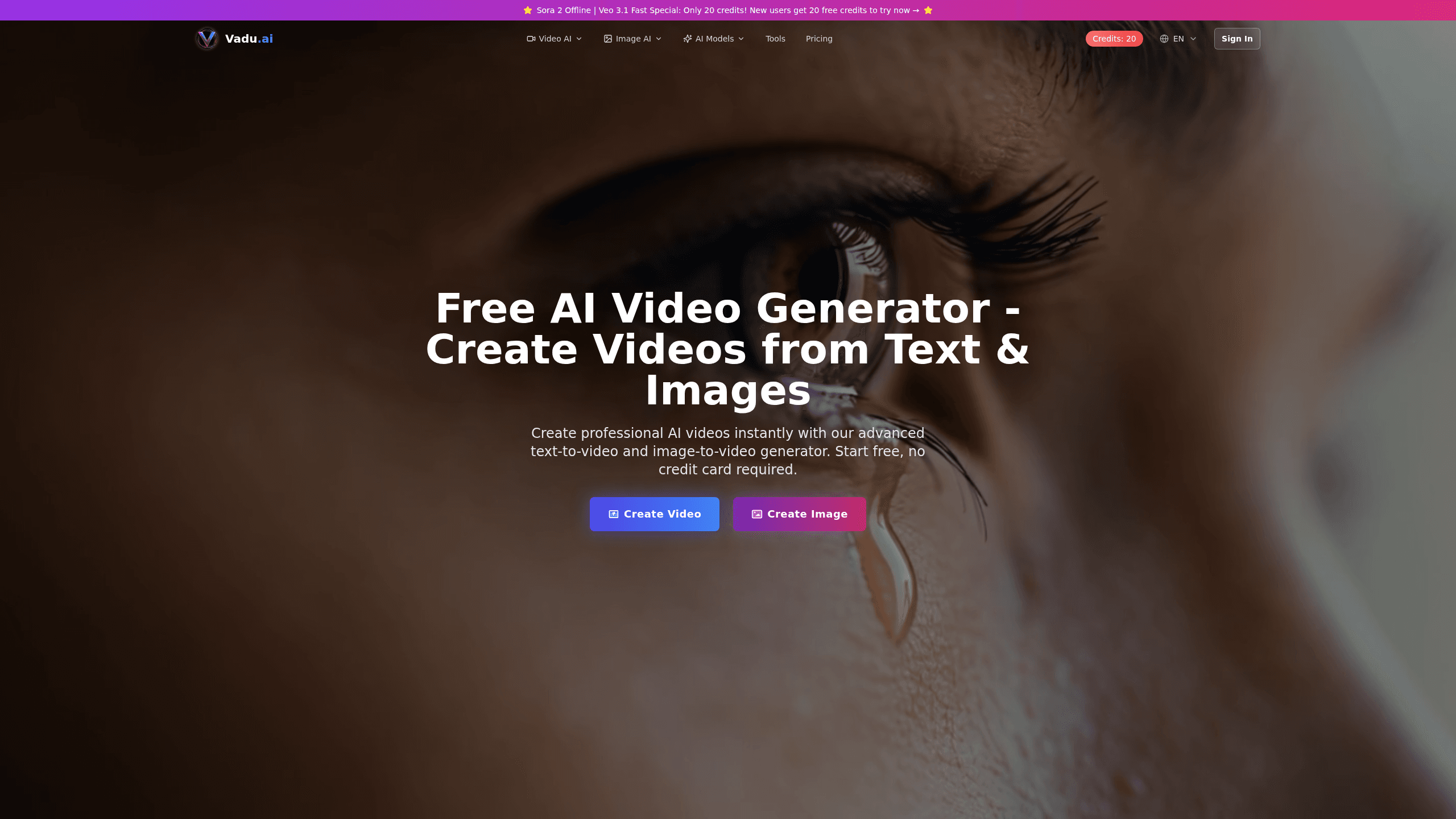
About Vadu AI
What Is Vadu AI
Vadu AI is an online content creation platform built around AI video and image generation. It bundles four things most creators juggle across separate tools: text to video, image to video, video enhancement, and image creation. The company behind it, also called Vadu AI, positions the product for content creators, marketers, educators, and small creative teams who want finished visuals without editing experience.
The main appeal is speed and range. Instead of learning a video editor, you describe a scene and let the model handle motion, lighting, and pacing. It's fast. The site claims over 1.2 million creators and lists 20+ visual styles, from photorealistic to anime and 3D render. Prompt support covers 17 languages.
I have no idea how these figures hold up in practice, since the number comes straight from Vadu AI's own homepage.
The main limits are worth stating up front. Video generation isn't cheap in compute terms, so credits disappear fast. A single clip can cost 10 to 50 credits depending on length and quality, and unused credits don't roll over. The whole product runs in a browser, so there's no desktop app or mobile app to install.
Getting Started
- Go to vadu.ai and create a free account with an email address, no credit card needed.
- Pick a generator: text to video, image to video, or the image creator.
- Write a prompt describing your scene, then choose an AI model and a visual style.
- Set the clip length and quality, since these drive the credit cost.
- Hit generate and wait for the render, then download the finished file.
Product Information
A quick look at Vadu AI's pricing, supported platforms, and performance.
Best for
The users, tasks, and scenarios where this tool fits best.
Users
- Social media creators
- Marketers
- Educators
- Hobbyists and beginners
Tasks
- Turning a script or idea into a short video
- Animating a still image
- Enhancing or restyling existing footage
- Generating standalone images
Scenarios
- Building a batch of short-form clips for a weekly content calendar.
- Drafting ad or product visuals before a client approval round.
- Creating cover art and thumbnails for a video or article.
- Producing multilingual marketing assets for a global audience.
Key features
Text to Video
This is the headline feature. You describe a scene in plain language, and Vadu AI renders a moving video from it. The site advertises HD quality and multiple styles, so the same prompt can come out photorealistic or stylized. No timeline, no keyframes. Just text in, clip out. It's the fastest route from idea to clip for people who've never cut a video before.
Image to Video
Upload a photo, illustration, or graphic and the tool animates it with motion and camera effects. This works well for bringing static artwork or product shots to life. Movement can look uncanny if the source is busy. Motion quality depends on the source image and the model you pick, so give it a clean, well-lit input for the best results.
Video Enhancement
You can push existing footage through AI transforms, including style transfer and 4K upscaling. That makes it useful for improving phone clips or giving old footage a new look. Credits for effects run 5 to 20 each, so a few passes add up.
AI Image Generator
Beyond video, Vadu AI creates still images from prompts, priced at 1 to 10 credits depending on resolution and model. This covers thumbnails, social graphics, and background art. It's a handy add-on if you already use the video side and want matching static assets.
Multi-Model Access
Vadu AI works as an AI video maker and image generator in one place. It pulls from several video and image models rather than locking you to one. Each is tuned for different jobs, so you can trade speed against quality per project. Paid tiers give you the advanced models. The free plan sticks to the core set.
Style and Language Range
The platform lists 20+ artistic styles and prompt support for 17 languages. That range matters if you create for more than one audience or want a consistent aesthetic across a campaign. You can also save custom presets to reuse a look.
Pros and cons
Pros
- Covers text to video, image to video, video enhancement, and image generation in one browser tool.
- Free plan and 7-day trial on paid tiers let you test before committing.
- Multi-model support lets you match the model to the task instead of settling for one.
- Supports 17 languages and 20+ styles, useful for global and stylized content.
- Enterprise-grade API is available for developers who want to integrate generation.
Cons
- Credits drain quickly: a single video can cost 10 to 50 credits, so heavy use gets expensive.
- Unused credits don't roll over, meaning low-usage months waste part of your plan.
- Browser-only access means no mobile app or desktop download for offline or on-the-go work.
- Fine control is limited compared with a full editing suite, so precise trims and cuts still need a separate tool.
Frequently asked questions
Vadu AI generates short videos and images from text prompts or uploaded images. People use it for social clips, ads, thumbnails, and quick visual concepts without editing software.
Related content
Explore related tools, skills, and articles for Vadu AI.
Vadu AI Alternatives

X Ray Interpreter
X-ray Interpreter · ImageX Ray Interpreter is a web-based AI radiology tool that turns X-rays, CT scans, MRI, ultrasound, and PET images into plain-language reports. You upload a scan, get a preliminary X-ray interpretation in moments, then ask follow-up questions if something needs explaining. It works as a second opinion and a learning aid, not as a medical diagnosis.

Aieasypic
AIEasyPic · ImageAIEasyPic is an AI image generator that turns plain text prompts into finished artwork in seconds. You can also train custom models on your own photos, swap faces in existing images, and create short video clips from text, all from a browser. It suits casual creators who want quick visuals and hobbyists who want to build a personal model without touching any code.

Chargen
Chargen · ImageChargen is an AI character generator and worldbuilding toolkit built for Dungeons & Dragons and other tabletop RPGs. It turns a one-line idea into a painted character portrait, spins up NPCs, monsters, maps and encounters from the same session, and keeps every creature's details close at hand. The tabletop RPG art side runs on a credit system called Gold, while the text generators stay free for everyone.