

VC Maker
VC Maker (Visual Cover Maker) · Image
VC Maker is a free browser-based tool that turns plain images into music cover art. Users add titles, artist names, filters, and player elements, then download covers in high quality.
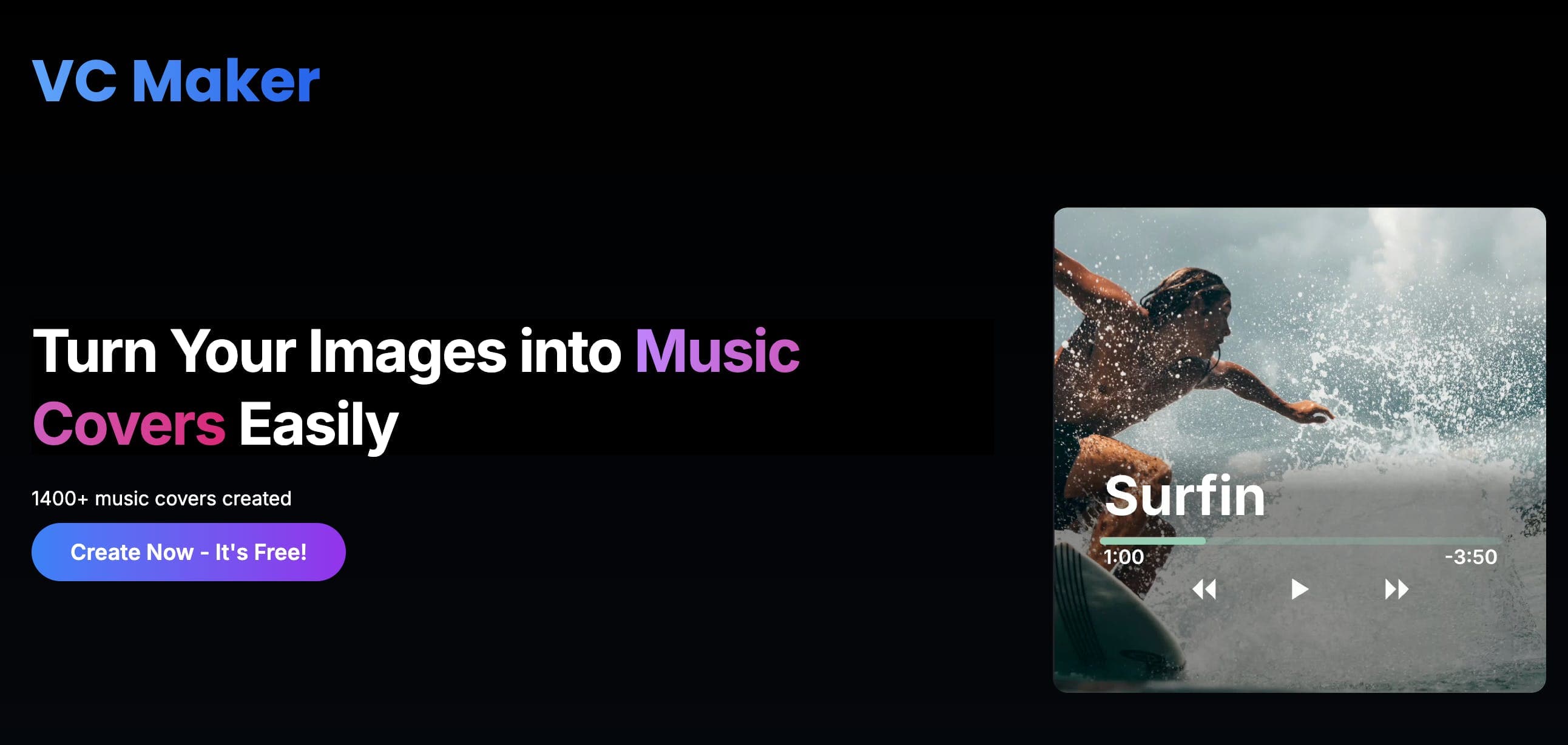
About VC Maker
What Is VC Maker
VC Maker, short for Visual Cover Maker, is an online design tool built for music cover artwork. It runs entirely in the browser, so nothing needs to be installed before a user starts designing.
The tool focuses on one job: taking an ordinary image and layering text, visual effects, and music-themed elements on top of it. The result is a cover ready for a song, single, playlist, or social post.
According to the site, it works without an account and stores no personal data on its servers, because all processing happens locally in the browser.
Getting Started
- Open visualcovermaker.com and click Create Now to enter the editor.
- Upload a base image from the device.
- Add a title, caption, or artist name with the text tools.
- Drop in music player elements and apply a filter or effect.
- Download the finished cover in high quality or share it to social media.
Product Information
A quick look at VC Maker's pricing, supported platforms, and performance.
Best for
The users, tasks, and scenarios where this tool fits best.
Users
- Independent musicians and bedroom producers who need quick cover art.
- Podcasters and spoken-word creators who want matching episode visuals.
- Social media managers building promo posts for tracks or playlists.
Tasks
- Turning a plain photo into a finished music cover.
- Adding titles, captions, and artist names to an image.
- Applying filters, effects, and music player overlays.
- Exporting a high-quality cover for release or sharing.
Scenarios
- Releasing a single or demo without a design budget.
- Building cover art for a playlist or mixtape.
- Making matching social posts to promote a new track.
Key features
Titles and Captions
The editor adds custom text directly onto an uploaded image. Users set a song title or a short caption, then place it anywhere on the canvas.
Artist Name Highlighting
A dedicated text layer puts the artist name front and center. It keeps branding consistent across a series of covers, which matters when a creator releases several tracks a month.
Music Player Overlays
The tool drops music player controls and playback elements onto an image. These cues signal that the artwork belongs to a track, not a generic photo.
Image Filters
A set of filters changes the mood of a base image in one click. Users pick a look that fits the genre, from muted and grainy to bold and warm.
Easy High-Quality Download
Finished covers export in high quality, so they hold up on streaming platforms and social feeds. The download step needs no extra software.
Direct Social Sharing
Covers can be shared straight to social media from the tool. This saves creators the step of saving a file and re-uploading it elsewhere.
Pros and cons
Pros
- Free to use with no account required.
- Runs in the browser on desktop and mobile devices.
- Combines text, filters, and music elements in one editor.
- Processes data locally, so no personal files are stored on servers.
- Exports high-quality covers ready for release or sharing.
Cons
- Focused on music covers, so it's not a full design suite.
- No paid tier or advanced export options listed.
- Output depends on the quality of the base image a user provides.
- No public API for automated or bulk cover generation.
Frequently asked questions
VC Maker, also called Visual Cover Maker, is a free online tool that turns images into music cover designs with customizable text and visual elements.
Related content
Explore related tools, skills, and articles for VC Maker.
VC Maker Alternatives

Google EmbeddingGemma 2
Google DeepMind · Writing · Image · CodingGoogle EmbeddingGemma 2 is a 740M-parameter open model that turns text, code, images, audio, and video frames into vectors in one 768-dimension space, running on phones and laptops.

Tractionwave
TractionWave · Image · MarketingTractionWave is an AI attention heatmap tool for static ads. Upload a PNG or JPG and it returns predicted attention, ranked hotspots, and fixes before you spend budget.

Imejis.io
Imejis.io · Image · MarketingImejis.io is an AI design studio for agents and marketing teams. Describe an image in plain words, and it writes the copy, builds the layout, reflows it to every size, then exports a finished file.