

Vdoo AI Image To Video Generator
Vdoo AI · Image · Video
Vdoo AI Image To Video Generator is a browser-based AI video maker that turns a still photo or a text prompt into a short animated clip. It doubles as a free AI video generator, leaning on a library of ready-made AI video effects. You pick a style template first and swap in your own material instead of writing a prompt from scratch. The site also runs image effects and named models such as Seedance 2.0, which makes it a single place to test several generative engines without installing anything.
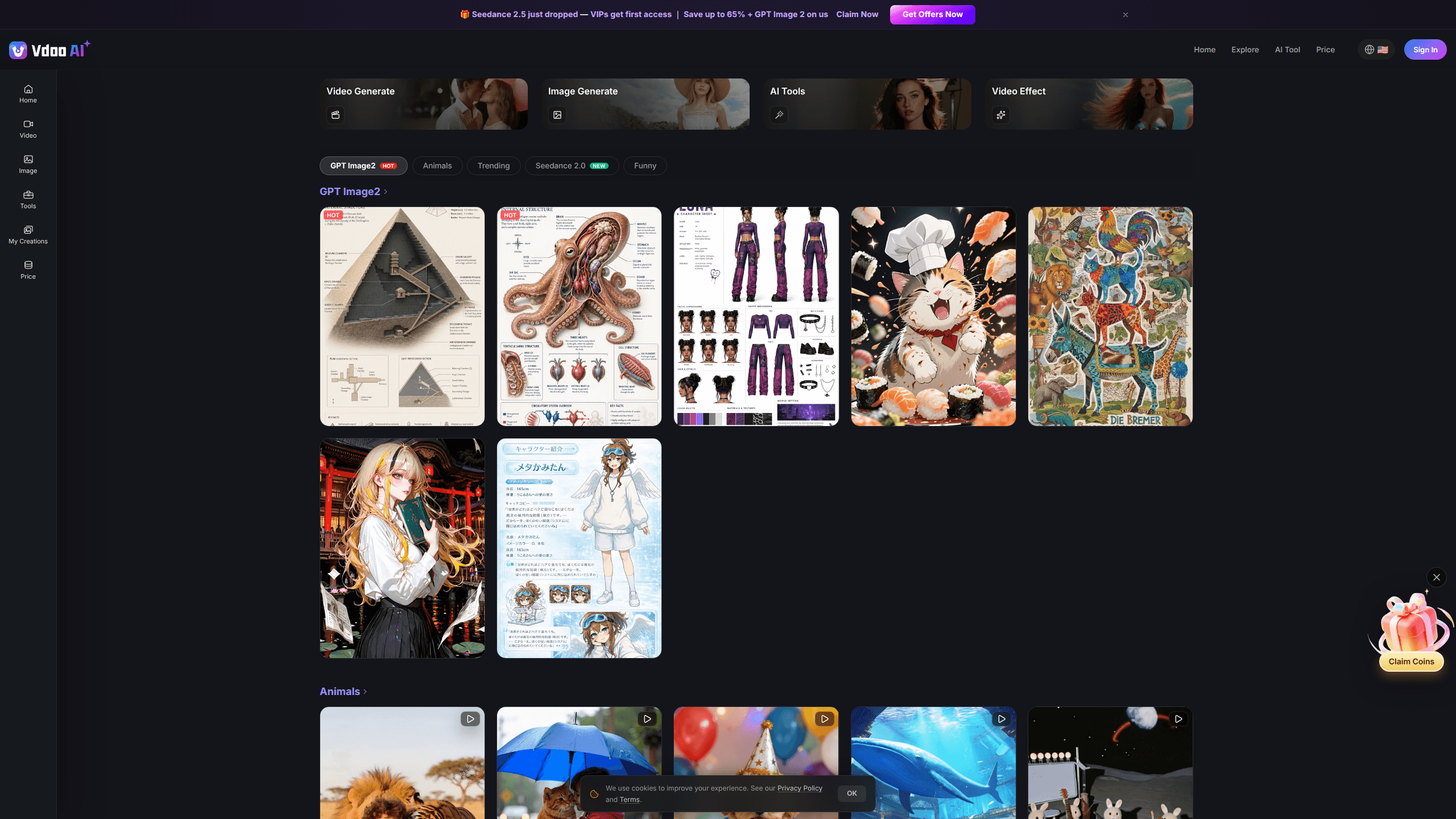
About Vdoo AI Image To Video Generator
What Is Vdoo AI Image To Video Generator
Vdoo AI is an online AI video generator that runs in the browser. You upload a photo or type a prompt, choose an effect template, and the platform returns a short video clip. The whole workflow happens on the web. No install, no GPU.
Its main selling point is the template library. Instead of forcing you to describe camera moves and lighting in detail, Vdoo AI hands you preset styles sorted into categories like Trending, Funny, and Animals, each tied to a specific visual outcome you can preview first. That approach fits people who want a quick result for social posts, not a full editing suite. So who is it for? Mostly casual creators.
The trade-offs are worth naming. This is a short-form tool. Clips are brief, and the output depends heavily on how well your source photo matches the template's intent, since a template built for a portrait won't flatter a product shot. Precision edits? Not here. There's no timeline editing or multi-scene assembly, so think quick generation rather than a long project. Judging by the site, that's the point.
Getting Started
- Open vdoo.ai in a desktop or mobile browser and browse the video effects categories.
- Pick an effect template that matches the look you want, or switch to an image effect or a named model like Seedance 2.0.
- Upload your own photo or type a text prompt describing the subject.
- Generate the clip and preview the result, then download it or regenerate with a different template.
Product Information
A quick look at Vdoo AI Image To Video Generator's pricing, supported platforms, and performance.
Best for
The users, tasks, and scenarios where this tool fits best.
Users
- Social media creators
- Casual users with no editing background
- AI hobbyists testing models
Tasks
- Turning a portrait into a short animated clip
- Restyling a product shot into a scroll-stopping video snippet
- Generating a clip from a written idea only
Scenarios
- Posting daily short-form content
- Testing an AI video effect before committing to a tool
- Quick creative experiments on the go
Key features
Template-Led AI Video Effects
Vdoo AI organizes its AI video effects into browsable categories such as Trending, Funny, and Animals, with each template tied to a specific visual result. You choose the style first and let the platform handle the motion and rendering. It's a shortcut for anyone who doesn't want to dial in parameters by hand.
Image To Video Generation
The tool converts a still image into a moving clip. You supply the photo, pick an effect, and the output animates your subject using the template's motion pattern. That's the fastest path from a single picture to something worth posting. Nothing fancy required.
Text To Video From A Prompt
When you don't have a source image, you can start from text instead. The prompt describes the subject and the platform generates the clip around it. It's the more open-ended route, and results vary more than the template-driven ones.
Access To Multiple Named Models
The platform exposes named generative models, including Seedance 2.0, alongside its effects. That matters if you want to compare how different engines handle the same idea without signing up for several services. Results differ a lot. Model availability can shift, so check the site for what's currently live.
Image Effects And GPT Image2
Beyond video, Vdoo AI also runs image-side effects, with GPT Image2 listed among them. This gives you a way to produce or restyle stills and clips in one place, which suits creators who work across both formats.
Free, No-Watermark Output
The site markets free, no-watermark tools for its effect templates. For casual creators, that removes the biggest annoyance of trial tools, since a clean export means the clip is usable right away. Confirm the current terms on the site, as free-tier limits on generations or resolution can change. Clean exports matter.
Runs Entirely In The Browser
There's no desktop install and no hardware requirement beyond a modern browser. That lowers the barrier for people on modest laptops or phones and makes the tool easy to try in a few clicks.
Pros and cons
Pros
- Template library removes the prompt-writing guesswork, which speeds up AI video effects creation.
- Web-only access means no installation or local GPU needed.
- Free, no-watermark exports per the site's own description make quick tests practical.
- Several named models, including Seedance 2.0, sit in one place for easy comparison.
- Works for both image to video and text to video, so you're not stuck with one input type.
Cons
- Output is short-form; there's no timeline editing or multi-scene assembly for longer projects.
- Quality depends on matching your photo to the template, so a mismatched source can produce rough results.
- Pricing and free-tier limits aren't clearly documented, so heavy use may hit unclear caps.
Frequently asked questions
It's a browser-based AI video maker that converts a photo or a text prompt into a short clip using preset effect templates. You pick a template, add your material, and download the result.
Related content
Explore related tools, skills, and articles for Vdoo AI Image To Video Generator.
Vdoo AI Image To Video Generator Alternatives

Google EmbeddingGemma 2
Google DeepMind · Writing · Image · CodingGoogle EmbeddingGemma 2 is a 740M-parameter open model that turns text, code, images, audio, and video frames into vectors in one 768-dimension space, running on phones and laptops.

Tractionwave
TractionWave · Image · MarketingTractionWave is an AI attention heatmap tool for static ads. Upload a PNG or JPG and it returns predicted attention, ranked hotspots, and fixes before you spend budget.

Imejis.io
Imejis.io · Image · MarketingImejis.io is an AI design studio for agents and marketing teams. Describe an image in plain words, and it writes the copy, builds the layout, reflows it to every size, then exports a finished file.