

Vecteezy Background Remover
Vecteezy (Eezy LLC) · Image
Vecteezy Background Remover is a free browser tool that cuts the background off JPG and PNG images with AI, returning a transparent PNG. It handles 20 images a day at 5MB each.
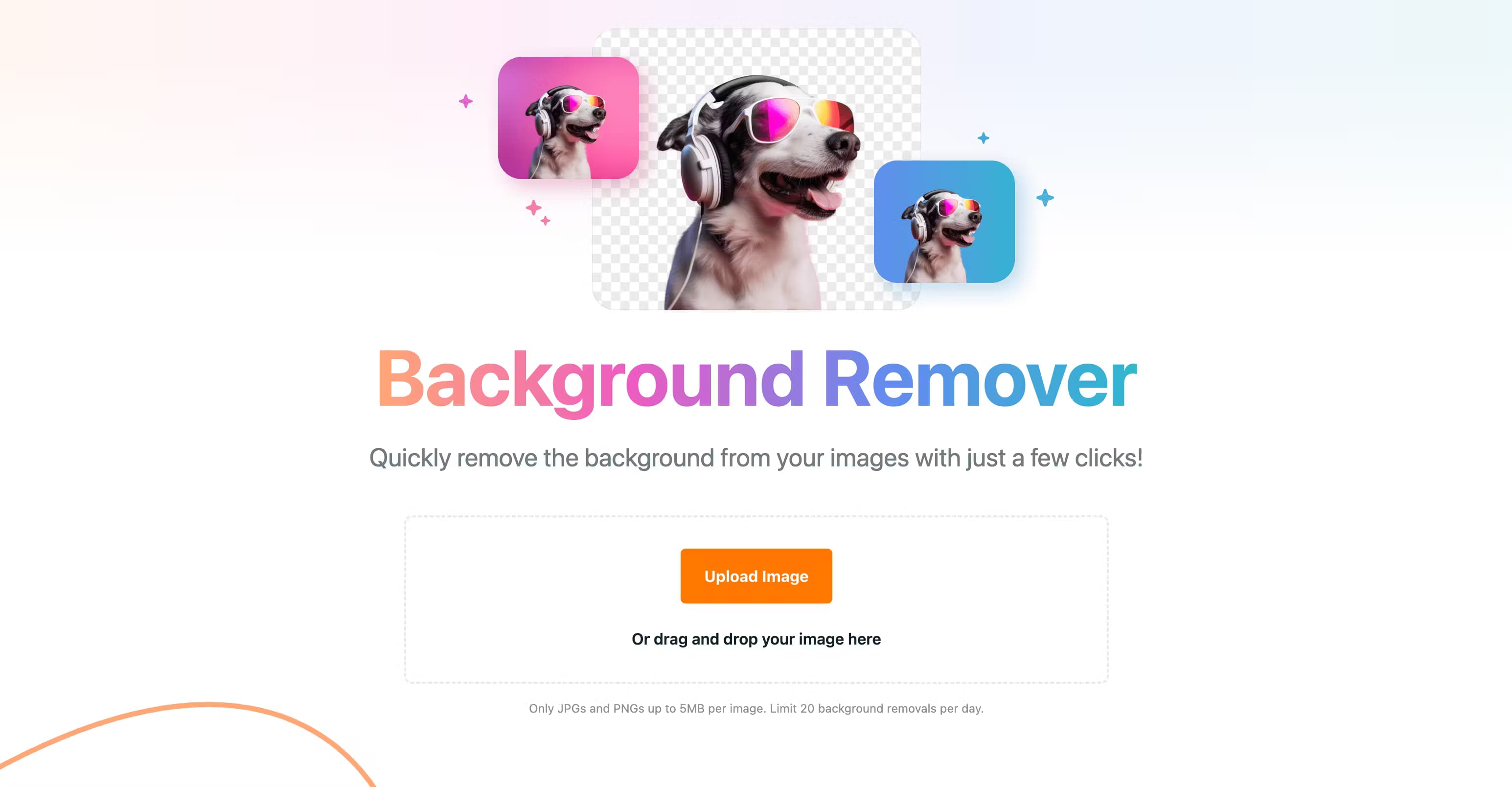
About Vecteezy Background Remover
What Is Vecteezy Background Remover
Vecteezy Background Remover is a web-based cutout tool that lets you remove the background from an image and hands back a transparent PNG. As a free background removal tool, it runs entirely in your browser, so there's nothing to install and no editing software to learn. You upload a file, the AI finds the subject, and you download the result. Vecteezy is a stock asset platform owned by Eezy LLC, and this tool sits alongside its stock library as a free extra.
The point is speed. Removing a background by hand means drawing around hair, product edges, and shadows, which can eat ten minutes on a single image. Vecteezy Background Remover does that work automatically and finishes in seconds. If you sell products online, build slides, or make social posts, that gap between minutes and seconds adds up fast.
The main limits are built into the free tier. Each image can be no larger than 5MB, only JPG and PNG files are accepted, and you get 20 background removals per day. Uploaded images are processed and then deleted from Vecteezy's servers, so there's no lasting storage of your files. For a heavy batch of photos, 20 a day may run short, and there's no paid tier that lifts that ceiling for the tool itself.
Getting Started
- Open the Background Remover page in any browser; no account is needed to try it.
- Upload a JPG or PNG by clicking the upload button or dragging the file onto the drop area.
- Wait a few seconds while the AI detects the subject and cuts the background away.
- Preview the transparent PNG and download it to your device.
Product Information
A quick look at Vecteezy Background Remover's pricing, supported platforms, and performance.
Best for
The users, tasks, and scenarios where this tool fits best.
Users
- Online sellers
- Social media creators
- Designers without editing software
Tasks
- Product photo cleanup
- Headshot and profile prep
- Sticker and thumbnail work
Scenarios
- Filling an online store quickly
- Building slides under deadline
- Prepping print-ready graphics
Key features
One-Click Automatic Cutout
The core function is a single action: upload an image and the AI separates the subject from the background without you marking anything. There's no brush, no lasso, and no layer work. It suits people who need the result, not the process. Vecteezy says the tool detects and removes backgrounds with high accuracy and speed.
Transparent PNG Output
Every result comes back as a PNG with a transparent background, the format you want when the cutout has to sit on another image. Vecteezy also says the output carries no watermark. That matters for store listings and client work, where a stamped preview would be useless for a final file.
Subject Type Coverage
Vecteezy lists people, products, animals, cars, and graphics as sample subject types the tool handles. In practice, that covers most everyday cutout jobs, from a bottle on a counter to a pet photo. Complex edges like flyaway hair remain the hardest case for any AI remover, and results there can be uneven.
Privacy-First Processing
Uploaded images are processed and then automatically deleted from Vecteezy's servers. The company states its data handling is secure and frames deletion as a privacy feature. For anyone uploading client photos or personal shots, that removes one worry about files sitting on someone else's storage.
Browser-Based Access
The tool runs on the web, so it works on any machine with a modern browser and an internet connection. Windows, macOS, Linux, and Chromebooks are all fine. There's no app and no desktop install, and that also means no offline mode.
Free Daily Capacity
The free tier allows up to 20 background removals per day with no account required to start. It's enough for regular personal and small-business use. Users who routinely clear more than 20 images a day will hit the cap and need to spread the work out or look at other tools.
Pros and cons
Pros
- Genuinely free, with no account needed to run the first cutouts.
- Transparent PNG output with no watermark, ready to drop into other projects.
- Fast automatic processing that skips manual masking.
- Uploaded files are deleted after processing, which limits how long your images are stored.
Cons
- The 20 removals per day cap slows anyone clearing large batches.
- The 5MB per-image limit rules out large photos straight from a camera.
- Only JPG and PNG are accepted, so you'll convert other formats first.
- There's no manual touch-up, so a flawed cutout can't be fixed in the tool.
Frequently asked questions
Yes. The tool is free to use, and you get up to 20 background removals per day. There's no charge for the cutouts themselves and no watermark on the output. You can start without creating an account.
Related content
Explore related tools, skills, and articles for Vecteezy Background Remover.
Vecteezy Background Remover Alternatives

Google EmbeddingGemma 2
Google DeepMind · Writing · Image · CodingGoogle EmbeddingGemma 2 is a 740M-parameter open model that turns text, code, images, audio, and video frames into vectors in one 768-dimension space, running on phones and laptops.

Tractionwave
TractionWave · Image · MarketingTractionWave is an AI attention heatmap tool for static ads. Upload a PNG or JPG and it returns predicted attention, ranked hotspots, and fixes before you spend budget.

Imejis.io
Imejis.io · Image · MarketingImejis.io is an AI design studio for agents and marketing teams. Describe an image in plain words, and it writes the copy, builds the layout, reflows it to every size, then exports a finished file.