

VEGA AI
LearnQ Inc. · Leaning
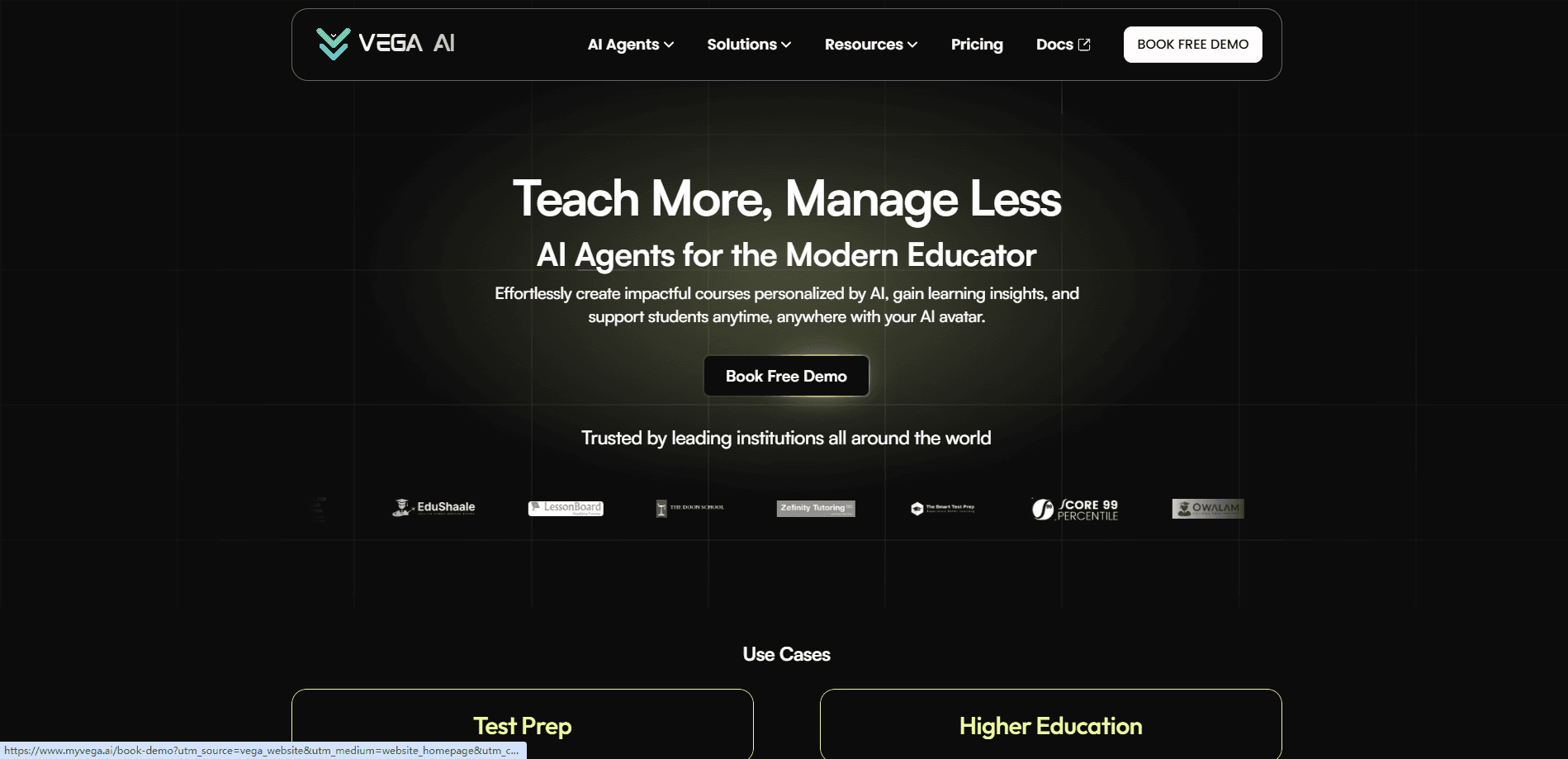
VEGA AI is an AI learning platform for coaches, test prep institutes and corporate trainers. It builds adaptive courses, grades open-ended answers, and runs a 24/7 AI avatar for learner questions.
About VEGA AI
What Is VEGA AI
VEGA AI stands for Virtual Entity for Guidance and Assistance. It is an AI-first platform from LearnQ Inc. for people who sell knowledge, such as test prep coaches, professors, corporate trainers and independent creators. You turn your material into structured courses and practice tests, hand them to students through your own branded portal, and let AI handle the grading, feedback and routine questions.
The pitch is simple. Most teaching businesses stall because the founder is the bottleneck: they grade by hand at night, answer the same emails twice, and can only run so many cohorts. VEGA AI spreads that work across an AI avatar and an analytics engine, so one expert can serve thousands of learners without hiring a teaching team. The platform plugs into tools you already run, including Zoom for live sessions and Stripe for payments.
The catch is scope. VEGA AI is built for organizations that deliver paid or structured learning, not for casual self-study. Setup asks you to define an organization, a student portal and an avatar before the value shows up, so an individual wanting a quick chatbot will find it heavier than they need. Pricing is aimed at teams and institutes, and the free consumer plan is more a lead magnet for coaches than a full product for students on their own.
Getting Started
- Book a discovery call or sign up, then create your organization workspace.
- Set up your student portal, adding your brand, logo and colors so learners see your name.
- Import or build your courses, tests and resources, then structure them with Journeys.
- Create an AI Avatar, set its tone and welcome message, and upload your curriculum and FAQs to train it.
- Publish content to students, then track mastery and timing in the analytics dashboard.
Product Information
A quick look at VEGA AI's pricing, supported platforms, and performance.
Best for
The users, tasks, and scenarios where this tool fits best.
Users
- Test prep coaches and tutors
- Corporate L&D and training teams
- Professors and teachers who sell courses
Tasks
- Grading open-ended answers
- Turning PDFs and videos into lessons
- Answering routine student questions
Scenarios
- Scaling a test prep institute
- Launching a paid coaching program
- Enterprise onboarding at volume
Key features
Custom AI avatar trained on your content
You build a digital twin by setting its name, image, tone and welcome message, then uploading your curriculum, resources and FAQs. The avatar answers learner questions in your voice and stays available around the clock, which means students get support when you are asleep. One avatar can serve thousands of users at the same time, so support does not scale with headcount.
AI grading with custom rubrics
You define scoring criteria, percentage weights and what a good answer looks like, and VEGA AI grades against that rubric. It handles both typed answers and uploaded handwritten work, then returns a score with detailed feedback. On the official AI Grading page, LearnQ claims this cuts grading effort by 96% and cites a prep academy saving about eight hours a week. Those numbers come from the vendor.
Adaptive courses and practice tests
The learning side builds Duolingo-style courses, structured tests and untimed practice sets with your own course builder, layouts, time limits and adaptive logic. You can design a diagnostic, a full-length test or a sectional drill, then assign it to a batch. Tests and resources are unlimited on every platform plan, which matters if you run many cohorts.
Spaces that turn PDFs and video into lessons
Spaces takes a PDF or a video and turns it into an interactive lesson with an auto summary, flashcards, quizzes and an AI tutor that chats about the content. YouTube and Vimeo videos can be made interactive the same way. That turns static material you already own into something students can move through at their own pace.
Analytics for mastery and gaps
The analytics engine tracks mastery level, accuracy and timing per student, then feeds that data back to the avatar so support gets more targeted. Coaches see strengths and weaknesses across a cohort and can focus live sessions where they matter. Daily recommendations push personalized activities based on how each learner performs.
Journeys and workflow automation
Journeys automate the admin behind a program, handling sequences like reminders, follow-ups and progress reporting. Combined with auto-grading and templated outreach, this is where the time savings add up for a small team. It also powers lead follow-up, so interested visitors get nudged toward enrolling.
Monetization and integrations
Stripe Connect lets you sell courses, avatars, Spaces or AI agents worldwide, and Zoom runs live classes and counseling without leaving the platform. Zapier is listed as coming soon to sync leads, enrolments and progress with thousands of other apps. Payments and live delivery sit next to the teaching tools instead of in separate systems.
Pros and cons
Pros
- One platform covers course building, AI grading, adaptive testing and an always-on avatar, so you do not stitch several tools together.
- AI grading accepts both typed and handwritten answers, which fits real test prep workflows where students still work on paper.
- Branding and a user portal let an institute present everything under its own name and domain on the higher plans.
- Stripe and Zoom integrations mean you can monetize and teach live without leaving the tool.
- LearnQ states that you keep ownership of your content and that VEGA AI does not train on your interactions.
Cons
- Pricing targets institutes and teams, so a solo creator on a tight budget may find the $99 Growth plan steep before they have students.
- There is no documented public API, so pushing content in or pulling results out programmatically is not supported right now.
- The value depends on setup: you must define an organization, portal and avatar before it does much, which is a lot of work for a casual user.
- The headline efficiency numbers come from the vendor and its customer stories, so treat them as marketing until you test with your own material.
Frequently asked questions
It is an AI platform for creating, delivering and grading learning. You build courses and tests, assign them to students through a branded portal, automate grading and feedback, and let an AI avatar handle routine questions and support.
Related content
Explore related tools, skills, and articles for VEGA AI.
VEGA AI Alternatives

HireKey
HireKey · Voice & Language · Productivity · LeaningHireKey is an AI job search copilot built by a former tech recruiter. It checks role fit, tailors resumes, runs interview practice and tracks every application.

Lune
Retrograde Labs · Productivity · LeaningLune is a research search engine for scientific AI agents. It runs as an MCP server that lets Claude, ChatGPT and Cursor search peer-reviewed computer science papers and cite them.
Coddy
Coddy · Coding · LeaningCoddy is a gamified platform to learn to code through short interactive lessons in 20+ languages, with a browser editor, an AI tutor and free certificates.