

Velo
Velo (founded by Sourav Sanyal and Ajay Kumar) · Image · Video
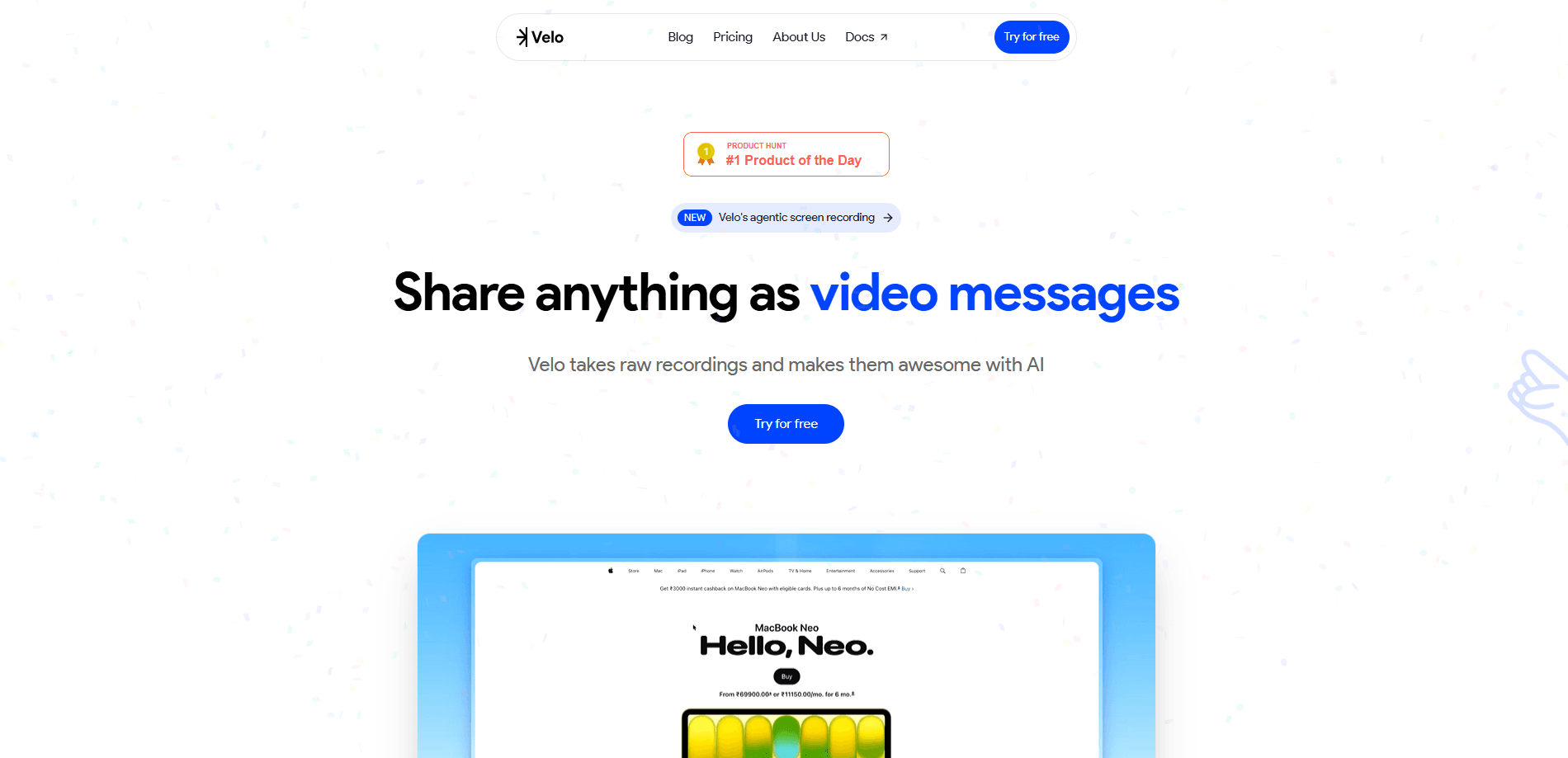
Velo is an AI video messaging platform that turns raw recordings, documents, and product context into polished demos, walkthroughs, and video messages. You point its agentic screen recorder at what you want to explain, and it handles scripting, voiceover, and editing for you. Teams use it to explain, train, and sell without re-recording every time a product changes.
About Velo
What Is Velo
Velo is a browser-based AI video platform built for teams that need work videos but never have time to produce them. Instead of recording and editing by hand, you feed it source material: docs, help center articles, changelogs, tickets, screenshots, or a quick screen capture. Velo's agents then write the script, clone your voice, and assemble the video. That's the whole loop.
The pitch is simple. Most teams can afford to make a product demo once. Almost none can afford to remake it every single time a button moves, a flow changes, or a new feature lands on the roadmap. Velo treats video as something that gets regenerated from source context, not re-shot by hand by whoever happens to be free that week.
The main limit is scale-driven. Free and Pro plans cap you at a small number of video minutes per month, and heavier features like custom avatars and API access sit behind the Enterprise tier. If you just need one polished clip a month, the free plan is plenty. If video is a daily workflow for a team of ten, you'll be looking at Ultra or Enterprise.
Velo was founded by Sourav Sanyal and Ajay Kumar, who have built AI and video infrastructure systems together since 2018.
Getting Started
- Create an account at app.usevelo.ai and pick a plan (the free tier gives you 1,500 credits to test with).
- Add your source material: upload docs, link a product page or changelog, or connect a knowledge base.
- Set up your brand kit and, if you want, clone your voice once so every video sounds like you.
- Open the agentic screen recorder and show Velo what you want explained, or type a prompt and let it draft.
- Review the generated video, tweak the script, then export, share, or translate it with one click.
Product Information
A quick look at Velo's pricing, supported platforms, and performance.
Best for
The users, tasks, and scenarios where this tool fits best.
Users
- Product marketers
- Customer support teams
- Sales reps
- Enablement and L&D teams
Tasks
- Product demos and walkthroughs
- Support replies
- Software implementation videos
- Training and onboarding
Scenarios
- A product update ships and your demo video is now out of date. Regenerate it instead of re-recording.
- A support ticket needs a visual answer. Send a two-minute walkthrough instead of another paragraph of text.
- You're onboarding a new hire and need the same setup process explained again. Reuse the video.
- You're pitching a prospect in another region and need the demo in their language. Translate it with one click.
Key features
Agentic screen recorder
Velo's recorder works from intent rather than a perfect prompt. You show it what you want explained, and it figures out the script and steps for you. For people who freeze up writing prompts, this is the part that makes the tool usable. It's also what separates Velo from plain AI video generators that expect a fully formed brief. Want a walkthrough of your checkout flow? Capture it once and let the agent draft the rest.
Voice cloning
Once you clone your voice, every generated video can carry it without another recording session, which is a real time saver for anyone who records the same narration week after week. That matters for teams where one familiar voice is part of the brand. You set it up once in your account, then reuse it across demos, support replies, and messages.
Prompt to video agents
Type an idea and Velo drafts a video grounded in your company context. It pulls from your knowledge base, connectors, and MCPs. That means the output reflects your actual product instead of generic filler, and the AI avatar video you get feels native to your company rather than templated. The result is closer to a first draft an editor can polish than a blank-page start.
One-click translation
Velo translates finished videos into multiple languages in a single click, and for teams selling or supporting across regions that removes the usual grind of rebuilding a separate demo for every market. The original timing and structure carry over, so you're not re-editing from zero each time a new locale comes up.
Brand kit and on-brand output
Set up your brand once, and every video follows it. Colors, logos, and styling stay consistent across the team, which matters when five different people are producing clips from five different desks. You don't have to police each export by hand before it ships.
Shared workspaces and collaboration
Teams get shared workspaces, asset libraries, and permissions. Billing can be consolidated under one enterprise account, and larger plans add SSO, SAML, SCIM, and RBAC so IT can control who sees and ships what. It's built for groups, not just solo creators working alone.
Team workspaces and governance
Enterprise plans add governance over access, approvals, brand rules, and sharing, plus analytics across the workspace. If video output needs review before it reaches customers, that layer is where it happens. Simpler plans skip this, so smaller teams won't miss it.
Pros and cons
Pros
- Free tier with 1,500 credits, enough to test Velo on your own product before paying anything.
- Voice cloning means you record your voice once and reuse it across every video.
- Agentic screen recorder lowers the barrier for people who can't write a good prompt.
- One-click translation covers multi-language output without rebuilding each video.
- Enterprise tier handles SSO, SAML, SCIM, and RBAC, so it can fit an IT-governed stack.
Cons
- Credits are consumed by video complexity, and add-ons like premium voice, custom backgrounds, and translation cost extra. Heavy users can burn through a plan faster than the headline minute count suggests.
- Custom avatars, API, and SDK access are Enterprise-only, so developers can't wire Velo into their own workflows on cheaper plans.
- It's web-only. There's no mobile app, so anything you make starts from a browser.
Frequently asked questions
Velo creates work videos: product demos, support replies, onboarding and training clips, and sales messages. As an AI product demo generator, it builds them from source material like docs, tickets, and screenshots. You spend less time recording and editing.
Related content
Explore related tools, skills, and articles for Velo.
Velo Alternatives

Google EmbeddingGemma 2
Google DeepMind · Writing · Image · CodingGoogle EmbeddingGemma 2 is a 740M-parameter open model that turns text, code, images, audio, and video frames into vectors in one 768-dimension space, running on phones and laptops.

Tractionwave
TractionWave · Image · MarketingTractionWave is an AI attention heatmap tool for static ads. Upload a PNG or JPG and it returns predicted attention, ranked hotspots, and fixes before you spend budget.

Imejis.io
Imejis.io · Image · MarketingImejis.io is an AI design studio for agents and marketing teams. Describe an image in plain words, and it writes the copy, builds the layout, reflows it to every size, then exports a finished file.