

Venice AI
Venice AI · Image · Coding · Chatbot
Venice AI is a private AI platform for chat, image, video, and audio generation. Conversations stay on your device, and every model sits behind one login plus an OpenAI-compatible API.
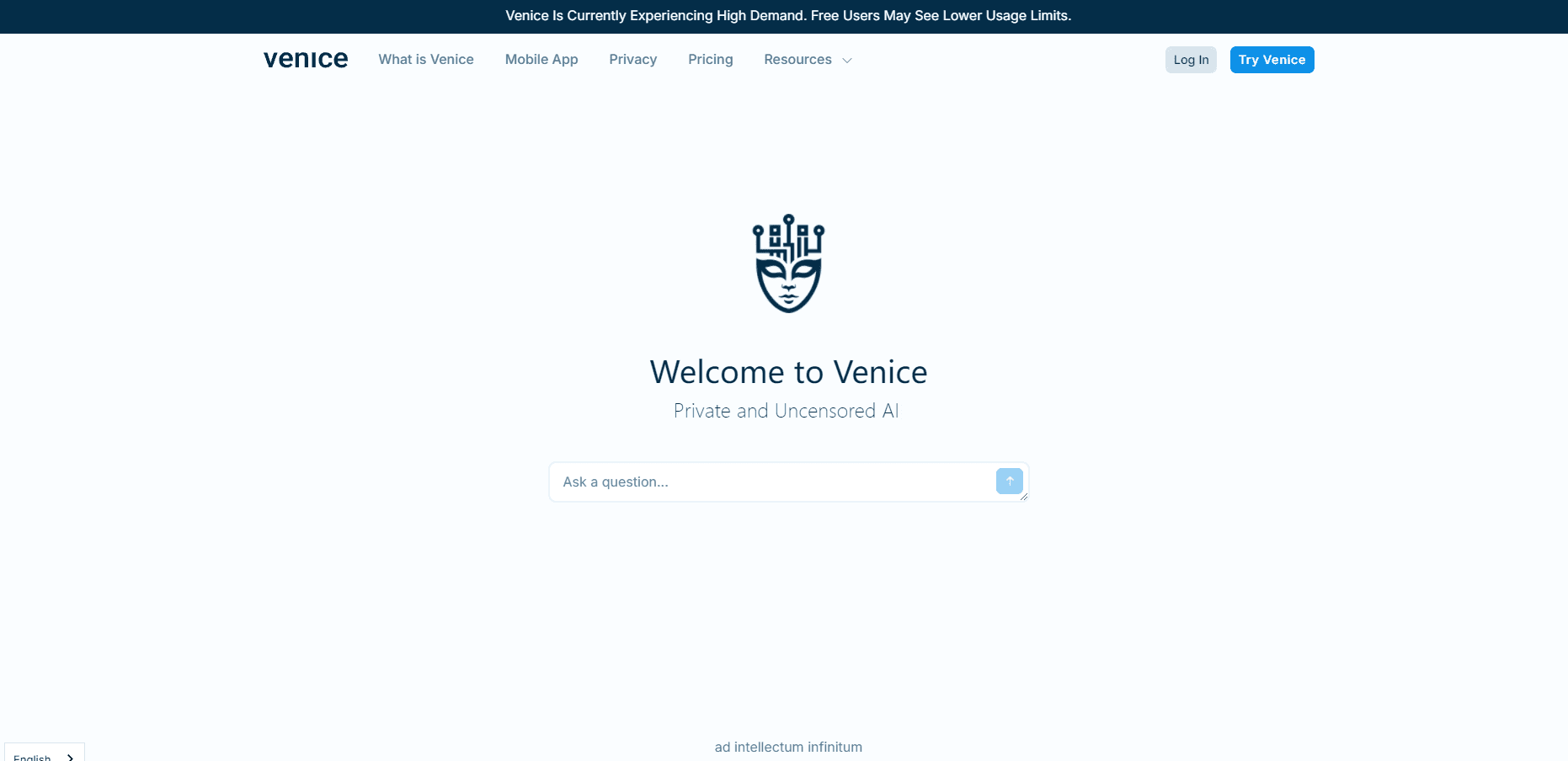
About Venice AI
What Is Venice AI
Venice AI is an AI assistant and creative studio built by Venice, the company Erik Voorhees started in 2024. It runs text, image, video, and audio models from many vendors inside a single interface, so you don't juggle five subscriptions to get five kinds of output.
The selling point is what happens to your data. Chat history lives in your browser or phone instead of a server, Private mode promises zero retention, and paid tiers add hardware-verified privacy through TEE along with end-to-end encryption. For anyone who has ever pasted a contract or a medical report into a mainstream chatbot, that difference matters.
The trade-off is smaller than it used to be, but it exists. The free tier caps you at 10 text prompts and 15 image prompts a day, and the biggest frontier models, video, and music run on credits instead of flat unlimited access.
Getting Started
- Open venice.ai in a browser or install the app on iOS or Android. You can send a first prompt without making an account.
- Pick Private mode from the chat header if you want zero retention on the server side, or stay in the standard mode where history is saved locally on your machine.
- Choose a model from the dropdown, then attach PDFs or images if the task needs them. Web search is a toggle inside the same composer.
- Generate, iterate, and export. Images download directly, and paid plans can push chat backups to encrypted storage for restore on another device.
- Move to Venice AI Pro when the daily caps start interrupting your work. Pro lifts text limits entirely and raises image generation to 1,000 per day.
Product Information
A quick look at Venice AI's pricing, supported platforms, and performance.
Best for
The users, tasks, and scenarios where this tool fits best.
Users
- Privacy-conscious professionals
- Creators on a budget
- Developers and agent builders
Tasks
- Research with citations
- Image cleanup and editing
- Building internal tools
Scenarios
- Swapping a mainstream assistant for a private ai chatbot
- Handling confidential client material
- Shipping a prototype in a weekend
Key features
Private Mode and Local Chat History
Conversations are stored in your browser or on your phone by default, not on Venice's servers. Private mode goes further with zero data retention, and paid plans add TEE hardware attestation plus end-to-end encrypted backup. The practical result is that a stolen login exposes less than it would on a platform that keeps every thread in the cloud.
Every Medium Behind One Login
Text, images, video, music, speech, and transcription all live in the same account. Video models include Kling, Runway, Veo, and Seedance, image models come from Black Forest Labs, NVIDIA, and others, and audio runs on ElevenLabs voices. You stop paying for four subscriptions that each cover a quarter of the job.
Uncensored Open Models
Venice leans on open-weight models and lets them answer without the heavy refusal layer you meet elsewhere. That's useful for fiction, security research, and adult content where a generic assistant stalls. It also means the guardrails are yours to set, so treat outputs with the same judgment you'd apply to any tool without a safety net.
OpenAI-Compatible API
The endpoint at api.venice.ai speaks the same shape as OpenAI's chat completions, so the official SDKs, LangChain, Vercel AI SDK, and CrewAI all connect with a base URL change. Function calling, structured responses, vision, and prompt caching are supported. Developers get a private path without rewriting their stack.
Character Creation and System Prompts
You can build a character with a fixed persona, custom system prompt, and reference images, then share it. Writers use this for consistent narrators, support teams use it for a fixed tone of voice. Pro and above unlock the feature.
Credits for Frontier Models
Credits are the currency for premium work, priced so that 100 credits equal $1. Pro includes 100 a month, Pro Plus 7,500, and Max 22,500, with unused credits rolling forward for two or three months depending on tier. A five second video typically lands under 80 credits, which keeps experiments cheap.
Pros and cons
Pros
- Privacy is the default, not an add-on, with local storage, zero retention mode, and TEE on paid tiers.
- One subscription covers chat, image, video, audio, and API access, which usually costs less than stacking separate tools.
- The OpenAI compatible api means existing code and agent frameworks port over with minimal edits.
- The free plan needs no account and no card, so you can test model quality before paying.
- Uncensored ai models handle fiction and research prompts that mainstream assistants refuse.
Cons
- Frontier models, video, and music burn credits, so heavy users pay above the sticker price of $18 or $68 a month.
- The free tier's 10 text prompts and 15 images a day run out fast once you use it for real work.
- Local history means no sync between devices unless you pay for encrypted backup, and clearing browser data wipes your threads.
- Enterprise controls like SSO, audit logs, and admin dashboards are thinner than what Microsoft or Google offer, which matters if procurement asks.
Frequently asked questions
Yes. The free plan costs nothing, needs no account, and gives you base models with 10 text prompts and 15 image prompts per day. API calls are billed separately through credits.
Related content
Explore related tools, skills, and articles for Venice AI.
Venice AI Alternatives

Google EmbeddingGemma 2
Google DeepMind · Writing · Image · CodingGoogle EmbeddingGemma 2 is a 740M-parameter open model that turns text, code, images, audio, and video frames into vectors in one 768-dimension space, running on phones and laptops.

Tractionwave
TractionWave · Image · MarketingTractionWave is an AI attention heatmap tool for static ads. Upload a PNG or JPG and it returns predicted attention, ranked hotspots, and fixes before you spend budget.

Imejis.io
Imejis.io · Image · MarketingImejis.io is an AI design studio for agents and marketing teams. Describe an image in plain words, and it writes the copy, builds the layout, reflows it to every size, then exports a finished file.