

Vheer - Free AI Image Generator
Sparklightforce · Image
Vheer is a free AI image generator that turns text prompts into pictures in the browser, with no signup and no watermark. It also handles video, image editing and avatar tools.
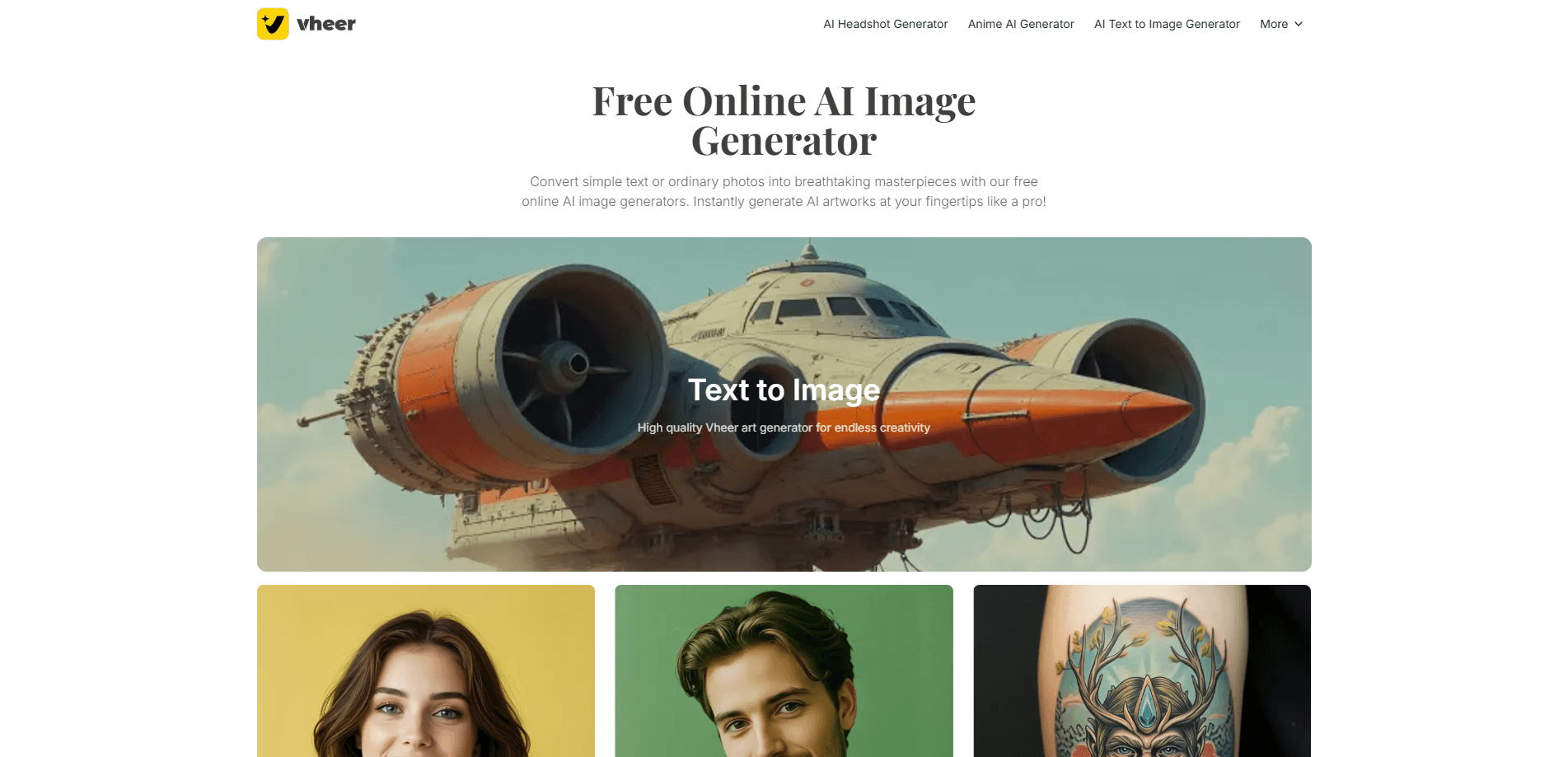
About Vheer - Free AI Image Generator
What Is Vheer
Vheer is a browser-based AI creation studio built by Sparklightforce. The headline feature is a free AI image generator that turns a written prompt into a picture, and you can start without an account. Open the site, type what you want, and download the result.
The platform spreads well past one tool. The same studio handles text-to-image, image-to-image, a video generator that animates a still photo, and small utilities such as a background remover and an image compressor. A long list of template generators covers styles like anime, pixel art, logos, tattoos and headshots, each with presets that skip the prompt-writing step.
The trade-off is a credit system layered on top of the free tier. Free accounts get 50 credits a month and access to basic models. Heavier models and commercial rights sit behind a subscription, and the free tier's output is licensed for personal use only. Your uploaded files and generations are deleted from the servers every 6 hours.
Getting Started
- Open vheer.com and pick a tool. Text-to-image, image-to-image and most utilities work with no account at all.
- Type a prompt describing the picture you want, or upload a photo if you are working in image-to-image or video mode.
- Adjust the aspect ratio and pick a style preset if the tool offers one, then start the generation.
- Preview the result, regenerate if it misses, and download the image or video. Free output carries no watermark.
- Sign in and upgrade only when you need premium models, more credits, or a commercial license.
Product Information
A quick look at Vheer - Free AI Image Generator's pricing, supported platforms, and performance.
Best for
The users, tasks, and scenarios where this tool fits best.
Users
- Beginners trying AI art for the first time
- Social media creators who need quick visuals
- Small sellers and side hustlers
- People who value privacy
Tasks
- Turning a written idea into art
- Restyling a photo
- Animating a still picture
- Cleaning up images
Scenarios
- Filling a content calendar on a deadline
- Testing a product idea cheaply
- Making a personal avatar
- Drafting visuals for a client pitch
Key features
Free text to image generation
The core of Vheer is a text to image generator that runs in the browser and costs nothing to try. Type a description, choose a style and aspect ratio, and download the image. There is no account wall in front of it and no watermark on the output. For anyone curious about an online image generator, this is the lowest-friction way in.
Image to image restyling
Upload a picture and Vheer redraws it while keeping its composition and key elements. This AI art generator behavior lets people turn a real photo into anime, watercolor, clay or Pixar-style art in a single step, without writing a prompt. It is the tool most users reach for when they want a styled version of something they already have.
AI video generator
The video generator animates a still image into a short clip, covering text-to-video and image-to-video. It is built for quick social content rather than film work, so expect short, loop-friendly results. Free users can use it, and the terms treat video output as usable for both personal and commercial projects.
Template and preset generators
A large library of dedicated generators covers specific outcomes: logos, tattoos, tarot cards, NFT art, wallpapers, game assets and more. Each one ships with curated presets, so you pick a direction instead of describing it. This keeps results consistent and cuts the guesswork for people who do not want to learn prompt writing.
Background remover and image utilities
Beyond generation, Vheer bundles non-AI editing tools such as a background remover, an image compressor and a resizer. They handle the small jobs that usually send you to a separate app, and they work for both personal and commercial use regardless of your plan. It is the part of the suite that saves the most app-switching.
Credit system with premium models
Free accounts get 50 credits a month for basic generation. Paid plans add credits and unlock premium models: Premium at $9.99 a month for 1,000 credits, Business at $19.99 for 2,000, and Ultra at $49.99 for 5,000. One-time credit packs are also sold, and higher plans earn bonus credits on those packs.
Pros and cons
Pros
- Free to use with no signup for text-to-image, image-to-image and most utilities, so you can test it without handing over an email.
- Output carries no watermark even on the free tier, which is rare among free AI image generators.
- A wide set of tools sits in one browser studio: generation, video, avatar templates and basic image editing.
- Uploaded files and results are deleted every 6 hours and are not used to train models, which is a clear privacy stance.
Cons
- Free generation is limited to basic models and 50 credits a month, so premium styles and heavier output need a paid plan.
- Images made on the free tier are licensed for personal use only, which rules out selling or running them in ads until you subscribe.
- There is no published API, so teams hoping to automate Vheer inside their own software have to work through the web interface.
- The interface is English-only, which slows down first-time users who are not comfortable in it.
Frequently asked questions
Vheer is a free online AI image generator for turning text prompts or uploaded photos into images. It also makes short videos and covers small editing jobs such as removing a background.
Related content
Explore related tools, skills, and articles for Vheer - Free AI Image Generator.
Vheer - Free AI Image Generator Alternatives

Google EmbeddingGemma 2
Google DeepMind · Writing · Image · CodingGoogle EmbeddingGemma 2 is a 740M-parameter open model that turns text, code, images, audio, and video frames into vectors in one 768-dimension space, running on phones and laptops.

Tractionwave
TractionWave · Image · MarketingTractionWave is an AI attention heatmap tool for static ads. Upload a PNG or JPG and it returns predicted attention, ranked hotspots, and fixes before you spend budget.

Imejis.io
Imejis.io · Image · MarketingImejis.io is an AI design studio for agents and marketing teams. Describe an image in plain words, and it writes the copy, builds the layout, reflows it to every size, then exports a finished file.