

Via 1.0
Daton Software Limited · Productivity
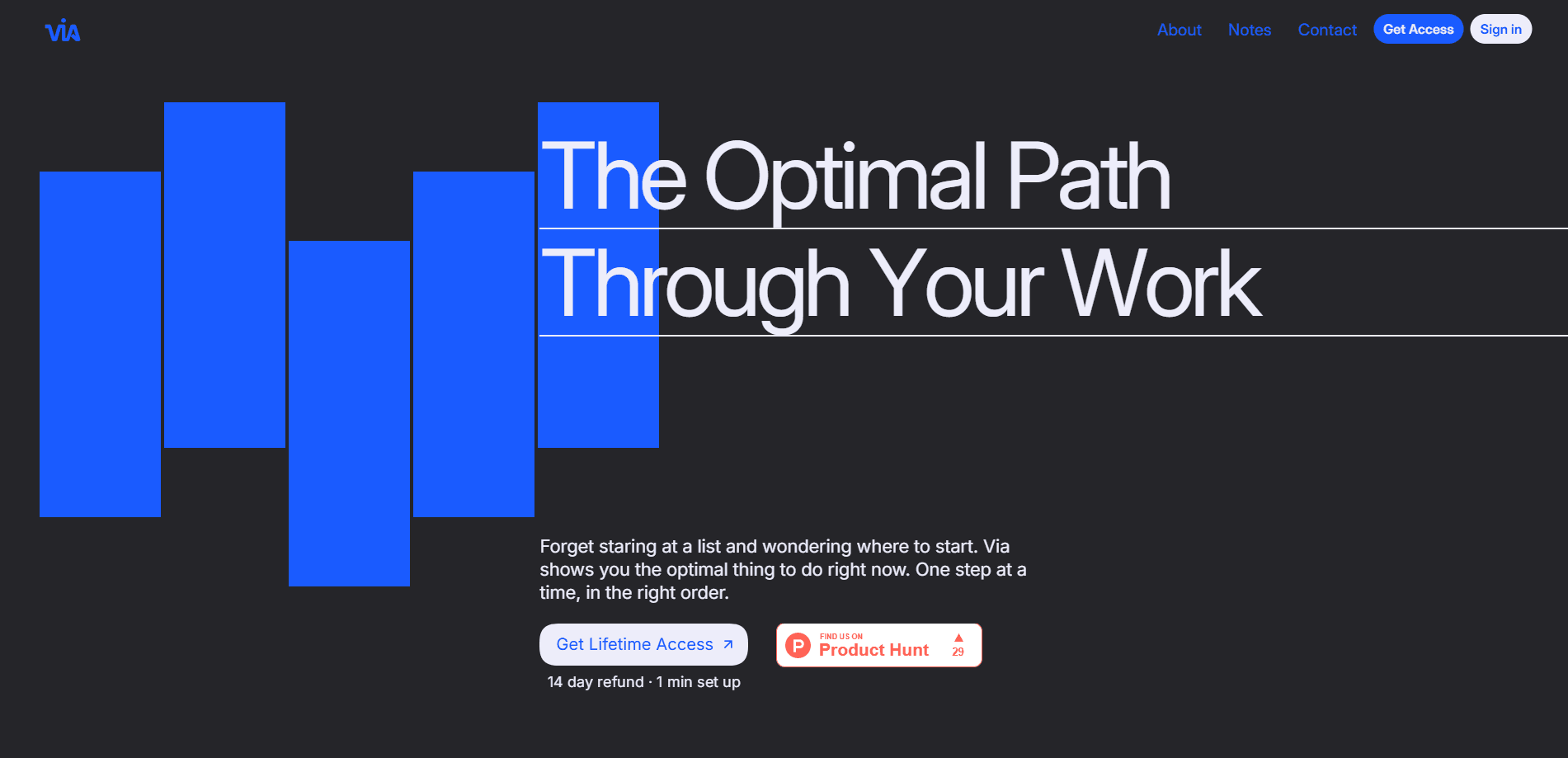
Via 1.0 is an AI productivity planner that turns messy brain dumps into a structured, self-correcting schedule. You speak, type, or snap a photo of what's on your plate, and the app builds a realistic plan around your actual availability instead of a wishful to-do list. It's a brain dump app at heart. But the output is a living schedule that shifts the moment your day changes. The tagline says it all: your path from thought to done.
About Via 1.0
What Is Via 1.0
Via 1.0 is a planning tool built by an Irish team for people who have more work than time and days that keep changing. Instead of asking you to sort a long task list in the right order, it looks at your workload and your free pockets of time and slots the work that matters into them. The company behind it, Daton Software Limited, says its mission is to stop people burning attention on shuffling events and ordering to-do lists.
The problem it targets is specific. Getting to the right piece of work at the right time is the hard part for a lot of people. A flat list doesn't solve it. Via leans on scheduling algorithms, the kind one co-founder previously built for complex logistics systems, and applies them to your day. It's an AI task scheduler first, a notes app second.
The main limitation is the model. Via creates one plan for you, and it's designed around individual time blocking rather than heavy team project management. Team features exist on the top tier. But this isn't a replacement for a full project tracker with dependencies across dozens of people.
Getting Started
- Create an account at app.usevia.io and start the 14-day free trial, which sets up in about 30 seconds.
- Do a brain dump: speak, type, or snap a photo of everything on your mind, and Via turns it into tasks with estimated priorities.
- Let Via build your schedule from your workload and availability, then open the plan to see your optimal next step.
- Work in focus mode and track your time as you go.
- Adjust as the day changes, and Via reshuffles the plan instantly to fit what's left.
Product Information
A quick look at Via 1.0's pricing, supported platforms, and performance.
Best for
The users, tasks, and scenarios where this tool fits best.
Users
- People with ADHD
- Solopreneurs and freelancers
- Consultants with packed calendars
Tasks
- Brain dumping loose thoughts
- Time blocking a shifting week
- Tracking where the hours went
Scenarios
- Starting a day with a full list and no idea what to do first.
- Rebuilding your week after a couple of days slip.
- Keeping several small projects moving without a dedicated project manager.
Key features
AI Brain Dump
This is the core of Via 1.0. You capture work in one sentence by speaking, snapping a photo, or typing, and the app turns a messy dump into tasks with estimated priorities. No formatting, no tagging, no folder decisions. For anyone who loses good ideas because the act of organizing them is too much friction, that's the feature that matters.
Auto-Scheduler
Via looks at your workload and availability and builds a realistic schedule that fits work into every usable pocket of time. It weighs load, not just open slots. A heavy day won't silently become impossible. The plan comes with priorities attached, so you're not starting from a blank slate.
Self-Correcting Plan
Days change, and Via adapts instantly rather than forcing you to re-plan. Move a meeting or overrun a task and the schedule reshuffles what's left, so you always know the optimal thing to do next. Why does that matter so much? A plan you have to manually fix is a plan you quit. That responsiveness is the difference between following it and abandoning it by Tuesday.
Focus Mode and Time Tracking
Once the plan is set, Via gives you a focused view of what to do right now, plus tracking and insights on where your time actually went. It's the accountability half of the product. Planning is easy; seeing whether you stuck to the plan is what tells you if the system works for you.
MCP and API Access
Via supports MCP, which means you can connect it to tools like Claude and set up MCP task import, pulling tasks or chats straight into the planner for processing. There's also a bring-your-own-key setup and API availability. For people who already run their work through an AI assistant, that's a clean bridge between conversation and schedule.
iOS App and Widgets
A mobile app and widgets keep the plan in reach when you're away from a browser. You can check the next step, log progress, and adjust without opening a laptop. The app also covers routine tracking and task dependencies, so recurring work and linked tasks don't get lost between sessions.
Multilingual Support
Via runs in more than one language, which keeps the planner usable for teams and freelancers working outside English. It's not the headline feature, but it removes a reason to look elsewhere if your work happens in another language.
Pros and cons
Pros
- Turns voice, text, and photo brain dumps into a structured schedule with almost no setup effort.
- The plan updates instantly when your day shifts, so it stays usable instead of going stale.
- Energy-aware scheduling balances workload instead of just filling empty slots.
- MCP support lets you import tasks straight from an AI assistant like Claude.
- One-time pricing on the paid tiers, with no monthly subscription hanging over you.
Cons
- It builds one plan for an individual, so it isn't built for heavy multi-person project management with complex dependencies.
- The one-time price is a real barrier to try it, even with the 14-day trial.
- You need to commit to working inside its schedule for the value to show up, which won't suit people who prefer a plain checklist.
Frequently asked questions
Via 1.0 is an AI productivity planner that turns your captured thoughts into tasks and builds a continuously updating schedule around your available time. It tells you the optimal next step and reshuffles the plan when your day changes.
Related content
Explore related tools, skills, and articles for Via 1.0.
Via 1.0 Alternatives

Base Code
Base44 (Wix) · Coding · ProductivityBase Code is a shared cloud development environment from Base44. Teammates describe changes to an existing GitHub codebase in chat, preview them live and send them back as pull requests.

Knocket
Knocket (Tencent RTC team) · Productivity · Business · ChatbotKnocket is a free live chat and contact page tool that lets visitors message you from your website, app, or a shareable link, with every reply handled from Telegram or one inbox.

FloorGen
Vinit Kumar (FloorGen) · Productivity · China AIFloorGen is a browser-based floor plan maker that turns a sentence or a sketch into an editable 2D plan and a 3D walkthrough. Export to PDF, DXF or video, and draw without an account.