

Vibe Annotations
Vibe Annotations · Coding
Vibe Annotations is a free browser extension and MCP server that lets you pin feedback on localhost pages so AI coding agents like Claude Code and Cursor can implement the changes.
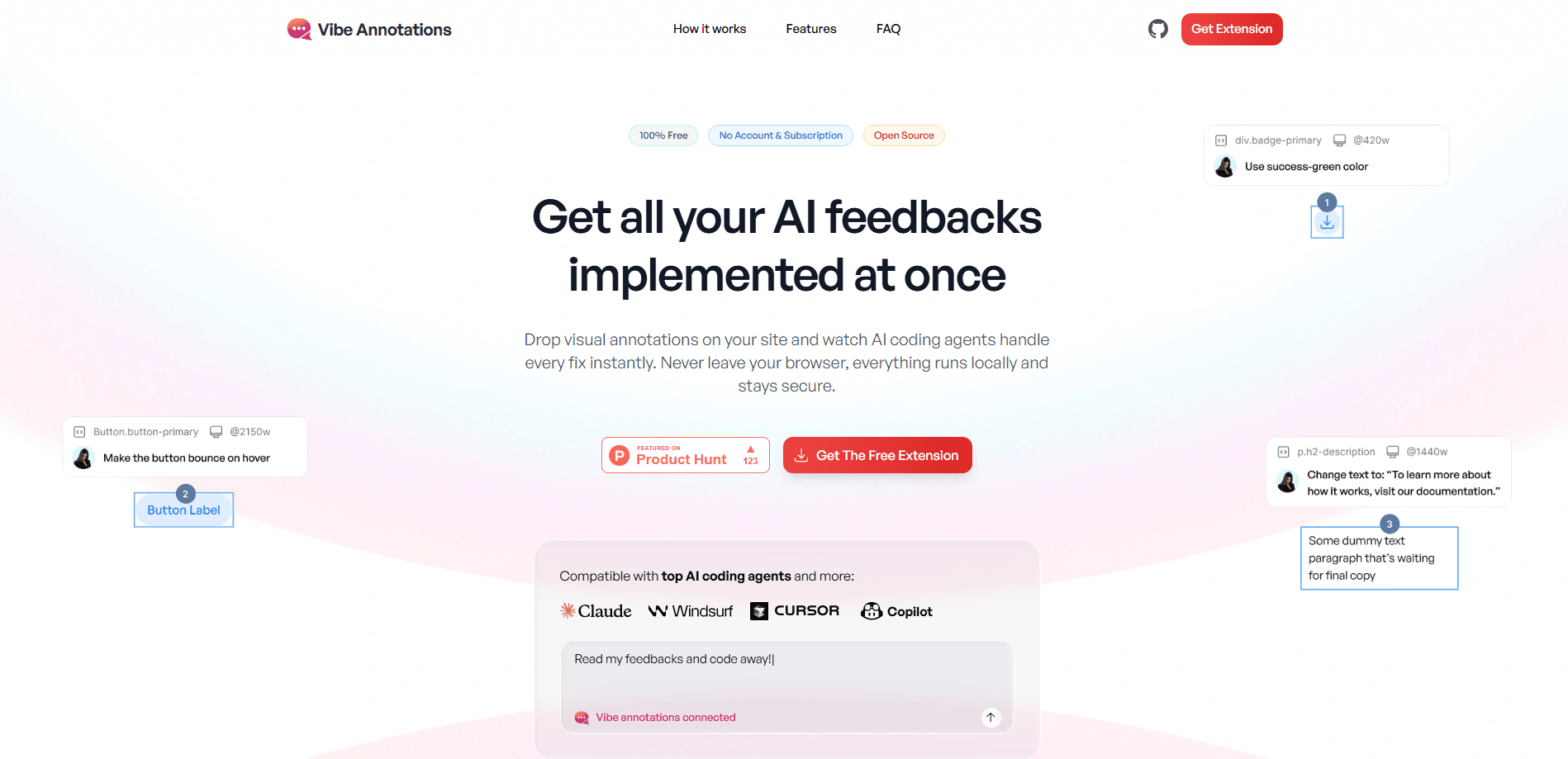
About Vibe Annotations
What Is Vibe Annotations
Vibe Annotations is a visual annotation tool for web development. You install a browser extension, click any element on a localhost page, and leave a note about what needs fixing. Every pin captures the exact DOM selector, the React or Vue component and the source file behind that element, so an AI coding agent gets precise context instead of a vague description.
The product ships as two parts. The extension works on its own with copy and paste, and an optional MCP server adds automatic syncing so agents can read, watch and resolve annotations without you copying anything. The server is published on npm as vibe-annotations-server, and both parts are free and open source.
The main limit is scope. It's built for localhost and local HTML files during development, not for live production sites or non web projects. If you don't run a dev server or use an AI coding agent, there's not much here for you.
Getting Started
- Install the browser extension from the Chrome Web Store, or load it unpacked from the repository for development
- Run npx vibe-annotations-server init to install the server, start it on port 3846 and wire it into your AI coding agent
- Open any localhost page, click Annotate in the toolbar and click elements to leave comments, design tweaks or text edits
- Hand the queue to your agent, which reads the annotations over MCP and implements the fixes in one batch
Product Information
A quick look at Vibe Annotations's pricing, supported platforms, and performance.
Best for
The users, tasks, and scenarios where this tool fits best.
Users
- Front-end developers
- Vibe coders working with AI agents
- Solo builders shipping prototypes
- Small teams reviewing UI together
Tasks
- Pointing out broken layout
- Sending design corrections
- Requesting component variants
- Sharing feedback outside the browser
- Automating the fix loop
Scenarios
- You've tweaked a button a dozen times and typing the selector is slow
- A screenshot alone won't tell the agent which element is wrong
- You're reviewing a page across several routes
- A teammate wants your feedback on their local build
- You want the agent to keep working while you keep annotating
Key features
Element Pins With Full Context
Every pin captures the exact DOM selector for the element you clicked, along with the React or Vue component and the source file behind it. That's the difference from a screenshot tool, where the agent has to guess which element you mean from pixels. Here the agent gets a selector it can act on, so fixes land on the right node the first time.
A Figma-Like Panel for Design Edits
Beyond comments, you can change size, spacing, color and text directly on the page through a Figma-like editing panel. You see a live preview before you hand the edit off, so what the agent implements is what you already approved. It keeps small visual tweaks out of the chat entirely.
Variant Generation and Preview
You can ask your agent for variants of any component and then compare them right on the page. The panel shows the options side by side, and you pick the winner without leaving the browser. It turns a back-and-forth over layouts into a single choice.
Screenshots and Reference Images
The tool auto-captures a screenshot of each element you annotate, and you can attach your own reference images on top of that. Visual context travels with the written note, which helps when a change is easier to show than to describe.
One-File Exports
You can export a batch of annotations as a single self-contained .html file with the images embedded, or as a lighter .md file when you only need the text. Either way it's one file to send, not a folder of screenshots and notes.
MCP Integration With Watch Mode
The server exposes tools like read_annotations, watch_annotations and get_project_context to connected agents. Setup is one command for Claude Code, Cursor, Windsurf, Codex, OpenClaw and VS Code. Watch mode long-polls for new annotations, so your agent can implement fixes live while you keep working.
Pros and cons
Pros
- Free and open source, with the server on npm and the code on GitHub
- Pins carry the selector, component and source file, so agents don't have to guess the target
- Works with the major AI coding agents, including Claude Code, Cursor, Windsurf, Codex and VS Code
- The extension runs on its own with copy and paste, so the MCP server is optional
- Exports a whole batch as one .html or .md file for sharing outside the browser
Cons
- Built for localhost and local HTML files, so it can't annotate live production sites
- No pricing page and no commercial support, which matters if a team wants a vendor behind the tool
- The MCP setup needs Node and a running local server, which is more than a plain extension install
- Annotation only applies to web front ends, so there's nothing for native apps or back-end work
Frequently asked questions
Vibe Annotations lets you click elements on a localhost page and leave feedback that AI coding agents can read and implement. Each annotation captures the DOM selector, the React or Vue component and the source file, so the agent knows exactly which element to change.
Related content
Explore related tools, skills, and articles for Vibe Annotations.
Vibe Annotations Alternatives

Udon
Udon · Coding · ProductivityUdon turns an Apple Silicon Mac into a home server you run from a browser, with container controls, file shares, and an optional AI sysadmin.

offstage
offstage cloud · Coding · Productivityoffstage gives AI coding agents and CI jobs a real Mac: a fresh macOS account on Apple silicon, driven over an API and billed by the second.

BotBus
Chengdu Tuyang Tusen Technology Co., Ltd. · Coding · ProductivityBotBus lets you control AI coding agents from your phone and watch: approve commands, start tasks and read results while the code stays on your desktop.