

Vibecode - AI App Builder
Vibecode · Coding
Vibecode is an AI app builder that lets you describe an idea in plain language and get a working mobile or web app back. You can preview, edit, and publish directly from your phone, without setting up a repo or learning a framework. As a no-code app builder, it's aimed at people who have a product idea but not the coding background to build it. So can you really build apps with AI here, start to finish? Mostly yes, within limits.
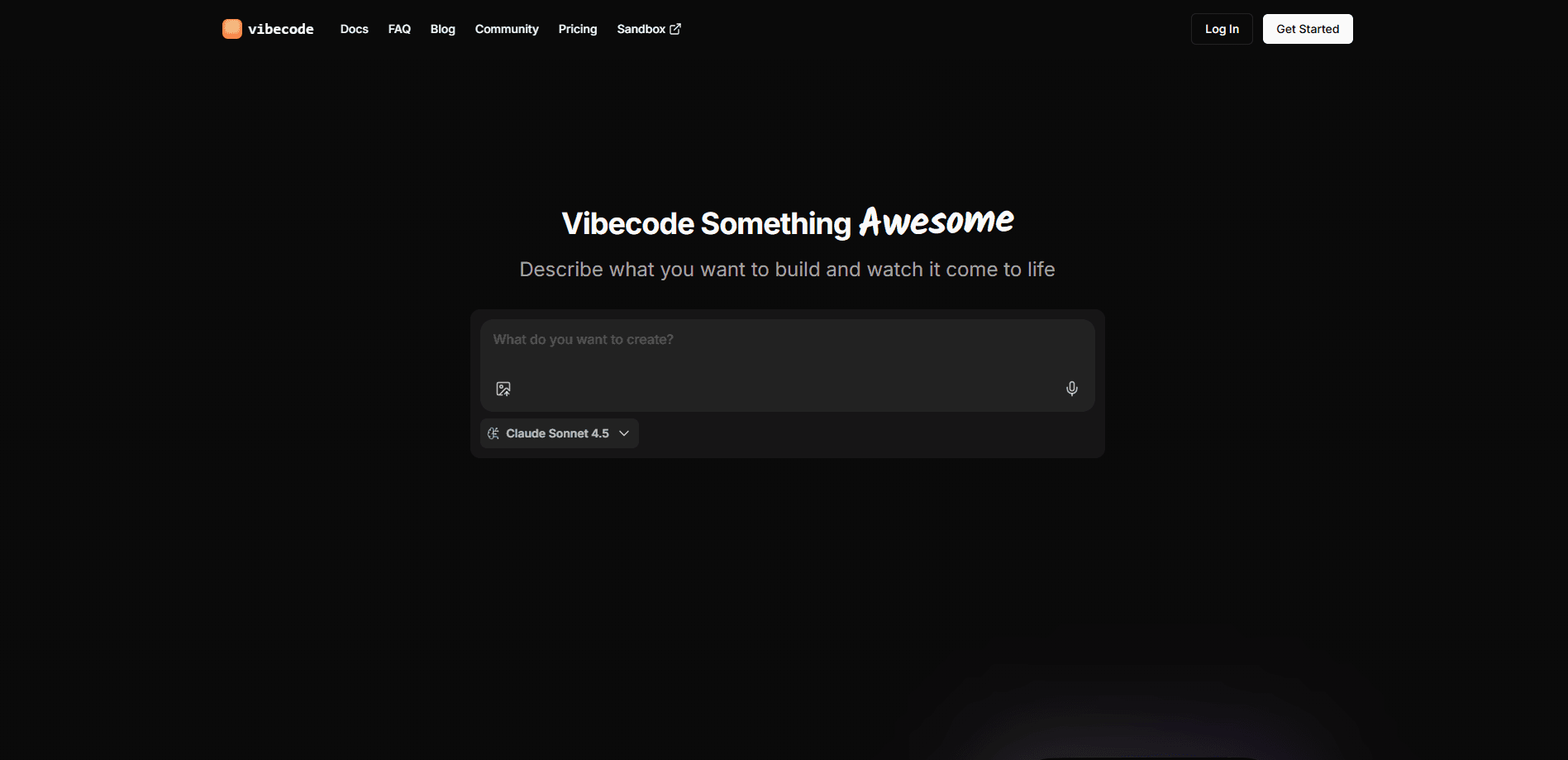
About Vibecode - AI App Builder
What Is Vibecode
Vibecode is a mobile and web app builder powered by AI. You type what you want, the tool generates the app, and you keep iterating by describing changes. The company positions it as "the mobile app that builds mobile apps," which tells you where the focus sits. Most competitors expect a desktop browser; Vibecode wants the whole loop to fit in your pocket.
The appeal is speed. Instead of sketching a spec and handing it to a developer, you start a chat and watch something clickable appear. That's the pitch behind the whole vibecoding app category, and Vibecode leans into it hard. It matters for founders testing an idea, or for anyone who wants a small tool for personal use and doesn't want to hire out the work.
The limits are real, too. Generated apps stay inside what the AI can produce, and complex logic or payment flows usually need more manual work than a single prompt can realistically deliver in one pass. You also depend on the platform's infrastructure for building and deploying. There's no fully owned repo unless it's exported.
Getting Started
- Download the Vibecode app from Google Play or the App Store, or open the web version.
- Sign in and start a new project, choosing mobile app or web app.
- Describe what you want to build in plain English. Spell out the screens and features you care about.
- Preview the generated app, then send follow-up prompts to fix or add anything.
- Publish the finished app when it looks right.
Product Information
A quick look at Vibecode - AI App Builder's pricing, supported platforms, and performance.
Best for
The users, tasks, and scenarios where this tool fits best.
Users
- Founders testing an app idea
- Non-technical creators
- Hobbyists building small tools
Tasks
- Turning a rough concept into a clickable demo
- Prototyping a signup or onboarding flow
- Building lightweight internal tools
Scenarios
- Validating an idea before you spend money on development
- Building on the go
- Learning what AI can and can't build
Key features
Prompt-to-App Generation
You describe the app you want and Vibecode generates the structure, screens, and basic behavior. A request like "a habit tracker with daily checkmarks and a weekly chart" comes back as something you can actually open. This is the core of the product. It also sets the ceiling for everything else.
Mobile-First Editing
The app is built so you can create and adjust projects from your phone, not just view them. That's the real difference from desktop tools in this space. If you mostly work from a phone, you get the full loop without switching devices.
Iterative Refinement
After the first build, you keep going by describing changes. Ask for a dark theme, a new button, or a different layout and the app updates. This back-and-forth is how the tool is meant to be used. It's also where a lot of the value sits.
Web and Mobile Targets
You can build for both mobile and the web. A single idea can ship as an app or a website, which saves you from picking a target before you know what the project needs. It's handy when you're still figuring out where the product belongs.
Preview Before Publish
Every change can be previewed before you push it live. You see the result in the app, decide if it's right, and only then publish. For anyone nervous about shipping something broken, that step is a small comfort.
Deployment From the App
Publishing happens inside the product rather than through a separate hosting setup. You don't wire up a domain or a build pipeline yourself. It's convenient. It also means you're relying on Vibecode's infrastructure to stay online. Compare that to a typical AI coding tool, where you'd export the code and host it yourself.
Pros and cons
Pros
- Fast first build: you can go from an idea to a preview in a single sitting.
- Mobile-first workflow: creating and editing projects from a phone, rather than a desktop browser, is unusual in this category and genuinely useful when you're away from a computer.
- Low setup cost: no repo, no local environment, no framework to learn.
- Steady iteration loop: describing changes is quick and doesn't require code edits.
Cons
- Complex apps hit a wall: payments, real backend rules, and heavy logic usually need a developer, since the AI can only generate so much.
- Platform lock-in: building and hosting run through Vibecode, so moving a project elsewhere isn't a clean export.
- Pricing changes often: subscription tiers shift, so check the current plans before budgeting.
Frequently asked questions
It's an AI app builder for turning a plain-language idea into a working mobile or web app. You describe what you want, preview the result, and publish it, mostly from your phone.
Related content
Explore related tools, skills, and articles for Vibecode - AI App Builder.
Vibecode - AI App Builder Alternatives
Forefront
Forefront · CodingForefront is a web platform for building with open-source AI. It lets you fine-tune leading open-source language models on your own data, evaluate how they perform, and run them through an API or export them to host yourself. Developers who want the convenience of a closed-source platform but insist on owning their models and data are the target audience here.

Startkit
StartKit.AI · CodingStartkit is a boilerplate for building AI SaaS and AI wrapper products. Think of it as an AI startup boilerplate with the boring parts already wired up: authentication, Stripe and Lemon Squeezy payments, usage limits, transactional email, and an AI API starter that talks to OpenAI, Anthropic, Groq, or Llama. You clone the repo, set your price, and start on the part of your product that people actually pay for. It's Next.js under React and Tailwind, so most of the boilerplate code already feels familiar.
Testim
Tricentis · CodingTestim is an AI-powered test automation platform for building and running end-to-end tests across web, mobile, and Salesforce applications. It leans on machine learning to keep tests stable when an interface changes, so teams spend less time fixing broken selectors. Not bad for an automated testing tool you can start using today. You create tests by recording actions in a browser, then optionally add JavaScript when you need more control. It's a solid pick for busy QA teams.