
Vidgo AI
Vidgo AI · Image · Video · Other
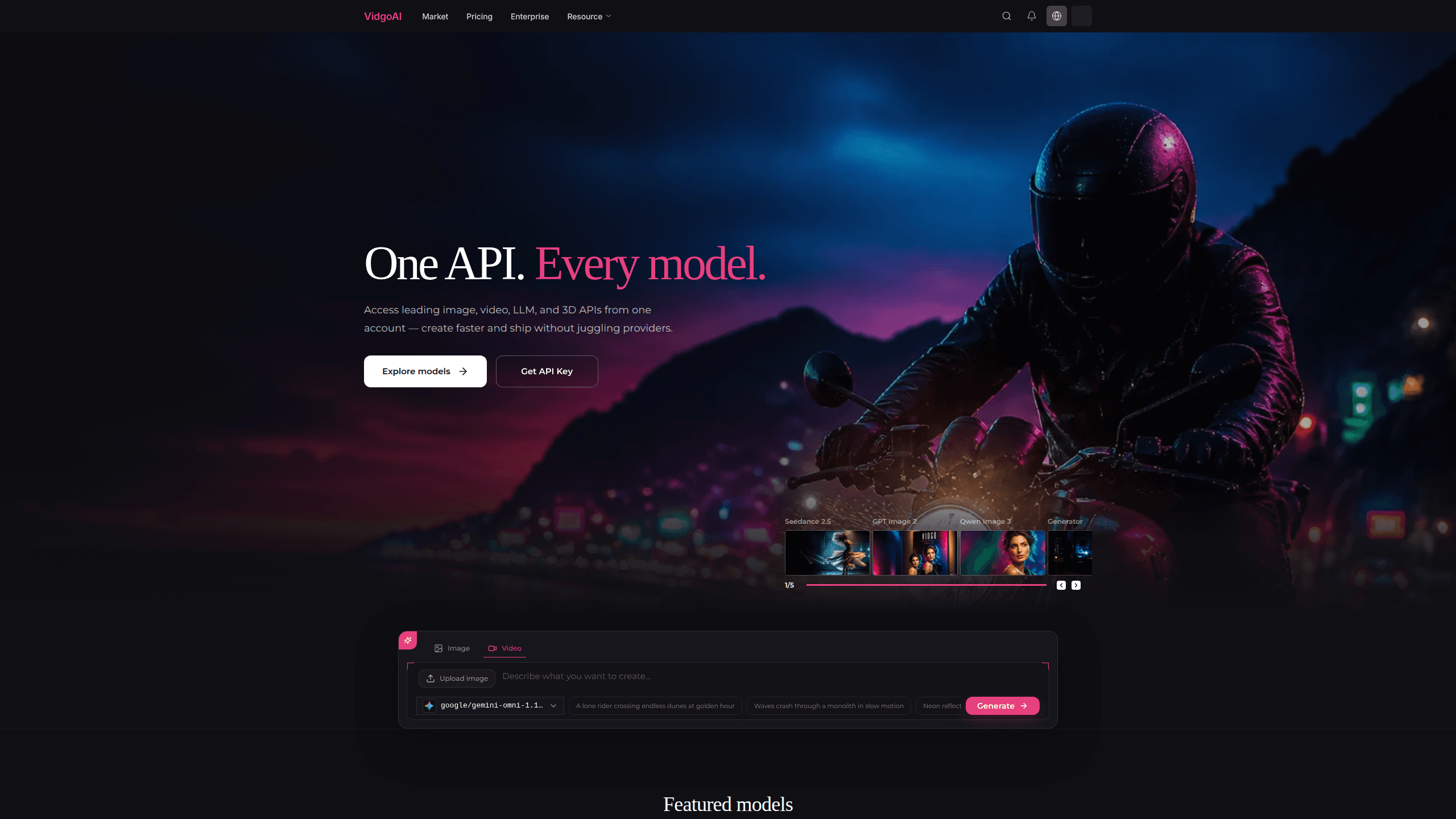
Vidgo AI is a generative media API platform that gives you one production API for image, video, language, and 3D models. Instead of juggling separate provider accounts, SDKs, and GPU bills, you integrate once with a single API key and call any model in the catalog. Think of it as a unified AI API layer over the biggest model names. Jobs run asynchronously, so you submit a task and either poll for the result or catch a webhook when it's done. Usage draws from one shared credit balance, and failed generations aren't billed. It's built for developers and small teams who want to ship media features without becoming infrastructure managers.
About Vidgo AI
What Is Vidgo AI
Vidgo AI is an aggregator, not a model maker. Its catalog pulls in leading third-party models and exposes them through one asynchronous API, so you don't have to sign up for each provider individually. The homepage currently features names like Veo 3.1 Official, Seedance 2.5, GPT Image 2, Nano Banana 2, Kling 3.0, Sora 2, and GPT 5.6 Sol, and the list keeps growing. At last check the model market listed 146 models across text-to-image, image-to-image, text-to-video, image-to-video, audio-to-video, chat, music, motion control, talking avatar, and video-to-video categories.
The appeal is consolidation. One API key, one credit balance, one place to find prompts and downloads. If a model fails, you aren't charged for it, which takes some of the guesswork out of testing expensive video jobs. The platform also offers async execution with webhooks, so long renders don't block your app. Pricing is shown per model before you run it, and Vidgo claims its rates undercut fal.ai on the models it lists side by side.
The trade-offs are real. You're trusting a middle layer between you and the original model providers, so tenant privacy, uptime, and long-term catalog stability are worth checking against your own requirements. Credit pricing also moves with each model. Your effective cost depends on which models you lean on.
Getting Started
- Create a Vidgo AI account and open the dashboard.
- Generate an API key at the API key page in your dashboard.
- Pick a model from the catalog and check its credit basis on the pricing page.
- Submit a job through the unified async API, then poll for completion or register a webhook.
- Collect the output when the job finishes. Failed jobs cost zero credits, so retrying a broken run won't drain your balance.
Product Information
A quick look at Vidgo AI's pricing, supported platforms, and performance.
Best for
The users, tasks, and scenarios where this tool fits best.
Users
- Indie developers
- Small product teams
- Agencies prototyping for clients
Tasks
- Generating video from a prompt
- Creating images from text or reference art
- Adding a chat or LLM endpoint
Scenarios
- Testing which video model fits your budget before you scale a production pipeline.
- Keeping prompts, generations, and downloads in one workspace instead of scattering them across provider dashboards.
- Running longer renders in the background so your app stays responsive while the job completes.
Key features
One API for Every Model
The whole pitch is a single integration point. You get one API key and one credit balance that works across image, video, LLM, and 3D models, so adding a new model doesn't mean adding a new provider account, SDK, or billing relationship. That's the difference between wiring up five integrations and maintaining one. The same AI model API call pattern applies no matter which model you pick. The catch is that you depend on Vidgo to keep each model in sync with its source provider.
Failed Jobs Cost Zero Credits
Vidgo doesn't bill for generations that fail. If a video render errors out, the credits aren't deducted from your balance, which matters when you're debugging a tricky prompt or testing an unfamiliar model. Video jobs are the expensive ones. Not paying for dead runs changes how freely you can experiment. It's a small policy with a real effect on iteration speed.
Async API and Webhooks
Jobs run asynchronously. You submit a task, then either poll for the result or receive a completion event through a webhook, so heavy renders don't choke your request cycle. The default rate limit is 20 submit requests per 10 seconds, and Vidgo says to contact support if you need higher throughput. For anyone building media features into a live app, background execution plus webhooks is the pattern that keeps things stable.
Clear Per-Model Pricing
Vidgo lists the credit basis for each model before you run it, and publishes a pricing page that compares its rates with fal.ai's on shared models. Its published savings run roughly 33% to 37% on the video tiers it shows. There's no separate subscription on top of the credits, so cost tracks actual usage. Just remember the per-second rates climb with resolution. A 1080p run costs noticeably more than 480p. So which tier fits your budget? That depends on your output quality needs, not on the platform itself.
Unified History and Private Assets
Prompts, generations, and downloads live in one place, which saves the usual scavenger hunt across provider dashboards when you need to find an earlier output. Vidgo states that your prompts and uploaded assets stay private to your workspace. For teams handling client work, that locality is a deciding factor rather than a nice-to-have.
Broad, Growing Model Catalog
The catalog spans more than a dozen task types, from text-to-image and image-to-video to music, motion control, and talking avatars. Featured models include Veo 3.1 Official, Seedance 2.5, GPT Image 2, Nano Banana 2, Kling 3.0, Sora 2, and GPT 5.6 Sol. New models get added continuously, so the catalog is worth rechecking if a model you wanted was missing last time.
Pros and cons
Pros
- One API key and one credit balance cover image, video, LLM, and 3D models, replacing multiple provider accounts.
- Failed generations aren't billed, so testing costly video models is less risky.
- Async jobs with webhooks keep long renders from blocking your app.
- Pricing is published per model, with claims of savings versus fal.ai on shared models.
- Prompts, outputs, and downloads stay in one workspace, and assets are private to your account.
Cons
- Vidgo sits between you and the original providers, so uptime and catalog stability depend on a third party.
- Credit costs vary by model and resolution, so a single flat budget is hard to predict across a mixed workload.
- Task-support and 3D coverage is thinner than the busy image and video sections, so niche needs may go unmet.
Frequently asked questions
Vidgo AI is a generative media API platform. Developers use it to call image, video, LLM, and 3D models through one API instead of signing up for each provider separately. It's aimed at building media features into apps, prototypes, or client work without managing GPU infrastructure yourself.
Related content
Explore related tools, skills, and articles for Vidgo AI.
Vidgo AI Alternatives

Google EmbeddingGemma 2
Google DeepMind · Writing · Image · CodingGoogle EmbeddingGemma 2 is a 740M-parameter open model that turns text, code, images, audio, and video frames into vectors in one 768-dimension space, running on phones and laptops.

Tractionwave
TractionWave · Image · MarketingTractionWave is an AI attention heatmap tool for static ads. Upload a PNG or JPG and it returns predicted attention, ranked hotspots, and fixes before you spend budget.

Imejis.io
Imejis.io · Image · MarketingImejis.io is an AI design studio for agents and marketing teams. Describe an image in plain words, and it writes the copy, builds the layout, reflows it to every size, then exports a finished file.