

Vidmage AI
Vidmage · Image · Video
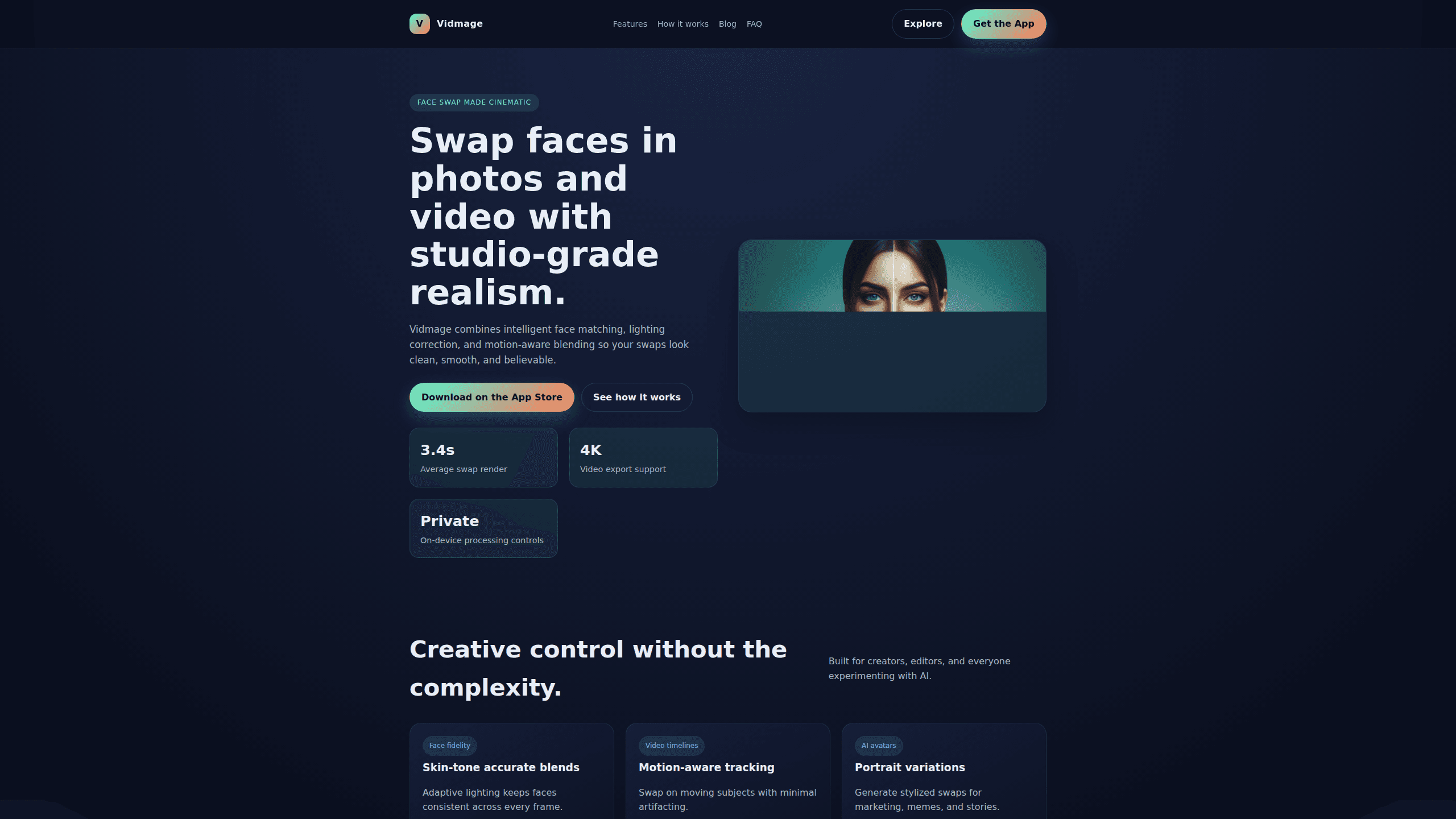
Vidmage AI is an iOS app that swaps faces in both photos and videos, leaning on intelligent face matching, lighting correction, and motion-aware blending to keep results clean and believable. It targets creators who want studio-grade swaps without a full editing suite. It also builds consent checklists and on-device processing controls into the workflow from the start.
About Vidmage AI
What Is Vidmage AI
Vidmage AI is an AI face swap tool for iOS that handles photos and video in one place. The pitch is simple: you get cinematic swaps without touching a timeline. It combines adaptive lighting with motion-aware tracking, so a swap holds up on a moving subject instead of falling apart frame by frame.
The main problem it solves is consistency. Face swaps look off for two reasons. The lighting on the new face doesn't match the scene. Or the tracking drifts the moment someone turns their head. Vidmage AI attacks both with scene-aware lighting adjustment and blend controls, then lets you fine-tune the result with sliders rather than guesswork.
The biggest limit is where it runs. Right now Vidmage AI is built for iOS. Android users and desktop editors can't use it. It's also a face swap tool first, not a full editor. If you need transitions, color grading, and multitrack audio, this isn't that. Think of it as a focused utility for one job.
Getting Started
- Download Vidmage AI from the App Store on your iPhone and open the app.
- Import your own media. You can bring in a photo or a video clip from your library. The app keeps local asset control, so you can delete content whenever you want.
- Pick your source face and your target, then let intelligent face matching line them up automatically.
- Adjust the result. Use the sliders for blend strength, feathering, and motion smoothing, or start from a smart preset and tweak from there.
- Clean up and export. Run one-tap mask cleanup, apply an export preset for TikTok or Reels, and save the finished swap.
Product Information
A quick look at Vidmage AI's pricing, supported platforms, and performance.
Best for
The users, tasks, and scenarios where this tool fits best.
Users
- Social media creators
- Casual users experimenting with AI
- Meme and story makers
Tasks
- Swapping faces in video clips
- Swapping faces in still photos
- Generating AI avatar variations
Scenarios
- Making a swap for a social post
- Fixing lighting on an existing swap
- Experimenting with a look before committing
Key features
Photo and Video Face Swaps in One App
Vidmage AI handles both stills and moving footage, so you don't juggle two tools. Photo swaps lean on skin-tone accurate blending, while video swaps add motion-aware tracking to keep the result steady on moving subjects. That split matters, because the failure modes for each are different.
Studio-Grade Lighting Correction
The app adjusts lighting across the frame so the swapped face matches the scene instead of sitting on top of it. Scene-aware lighting adjustment is the feature that separates a believable swap from an obvious one. If your source photo was shot in different light than the target, this is what keeps it from looking pasted on. Simple as that.
Motion-Aware Tracking for Video
Tracking keeps the swap locked to the face as it moves, turns, and shifts expression, with the goal of minimal artifacting. This is the part that trips up basic face swap tools, where the mask drifts and smears once the subject isn't holding still. Vidmage AI is built to hold up past that point. That's the whole point.
Fine-Tune Controls and Smart Presets
You can calibrate blend strength, feathering, and motion smoothing with manual sliders, or start from a smart preset and adjust from there. One-tap mask cleanup removes the leftover edges that need the most tedious hand work in other apps. It's a fast workflow rather than a deep one.
AI Avatar Generator and Portrait Variations
Beyond straight swaps, the app works as an AI avatar generator. It builds stylized portrait variations you can use for avatars, marketing, memes, or stories. That gives you a second reason to open the app when you're not doing a literal swap. It runs on your own media. That keeps you on the right side of the consent question.
Consent-Aware Design and Privacy Controls
A consent-first checklist prompts you to keep edits respectful, and local asset control means you use your own media and can delete content anytime. The app also points to secure storage and auto-expiring project links. These aren't glamorous features, but face swap tools live or die on how they handle other people's faces, and putting guardrails up front is the right call.
Fast Render and 4K Video Export
The site lists an average swap render of around 3.4 seconds and support for 4K video export. Export presets tuned for TikTok and Reels mean you're not re-encoding to hit the right aspect ratio. Fast turnaround matters. It's the difference between trying an idea and giving up on it.
Pros and cons
Pros
- Handles both photos and video, so you don't need a second tool for either.
- Lighting correction fixes the mismatch that makes most swaps look fake.
- Motion-aware tracking keeps video swaps steady on moving subjects.
- Fine-tune sliders plus smart presets cover both beginners and tinkerers.
- Consent checklists and local asset control give it a more responsible default than many rivals.
Cons
- iOS only, so Android and desktop users are left out entirely.
- No published pricing or feature list for the paid tier, which makes budgeting hard before you commit.
- No public API, so you can't wire it into an automated workflow.
- It's a single-purpose tool. Anyone wanting a full editor will need to look elsewhere.
Frequently asked questions
It's an iOS app for photo face swap and video work, plus generating stylized portrait variations for avatars and content. The focus is realistic results with lighting correction and motion-aware blending.
Related content
Explore related tools, skills, and articles for Vidmage AI.
Vidmage AI Alternatives

Google EmbeddingGemma 2
Google DeepMind · Writing · Image · CodingGoogle EmbeddingGemma 2 is a 740M-parameter open model that turns text, code, images, audio, and video frames into vectors in one 768-dimension space, running on phones and laptops.

Tractionwave
TractionWave · Image · MarketingTractionWave is an AI attention heatmap tool for static ads. Upload a PNG or JPG and it returns predicted attention, ranked hotspots, and fixes before you spend budget.

Imejis.io
Imejis.io · Image · MarketingImejis.io is an AI design studio for agents and marketing teams. Describe an image in plain words, and it writes the copy, builds the layout, reflows it to every size, then exports a finished file.