

Viewify
Viewify Ltd · Image · Video
Viewify turns a smartphone or drone video into a photorealistic 3D model, interactive virtual tour and floorplan, aimed at real estate, retail and product capture.
About Viewify
What Is Viewify
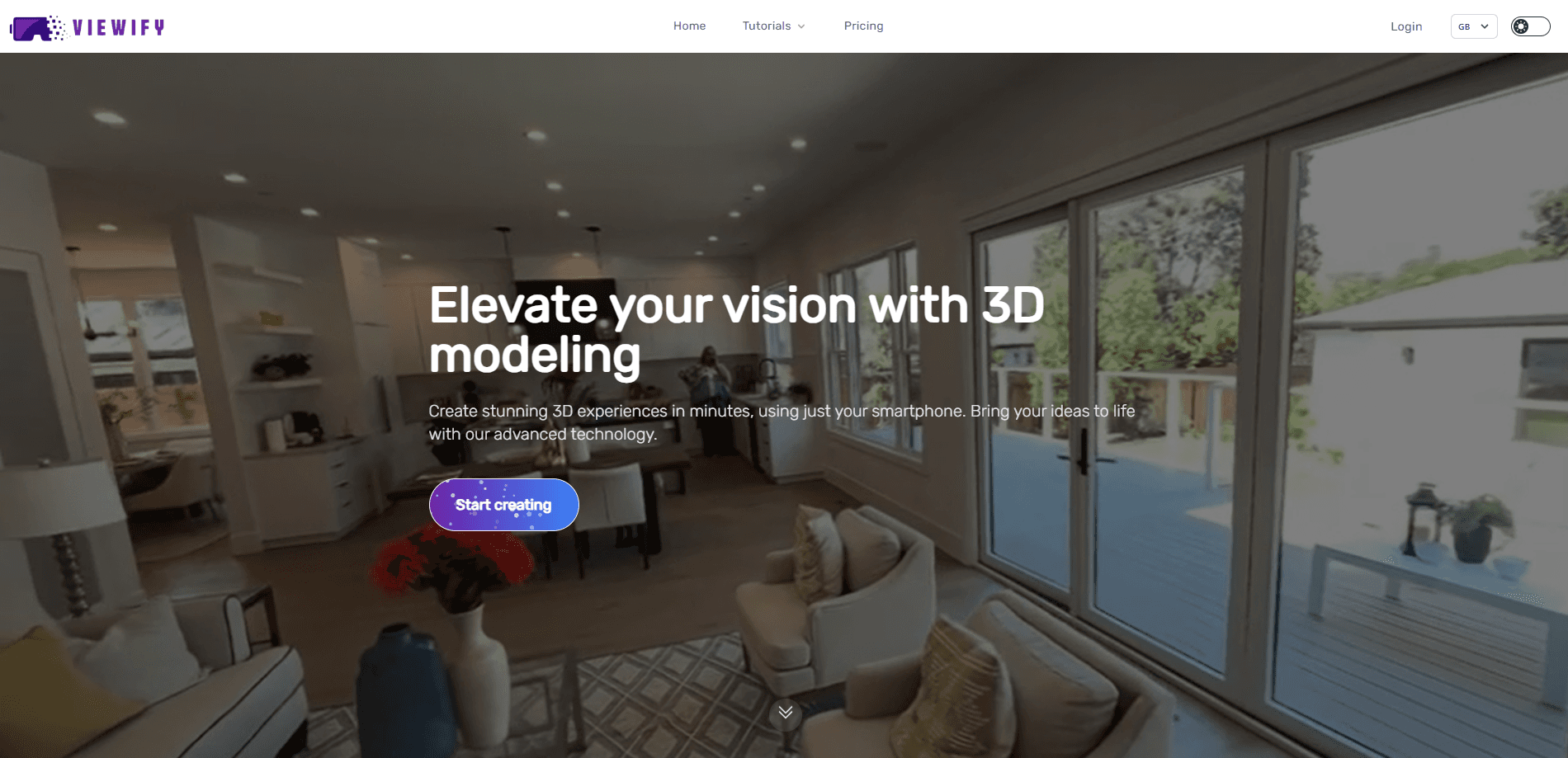
Viewify is a web platform that builds 3D models and virtual tours from ordinary video. You walk through a room or around an object with your phone, upload the clip, and the software reconstructs a walkable 3D scene in minutes. The site pitches it as a way to replace static listing photos with something a buyer can actually move through.
The engine behind it uses Gaussian Splatting, a rendering method that reconstructs a scene from video frames and keeps the lighting and texture of the original footage. That's why a captured room looks like the real room rather than a flat gray mesh. Viewify also generates floorplans from the same capture, which matters if you handle property listings and need a plan to publish alongside the tour.
The platform aims beyond real estate. The company markets the same pipeline for retail layouts, product showcases, automotive and game asset work, with drone footage as an input as well as phone video. That covers 3D modeling platform work that used to need a studio. Alongside the modeling tool, it sells AI virtual assistants for property inquiries and a marketplace for buying, selling and renting listings with tours attached.
Two limits stand out. The free tier caps you at three models a month, so anyone capturing regularly will hit a paywall quickly. And the product is browser-based, so there's no native mobile app to download and no offline mode, which is worth knowing if you work somewhere with weak signal.
Getting Started
- Create a Viewify account and pick a plan, starting with the free tier if you just want to test a capture
- Record a steady video of the space or object with your phone or drone, moving slowly and covering the surfaces you care about
- Upload the video and let Viewify process it, which the company measures in minutes rather than hours
- Review the generated 3D model, tour and floorplan, then share a link or export the model in your chosen format
Product Information
A quick look at Viewify's pricing, supported platforms, and performance.
Best for
The users, tasks, and scenarios where this tool fits best.
Users
- Real estate agents and brokers
- Property managers and landlords
- Retail and store planners
- Small studios and freelancers in VFX, game or product work
Tasks
- Creating a virtual tour for a listing
- Generating a floorplan
- Digitizing a space for records
- Capturing products for eCommerce
- Scanning layouts for review
Scenarios
- A listing goes live on Friday
- A rental unit turns over
- A store owner checks five branches
- A product team needs a 3D preview
- An agent works a market they don't live in
Key features
3D Models From Phone Video
The core of Viewify is turning a single video into a detailed 3D model. You record the space with the camera already in your pocket, upload it, and the platform reconstructs a scene you can rotate, zoom and walk through. There's no rig, no tripod and no scanning hardware to buy, which is the main reason it competes on price against services that send a crew to a property.
Gaussian Splatting Rendering
Viewify builds its models with Gaussian Splatting, a technique that reconstructs a scene from video data and keeps realistic lighting and texture. The practical result is that surfaces look like the real material instead of a uniform mesh, so a captured kitchen reads as a kitchen rather than a gray blockout. The company leans on this as the reason its output looks photoreal without manual cleanup.
Virtual Tours and Guided Walkthroughs
Captures convert into interactive tours you share by link, and the platform supports guided walkthroughs and highlights on the paid tiers. A viewer opens the tour in a browser and moves through the space the way they'd move through a listing. There's also a teleport feature, which marks a point a viewer can click to jump somewhere else in the scene, useful for moving between rooms or floors.
Automatic Floorplans
Alongside the 3D model, Viewify generates a floorplan from the same video, so you get a top-down plan and a walkable tour from one capture. For listings and rental records, that means two of the assets buyers and tenants expect, without a separate appointment or a second tool. It also helps property managers document a unit's layout for maintenance and planning.
Multiple Export Formats
The lower tiers export PLY files, while the Business plan opens up all export formats, according to the pricing page. This matters if you need to bring the model into another program, since PLY works for many viewers and editors but not every pipeline. Higher tiers also support 4K videos and photos, against 1080p on the free plan.
AI Virtual Assistants
Viewify sells AI assistants that sit on a property and answer buyer questions around the clock. The company describes them as agents with market knowledge that can give property-specific insights and pass qualified leads to a broker. It's a separate product from the modeling tool, built for agencies that want inquiries handled when the office is closed.
Marketplace and Library
The platform includes a marketplace for buying, selling and renting listings, and every listing comes with a tour attached. There's also a community library where users share 3D models and scenes. The library is view-only on the free plan, which gives new users something to browse before they capture their own space.
Team and White-Label Options
The Business plan adds five team seats, a dedicated account manager and white-labeling, so an agency can present tours under its own brand rather than Viewify's. For firms that resell scan services or want a consistent look across listings, that's the tier where the branding controls live.
Pros and cons
Pros
- Works from a phone video, so there's no scanning rig, tripod or specialist hardware to buy
- Produces a 3D model, a virtual tour and a floorplan from one capture, which cuts a step out of the listing workflow
- Gaussian Splatting keeps realistic lighting and texture, so captured spaces look like the real thing
- Free tier with three models a month lets you test a capture before paying
- Business plan adds white-labeling, team seats and all export formats for agencies
Cons
- The free plan's three models a month run out fast if you capture regularly, which pushes you to a paid plan sooner than you might expect
- It's browser-only with no native mobile app, so you upload rather than process on your phone
- Lower tiers are limited to PLY exports, which won't fit every 3D pipeline
- Virtual tours, highlights and guided walkthroughs sit on paid tiers, and some features were still listed as upcoming on the pricing page
Frequently asked questions
Viewify works as virtual tour software, 3D scanning from video and a floorplan tool in one. You record a smartphone or drone walkthrough, upload the clip, and the platform reconstructs the space in minutes, aimed at real estate listings, retail layouts and product capture.
Related content
Explore related tools, skills, and articles for Viewify.
Viewify Alternatives

Google EmbeddingGemma 2
Google DeepMind · Writing · Image · CodingGoogle EmbeddingGemma 2 is a 740M-parameter open model that turns text, code, images, audio, and video frames into vectors in one 768-dimension space, running on phones and laptops.

Tractionwave
TractionWave · Image · MarketingTractionWave is an AI attention heatmap tool for static ads. Upload a PNG or JPG and it returns predicted attention, ranked hotspots, and fixes before you spend budget.

Imejis.io
Imejis.io · Image · MarketingImejis.io is an AI design studio for agents and marketing teams. Describe an image in plain words, and it writes the copy, builds the layout, reflows it to every size, then exports a finished file.