
Vision Boards AI
Chisom, the Great · Image
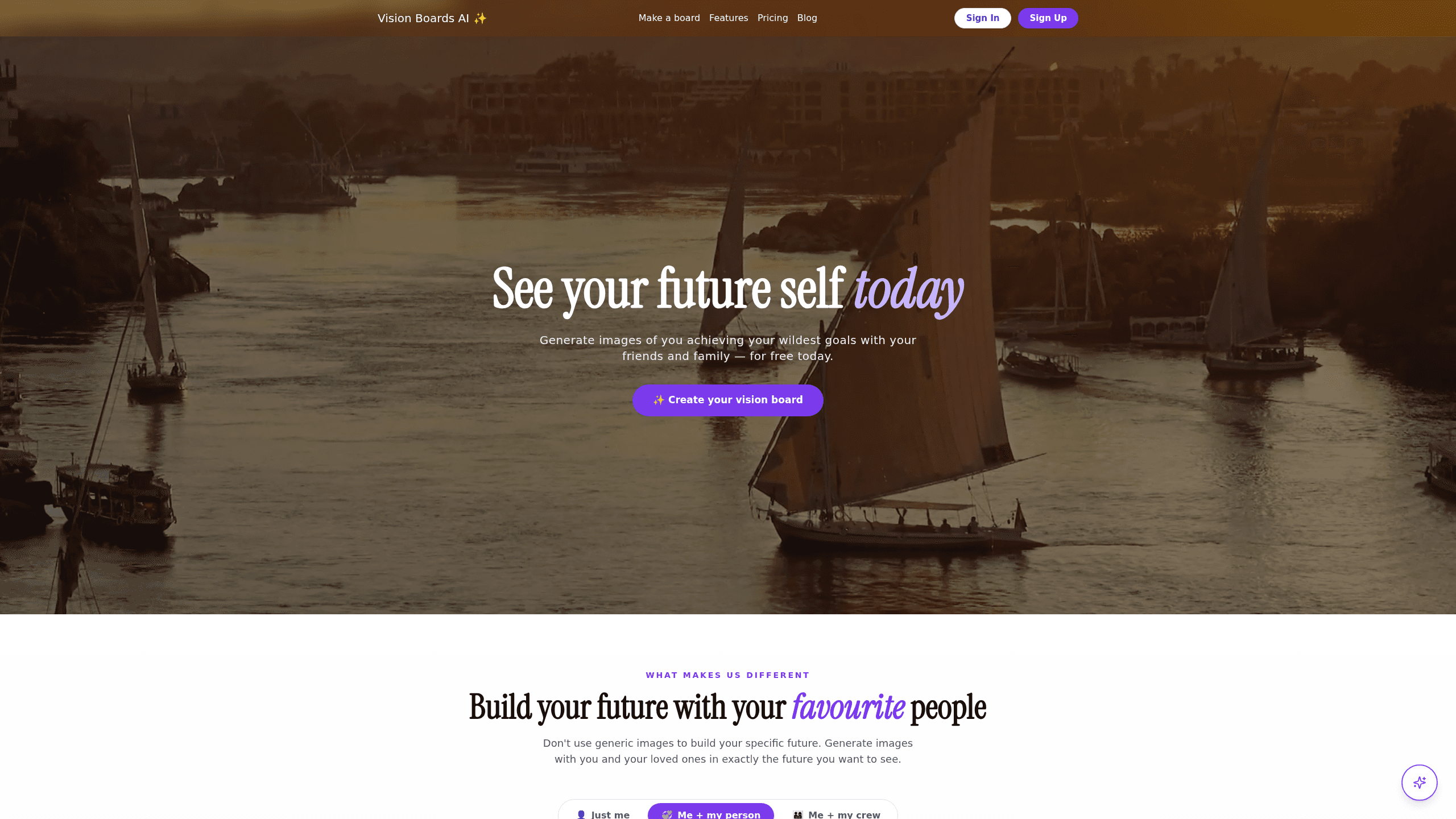
Vision Boards AI is an AI vision board generator that shows you reaching your goals instead of pasting stock photos of strangers into a collage. You type in what you want, and it generates images with your face and the faces of the people you love built into the scene. It works for couples, families, and best friends who want a shared future on one board. The whole thing runs in a browser. Setup takes minutes.
About Vision Boards AI
What Is Vision Boards AI
Vision Boards AI is a web tool that builds a personalized vision board from a short description of your goals. Most vision board makers pull from image libraries, so you end up staring at someone else's dream. This one keeps your identity in the picture. You upload a face. You describe the future you want. Then the AI places you inside it.
The product leans hard into one idea. Goals feel more reachable when you can see yourself already there. You can generate a board alone, or build one with a partner, a co-founder, or a group of friends so the same future shows up for both people. It also nudges you with goal suggestions for fitness, career, travel, money, and creative work if you show up without a clear plan.
The main limit is scope. This is a vision board and goal visualization app, not a full photo editor or a project tracker. It generates and organizes images for motivation, and you won't find advanced editing tools or team workflows inside it. If you want a deeply editable design suite, look elsewhere.
Getting Started
- Go to the Vision Boards AI site and start a board for free.
- Add a photo of yourself, and of anyone else you want in the picture (a partner, family member, or friend).
- Describe your goals in plain language, or pick from the built-in suggestions for fitness, career, travel, or money.
- Generate the board and review the images the AI creates for each goal.
- Download the images to your phone, print them, or share them with the people on the board.
Product Information
A quick look at Vision Boards AI's pricing, supported platforms, and performance.
Best for
The users, tasks, and scenarios where this tool fits best.
Users
- Couples and partners
- Families
- Best friends and co-founders
- Solo goal-setters
Tasks
- Turning a vague goal into a concrete image
- Shared accountability
- Goal setting for a new year or a new project
- Making print material
Scenarios
- Planning a life milestone with a partner, like a wedding, a first home, or a big trip.
- Launching a business with a co-founder and wanting a shared picture of year one.
- Kicking off a fitness or habit change and needing something that shows the end result.
- Running a fun goal-setting session with friends using the bingo card feature.
Key features
Identity-Preserved Image Generation
The core feature is generating goal images with your actual face, not a stand-in. You upload a photo. The tool places you inside the scene you describe. That's what separates it from generic image generators. For couples and partners, both people stay recognizable in the same image. Nobody gets blended into a stranger. Sounds obvious, right? It isn't, and that's the whole point.
Couples and Shared Boards
You can build one board for two or more people so everyone sees the same future. The tool is pitched at couples, partners, and co-founders specifically. The appeal is simple: when two people look at the same image of the goal, the plan turns into something you both own.
Goal Suggestions
If you sit down without a clear goal, the app suggests directions across health and fitness, career growth, location independence, business, finances, and creative work. It's a starting point, not a personality quiz. It still gets you past the blank page.
Vision Board and Goal Bingo
Beyond the standard board, you can create goal bingo cards, which turns steady tracking into something a lot more like a game that you actually want to open every day. It's a light way to keep several goals visible at once without building a formal tracker.
Download and Print
Every board downloads to your devices, and you can print images as polaroids for a fridge, mirror, or workspace. The idea is to keep the goal in front of you daily rather than buried in an app you forget to open.
Browse in a Browser
Vision Boards AI runs entirely on the web, so there's nothing to install. You start from a browser, generate, and download, which makes it easy to try before paying.
Pros and cons
Pros
- Keeps your face and your partner's face in the image, which generic AI art tools won't do.
- Supports shared boards for couples, families, and co-founders in one place.
- Free to start, with a single one-time payment for the paid plan instead of a subscription.
- Goal suggestions help you begin when you don't have a clear plan.
- Downloads and polaroid-style prints keep goals visible away from the screen.
Cons
- It's built for motivation, not project management, so there's no task tracking or deadlines.
- No API means you can't push boards into another app or automate anything.
- No mobile app listed, so you're tied to a browser.
- Output quality depends heavily on the photos you provide, and a blurry selfie can weaken the result.
Frequently asked questions
It's used to create a personalized vision board that shows you, and the people you choose, already living the goals you set. You describe a goal, the AI generates an image of you in that future, and you keep the board as a daily reminder.
Related content
Explore related tools, skills, and articles for Vision Boards AI.
Vision Boards AI Alternatives
Snappyit
Snappyit · Image · MarketingSnappyit is an AI product photography platform built for apparel sellers who need clean, listing-ready images without a studio or photographer. It turns an ordinary phone photo of a garment into ghost mannequin shots, on-model try-ons, flat lays, color variants, and short product videos. Prices start at $8.2/mo, the output lands under $0.10 per image, and a free credit tier lets you test it before paying.

Photiu AI
Photiu.ai · ImagePhotiu AI is a browser-based AI photo editor that handles background removal, image upscaling, object erasing, and AI image generation in one place. It's built for people who need clean, polished images fast without installing design software or learning a full editing suite. You upload a photo, the AI does the heavy lifting, and you download the result.

Aimage AI
Aimage AI · ImageAimage AI is a browser-based AI image generator that turns written prompts or uploaded photos into finished artwork in seconds. It works as an AI art generator and a text to image generator in one place, and also packages photo style transformation, video clips, and prompt extraction into the same tool. You don't install anything, and a free tier lets you test the results before paying.