

VisualMind
Asana Rebel GmbH · Productivity · Leaning
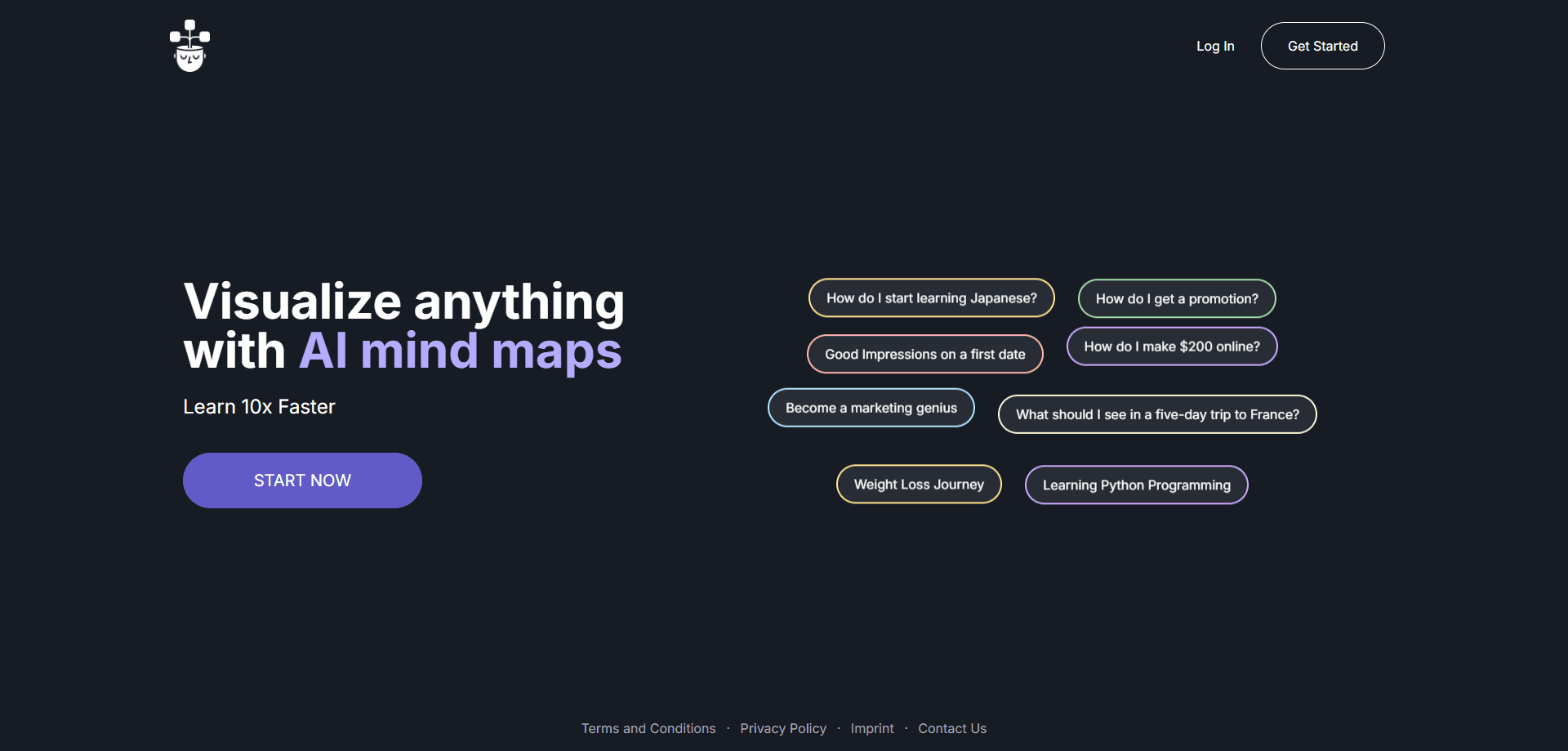
VisualMind is an iOS app that turns any topic or YouTube video into an AI mind map or a guided chat, so you can study new subjects faster and keep what you learn.
About VisualMind
What Is VisualMind
VisualMind is an iPhone and iPad app that builds visual mind maps and guided chat explanations for whatever you want to learn. You type a topic, pick a learning prompt, and it lays out the subject as branches you can expand, or as a back-and-forth conversation you can question. It's built for people who want to understand a subject rather than just read a wall of text about it.
The problem it goes after is how quickly reading alone falls apart. You finish an article and forget most of it a day later. VisualMind answers that with two formats in one app, so the same topic can arrive as a map when you want the shape of it and as a chat when you want to go deep on one branch. It also works as a YouTube video summarizer, turning clips into either format, which covers a lot of the learning material people already use. The mind map vs chat choice is really the whole product in one decision.
Two limits matter before you subscribe. It runs on iOS only, with no Android or web version, so an iPhone or iPad is required. And it's a study aid, not a research tool. The mind maps and answers are generated, so you should still check anything that has to be exact before you rely on it.
Getting Started
- Download VisualMind from the App Store on an iPhone or iPad running iOS 16.4 or later
- Open the app and start free, then choose a topic or a curated learning prompt from the library
- Pick the format you want, a mind map or a chat, and let the AI build it out
- Ask follow-up questions or expand branches to go deeper, then save the map or chat to revisit later
- Move to a Premium plan once you hit the free limits and want unlimited maps and chats
Product Information
A quick look at VisualMind's pricing, supported platforms, and performance.
Best for
The users, tasks, and scenarios where this tool fits best.
Users
- Students
- Lifelong learners
- Professionals picking up a new skill
- YouTube-heavy learners
- Visual thinkers
Tasks
- Topic breakdowns
- Video summaries
- Exam revision
- Language and hobby learning
- Note structuring
Scenarios
- You have an exam next week and need one subject to click
- A two-hour YouTube talk is the only source on a topic
- You want a promotion and need to get sharper on a business topic
- You're planning a trip or a personal project
- You like to learn on the train
Key features
One Topic, Two Formats
The same subject can arrive as a mind map or as a chat, and you choose before you start. That's the core idea behind VisualMind: if you want to see how ideas hang together, take the map, and if you want to interrogate one part, take the chat. As a visual learning tool it leans on how much better a shape sticks than a paragraph. Most study tools pick a side, and switching between an app for maps and a separate one for chat is the hassle this avoids.
AI Mind Map Generator
Type a topic and VisualMind builds an expandable mind map, with branches you can open and follow. Instead of a flat summary, you get the structure of the subject at a glance, which is what makes a mind map useful when you're meeting a topic for the first time. It's the visual half of the app and the reason to pick it over a plain chatbot.
Guided Chat With an AI Helper
The chat side turns the same topic into a conversation you can steer, acting as an AI chatbot for learning rather than a general assistant. You ask follow-up questions, chase related points and get step-by-step answers on a branch that isn't clicking. It works like a tutor that stays on the subject you picked, rather than a general chatbot you have to keep re-briefing.
YouTube Video Summaries
Paste a YouTube video and VisualMind returns either a detailed mind map or a chat summary of its content. That takes a two-hour talk down to something you can scan, which covers the long-form video people already learn from. It's one of the few ways to get an AI mind map out of a video rather than a wall of transcript text.
Curated Learning Prompts
A library of ready-made prompts spans subjects like marketing, history and personal goals, and each one can open as a mind map or a chat. The prompts remove the blank-page problem: instead of thinking up what to ask, you start from a question someone else already framed well. It's a small feature that decides whether a new user gets anywhere in the first five minutes.
Pick Your Format Before You Learn
Before anything is generated you choose map or chat, and for a YouTube video you choose the same way. That single choice shapes the whole session, so the output matches how you actually want to take the subject in rather than forcing one format. For a study app, that flexibility is the difference between using it twice and keeping it installed.
Pros and cons
Pros
- Two learning formats in one app, so you don't need a separate mind map tool and a separate chatbot
- Turns YouTube videos into a mind map or a chat summary, so long-form content people already learn from becomes easier to scan
- Curated prompts across multiple subjects give a new user somewhere to start instead of a blank screen
- Free tier to try before subscribing, with Premium plans billed weekly, quarterly or yearly
- Same-day updates keep the app current, with releases as recent as September 2026
Cons
- iOS only, so anyone on Android or who wants a web version has to look elsewhere
- Premium is subscription-based, so the cost keeps coming after the first month rather than being a one-time buy
- It's a study aid, not a source of record, so generated maps and answers still need checking before you rely on them
- No public API, which rules it out for developers who want to build the mind map generator into their own tools
Frequently asked questions
VisualMind is an iOS app that turns any topic or YouTube video into an AI mind map or a guided chat. You pick a subject or a curated prompt, choose map or chat, and the app builds it out so you can study faster and ask follow-up questions.
Related content
Explore related tools, skills, and articles for VisualMind.
VisualMind Alternatives

Base Code
Base44 (Wix) · Coding · ProductivityBase Code is a shared cloud development environment from Base44. Teammates describe changes to an existing GitHub codebase in chat, preview them live and send them back as pull requests.

Knocket
Knocket (Tencent RTC team) · Productivity · Business · ChatbotKnocket is a free live chat and contact page tool that lets visitors message you from your website, app, or a shareable link, with every reply handled from Telegram or one inbox.

FloorGen
Vinit Kumar (FloorGen) · Productivity · China AIFloorGen is a browser-based floor plan maker that turns a sentence or a sketch into an editable 2D plan and a 3D walkthrough. Export to PDF, DXF or video, and draw without an account.