

Viva.ai
Sparking Innovations Limited · Image · Video · China AI
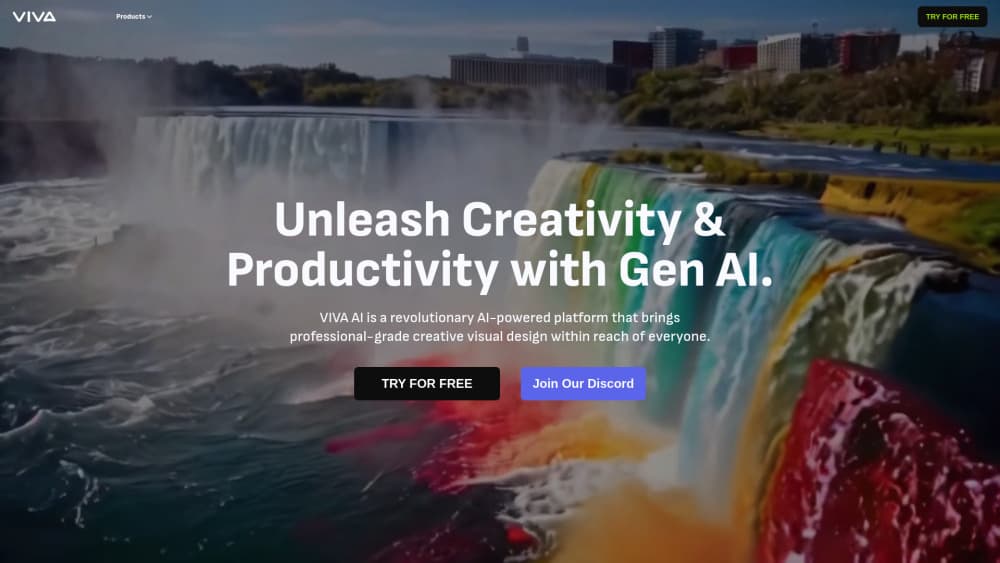
Viva.ai is a free AI video and image generator that turns text prompts or photos into short clips, and adds editing tools for cleanup, expansion and 4K upscaling.
About Viva.ai
What Is Viva.ai
Viva.ai is a browser and mobile studio built around one idea: you describe a shot, and the platform renders it. Type a prompt for a clip, upload a photo and animate it, or start from a template that already has the motion worked out. The same workspace also handles still images, so a campaign can share one visual style across a poster and a six second video.
The product runs at vivago.ai and comes from Sparking Innovations Limited. It bundles generation with repair work that usually needs a second app: erase an object, extend a frame beyond its original crop, swap a background, or push a soft image up to 4K. That combination is the selling point. Most free AI video generator tools stop at the export button.
The limits show up in length and control. Clips are short, the credit meter moves faster on video than on images, and there is no timeline for frame level trimming. Treat Viva.ai as a fast idea machine and a social clip factory, not as a replacement for a full AI video editor on a long project.
Getting Started
- Open vivago.ai in a browser or install the iOS or Android app, then sign in with an email or social account.
- Pick a mode on the home screen: Text to Video, Image to Video, Text to Image or an effect template.
- Describe the scene, or upload a reference photo if you want a specific face, product or location.
- Choose aspect ratio and duration, then generate. The first render usually takes under a minute on the fast queue.
- Download the result, or send it to the editing tools for upscaling, background removal or repainting before you export.
Product Information
A quick look at Viva.ai's pricing, supported platforms, and performance.
Best for
The users, tasks, and scenarios where this tool fits best.
Users
- Social media creators
- Small business owners
- Beginners who have never touched a video editor
Tasks
- Turning a product photo into a three second loop for a landing page header.
- Animating a portrait for a birthday post or a family memory, with the image to video mode and a gentle motion prompt.
- Cleaning up an old photo before printing
- Drafting storyboard frames for a client pitch, where rough visuals are enough and speed matters more than polish.
Scenarios
- A weekly content calendar where you need six to ten clips and cannot wait on a render queue.
- A last minute ad variation
- A classroom or workshop demo where students need one visual result in a single session, not a week of editing practice.
Key features
Text to Video
You write a description and Viva.ai returns a short clip with motion that matches the scene. Prompts work best when they name the subject, the camera move and the light, since the model has no other context to lean on. This is the fastest path from an idea to something you can post.
Image to Video
Upload a still and the tool adds movement while keeping the original subject recognizable. It suits portraits, product shots and travel photos where the composition already works. The output depends heavily on the source image: a sharp, well lit photo animates far better than a compressed screenshot.
Magic Brush and AI Repaint
Magic Brush animates only the area you paint, so a waving hand or a flickering candle moves while the rest of the frame stays still. AI Repaint goes further and redraws a selected region with a new prompt. Both tools cut the number of full regenerations you need when one detail is wrong.
Magic Eraser, Magic Expand and Background Removal
These are the cleanup tools that save a shoot. Magic Eraser removes unwanted objects, Magic Expand fills in the frame when you need a wider crop for a banner, and Background Removal isolates a subject for a clean product card. None of them require a layered editor.
Video and Image Enhancement
A separate enhancement pass sharpens soft footage and pushes images toward 4K. It helps most with old phone photos and reused assets that were saved at low quality. The result looks cleaner, but it cannot invent detail that the original never captured.
AI Effects and Templates
The template library covers the effects that trend on short video platforms: squish, curl, muscle, wink, wings and seasonal looks. Lip Sync adds speech driven mouth movement for talking head clips. Templates remove most of the prompt work, which makes them the easiest entry point for a first project.
Pros and cons
Pros
- One workspace covers video, image, cleanup and upscaling, so a small team can skip two or three separate subscriptions.
- The free tier is real: daily credits let you test every core mode before paying, which is rare among AI video generator tools.
- Templates and effects shorten the path from idea to publishable clip, and vertical formats are ready for social platforms.
- Selective editing tools like Magic Brush and AI Repaint preserve the parts of a frame that already look right.
- The web app and the mobile apps share the same account and credit balance, so a project can start on a phone and finish on a laptop.
Cons
- Credits drain quickly on video. A handful of attempts can use a day of free allowance, and the paid tiers start to look necessary for regular posting.
- Clips are short, so anything longer than a few seconds has to be stitched together in another editor, which adds a step the tool cannot remove.
- Free exports carry a watermark, which rules them out for client work until you upgrade.
- There is no timeline, so you cannot trim frame by frame or fix a single bad second without generating again.
Frequently asked questions
Yes. The free plan gives you a daily credit allowance that resets each day, and you can generate images and short videos without a card. Paid plans add credits, remove the watermark and unlock longer or higher resolution output.
Related content
Explore related tools, skills, and articles for Viva.ai.
Viva.ai Alternatives

Google EmbeddingGemma 2
Google DeepMind · Writing · Image · CodingGoogle EmbeddingGemma 2 is a 740M-parameter open model that turns text, code, images, audio, and video frames into vectors in one 768-dimension space, running on phones and laptops.

Tractionwave
TractionWave · Image · MarketingTractionWave is an AI attention heatmap tool for static ads. Upload a PNG or JPG and it returns predicted attention, ranked hotspots, and fixes before you spend budget.

Imejis.io
Imejis.io · Image · MarketingImejis.io is an AI design studio for agents and marketing teams. Describe an image in plain words, and it writes the copy, builds the layout, reflows it to every size, then exports a finished file.