

VividBoard.app
Radek Jozefowicz · Productivity
VividBoard is a browser-based vision board app that paired a drag-and-drop board builder with an AI life coach for goal check-ins. The project is retired and no longer updated.
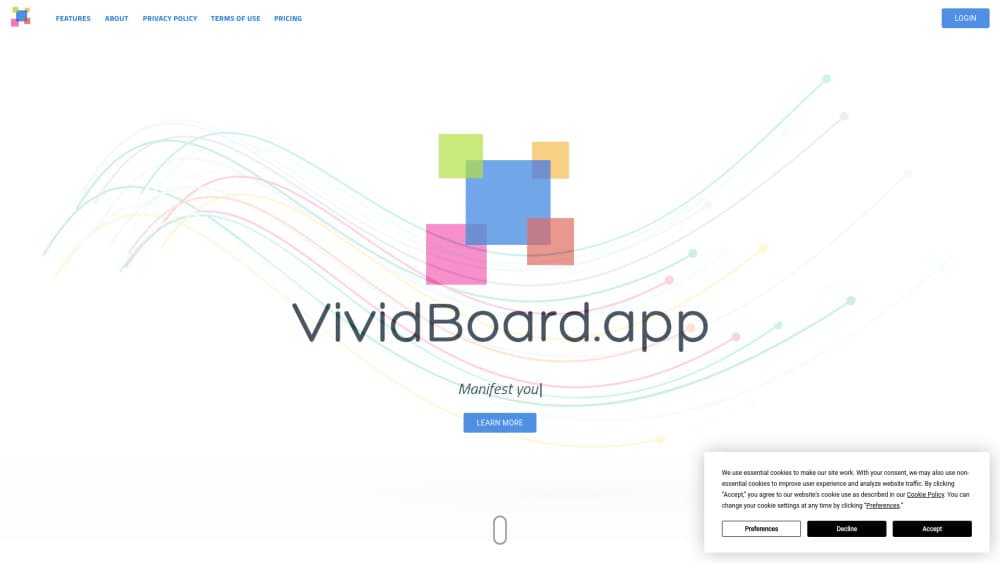
About VividBoard.app
What Is VividBoard
VividBoard.app is a web app from independent developer Radek Jozefowicz. It turns goal setting into something you can look at: you gather images and quotes into a digital vision board, then ask a built-in AI life coach how to get closer to what's on that board. A multi-step wizard handles the setup, so the first board takes minutes rather than an afternoon of collage work.
The gap it aimed at was real. Most vision board apps stop at decoration, and most goal setting apps look like a spreadsheet with better fonts. VividBoard sat in between, closer to a manifestation app with a plan than to a project tracker. The wizard asked which areas of life you were working on, laid out a starting board, and the coach read those goals back to you as prompts and daily suggestions.
The catch is status. The site now carries a retirement notice: no new features, no updates, no active support. The app and website stay online "for a while longer," in the developer's words, which tells you nothing about how long your boards will survive. Treat the product as a reference point for what an AI vision board can do, not as a subscription to start today.
Getting Started
- Create an account at vividboard.app with an email address. The Pro plan opened with a 14-day trial, so the first two weeks ran without a card charge.
- Work through the multi-step wizard: pick the life areas you care about, such as career, health, relationships or money, then state a goal for each one.
- Accept the AI-suggested images and quotes, or swap in your own uploads until the board looks like your life rather than a stock photo set.
- Arrange the cards, save the board, and open it daily. The AI life coach picks up from the goals you typed and offers prompts for the next step.
- Export or share the finished board if you want a copy outside the app, since the service will not stay around forever.
Product Information
A quick look at VividBoard.app's pricing, supported platforms, and performance.
Best for
The users, tasks, and scenarios where this tool fits best.
Users
- People who think in pictures
- Solo founders and side project builders
- Coaching and therapy clients doing visualization homework
- Anyone comparing AI vision board tools
Tasks
- Turning a vague goal into a visual plan
- Daily goal check-ins
- Building a themed board for a launch or a season
Scenarios
- A New Year planning afternoon
- A quarterly reset on a side business
- A visualization exercise before a coaching call
Key features
Guided board wizard
Setup runs as a multi-step interview instead of a blank canvas. You name the life areas that matter, add a goal to each, and the wizard assembles a first layout from those answers. That order matters, because the board ends up organized around goals rather than around whichever images looked nice.
AI image and quote suggestions
The app proposes images and quotes that match the goals you entered, which removes the usual hour of scrolling stock libraries. You can accept the suggestions or upload your own, and mixing both is the fastest route to a board that doesn't look generic.
Interactive digital board
Boards stay editable. Move cards, swap a photo, drop a goal you've outgrown. A paper board is fixed the day you glue it down, and this one changes with the plan, which is the main practical reason to keep a vision board app at all.
AI life coach
The coach reads your stated goals and answers with prompts, observations and next steps. It behaves more like a journaling partner than a chatbot: short exchanges, tied to the board rather than to an open topic. The advice is only as specific as the goals you typed.
Goal sorting by life area
Goals get grouped into career, health, relationships, money and similar buckets, so a crowded board still reads as a plan. Sorting also makes it obvious when one area has eight cards and another has none, which is a useful mirror.
Vision board templates
Ready-made layouts cover common intentions, including a business board for launches. Templates cut the design decisions down to a handful, which suits people who want the board finished in one sitting rather than art directed over a week.
Pros and cons
Pros
- The wizard gets you to a finished board in one session, which is more than most vision board makers manage.
- AI image suggestions remove the blank page problem and the stock photo hunt at the same time.
- The life coach ties advice to the goals on your board, so suggestions stay specific instead of motivational noise.
- Boards stay editable, so a plan can change without starting over.
- Templates cover business and personal goals without pushing you into one aesthetic.
Cons
- The product is retired, so nothing gets fixed and no feature is coming. Bugs stay bugs.
- Board data sits in a service that will shut down, and there's no promise of export support, so long term use is a gamble.
- No mobile app and no API, which rules out phone check-ins and any workflow automation.
- The Pro plan needed a subscription for a tool that now receives zero maintenance.
Frequently asked questions
VividBoard is an AI vision board app that ran in a web browser. You built a digital board from images and quotes, then used a built-in AI life coach to turn the goals on that board into daily prompts. It was built by independent developer Radek Jozefowicz.
Related content
Explore related tools, skills, and articles for VividBoard.app.
VividBoard.app Alternatives

Udon
Udon · Coding · ProductivityUdon turns an Apple Silicon Mac into a home server you run from a browser, with container controls, file shares, and an optional AI sysadmin.

offstage
offstage cloud · Coding · Productivityoffstage gives AI coding agents and CI jobs a real Mac: a fresh macOS account on Apple silicon, driven over an API and billed by the second.

BotBus
Chengdu Tuyang Tusen Technology Co., Ltd. · Coding · ProductivityBotBus lets you control AI coding agents from your phone and watch: approve commands, start tasks and read results while the code stays on your desktop.