

Vmake Labs: create viral video
Starii Tech Pty Ltd · Image · Business
Vmake Labs is an AI social video studio that turns product clips into UGC style shorts with captions and models like Sora 2 and Veo 3.1, built for sellers.
About Vmake Labs: create viral video
What Is Vmake Labs
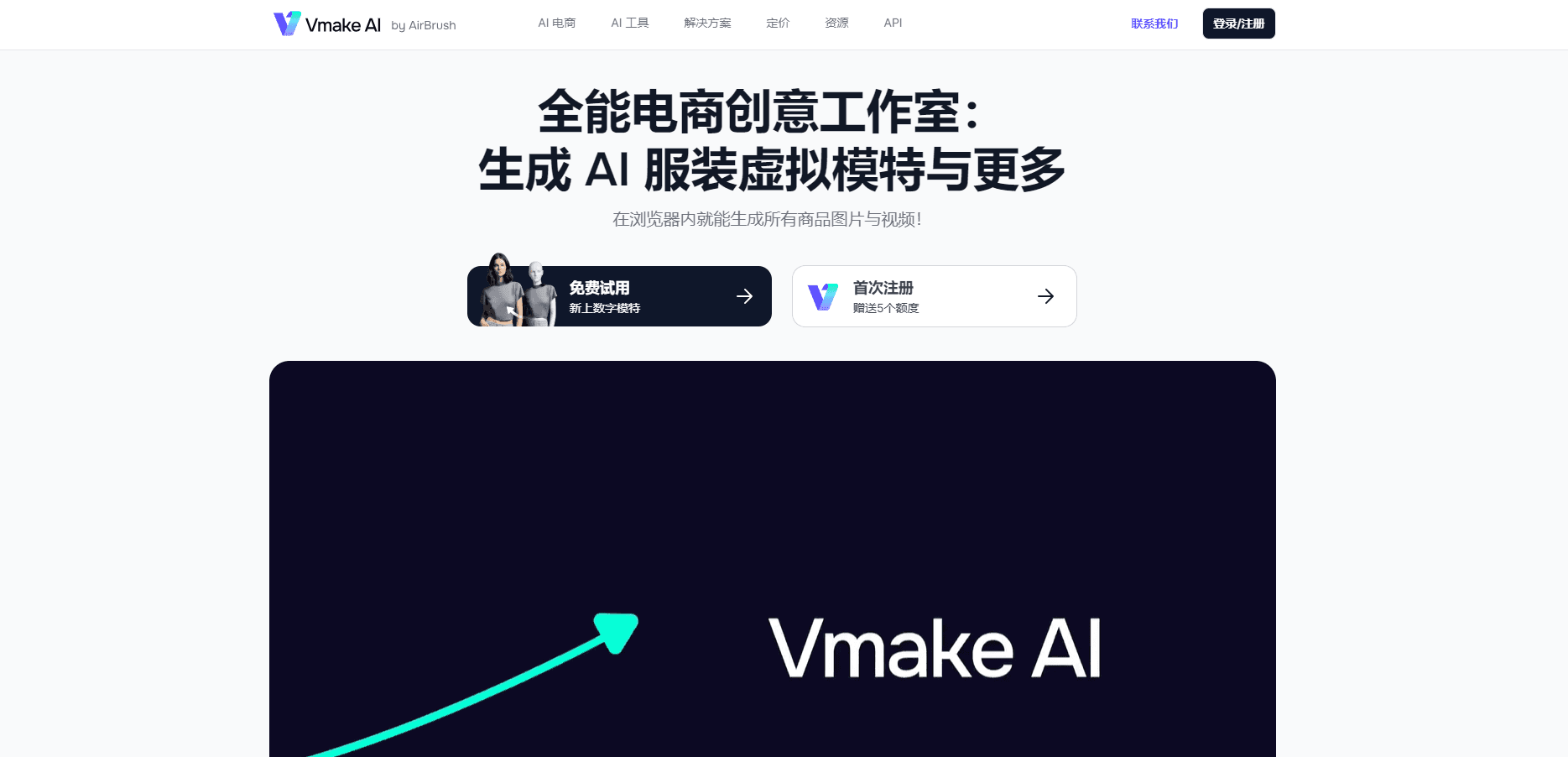
Vmake Labs is a browser based studio for making short vertical videos that look like something a customer filmed on a phone. You upload footage or a product photo, pick a style, and the agent assembles a clip with a voiceover, captions and a presenter. The company pitches the UGC video maker at local shops, ecommerce sellers, affiliate marketers and social managers who need a steady stream of clips without hiring an editor.
The product grew out of Vmake AI, an earlier image and video editing suite. The editing tools are still there, including a video upscaler, a background remover and a text remover, and they now sit next to a model marketplace. That marketplace is the part that changed the pitch. Instead of one house model, Vmake Labs lets you run prompts through Seedance 2.0, Kling 3.0, Veo 3.1 or Sora 2 for video, and Nano Banana Pro or Seedream 4.0 for stills.
Two limits matter before you sign up. Everything runs on credits, and the cheap tiers burn through them fast once you start rendering full ads. The second limit is control. This is a fast lane for UGC style content, not a replacement for a timeline editor when a project needs frame level work.
Getting Started
- Create an account with email or a social login, then open the workspace.
- Pick the format you need, such as a product video ad, a talking head clip or a generated scene.
- Upload your footage or product shots, or describe the video you want in a prompt.
- Choose a model, an aspect ratio and a voice, then render a draft.
- Clean up the result with captions, the upscaler or the background remover, and export at the resolution your plan allows.
Product Information
A quick look at Vmake Labs: create viral video's pricing, supported platforms, and performance.
Best for
The users, tasks, and scenarios where this tool fits best.
Users
- Local shop owners
- Ecommerce sellers
- Affiliate marketers
- Social media managers
Tasks
- Making a product demo
- Cleaning old footage
- Adding subtitles
- Removing clutter
- Testing angles
Scenarios
- A cafe that needs fresh clips every week
- A Shopify launch with no budget for creators
- A creator repurposing a long video
- An agency handling several small brands
Key features
UGC Video Agent
The agent is the center of the product. You describe the clip you want, add product images, and it writes the scene, picks a presenter and renders a vertical video with speech and captions. It's aimed at the look of a customer review rather than a polished commercial, which is what tends to perform on TikTok and Reels. You still review the script, because a generated hook can promise something the product doesn't do.
Model Marketplace
A single subscription unlocks several video and image models, including Seedance 2.0, Kling 3.0, Veo 3.1, Sora 2, Nano Banana Pro and Seedream 4.0. Higher tiers unlock the full list and drop watermarks. That spread matters when one model handles hands or product labels better than another, since you can rerun the same prompt without switching tools.
Product to Ad Workflow
The AI creative ads tool takes a product shot and builds a short ad around it, with a hook, a few scene cuts and a call to action. It's the fastest route for a seller who has clean product photos but no footage. Output resolution depends on the plan, and commercial use requires a paid tier.
Auto Captions and Templates
Auto captions cover the silent viewing habit on most feeds, and the paid tiers add custom caption templates with brand fonts and colors. The editor also handles trims, text overlays and music, so a rough render can be finished without exporting to another app. Caption accuracy is good on clear speech and weaker with accents or background noise.
Quality Enhancer and Video Upscaler
The upscaler rebuilds detail in soft footage and pushes exports toward 4K, while the quality enhancer handles still images at 8K and 16K on the Pro plan. It helps most with old phone clips and compressed files. It won't invent detail that was never captured, so a badly lit source stays soft.
Cleanup Tools
A watermark and text remover, a video background remover and a noise reducer sit in the same workspace. They save a re-shoot when a supplier sends footage with a logo burned in or a cluttered room behind the product. The background remover works without a green screen and struggles with hair edges and fast motion.
Exports and Commercial Rights
Free renders come with a watermark and cap out at 720p. Paid plans lift the mark, allow 1080p or higher, and include commercial use, which is the detail that matters if the clip runs as a paid ad. Always check the license terms for the specific model you used.
Pros and cons
Pros
- One workspace covers generation, editing, captions and cleanup, so a small team doesn't juggle four subscriptions.
- Access to Sora 2, Veo 3.1, Kling 3.0 and Seedance 2.0 under one login is rare at this price level.
- The UGC style output fits TikTok, Reels and Shorts without reframing.
- Cleanup tools rescue footage that would otherwise need another shoot.
- A free tier with daily credits lets you test the workflow before paying.
Cons
- Credits disappear quickly on video renders, so heavy users end up on the top plan or buying top ups.
- There's no public API, which blocks teams that want to automate renders from their own system.
- Control stops at templates and presets, so editors who need keyframes or color grading will hit a wall.
- Results vary by model, and a prompt that works in one can fail in another.
Frequently asked questions
Vmake Labs is an AI video generator built for social commerce. It turns product footage or images into short UGC style videos with a presenter, voiceover and captions, and it also includes editing and cleanup tools for existing clips.
Related content
Explore related tools, skills, and articles for Vmake Labs: create viral video.
Vmake Labs: create viral video Alternatives

Google EmbeddingGemma 2
Google DeepMind · Writing · Image · CodingGoogle EmbeddingGemma 2 is a 740M-parameter open model that turns text, code, images, audio, and video frames into vectors in one 768-dimension space, running on phones and laptops.

Tractionwave
TractionWave · Image · MarketingTractionWave is an AI attention heatmap tool for static ads. Upload a PNG or JPG and it returns predicted attention, ranked hotspots, and fixes before you spend budget.

Imejis.io
Imejis.io · Image · MarketingImejis.io is an AI design studio for agents and marketing teams. Describe an image in plain words, and it writes the copy, builds the layout, reflows it to every size, then exports a finished file.