

VMock Dashboard
VMock · Leaning · AI Assistant
VMock Dashboard is an AI career platform that scores your resume, rehearses interviews, and sharpens your LinkedIn profile to build career readiness for students and job seekers.
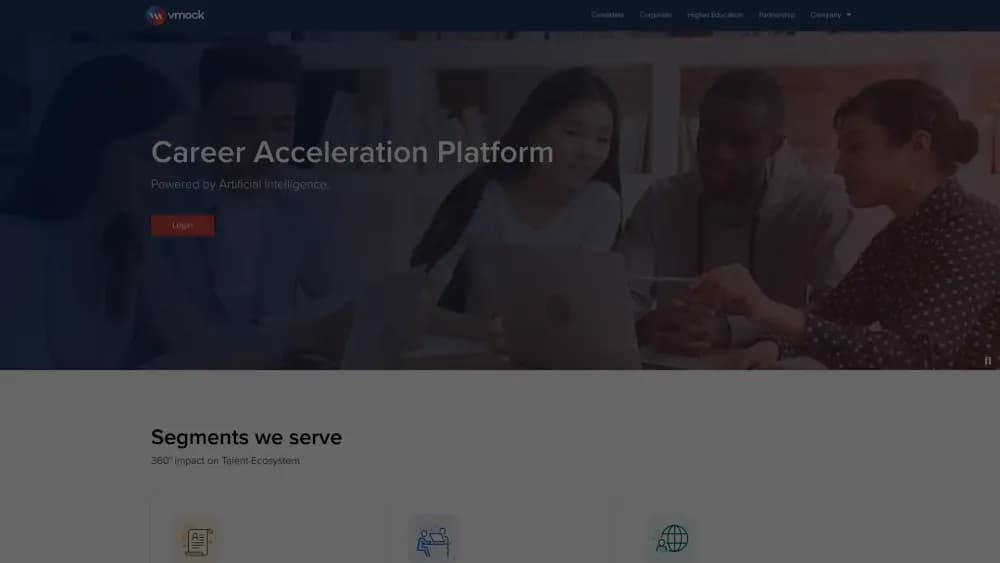
About VMock Dashboard
What Is VMock Dashboard
VMock Dashboard is a web platform that reads your resume the way a recruiter scans it, then hands back a score and line-by-line fixes. It started as a resume tool built by alumni from Illinois Institute of Technology and Kellogg, and it now bundles interview practice, LinkedIn review, and a career path explorer into one dashboard.
Most colleges and universities buy VMock for their students, so you likely get access through a school login rather than a personal subscription. That changes what the product is: it's a decision aid for job seekers, not a magic wand that lands offers.
The limits matter here. Feedback is strongest in English-speaking markets and North American resume conventions, so applicants targeting other regions may find the guidance partly off-target. VMock reviews presentation, structure, and wording. It doesn't tell you which career to pick.
Getting Started
- Sign in with the university email or dedicated VMock invite your career center provided
- Upload your resume as a doc, docx, or pdf file
- Read the overall score and drill into each feedback category
- Edit your draft and re-upload to track the score as it changes
- Move to the interview or LinkedIn module once your resume is solid
Product Information
A quick look at VMock Dashboard's pricing, supported platforms, and performance.
Best for
The users, tasks, and scenarios where this tool fits best.
Users
- College students
- Recent graduates
- Career center staff
- International applicants to North America
Tasks
- Scoring a resume draft
- Practicing interview answers
- Reviewing a LinkedIn profile
- Tracking revisions
Scenarios
- Preparing for an internship application deadline
- Networking event follow-up
- First interview at a target company
- Switching from an academic CV to an industry resume
Key features
Smart Resume Scoring
Upload a resume and VMock grades it on a 0 to 100 scale, flagging missing keywords, weak action verbs, and formatting slips. Each category comes with a short note explaining the deduction, so you know what to fix rather than just the number you got.
Line-by-Line Feedback
Beyond the score, the dashboard comments on individual bullet points and suggests tighter phrasing. Students lean on this part the most. A vague bullet like "helped with projects" gets a concrete rewrite in seconds.
CV Optimizer
Paste a job description and VMock compares it against your resume. You see which requirements your draft already covers and which it misses. That gap list saves you from guessing what a specific employer wants.
Mock Interview
The interview module runs a practice session and returns instant feedback on your answers, delivery, and structure. You get a rehearsal without scheduling a human coach, which helps when you want reps before a real screen.
Aspire LinkedIn Review
Aspire scans your LinkedIn profile and checks it against your resume for consistency, then scores how recruiter-friendly the headline and summary read. Misaligned dates or a thin headline surface as fixable items.
Career Path Explorer
A lighter module shows how other people with a similar background moved into roles you might target. Treat it as direction, not a guarantee, since it reflects patterns rather than your specific situation.
Pros and cons
Pros
- Instant resume feedback removes the wait for a human review and lets you run it as often as you like
- The score gives a simple before-and-after signal, so revisions feel measurable
- Interview, LinkedIn, and resume tools sit in one dashboard, so you juggle fewer tabs
- Many universities cover the cost, so students often pay nothing out of pocket
- Job-description matching turns vague advice into a concrete list of gaps to close
Cons
- Access is tied to your institution, so you lose it once you graduate or if your school drops the license
- Feedback leans on US and English-language resume norms, which can mislead applicants targeting other markets
- The score rewards keyword and format conventions, so chasing points can push writing toward an ATS-friendly template
- Career guidance is generic and won't replace a conversation with a real advisor about your goals
Frequently asked questions
Often yes, but not directly. Most users get VMock through a college or university license, so the school pays and you sign in with your campus credentials. If your school doesn't offer it, you'd need to ask VMock about individual access.
Related content
Explore related tools, skills, and articles for VMock Dashboard.
VMock Dashboard Alternatives

HireKey
HireKey · Voice & Language · Productivity · LeaningHireKey is an AI job search copilot built by a former tech recruiter. It checks role fit, tailors resumes, runs interview practice and tracks every application.

Lune
Retrograde Labs · Productivity · LeaningLune is a research search engine for scientific AI agents. It runs as an MCP server that lets Claude, ChatGPT and Cursor search peer-reviewed computer science papers and cite them.
Coddy
Coddy · Coding · LeaningCoddy is a gamified platform to learn to code through short interactive lessons in 20+ languages, with a browser editor, an AI tutor and free certificates.