

VocalScribe
VocalScribe · Writing · Voice & Language
VocalScribe is an AI study tool that turns a recorded lecture into a transcript, Cornell notes, flashcards, and a practice quiz in one pass. The first lecture is free.
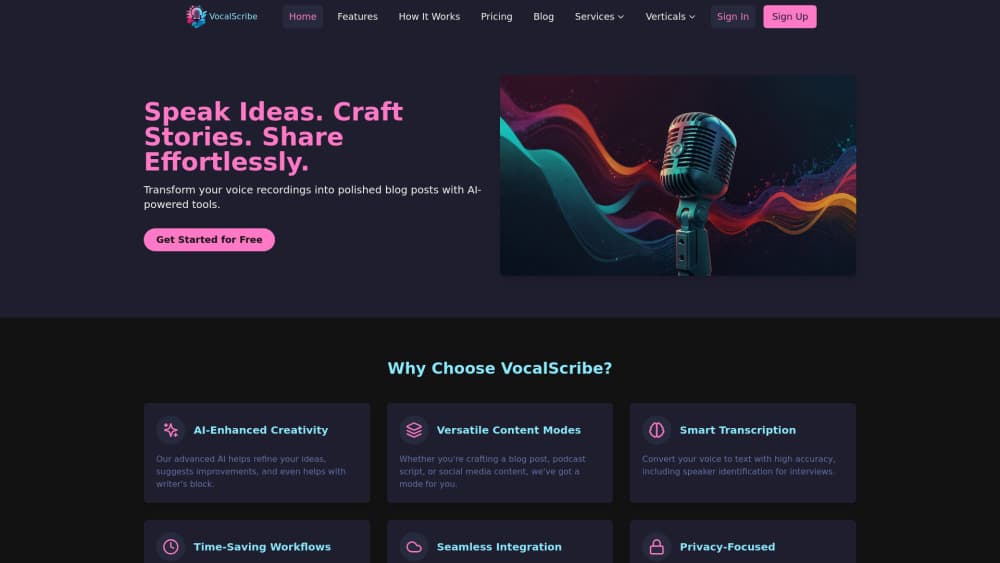
About VocalScribe
What Is VocalScribe
VocalScribe is a study tool built for college lectures. You record a class live or upload an audio file you already have, and it returns a full transcript plus three study artifacts: Cornell notes, a flashcard set, and a practice quiz. The pitch is blunt. Copying slides and re-listening to a two-hour recording is wasted time, so the tool reads the lecture once and hands back material you can actually revise from.
The workflow splits into three moves. Capture is recording or uploading. Review is reading the structured notes with the raw transcript parked alongside when you want to check a line. Practice is the flashcards and the quiz, which exist to expose what you didn't retain. Everything comes out of a single pass over the audio rather than four separate jobs.
The limits are worth knowing before you sign up. It's built for spoken lectures, so a slide-heavy class with little narration gives the model less to work with. Free access covers one lecture of up to 90 minutes, once per account, so you'll need a paid plan to use it through a full semester. And the notes still need your judgment: a misheard technical term can ripple into the flashcards.
Getting Started
- Go to vocalscribe.xyz and sign up with an email. No credit card is needed for the free lecture.
- Start a recording in the browser for a live class, or upload a lecture file you already recorded.
- Wait for processing. VocalScribe generates the transcript, Cornell notes, flashcards, and quiz in one pass.
- Review the structured notes, dropping back to the transcript whenever a term looks off.
- Drill the flashcards and take the quiz, then keep the study pack for exam prep.
Product Information
A quick look at VocalScribe's pricing, supported platforms, and performance.
Best for
The users, tasks, and scenarios where this tool fits best.
Users
- College students in lecture-heavy courses
- Note-takers who lose focus mid-lecture
- Non-native speakers following fast lectures
Tasks
- Turning a recorded lecture into a study pack
- Building revision material for exams
- Re-checking a confusing passage
Scenarios
- Keeping up with weekly lectures
- Catching up after a missed class
- Studying on the move
Key features
One pass from audio to study pack
This is the core of what VocalScribe does. Feed it one lecture and it produces four outputs together: a transcript, Cornell notes, flashcards, and a practice quiz. The alternative is running a recording through a transcriber, then a summarizer, then building cards by hand. Doing it in a single pass is the reason the tool saves real time.
Structured Cornell notes
The notes follow the Cornell layout, with cues and a summary column, rather than a flat wall of text. That structure is what makes them revisable: you can cover the details and self-test from the cues alone. It's the format many students already use in class, produced automatically instead of by hand.
Flashcards and a practice quiz
Each study pack ships with flashcards and a quiz built from the same lecture. They aren't generic practice questions; they pull from the material you recorded. Taking the quiz early is a fast way to find the topics you nodded through without absorbing, while there's still time to go back.
Transcript kept alongside the notes
VocalScribe keeps the raw transcript available next to the notes rather than discarding it. When a name, formula, or technical term reads oddly in the summary, you can drop to the transcript and check what was actually said. It's a small thing that matters when accuracy is the point.
Live recording or file upload
You can capture a class live in the browser or upload a lecture you already have on your device. Recording live means no extra step after class, while uploading covers recordings you made on your phone or received from someone else. Either way the output is the same study pack.
Built around a free first lecture
New accounts get one complete lecture of up to 90 minutes without a credit card. That covers a real class, not a teaser clip, so you can judge whether the notes and quiz match how you study before paying. A study pack costs one credit no matter the output length.
Pros and cons
Pros
- One upload yields notes, flashcards, and a quiz, replacing several separate tools.
- The free lecture is a full 90-minute class, so the trial reflects real use.
- The transcript stays beside the notes, which makes verifying a questionable term quick.
- Cornell structure and auto-built cards fit study routines many students already follow.
- It runs in the browser, so there's nothing to install and it works on phone or laptop.
Cons
- It's tuned for spoken lectures. A slide-heavy class with quiet narration leaves the AI with thin material.
- Free access is a single lecture per account, so semester-long use needs a paid plan.
- Notes can mishear technical terms, and an error there can spread into the flashcards.
- No public API, so it can't be wired into a custom note system.
- Pricing and billing run through Stripe, and plans are billed monthly or annually with no lower one-off tier listed.
Frequently asked questions
It turns a recorded lecture into study material. You capture or upload a class, and it returns a transcript, Cornell notes, flashcards, and a practice quiz from that one recording.
Related content
Explore related tools, skills, and articles for VocalScribe.
VocalScribe Alternatives
Nimply
Nimply · Writing · Productivity · MarketingNimply is an AI social media manager that hires agents to draft replies, posts and designs while you approve them, with scheduling and a shared inbox built in.

ToneBird
Ampliftai Inc. · Writing · ProductivityToneBird is a desktop AI reply assistant that drafts answers inside Gmail, Slack, WhatsApp, and other apps, using past conversations, notes about each person, and your own tone.

Emailwritr
Emailwritr · Writing · MarketingEmailwritr is an AI email copywriting tool built for affiliates, course creators, and online businesses that want more revenue from the list they already own. Instead of blank pages or generic chatbot prompts, this AI email writer generates welcome sequences, launch campaigns, cart recovery emails, and promo series from frameworks modeled on well-known direct-response copywriters. You connect your autoresponder, answer a few questions about your offer, and it writes the copy for you.