

Vogent Voicelab
Vogent · Voice & Language · Coding
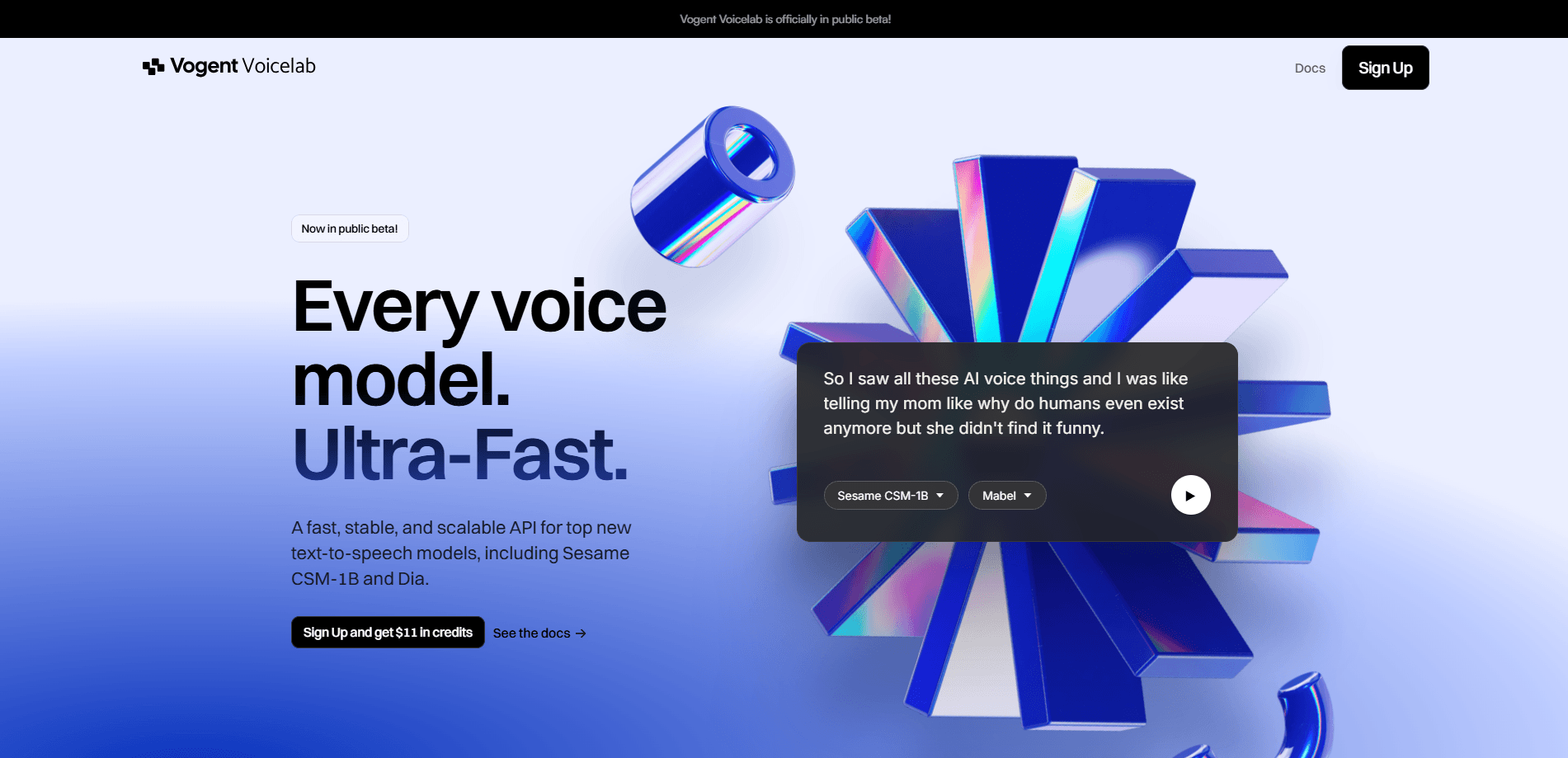
Vogent Voicelab is a text to speech API that runs open-source voice models like Sesame CSM-1B and Dia through one fast, low-cost endpoint, with voice cloning from a short clip.
About Vogent Voicelab
What Is Vogent Voicelab
Vogent Voicelab is an API for running top open-source text to speech models, the ones that keep topping speech benchmarks, without setting up your own GPUs. You send text to an endpoint, pick a voice, and get back audio. That's the whole job, and it's aimed at developers who want realistic speech inside a product rather than a new subscription to manage.
The models it serves are the draw. Sesame's CSM-1B handles natural back-and-forth dialogue, Dia reads general text and takes emotive tags like a laugh or a sigh, and Orpheus pushes harder on emotional delivery. New open-source voices land every few weeks, and Voicelab keeps a running set so you can try the latest without rewriting your stack.
The catch is worth knowing up front. Some models aren't post-trained yet, so quality can wobble between runs, and most of the shelf currently speaks English first. Voicelab is also a developer tool at heart, so the value shows up when you're wiring speech into an app, not when you want a quick spoken sentence.
Getting Started
- Sign up at app.vogent.ai and grab a free API key from the API section of the sidebar.
- Pick a voice from the library, or upload a 15 to 20 second clip to clone your own.
- Send a POST request to the TTS endpoint with your text and a voiceId, then save the returned audio file.
- For two speakers, switch to the multispeaker endpoint and pass a set of lines, each tagged with its own voice.
- For live apps, open the WebSocket route and stream text so audio plays before the sentence finishes.
Product Information
A quick look at Vogent Voicelab's pricing, supported platforms, and performance.
Best for
The users, tasks, and scenarios where this tool fits best.
Users
- App developers
- Indie builders and startups
- Product teams adding conversational AI
Tasks
- Generating voiceovers for demos and videos
- Building two-person dialogue
- Cloning a specific voice
- Streaming speech into a live app
Scenarios
- Testing several TTS models before committing
- Running a voice pilot on a tight budget
- Scaling from a single voiceover to many concurrent agents
Key features
One API for Many TTS Models
Voicelab puts CSM-1B, Dia, Orpheus, and a growing list of open-source models behind a single endpoint. You swap the model without changing how you call it. That saves you from rebuilding an integration each time a better voice lands, which for this field happens often.
Zero-Shot Voice Cloning
Upload a 15 to 20 second recording and Voicelab builds a usable clone of that voice. It's enough for most projects, and the docs suggest keeping a natural, conversational clip rather than a polished read for the closest match. Pre-trained high quality voices from professional actors are also on hand if you'd rather not clone at all.
Realistic Conversational Speech
CSM-1B is built for dialogue, not just reading text aloud. It handles the small back-and-forth of a real conversation and holds a consistent voice even across long generations. If your product involves an assistant people talk to, that's the model to start with.
Multispeaker Dialogue
A dedicated endpoint turns a list of lines into a finished conversation, each line assigned its own voice. Two speakers trade turns in one file. It's a simple way to produce interviews, podcasts, or character scenes without stitching audio together by hand.
Real-Time WebSocket Streaming
For live use, Voicelab exposes a WebSocket route that streams text and returns audio chunks as they're made. Your app can start talking before the full reply is written. That matters for chatbots and any experience where a pause kills the mood.
Emotive Tags and Fine-Tuning
Dia and Orpheus accept tags like a sigh or a chuckle, which nudges delivery toward a feeling rather than a flat read. On higher plans you can also fine-tune a voice on your own data and host it, deep enough to shift style, not just copy it.
Pros and cons
Pros
- One API covers several leading open-source TTS models, so you test them without separate accounts.
- Free tier includes 180 minutes of speech, API access, and voice cloning.
- Zero-shot cloning needs only a short clip, which keeps custom voices within reach.
- Per-minute pricing drops as you move up plans, from about 6c down to 3c.
- Streaming, multispeaker, and emotive tags are built in, not sold as add-ons.
Cons
- Not every model is post-trained, so output quality can vary between generations.
- Most models are English-first right now, so other languages lean on English output.
- It's a developer tool, which means no drag-and-drop editor for a quick spoken line.
- Custom-trained voices and on-prem deployment sit behind the contact-us Business tier.
Frequently asked questions
It's an API for running open-source text to speech models like Sesame CSM-1B, Dia, and Orpheus. You send text, pick a voice, and get audio back, all without hosting the models yourself.
Related content
Explore related tools, skills, and articles for Vogent Voicelab.
Vogent Voicelab Alternatives
Griffin by Tavus
Tavus · Voice & Language · Video · ChatbotGriffin by Tavus is the first Human Interaction Model: a full-duplex, video-to-video system that watches, listens, and answers during a live video call in real time.

Jarq
Jarq (Birzhan Abishev) · Writing · Voice & Language · ProductivityJarq is a Mac app that translates, shortens, fixes, or rewrites the text you select without leaving the app you're in, and types dictated speech at your cursor.

Angebotsmeister
rainmaker labs GmbH · Voice & Language · Productivity · BusinessAngebotsmeister is an AI quoting app for German tradespeople: speak the job on site, get positions with quantities and prices, then send a PDF quote and invoice from one record.