
Wabi AI
Wabi (founded by Eugenia Kuyda) · Productivity · Other
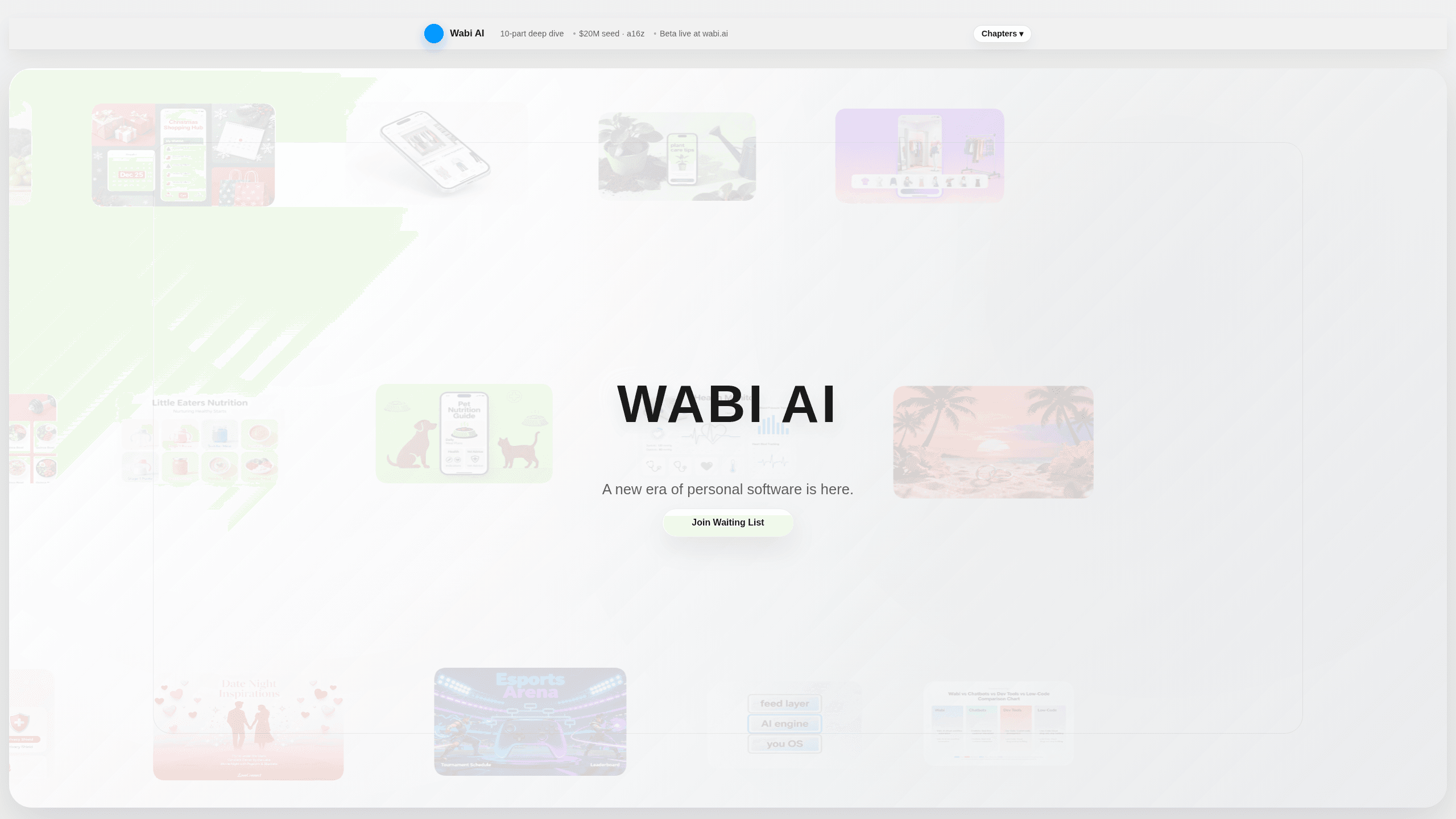
Wabi AI is a personal software platform that turns plain-language descriptions into small, working apps. You tell it what you want in your own words, and it builds the interface, the logic, and the storage behind it. A fitness tracker or a custom alarm takes minutes instead of a weekend. The apps live in a shared feed where other people can try them, like them, and remix them into their own versions. It's the clearest example of user-generated software so far, and it aims at people who have ideas but don't write code. It runs in the browser, not as a phone download.
About Wabi AI
What Is Wabi AI
Wabi AI describes itself as the first personal software platform. That phrase is doing real work: it isn't one giant app that handles everything, it's a layer of tiny, focused mini apps that sit between you and the AI models underneath. Each one does a single job, often for a short stretch of your life, and you can spin one up whenever the need shows up.
The pitch comes out of a simple frustration. Chat boxes are great for one-off questions, but they forget context and they hand you a wall of text when what you wanted was a button. Wabi's answer is what its founder, Eugenia Kuyda, calls a "vibe design" approach. No API keys. No data schema editors. No function signatures. You pick how the app talks to you, how it looks, and what sits on the surface, and the platform handles the rest.
The limit worth knowing up front is scope. Wabi is built for small, disposable tools that fit your routine, not for shipping a polished product to customers. If you need the app to run on a phone offline, sync across devices in a specific way, or plug into a company's tech stack, this isn't the tool for that. It's also still early. Expect the feature set to shift.
So who's a no-code AI apps platform actually for? Mostly people with a narrow need and no patience for setup.
Getting Started
- Sign up on the Wabi website and set up your "you" profile, which holds your preferences, goals, and context.
- Describe what you want in plain language, like "a migraine tracker that logs triggers, meds, mood, and sleep."
- Adjust the feel of the generated app, choosing its tone, look, and the controls shown on the surface.
- Use the app yourself, or publish it to the public feed so others can try, like, and remix it.
Product Information
A quick look at Wabi AI's pricing, supported platforms, and performance.
Best for
The users, tasks, and scenarios where this tool fits best.
Users
- Non-coders with a specific need
- People juggling short-term goals
- Creators who like to remix
Tasks
- Logging and spotting patterns
- Building custom reminders
- Turning a book or method into a routine
Scenarios
- A short challenge you want to run for a few weeks
- Trying an idea before committing to it
- Sharing a small tool with friends
Key features
Plain-Language App Generation
Type a sentence about a real-life situation and Wabi builds the app around it. It creates the interface, the logic, and the state that holds your data, then hands you something you can actually use. The point is that you describe the situation, not the components. That's the whole mini app builder.
Mini App Feed and Remixing
Finished apps go into a public feed where they behave a lot like posts. People can try them, like them, comment, and remix them into a version of their own. Remix is the fork button here, and it's how the platform crowds the useful ideas to the top. Copying beats starting over.
Vibe Design Controls
Instead of technical settings, you shape how an app behaves and feels. You choose its tone, whether it acts like a coach or a friend, how it looks, and what sits on the surface, like a big button or a simple chart. Nothing in the flow asks you to touch code.
Shared "You" Layer
Underneath every app sits one long-lived profile holding your preferences, goals, and relationships. Mini apps plug into it instead of re-asking, so a fitness app can see sleep data from a different tool, and your setup doesn't reset each time you try something new.
Private or Public Publishing
You decide whether a mini app stays yours or goes out to the feed. That single choice covers most use cases, from a personal tracker you'd rather keep quiet to a small tool you want feedback on.
Browser-First Access
Wabi runs on the web, so there's no app store download and no waiting on a mobile build. You open it, describe what you need, and start using the result in the same session.
Pros and cons
Pros
- Turns a described need into a working app in minutes, with no coding required
- Remixing other people's apps gives you a starting point instead of a blank slate
- The shared "you" layer means tools don't each ask for the same context again
- Keeps generated tools small and focused, which fits short-term needs well
- Backed by a $20M seed round from a16z, so the project has real runway behind it
Cons
- Built for personal, disposable tools, not for shipping a product to paying customers
- Pricing isn't published clearly, so you can't plan costs from the site alone
- It's early, and the feature set is likely to change as the platform develops
- Web-only access means no native phone app for now
Frequently asked questions
It's used to create small, personal apps from a plain-language description. Typical uses are trackers, custom alarms, planners, and short-term tools tied to a goal or habit, rather than full commercial products.
Related content
Explore related tools, skills, and articles for Wabi AI.
Wabi AI Alternatives

Base Code
Base44 (Wix) · Coding · ProductivityBase Code is a shared cloud development environment from Base44. Teammates describe changes to an existing GitHub codebase in chat, preview them live and send them back as pull requests.

Knocket
Knocket (Tencent RTC team) · Productivity · Business · ChatbotKnocket is a free live chat and contact page tool that lets visitors message you from your website, app, or a shareable link, with every reply handled from Telegram or one inbox.

FloorGen
Vinit Kumar (FloorGen) · Productivity · China AIFloorGen is a browser-based floor plan maker that turns a sentence or a sketch into an editable 2D plan and a 3D walkthrough. Export to PDF, DXF or video, and draw without an account.