

We0.ai
We0.ai · Coding
We0.ai is an AI website builder that turns a written brief into a live site. Its agent team plans pages, designs, writes code, adds a CMS and publishes on your domain.
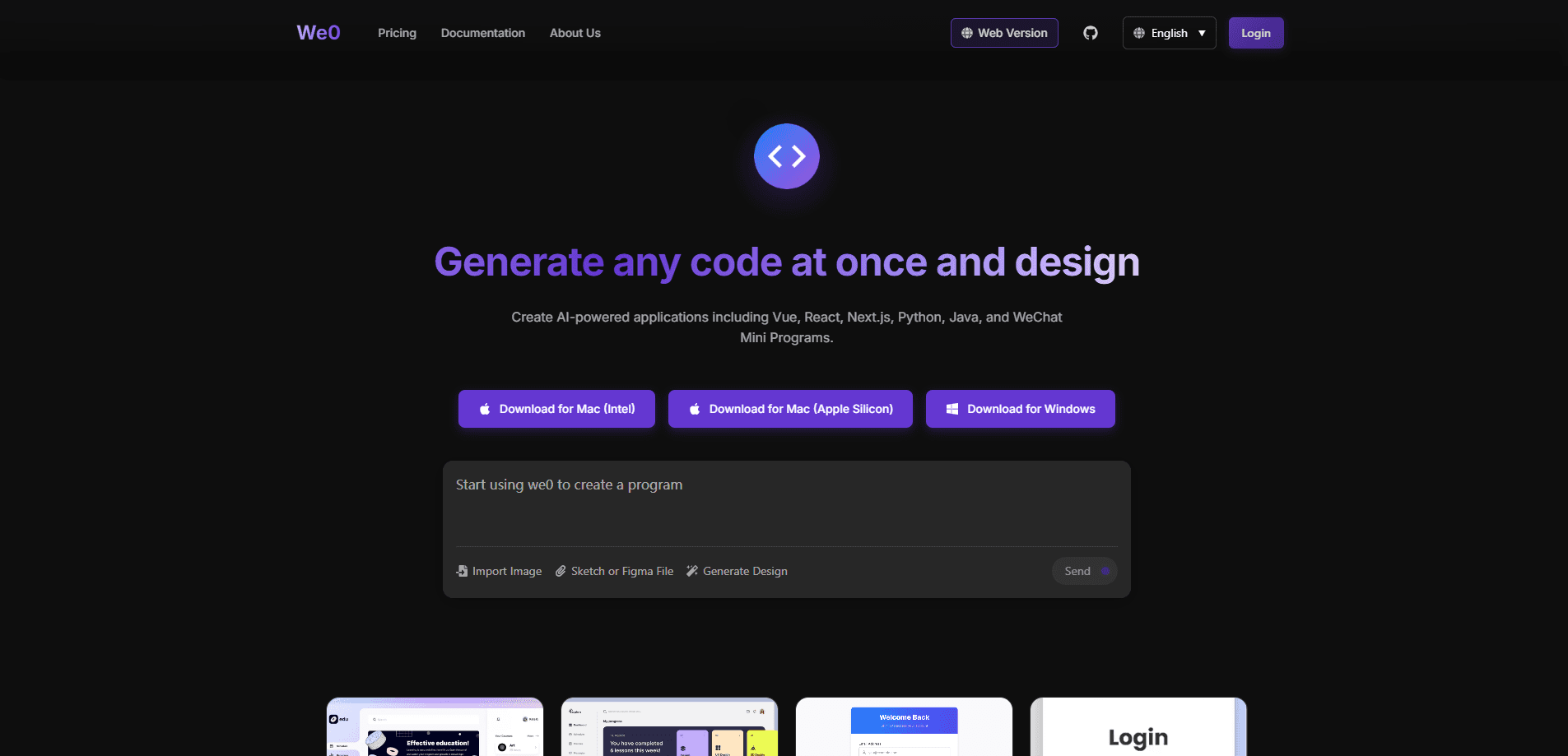
About We0.ai
What Is We0.ai
We0.ai is an AI website building platform that takes a description of what you want and produces a working website. You write the goal, the audience, the style, the pages and the actions you want visitors to take, and the platform's agents handle the rest: page planning, visual design, code generation, SEO setup, domain binding and deployment. The company describes it as an AI website team rather than a single tool.
Most website builders give you a canvas and leave the structure to you. We0.ai starts from language. You type a brief like "a corporate site for overseas clients, clean and professional, with a homepage, product pages, pricing and a contact form", and it returns a first draft of the whole site. From there you refine pages through chat, select individual elements to edit, or redraw a section with a brush tool.
The bigger difference shows up after launch. A We0.ai project ships with a CMS backend that mirrors the site's front end, so you keep updating products, articles and case studies without touching code. In that sense it works as a no-code website builder, and the AI code generation happens behind the scenes. That turns the result into something you can operate, not just a static page. The main limit is scope. The team says its sweet spot is small and mid-sized sites, and points larger systems with deep business logic toward custom work.
Getting Started
- Open we0.ai, describe your goal, audience, style, pages and the action you want visitors to take, and answer the intake questionnaire
- Optionally upload brand materials, hand-drawn sketches or reference links so the intent recognition step reads your existing assets
- Review the first design draft, then refine structure, copy and images through chat, section edits or the magic brush before you confirm the design
- Set up the CMS backend and check the pre-publish list, then choose a domain and click publish to push the site live
Product Information
A quick look at We0.ai's pricing, supported platforms, and performance.
Best for
The users, tasks, and scenarios where this tool fits best.
Users
- Founders and small teams
- Freelancers and independent creators
- Small and mid-sized businesses
- Marketing and content operators
Tasks
- Corporate and brand sites
- Landing and campaign pages
- Content and blog sites
- Portfolio and personal sites
- Legacy site redesigns
- E-commerce and product stores
Scenarios
- A founder has a launch next week and no site
- A team keeps changing prices and articles
- Someone has an old homepage and scattered copy
- A local business needs to be findable
- A marketer tests several campaign pages
Key features
AI Website Building From a Written Brief
You describe the site in plain language and the platform builds the first version. The guide asks you to cover five things: the goal, the target users, the style, the pages and the conversion action. Fill those in and you get a starting structure, a visual direction and base content, all before you touch a design tool. It is aimed at people who can explain what they want but would not know how to build it.
Multi-Agent Collaboration
Instead of one model doing everything, We0.ai splits the work across agents with different roles, roughly leadership, design, development and operations. One agent works through the requirement, another handles layout and visual direction, another writes the code, and another manages the deploy. The split is what lets the platform move from a written requirement all the way to a hosted site in one flow rather than handing you a file to finish yourself.
Full-Stack Sites With a CMS Backend
The platform generates the front end and a matching backend. For a store it builds product management; for a content site it builds articles and categories; for a corporate site it builds case and service entries. The backend mirrors what the front end shows, so edits happen there instead of in code. This is the feature that separates a We0.ai site from a static page that freezes the moment it goes live.
No-Code Editing at Every Level
You can change a site through several tools depending on how precise you need to be. Chat editing handles whole-page direction, like making the homepage cleaner or shifting the tone to suit overseas readers. Section editing targets one module, element selection targets a single heading, image or button, and the magic brush lets you point at a region and describe the fix. You pick the smallest tool that matches the job.
Built-In SEO Engine
SEO setup is part of the build, not a plugin you bolt on later. The platform generates title and meta description suggestions and offers several versions to pick from, sets the site icon, and can produce compliant tags and structured data automatically. It states support for Baidu, Google and AI search engines, which matters if you want the site to pull traffic rather than just exist.
Domain, Publishing and Hosting
You choose from a default free domain, a selectable domain on the top plan, or a custom domain you buy through the team. Publishing is one click and the platform handles deployment, so there is no server to rent or configure. After launch you can reach the site at its URL and the management backend by adding /cms to the address. One note: edits made after publishing need another publish click to sync to the live version.
Intent Recognition for Existing Assets
If you already have a logo, a brochure, a slide deck or an old site, you can hand those over instead of retyping everything. The intent recognition step reads uploaded materials, sketches and reference links to work out your brand, your offer and the tone you want. Sketches don't need to be polished, they just need to show structure. Reference links help it match a style you already like.
Pros and cons
Pros
- Starts from a written brief, so you don't need design or coding skills to get a full multi-page site
- Ships with a CMS backend that matches the front end, so you keep updating content after launch
- SEO setup, structured data and a favicon are generated during the build rather than added later
- One-click publishing with no server to buy or configure, and a free default domain to start on
- Intent recognition lets existing logos, documents, sketches and reference links shape the first draft
Cons
- Published changes need a second publish click to reach the live site, so edits aren't instant
- The top plan is a one-off cost, and custom domains are bought separately through the team rather than self-serve
- The platform points large, deeply integrated systems toward custom work, so complex builds fall outside its range
- The public documentation doesn't list an API, so you can't script site generation or pull content programmatically
Frequently asked questions
We0.ai builds websites from a written description. You explain the goal, audience, style, pages and the action you want visitors to take, and its agents handle page planning, design, code generation, SEO setup and publishing. The result is a live site, not just a mockup or a static page.
Related content
Explore related tools, skills, and articles for We0.ai.
We0.ai Alternatives

Udon
Udon · Coding · ProductivityUdon turns an Apple Silicon Mac into a home server you run from a browser, with container controls, file shares, and an optional AI sysadmin.

offstage
offstage cloud · Coding · Productivityoffstage gives AI coding agents and CI jobs a real Mac: a fresh macOS account on Apple silicon, driven over an API and billed by the second.

BotBus
Chengdu Tuyang Tusen Technology Co., Ltd. · Coding · ProductivityBotBus lets you control AI coding agents from your phone and watch: approve commands, start tasks and read results while the code stays on your desktop.