

Webhound
Webhound · Coding · Business
Webhound is an AI research agent and AI report generator that builds custom datasets and detailed reports from the open web, driven by plain-language prompts instead of manual browsing. You set a budget, and the agent keeps digging until it spends it, following leads and checking its first answer against more evidence. It suits analysts, founders, and students who need structured findings fast and don't want to babysit a dozen browser tabs.
About Webhound
What Is Webhound
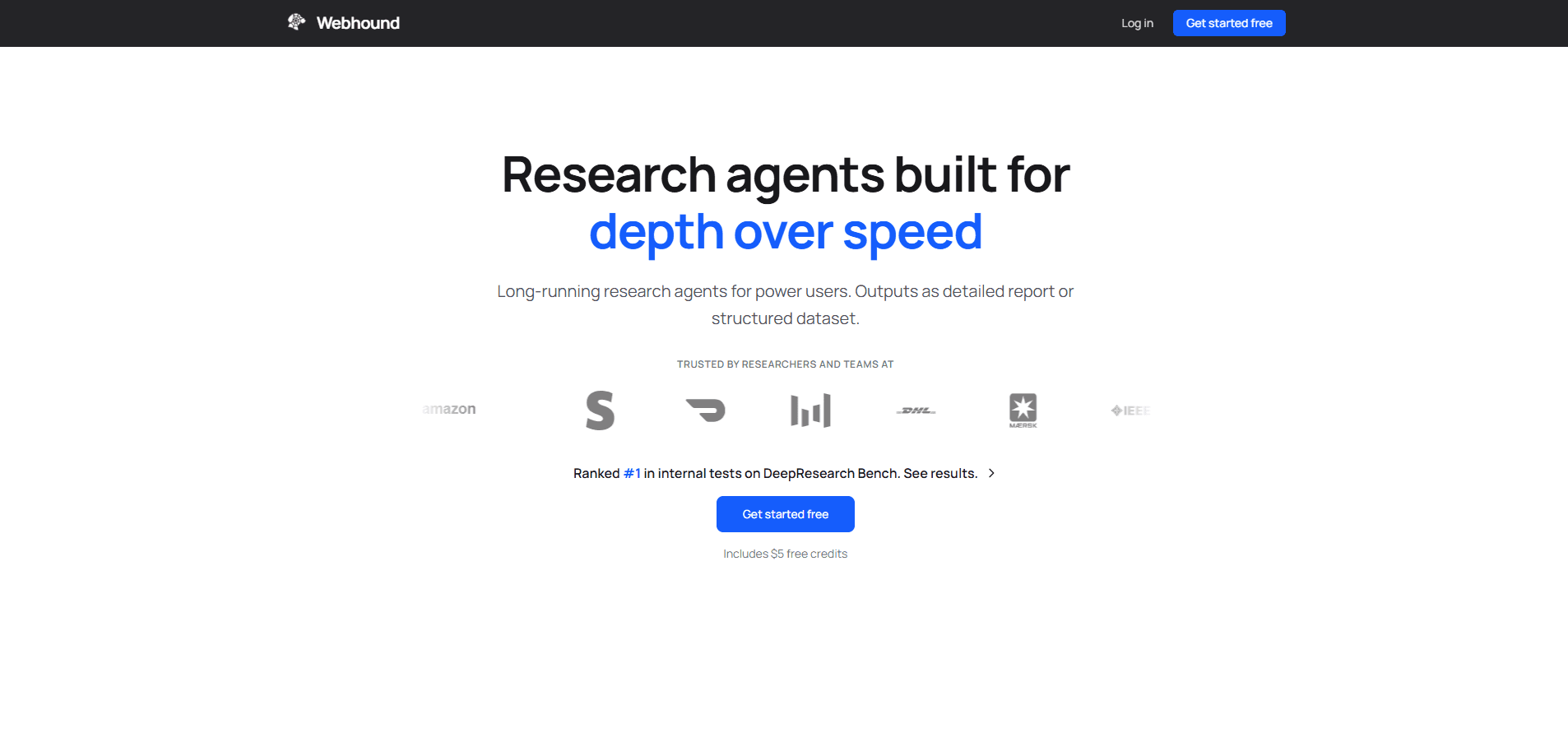
Webhound is a deep research tool for people who treat research as a deliverable, not a pastime. You describe what you want to know, and the agent searches the web, collects sources, and returns either a structured dataset or a written report with citations. The pitch on its own site is blunt: deep research that scales with budget.
The core idea is that research quality tracks how much effort you're willing to spend. Webhound exposes that directly. Feed it a narrow question and a dollar, and it wraps up in about fifteen minutes. Hand it a wide, messy question and a bigger budget, and it will chase buried details, compare more sources, and follow disagreements between them. You're buying investigation time, not a fixed number of searches. Why does that matter? Because hard questions rarely resolve on the first pass.
The biggest limitation is that you can't pin down a run's exact cost or duration in advance. Fifteen minutes per dollar is a planning estimate, not a guarantee. Webhound's own docs note that output tokens and web access also draw from the budget, so actual time varies by run. If you need a hard deadline or a locked price, that uncertainty works against you.
Getting Started
- Create a Webhound account and sign in to the web app.
- Write your research question in plain language, being as specific as you can about the angle you care about.
- Choose whether you want a Report (written findings) or a Dataset (structured rows) as the output.
- Set a budget. New accounts include one $5 Report or Dataset, which is a good way to test the water.
- Let the agent run, then review the citations and check whether it followed the leads you expected.
Product Information
A quick look at Webhound's pricing, supported platforms, and performance.
Best for
The users, tasks, and scenarios where this tool fits best.
Users
- Analysts building market or competitor datasets
- Founders doing early project research
- Students comparing sources
Tasks
- Building custom datasets
- Producing cited reports
- Deep-diving a single question
Scenarios
- A narrow question you need answered tonight
- A wide web research automation pass before a meeting
- Chasing buried details on a topic you already understand
Key features
Budget-Based Research Depth
Webhound ties how far a run goes to how much you're willing to spend. You set a dollar amount, and the agent keeps researching until it reaches it. The official pricing page lists rough tiers: $1 for about fifteen minutes, $5 for about an hour and a quarter, $10 for about two and a half hours, and $25 for six-plus hours. Raise the budget and the agent follows more leads and tests its first answer against more evidence.
Custom Dataset Generation
Beyond prose reports, Webhound can return structured datasets assembled from web content. That's the difference between reading a summary and getting rows you can sort, filter, and feed into your own analysis. For anyone who's spent an afternoon copy-pasting facts into a spreadsheet, that's the feature worth knowing about.
Cited Reports
The report output keeps sources attached to findings, so a claim doesn't arrive without a trail back to where it came from. That matters because research you can't verify is just plausible-sounding text. Webhound is explicit that its first answer gets retested against more evidence as the budget grows, which is a reasonable hedge against confident wrong answers.
Evidence-Chasing Agent Loop
Webhound doesn't stop at the first pass. With a larger budget it compares more sources and deliberately follows disagreements between them rather than papering over the conflict. If you've ever found two credible sources saying opposite things, you know why that behavior is the useful part of deep research.
Plain-Language Prompts
You describe your question the way you'd ask a colleague, not the way you'd phrase a query for a search engine. There's no query syntax to learn and no filter panel to configure. The tradeoff is that a vague prompt gets a vague run, so specificity on your end pays off in the output.
Variable Run Duration
Because cost and output draw from the same budget, a run's length flexes with the work involved. A tight question wraps fast. A sprawling one can run for hours. That flexibility is handy when you'd rather spend more on a hard question and less on an easy one. It also means you can't schedule a run to finish at a fixed time.
Pros and cons
Pros
- You control depth directly by setting a budget, so you're not locked into a flat monthly tier for uneven research needs. That's budget-based AI research in practice.
- It replaces manual web research automation with one agent loop that searches, collects, and returns structured output.
- It handles both datasets and written reports, covering two different research outputs from one tool.
- Reports carry citations, so findings stay traceable to their sources.
- New accounts get one $5 Report or Dataset, enough to judge the output quality before paying.
Cons
- No free tier beyond the one-time $5 credit, so trying it at scale costs money from the start.
- Run time and cost aren't fixed in advance. Output tokens and web access share the same budget, so a run can take longer or cost more than the planning estimate suggests.
- It's a web-only product with no mobile app, which rules out research from a phone.
- API availability isn't documented, so developers shouldn't assume they can wire it into a pipeline.
Frequently asked questions
Not quite. A search engine hands you links. Webhound is a web research automation agent that reads sources, resolves conflicts between them, and returns a finished dataset or report. You set a budget, and it researches until it reaches it.
Related content
Explore related tools, skills, and articles for Webhound.
Webhound Alternatives
Forefront
Forefront · CodingForefront is a web platform for building with open-source AI. It lets you fine-tune leading open-source language models on your own data, evaluate how they perform, and run them through an API or export them to host yourself. Developers who want the convenience of a closed-source platform but insist on owning their models and data are the target audience here.

Startkit
StartKit.AI · CodingStartkit is a boilerplate for building AI SaaS and AI wrapper products. Think of it as an AI startup boilerplate with the boring parts already wired up: authentication, Stripe and Lemon Squeezy payments, usage limits, transactional email, and an AI API starter that talks to OpenAI, Anthropic, Groq, or Llama. You clone the repo, set your price, and start on the part of your product that people actually pay for. It's Next.js under React and Tailwind, so most of the boilerplate code already feels familiar.
Testim
Tricentis · CodingTestim is an AI-powered test automation platform for building and running end-to-end tests across web, mobile, and Salesforce applications. It leans on machine learning to keep tests stable when an interface changes, so teams spend less time fixing broken selectors. Not bad for an automated testing tool you can start using today. You create tests by recording actions in a browser, then optionally add JavaScript when you need more control. It's a solid pick for busy QA teams.