
Wegic
Wegic · Image · Coding
Wegic is an AI website builder that turns a chat into a live site. You describe what you want, pick a style and language, and it designs and publishes a multi-page website without code.
About Wegic
What Is Wegic
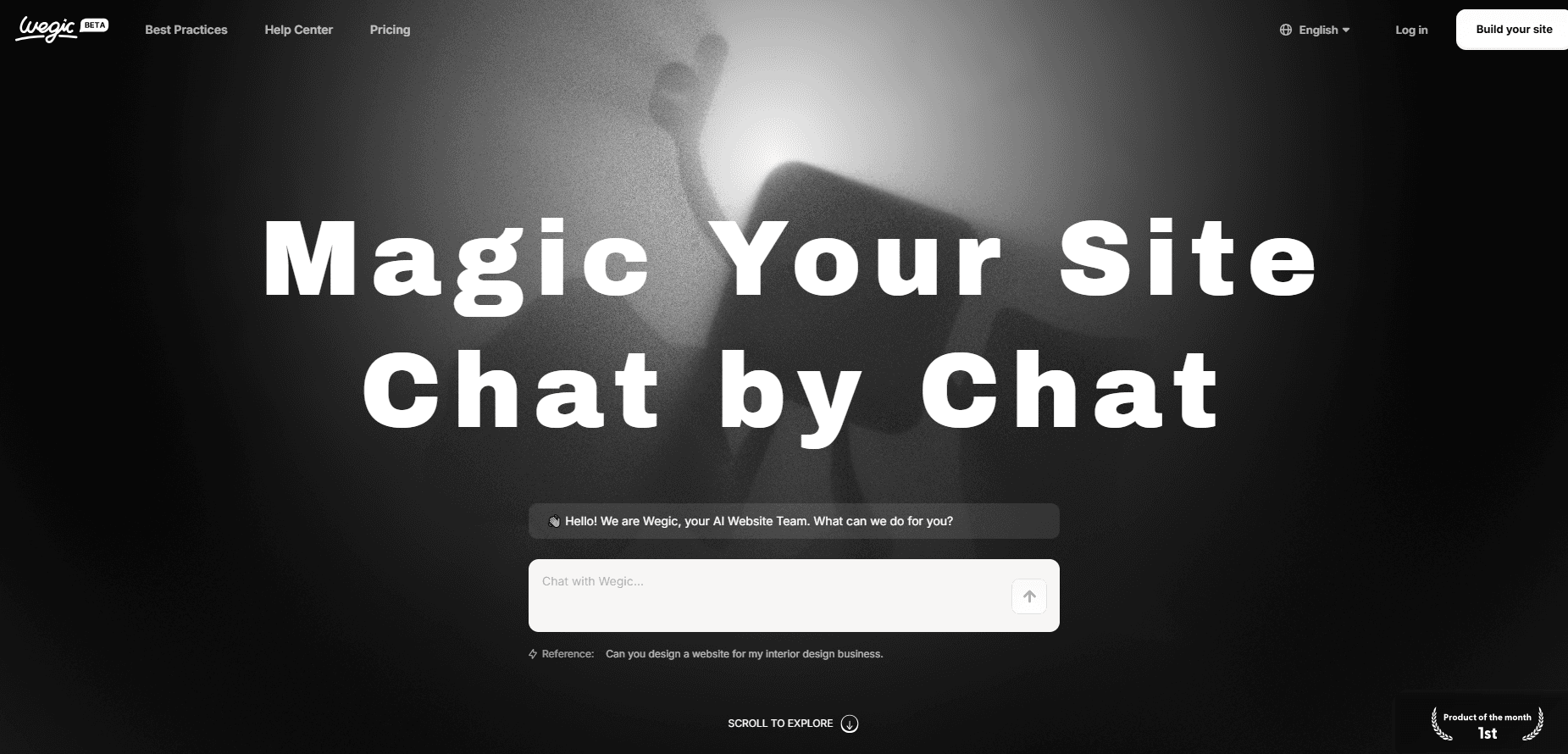
Wegic is a browser-based AI website builder from the team behind the design tool JiShi Design. You talk to it the way you'd talk to a designer, and it returns a finished website: layout, copy, images, and basic animations. The pitch is simple. Describe the site you need, and Wegic handles the design and build work behind the scenes.
It targets people who need a site but not a development team: solo founders, freelancers, small businesses, and anyone building a portfolio or landing page. That's the audience this website generator serves best, since it assumes no coding skill and no design training, and the result works as a no-code website from the first draft.
The limits matter here too. Wegic works best for brochure sites, portfolios, and simple product pages, and it leans on a credit system that runs out as you iterate. It's a website builder, not a full app platform, so anything needing a custom database or complex backend logic sits outside its reach.
Getting Started
- Go to the Wegic site and sign up with email or a Google account to start building.
- Tell the AI assistant what kind of site you want, and confirm the site name and the language for the build.
- Let Wegic generate the site, then review the outline and the pages it created.
- Edit anything you like by chatting with the assistant or by clicking text and images directly in the live preview.
- Hit publish, then set a custom URL and share the site, or keep refining it in your workspace.
Product Information
A quick look at Wegic's pricing, supported platforms, and performance.
Best for
The users, tasks, and scenarios where this tool fits best.
Users
- Solo founders and freelancers who need a real site fast
- Designers who want a quick draft
- Small business owners with no dev budget
- Job seekers building an online portfolio
Tasks
- Turning a plain description into a working multi-page website
- Editing a live site in plain language
- Publishing straight to a custom URL
- Refreshing a site's content and sections
Scenarios
- A founder preparing a product launch page over a lunch break
- A freelancer assembling a portfolio before a client call
- A small team standing up a quick business site
- A student testing a side project idea
Key features
Build a site through chat
The core idea is a conversation instead of a drag-and-drop editor. The main way to chat to build a website here is plain language: you describe the site you want, answer a few questions about name and language, and Wegic generates the whole thing. It feels closer to briefing a designer than to configuring a builder.
One-click publishing with a custom URL
When the draft looks right, publishing takes a single step, and you can publish a website with AI handling the build. The site goes live on its own address, and you can point a custom domain at it, so nothing sits stuck in a draft folder waiting on a developer.
Edit by clicking or by talking
Any text or image on the page can be selected and changed directly, and bigger edits go through the chat. You can ask for several changes at once, like resizing boxes or switching a picture for a video, and describe them in ordinary words rather than hunting through settings.
Responsive, search-ready pages
Sites generate as responsive layouts, so they adapt to phones and desktops without a separate mobile build. As a responsive website builder, it keeps one codebase that scales to any screen. Pages are built to be indexed by search engines, which matters if you want the site found rather than just shared.
Multi-page structure with a clean outline
Wegic builds multi-page sites, not just one long scroll. You get a page structure you can add to, reorder, or trim, and a clear navigation setup so visitors can move between sections without getting lost.
AI-generated visuals and motion
Images are generated to match the design, and light animations are added as the site is built. That means a new site arrives with visuals and movement in place, rather than as a bare wireframe you'd still have to fill. The tool doubles as an AI web design tool for anyone who needs a starting look, not just a blank canvas.
Pros and cons
Pros
- Turns a written brief into a multi-page site in minutes, which removes the slowest part of getting a site online.
- No coding or design skill needed, so people without a technical background can ship a site on their own.
- Chat-based editing handles both small text swaps and larger layout changes in plain language.
- Publishing is quick and supports a custom URL, so a draft becomes a live, shareable site in one step.
- Generated pages are responsive and built to be indexed by search engines.
Cons
- The free tier runs on limited credits, so heavy editing or several sites drains them fast and pushes you to pay.
- It suits brochure sites, portfolios, and simple pages, but anything needing a custom database or complex logic is out of scope.
- Language support for site output is narrower than the input chat, so not every audience can be served in its own tongue.
- Generated copy and structure can need a real cleanup pass before they're ready for a public launch.
Frequently asked questions
Wegic is an AI website builder for creating and publishing websites by chatting with an assistant. You describe the site, confirm a few details, and it generates a multi-page, responsive website you can edit and publish.
Related content
Explore related tools, skills, and articles for Wegic.
Wegic Alternatives

Google EmbeddingGemma 2
Google DeepMind · Writing · Image · CodingGoogle EmbeddingGemma 2 is a 740M-parameter open model that turns text, code, images, audio, and video frames into vectors in one 768-dimension space, running on phones and laptops.

Tractionwave
TractionWave · Image · MarketingTractionWave is an AI attention heatmap tool for static ads. Upload a PNG or JPG and it returns predicted attention, ranked hotspots, and fixes before you spend budget.

Imejis.io
Imejis.io · Image · MarketingImejis.io is an AI design studio for agents and marketing teams. Describe an image in plain words, and it writes the copy, builds the layout, reflows it to every size, then exports a finished file.