

Well Extension
Well · Productivity · Business
Well Extension is a Chrome extension that uses AI invoice retrieval to chase supplier invoices and receipts across web portals, Gmail, WhatsApp and PDFs, then export them to your FinOps tools.
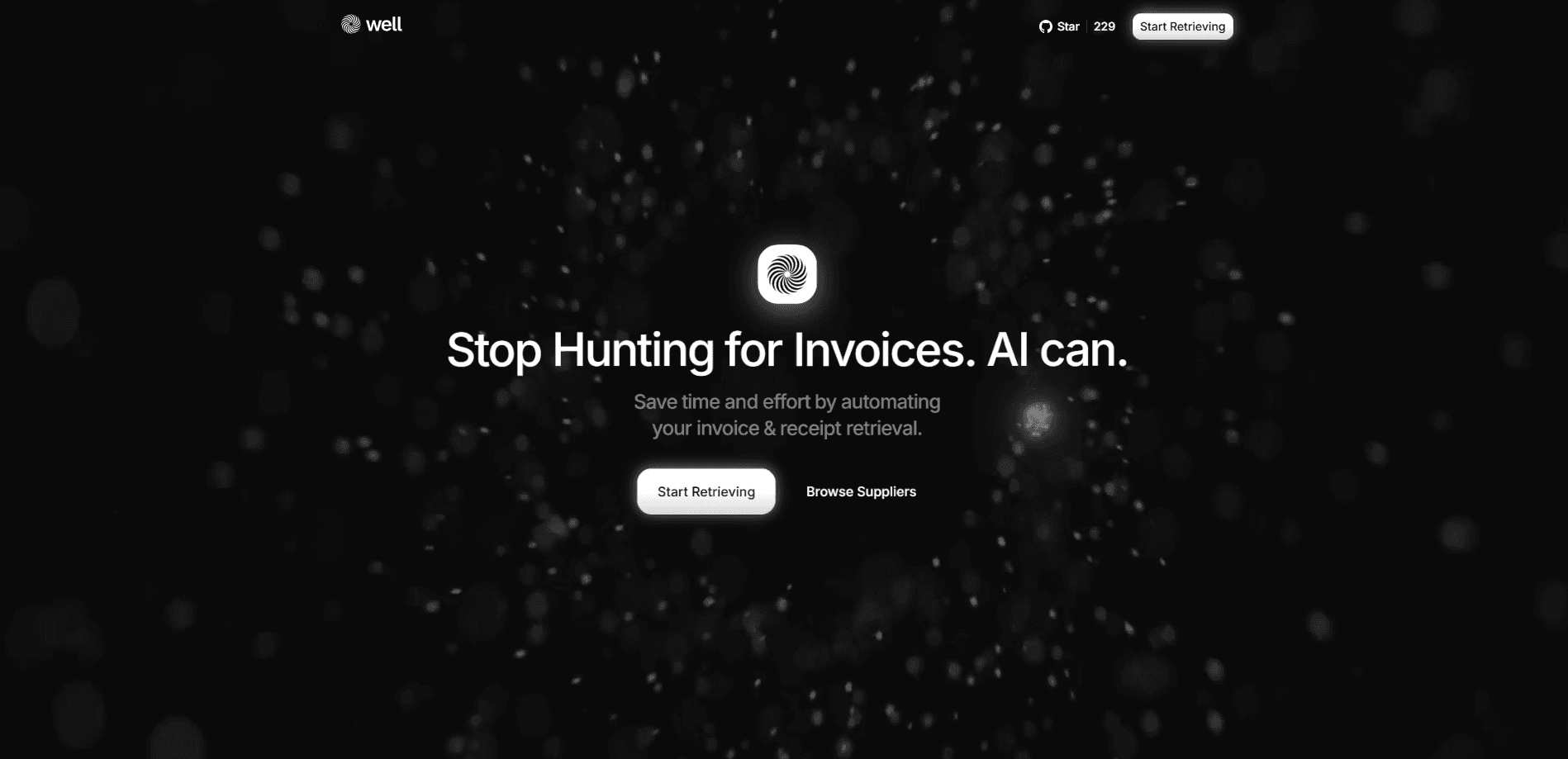
About Well Extension
What Is Well Extension
Well Extension is a Chrome extension built by Well that automates supplier invoice and receipt retrieval. The idea is blunt: founders waste days every tax season clicking through SaaS billing pages to download PDFs one at a time. Well watches the browser, catches invoices as you browse, and pipes the extracted data into your accounting tools, ERP or spreadsheets.
The product runs on browser workflows rather than direct API access to every supplier. That's how it reaches long-tail portals that never exposed an integration. The extension learns a workflow once, then repeats it in batches, and it adapts when a supplier changes its interface.
The honest limits come first. Well is Chrome only, so there's no Firefox or Safari build and no native mobile app. Coverage depends on blueprints for each portal, so a brand-new supplier might need a workflow built before retrieval works. And it's early-stage software, with a public beta still on the roadmap.
Getting Started
- Install Well Extension from the Chrome Web Store and pin it to your toolbar.
- Create a Well account and log in so retrieval can sync with your accounting destination.
- Browse the provider gallery to check whether the portals you buy from are already covered.
- Run a retrieval on a supplier you use often, or add a new workflow in Contributor Mode if the portal is missing.
- Export the captured invoice data to your stack in the format you need, such as UBL, CSV, QuickBooks or Xero.
Product Information
A quick look at Well Extension's pricing, supported platforms, and performance.
Best for
The users, tasks, and scenarios where this tool fits best.
Users
- Solo founders and indie hackers who buy from many SaaS tools
- Lean startup teams without a finance hire
- Operators preparing a month-end close
- Accountants building an audit trail
Tasks
- Batch-retrieving supplier invoices across portals
- Handling receipt automation from email and messaging
- Exporting financial data to accounting tools
- Monitoring vendor spend between closes
Scenarios
- A founder facing a stack of annual subscriptions before tax time
- A remote operator who buys on the move
- A startup running month-end without a dedicated bookkeeper
- An accountant reconciling a client's expenses
Key features
Chrome extension that automates browser retrieval
Well turns repetitive clicking into a workflow the extension replays on your behalf. You point it at a supplier portal, and it retrieves invoices in batches, which is what lets it reach portals that never built an API.
Omnichannel capture beyond the browser
Invoices don't only live behind login walls. Well ingests documents from Gmail, WhatsApp, Slack and PDF files, so a receipt sent over chat lands in the same place as one downloaded from a billing page.
Coverage across a large portal catalogue
Well claims coverage for more than 100,000 web portals, from mainstream SaaS and utilities down to long-tail suppliers. Breadth is the whole point here, since a founder's vendor list is rarely tidy.
Multiformat export for accounting stacks
Captured data leaves in JSON, CSV, XML, UBL, QuickBooks IIF or Xero CSV. That means the same retrieval can feed a spreadsheet, an ERP or an international e-invoicing system without rework.
Standards-compliant e-invoicing
Well supports e-invoicing standards including UBL 2.1 and Factur-X, along with a plugin system for custom formats. For teams trading across borders, that keeps the output usable with tax authorities and partners.
Self-healing workflows and AI-generated blueprints
When a supplier redesigns its portal, Well adapts rather than breaking. Contributors can also generate new workflows with AI in Contributor Mode, which teaches Well a new portal without writing code.
Built-in data validation
Exports run through automatic checks for required fields and type validation on amounts and dates. Clear errors surface before bad data reaches your accounts, which is what makes the records trustworthy downstream.
MCP integration for AI assistants
Well exposes a Model Context Protocol endpoint at api.wellapp.ai, so you can query invoices, companies and transactions from Claude, Cursor, Windsurf or ChatGPT. Tools cover querying records, updating or deleting invoices and managing contact channels.
Pros and cons
Pros
- Automates retrieval across portals that have no API, which is where manual invoice chasing hurts most.
- Multi-format export, including UBL and Factur-X, so output fits accounting tools and cross-border e-invoicing rules.
- Self-healing workflows reduce the maintenance burden when a supplier changes its interface.
- Privacy-first design with no stored passwords and stated GDPR and CCPA compliance.
- An open MCP endpoint lets AI assistants query the ledger, not just collect documents.
Cons
- Chrome only means Firefox, Safari and mobile users are left out, so the workflow is tied to one browser.
- Coverage relies on per-portal blueprints, so a brand-new supplier may not work until a workflow exists for it.
- Pricing isn't published, and a public beta is still on the roadmap, which makes it hard to budget or gauge stability.
- Extracted records are only as good as the validation rules, so unusual invoice layouts can need manual fixes.
Frequently asked questions
It retrieves supplier invoices and receipts that are buried behind web portals and messaging apps, then exports the data to your accounting stack. The point is to remove the manual downloading and copy-pasting that eats time every tax season.
Related content
Explore related tools, skills, and articles for Well Extension.
Well Extension Alternatives

Udon
Udon · Coding · ProductivityUdon turns an Apple Silicon Mac into a home server you run from a browser, with container controls, file shares, and an optional AI sysadmin.

offstage
offstage cloud · Coding · Productivityoffstage gives AI coding agents and CI jobs a real Mac: a fresh macOS account on Apple silicon, driven over an API and billed by the second.

BotBus
Chengdu Tuyang Tusen Technology Co., Ltd. · Coding · ProductivityBotBus lets you control AI coding agents from your phone and watch: approve commands, start tasks and read results while the code stays on your desktop.