

Google Whisk
Google Labs · Image
Google Whisk is a free AI image tool from Google Labs that generates new visuals from images you drop in instead of long text prompts.
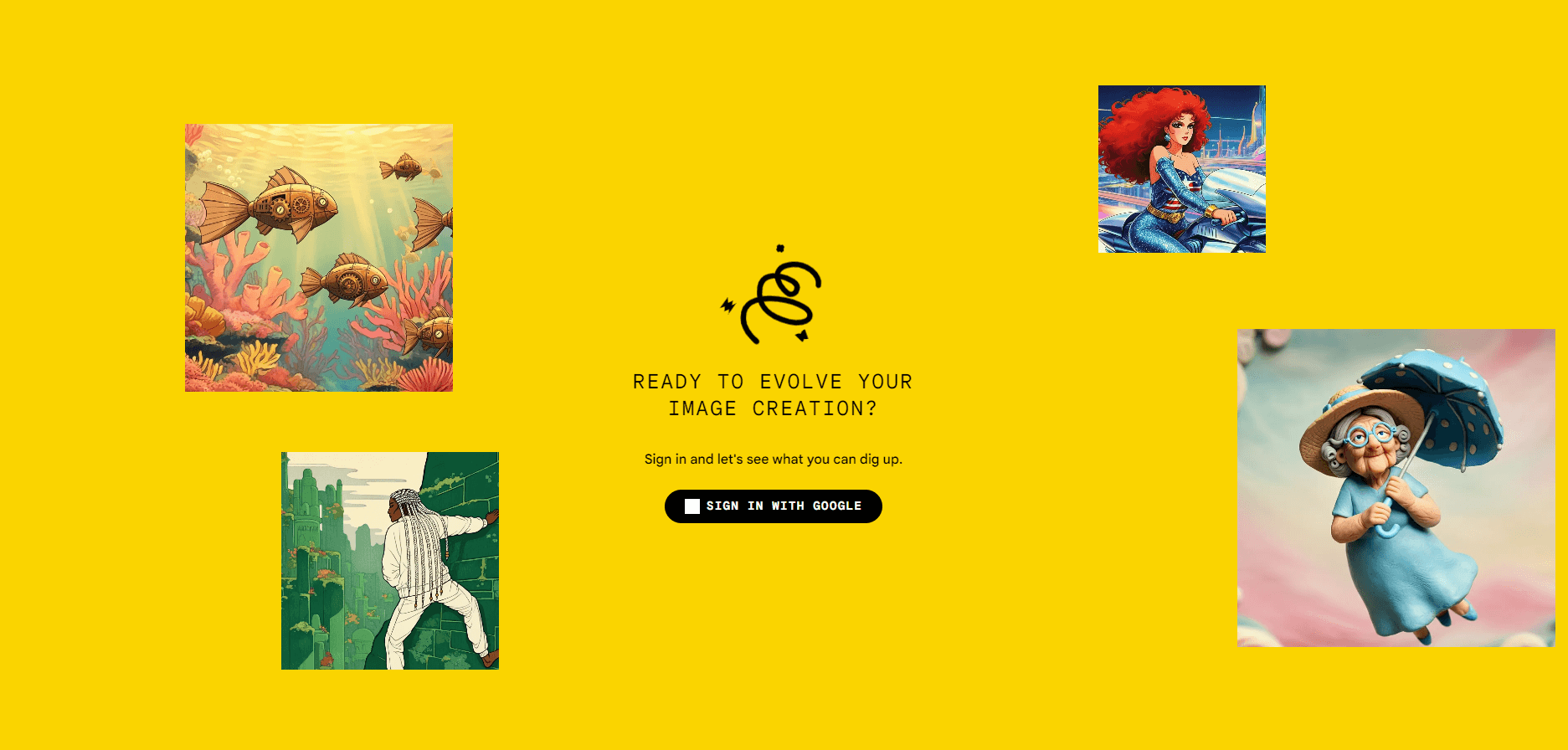
About Google Whisk
What Is Google Whisk
Google Whisk is a Google Labs experiment that flips how AI image generation usually works. You don't write a paragraph describing what you want. You hand it pictures. Drop in one image for the subject, another for the scene, and a third for the style, and Whisk blends them into something new. Think of it as an AI image remix tool rather than a standard text-to-image generator.
Under the hood, the Gemini model writes a detailed caption for each image you upload, then passes those descriptions to Google's image generator, Imagen. That two-step setup matters because it explains the results. Whisk captures the gist of your subject, not a pixel-exact copy. Your subject might come back with a different hairstyle, height or skin tone.
That's the point, according to Google. Whisk is built for fast visual exploration, not precise editing. The company calls it a tool for exploring ideas and working through dozens of options, then downloading the ones you like. It behaves more like an image prompt generator than an editor. If you want to control exactly what's in the frame, you can open the underlying prompts and edit them yourself.
The biggest limit is availability. Whisk started as a US-only experiment, and Google has kept the door open to adjust or retire Labs projects at any time. So who can actually use it? Mostly people in supported regions. If you're outside the US or you need pixel-perfect output, Whisk isn't the tool for you.
Getting Started
- Go to the Whisk page on Google Labs and sign in with your Google account.
- Drop an image into the subject slot for the thing you want to feature.
- Add a scene image for the setting and a style image for the look you're after.
- Review the generated results and remix the subject, scene or style as needed.
- Edit the underlying text prompts when you want tighter control, then download the images you like.
Product Information
A quick look at Google Whisk's pricing, supported platforms, and performance.
Best for
The users, tasks, and scenarios where this tool fits best.
Users
- Artists and designers
- Casual creators
- Marketers and social media managers
Tasks
- Remixing a character with a new scene and style
- Building a mood board
- Exploring product or merch ideas
Scenarios
- Early project brainstorming
- Content planning for social posts
- Personal creative play
Key features
Image-Based Prompting
Whisk replaces text prompts with images. No prompt writing required. You supply pictures for subject, scene and style, and the tool builds the result from them. For anyone who finds writing prompts tedious, this removes the hardest part of AI image generation, because the tool does the describing for you.
Three-Slot Remixing
The interface splits input into three separate slots, so you can change the subject while keeping the scene, or swap the style and leave everything else untouched. That separation is what makes remixing feel fast, since you're not regenerating the whole idea every time. Swap one slot. Keep the rest.
Editable Underlying Prompts
Gemini writes a caption for each image, and Whisk lets you read and edit those captions. This gives you a back door to steer results when the automatic output misses what you meant, without starting over from scratch.
Powered by Gemini and Imagen
The caption-then-generate pipeline pairs Google's Gemini model with its Imagen image generator. The captions capture your images' essence, which is why results feel inspired by your input rather than copied from it, and why the output can drift from the photo you started with.
Fast Visual Exploration
Whisk is tuned to produce many variations quickly, so you can flip through dozens of options and grab the ones you like. It's aimed at brainstorming velocity, not one perfect shot, which is why the results are meant to be skimmed in a batch rather than examined one at a time.
Character and Merch Concepts
Google showed off Whisk by remixing subjects into digital plushies, enamel pins and stickers. This makes it handy for testing how a character, mascot or product idea reads across different formats before you spend real money on a print run or a manufacturing sample.
Pros and cons
Pros
- Free to use, with no paid tiers to worry about.
- Image-based input is more approachable than writing long prompts.
- Three-slot layout makes swapping subject, scene or style quick.
- Editable captions give you a way to fine-tune results.
- Handy for generating lots of concepts in a short session.
Cons
- Results won't match your uploaded images exactly, so fine detail like a specific face may change.
- US-only availability limits who can actually use it.
- It's an experimental Labs project, which means Google could change or shut it down.
- No public API, so you can't wire it into your own apps or workflows.
Frequently asked questions
Whisk is used for generating and remixing images. Instead of typing a text prompt, you drop in images for a subject, scene and style, and the tool blends them into new visuals that borrow the look and feel of each source rather than copying any of them exactly.
Related content
Explore related tools, skills, and articles for Google Whisk.
Google Whisk Alternatives

Google EmbeddingGemma 2
Google DeepMind · Writing · Image · CodingGoogle EmbeddingGemma 2 is a 740M-parameter open model that turns text, code, images, audio, and video frames into vectors in one 768-dimension space, running on phones and laptops.

Tractionwave
TractionWave · Image · MarketingTractionWave is an AI attention heatmap tool for static ads. Upload a PNG or JPG and it returns predicted attention, ranked hotspots, and fixes before you spend budget.

Imejis.io
Imejis.io · Image · MarketingImejis.io is an AI design studio for agents and marketing teams. Describe an image in plain words, and it writes the copy, builds the layout, reflows it to every size, then exports a finished file.