

Whisper Thunder
Whisper Thunder · Image · Video
Whisper Thunder is an AI video generator that turns a single image and a text prompt into 5-10 second cinematic clips in 720p or 1080p, running entirely in the browser.
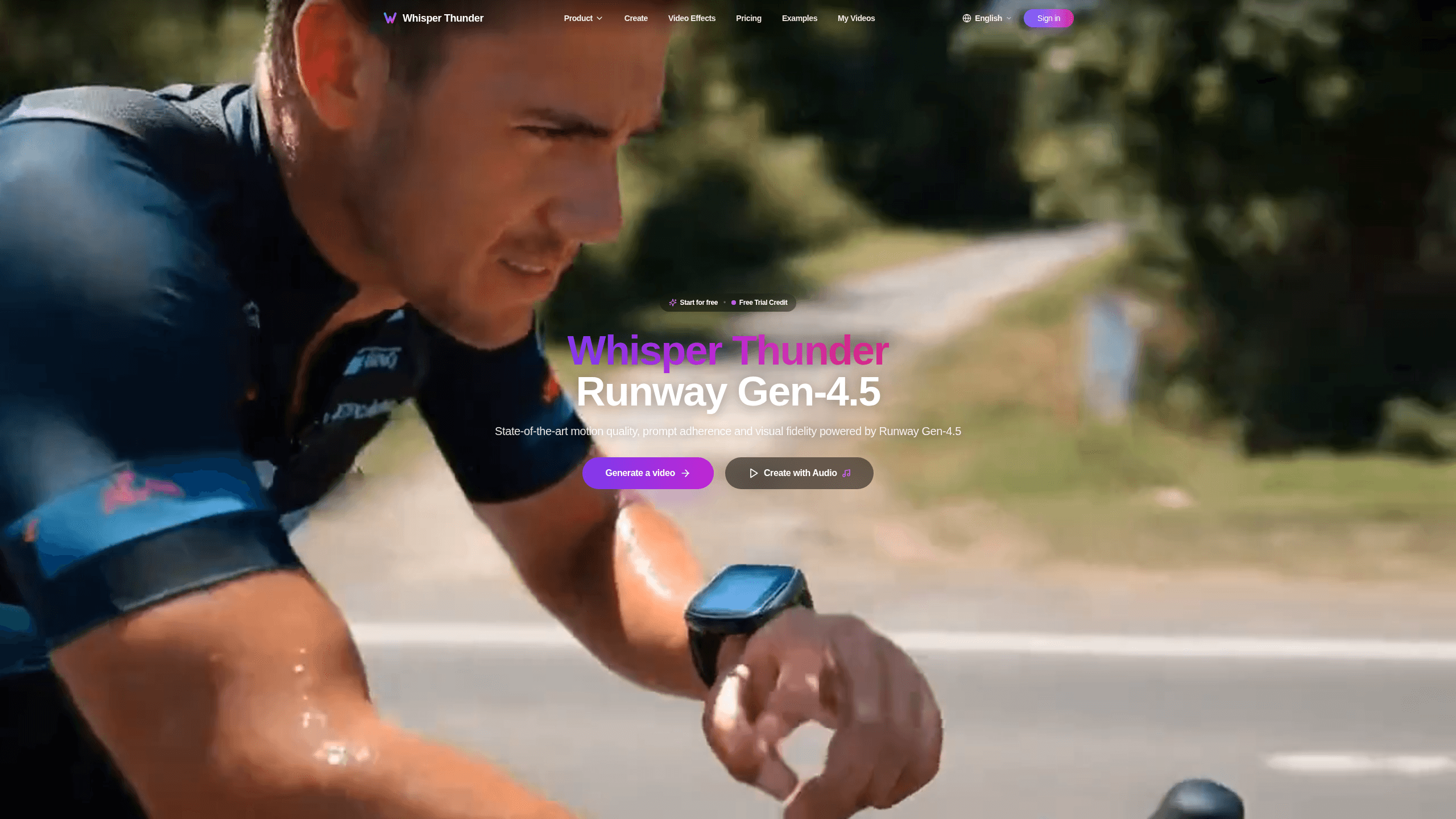
About Whisper Thunder
What Is Whisper Thunder
Whisper Thunder is a browser-based AI video maker for turning still images into moving footage. You upload a photo, describe the motion you want in plain language, and the tool generates a short HD clip from that single image and prompt. It leans on Runway Gen-4.5, which the site says ranks first on the Artificial Analysis video benchmark with 1,247 Elo points, so the pitch is quality rather than raw control.
The appeal is speed and low setup. There is nothing to install, and a 5 or 10-second clip usually lands in 30 to 60 seconds, which makes it far quicker than scripting, shooting, and cutting footage by hand. That speed is handy for social posts, quick ad concepts, or storyboards where a static image would feel flat.
The main limits are length and resolution. Clips cap at 10 seconds and 1080p, and heavy use burns through credits fast. If you need long-form footage or frame-level editing, this isn't the tool for that job.
Getting Started
- Sign up on the Whisper Thunder site and claim your free trial credit.
- Upload an image (JPG, PNG, or WEBP all work).
- Write a prompt describing the motion you want.
- Pick your settings, then generate the clip.
- Download the result in 720p or 1080p.
Product Information
A quick look at Whisper Thunder's pricing, supported platforms, and performance.
Best for
The users, tasks, and scenarios where this tool fits best.
Users
- Social media creators
- Small business owners
- Hobbyists and AI-curious users
Tasks
- Animating a still photo
- Drafting ad concepts
- Storyboarding
Scenarios
- Quick social posts
- Product previews
- Early concept testing
Key features
Runway Gen-4.5 Video Engine
The output quality comes from Runway Gen-4.5, which the site describes as the top-ranked video generation model. It handles complex, multi-element scenes and keeps finer details like hair and textures consistent through the clip. According to the vendor, it also scores 1,247 Elo on the Artificial Analysis benchmark.
Image to Video in Three Steps
The workflow is deliberately short. Upload an image, add a prompt, download the video. There are no timelines or keyframes to manage, which is what makes it approachable for people who have never touched editing software.
Fast Render Times
Most clips finish in 30 to 60 seconds. You won't sit around waiting between iterations, so testing a few prompt variations in one sitting is realistic rather than painful.
Cinematic and Stylized Looks
Gen-4.5 covers both photorealistic footage and stylized animation. The site lists specific styles like cinematic, slice of life, and non-photorealistic, so you can push a realistic look or a more artistic one from the same image.
720p and 1080p Output
You choose between 720p and 1080p when you download. That covers most social platforms and casual web use. Need 4K for broadcast or large-format screens? This won't do it.
Credit-Based Pricing
Every generation spends credits, and plans range from a free entry tier to 600 credits a month on the top plan. Higher tiers add priority queueing and commercial rights, which matter if you're using the clips for client or business work.
Pros and cons
Pros
- Fast workflow: image in, clip out in three steps, with no editing skills needed.
- Quick renders: most 5 or 10-second videos are ready in 30 to 60 seconds.
- Free trial credit so you can test output quality before paying.
- Runs in the browser with no installation.
- Backed by Runway Gen-4.5, a high-ranked video generation model.
Cons
- Clips max out at 10 seconds and 1080p, so long-form or 4K video is out of reach here.
- Credits get used up quickly on longer or higher-quality generations.
- The site doesn't list an API, so developers can't easily wire it into their own apps.
- On the free tier, videos only stay available for 3 days.
Frequently asked questions
There's a free tier that gives new users a trial credit on sign-up. It lets you test this AI video tool, but the free plan caps output at low quality and keeps videos for 3 days only. Paid plans start once you need more credits.
Related content
Explore related tools, skills, and articles for Whisper Thunder.
Whisper Thunder Alternatives

X Ray Interpreter
X-ray Interpreter · ImageX Ray Interpreter is a web-based AI radiology tool that turns X-rays, CT scans, MRI, ultrasound, and PET images into plain-language reports. You upload a scan, get a preliminary X-ray interpretation in moments, then ask follow-up questions if something needs explaining. It works as a second opinion and a learning aid, not as a medical diagnosis.

Aieasypic
AIEasyPic · ImageAIEasyPic is an AI image generator that turns plain text prompts into finished artwork in seconds. You can also train custom models on your own photos, swap faces in existing images, and create short video clips from text, all from a browser. It suits casual creators who want quick visuals and hobbyists who want to build a personal model without touching any code.

Chargen
Chargen · ImageChargen is an AI character generator and worldbuilding toolkit built for Dungeons & Dragons and other tabletop RPGs. It turns a one-line idea into a painted character portrait, spins up NPCs, monsters, maps and encounters from the same session, and keeps every creature's details close at hand. The tabletop RPG art side runs on a credit system called Gold, while the text generators stay free for everyone.